



Best Photo Enlargement Software in 2026 Reviewed and Tested



If you want to enlarge your photos for wallpapers, large-format prints, e-commerce listings, etc. without losing detail, choosing the right photo enlargement software can make all the difference. When searching for photo enlarging software online, or looking for the best AI image upscaler for high-quality results, you’ll often come across names like Topaz Gigapixel, ON1 Resize AI, Aiarty Image Enhancer, and Photoshop. But which one really delivers the best results for enlarging photos for prints, social media, or restoring old images? In this guide, we’ll break down the top image enlarger options and help you find the solution that fits your needs.
Quick Takeaways
- Aiarty Image Enhancer: Best for natural-looking enlargement up to 32K with minimal over-sharpening. Ideal for e-commerce, content creation, and photo restoration.
- Topaz Gigapixel: Strongest in sharpness and detail recovery. Best for professional photography and large-format prints.
- ON1 Resize AI: Stable print-focused results with softer detail but reliable batch workflow.
- Photoshop: Balanced upscaling within a full editing workflow, suitable for moderate enlargement tasks.
If you want the best balance of quality and natural results, start with Aiarty Image Enhancer. Try it now for high-resolution image enlargement with natural textures.
Best Photo Enlargement Software in 2026 Compared
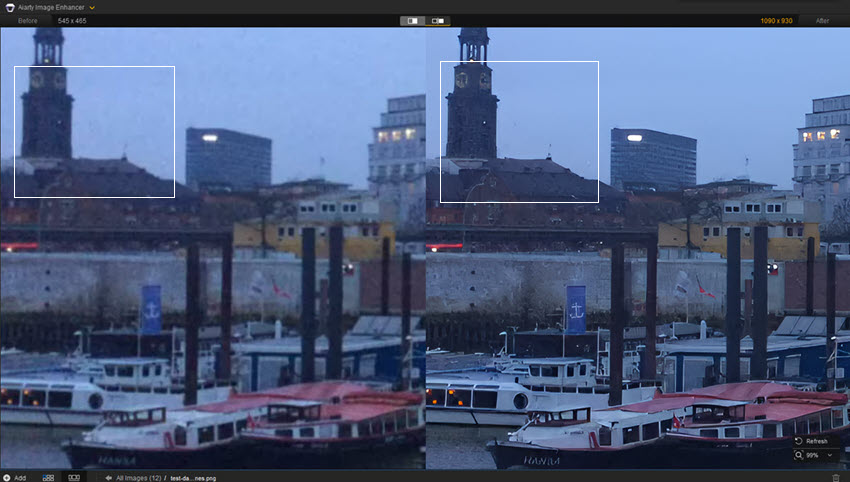
When it comes to enlarging photos without losing quality, choosing the right photo enlargement software can completely change the final result. In our 2026 tests, we compared four popular image enlarger options, Aiarty Image Enhancer, Topaz Gigapixel, ON1 Resize AI, and Adobe Photoshop, to see how they perform across different types of images, from low-resolution portraits to detailed landscapes.
Aiarty Image Enhancer
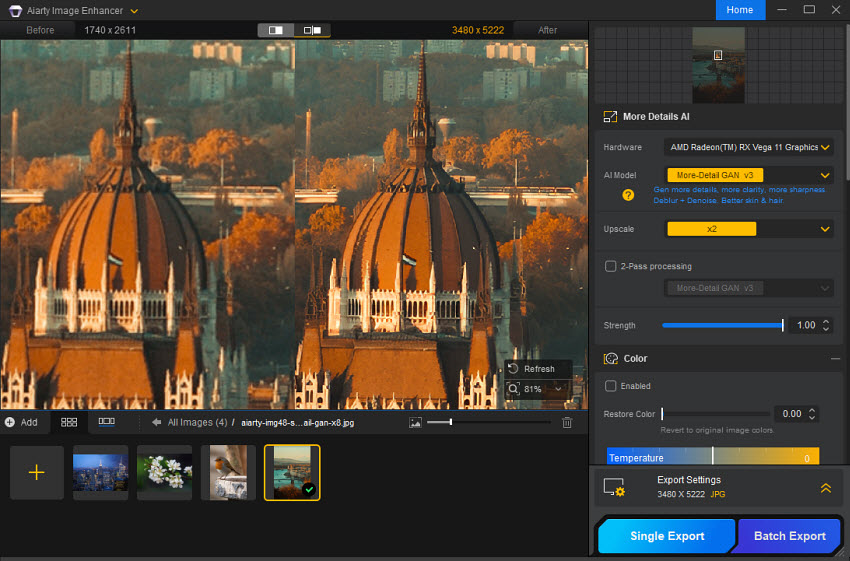
Aiarty Image Enhancer impressed immediately with its balance of simplicity and quality. This photo enlarging software uses advanced AI upscaling to enlarge images to a flexible resolution up to 8× upscaling, supporting a maximum output of 32K on Windows (16K on Mac), while preserving fine details and natural textures. Unlike many image enlargement software, Aiarty integrates powerful denoise and deblur tools, ensuring that users can enlarge photos without quality loss, even when starting from low-resolution or compressed images.
Topaz Gigapixel
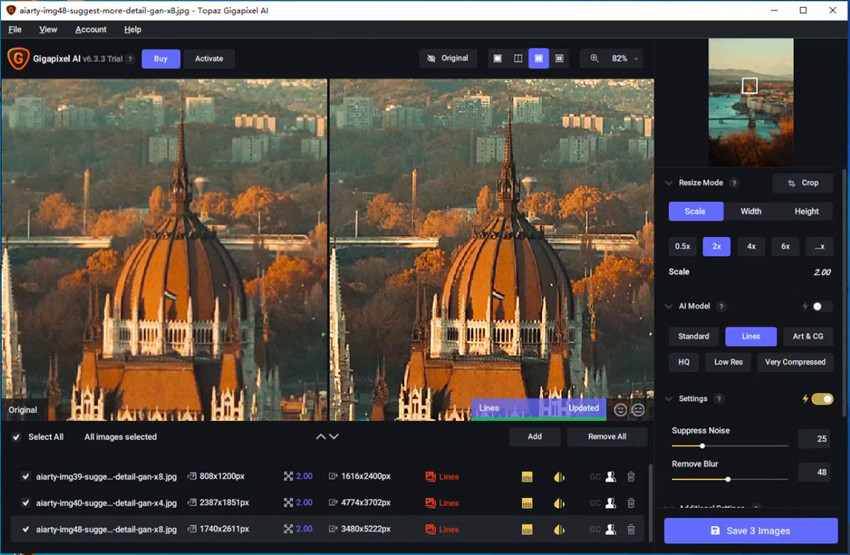
Topaz Gigapixel is widely regarded as a professional standard in image enlargement software. It consistently delivers the highest detail reconstruction, especially when enlarging photos in low quality. With a maximum enlargement factor of 6×, Topaz’s multiple AI models, ranging from Standard and High Fidelity to Wonder and Standard Max, allow precise adjustments depending on the subject. While it demands a strong GPU and can feel resource-heavy, its performance for professional photographers needing large-format prints or archival-quality outputs is unmatched.
ON1 Resize AI
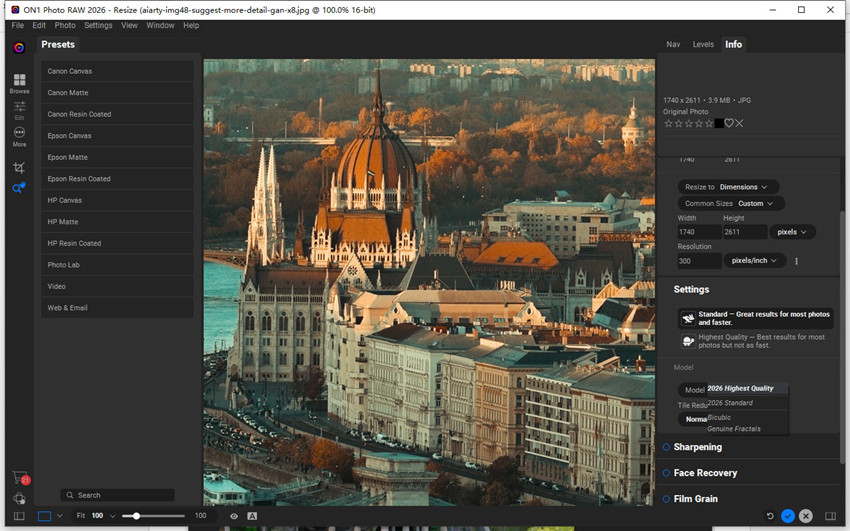
ON1 Resize AI earns its place as one of the best photo enlargement software options for print-oriented enlargement workflows. While this image enlarger doesn’t push the extreme detail recovery as far as Topaz, it excels at making images bigger for large, print-ready formats with minimal effort. It can enlarge images up to 10x with clean edges and managed noise effectively. Tools like tiling, cropping, and layout guides make it ideal for gallery prints or professional posters. While some manual adjustment was necessary to achieve optimal results, ON1 remains a solid choice for print-focused tasks.
Photoshop
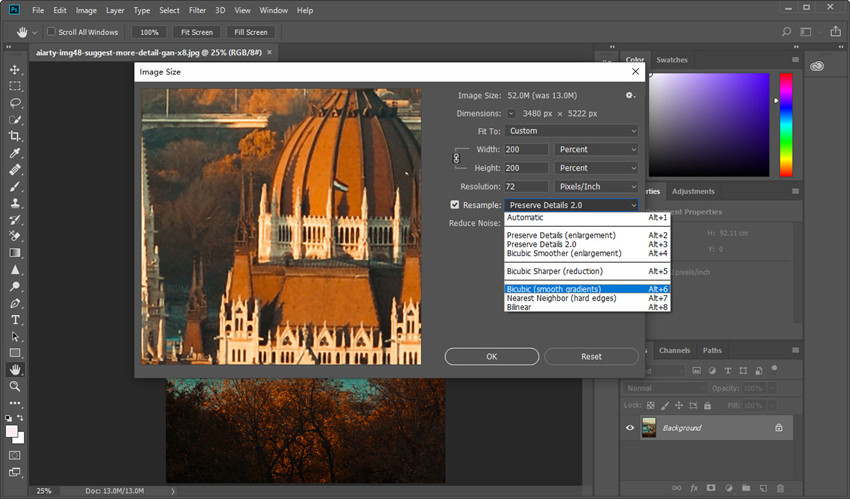
Photoshop offers a unique approach as photo enlargement software, especially for users already comfortable within the Adobe ecosystem. Its Super Resolution doubles the width and height of images, producing a 4× pixel output, while the new Generative Upscale allows 2× to 4× AI-powered image enlargements. Photoshop is particularly effective for moderate-size projects. While it does not match the extreme detail recovery or large-scale enlargement capabilities of dedicated photo enlarger tools like Topaz Gigapixel or Aiarty Image Enhancer, Photoshop remains a reliable image enlargement software for users who want high-quality results integrated directly into a full editing workflow.
Best Photo Enlargement Software in 2026 Tested
While specifications and AI models matter, the true value of any photo enlargement software lies in how well it preserves detail, controls noise, and maintains natural textures during actual upscaling tasks. In this section, we compare the above tools side by side using the same source images and enlargement settings. This hands-on comparison reveals which photo enlarging software truly delivers the best balance of quality and efficiency. If you’re looking for the best photo enlargement software or the most reliable image enlarger for your workflow in 2026, the following test results will help you make an informed choice.
Testing environment:
- Input types: HD photos recorded with different settings;
- Upscaling ratios used: 2x and 4x;
- Hardware: an older mid-range PC equipped with an AMD Ryzen 5 2400G processor and Radeon RX Vega 11 integrated graphics, 16GB RAM, and SSD storage;
- Evaluation criteria: sharpness, fine details, realism, artifact removal, and speed.
Note: All the results below are shown as 100% crops from the original enlarged images, with no additional scaling applied.
Also see: the results of old photo enlargement
Test 1. Original Image (1772 × 1241)
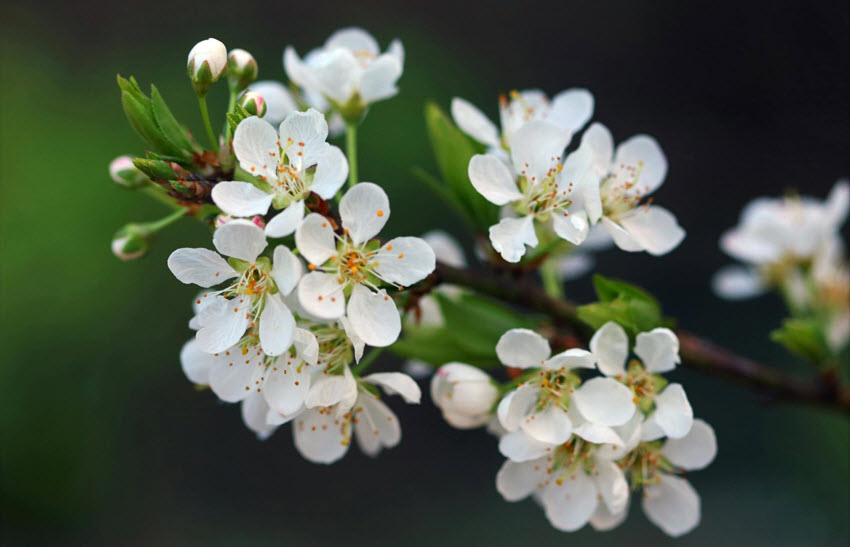
The original test image is a high-quality macro-style photo of white flower buds and petals, with a resolution of 1772 × 1241 pixels, captured with a 100mm macro lens at f/2.8. It features fine details in the petal texture, pollen dots, and green stems, along with a naturally blurred background.
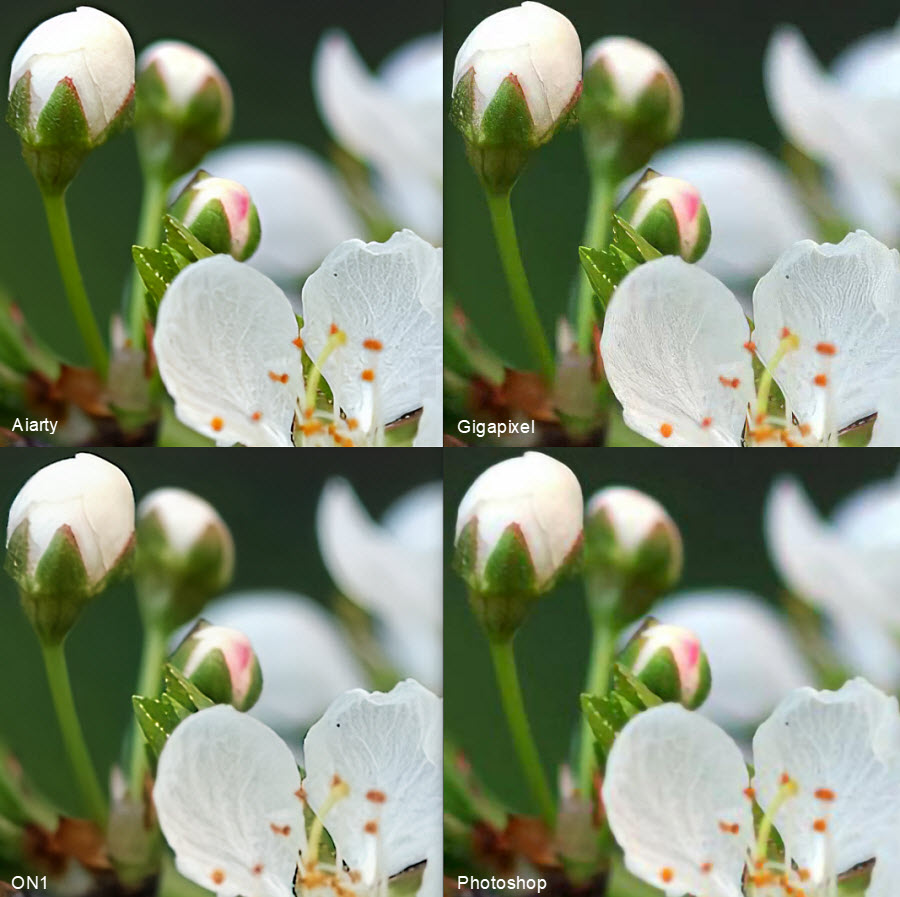
At 200% upscaling, all four image enlargers produced usable results, but their approaches to detail reconstruction were clearly different. Topaz Gigapixel (Standard model) delivered the sharpest output, with the strongest edge definition and texture enhancement, though some areas showed a slight AI-processed look. Aiarty Image Enhancer achieved a more natural balance, preserving fine details in the petals and stems while keeping the background smooth and free from artifacts. ON1 Resize AI focused on stability and print-friendly output, resulting in softer textures but clean edges, while Adobe Photoshop’s Super Resolution produced the softest image with limited detail recovery.
Test 2. Original Image (808 × 1200)
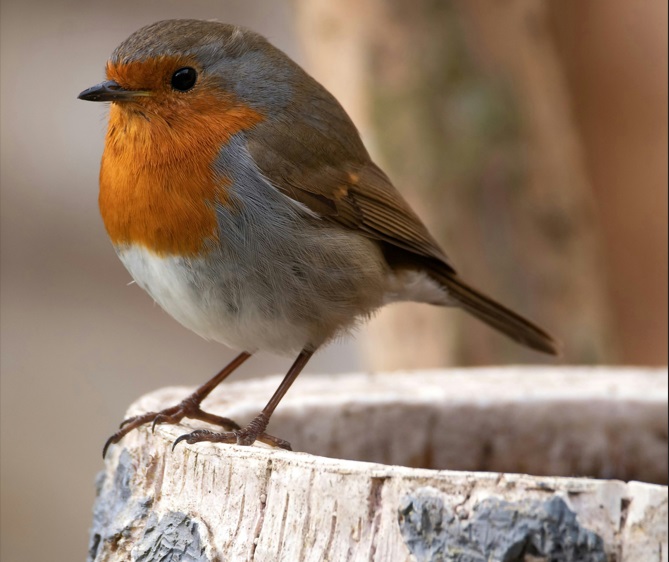
The original test image is a high-resolution close-up photo of a bird, featuring rich orange and gray feathers with clear texture and natural color transitions. The full image measures 808 × 1200 pixels, and a detailed area of 669 × 552 pixels was selected for this comparison to better evaluate feather structure, edge clarity, and fine color gradients.
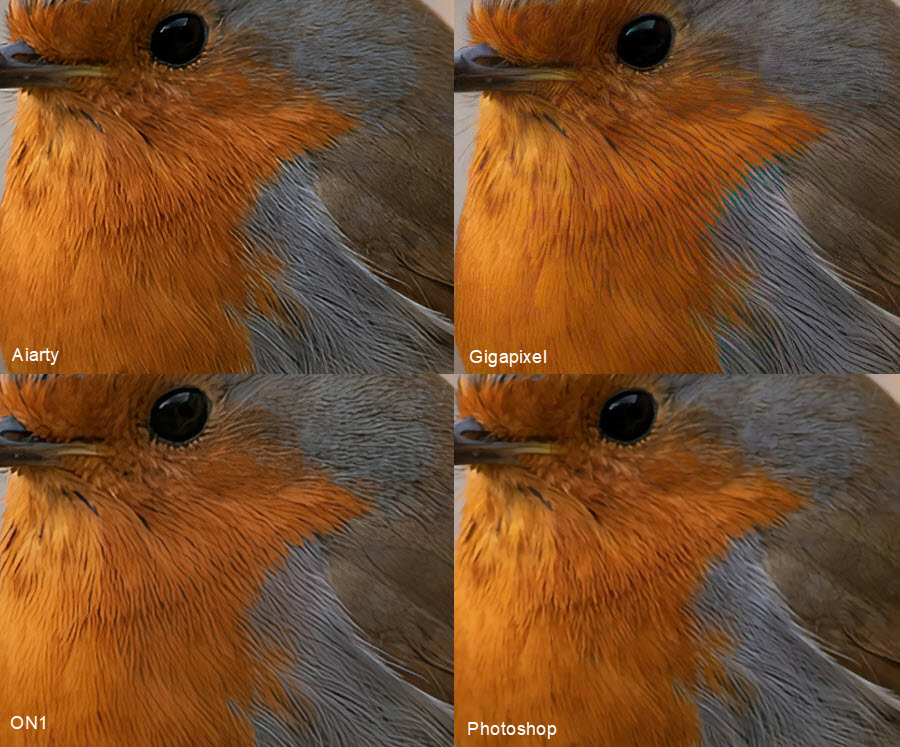
At the 200% upscaling level, this bird close-up clearly shows how different photo enlargement software handles fine feather textures and color transitions. Topaz Gigapixel (HQ model) delivers the strongest detail enhancement, making individual feather strands more visible and giving the image a sharper, more defined look, though slight color fringing and an AI-processed effect can be noticed in some areas. Aiarty Image Enhancer achieves a more balanced result, preserving natural feather patterns and smooth color gradients while avoiding excessive sharpening artifacts.
ON1 Resize AI produces a softer, more conservative output, with good noise control and clean edges but less micro-detail in the feathers. Adobe Photoshop’s Super Resolution offers the smoothest result, maintaining overall structure and color accuracy but losing noticeable texture and sharpness compared to the dedicated image enlargement software.
Test 3. Original Image (1740×2611)
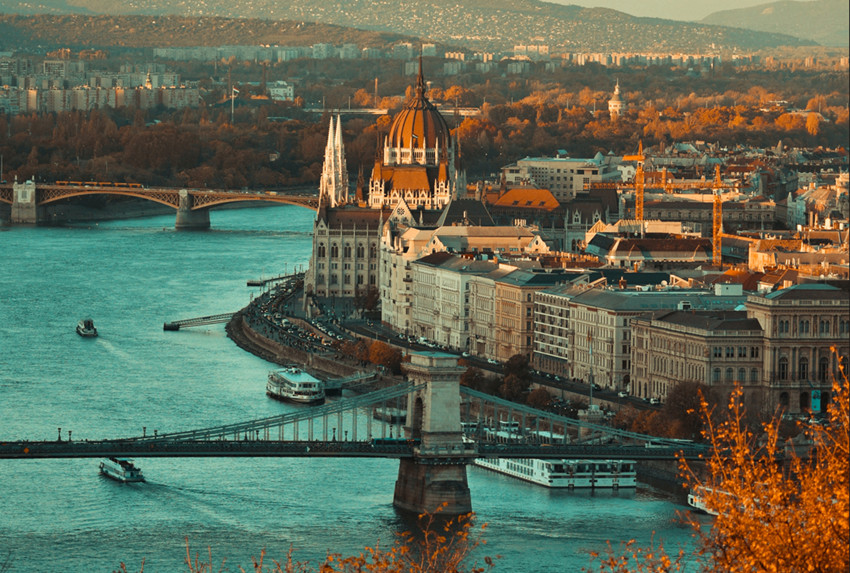
Captured with a Sony A7 III (70-200mm lens @ 135mm), this 1740×2611 px skyline shot serves as a rigorous baseline for identifying the best photo enlargement software.
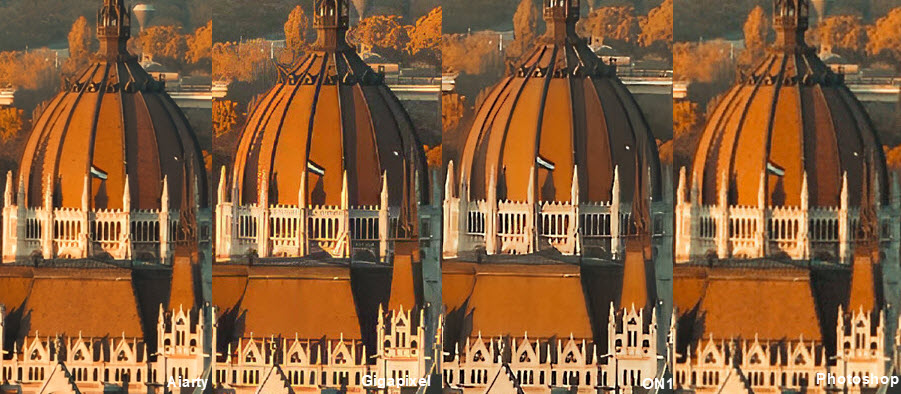
In the 400% image enlargement test, Topaz Gigapixel delivered the sharpest overall details. The spires and window edges were particularly crisp, and the textures appeared rich without any noticeable blurring. Aiarty Image Enhancer retained details fairly well, but the edge sharpness was slightly weaker, with spire tips and window edges appearing a bit softer. ON1 Resize AI produced sharp enlargement result but with slight oversharpning. Photoshop (Preserve Details 2.0) preserved details moderately, but its sharpness and texture were inferior to other photo enlargement software.
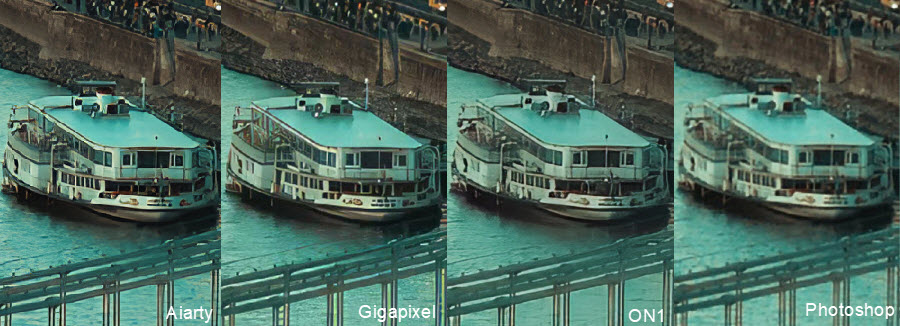
In this 600% enlargement test, Aiarty Image Enhancer stands out with exceptional clarity, successfully reconstructing the intricate lines of the boat's windows and railings while maintaining a clean, artifact-free texture in the water. Topaz Gigapixel AI, frequently cited as the best photo enlargement software on the market, follows closely with high sharpness and strong contrast.
ON1 provides result very close to Gigapixel, though it exhibits slightly more aggressive processing. In contrast, Adobe Photoshop (Preserve Details 2.0) fails to maintain clarity, resulting in a blurry and pixelated image that lacks the intelligent reconstruction of its AI competitors.
Related: how to enlarge photos without quality loss >>
Which is the Best Photo Enlargement Software?
The table below summarizes the results, showing how each image enlarger software performs in sharpness, detail retention, texture naturalness, and overall impression, along with their current pricing. This makes it easy to see at a glance which photo enlargement software is best suited for your needs, whether you prioritize maximum detail, natural-looking images, or affordability.
From this comparison, it’s clear that Topaz Gigapixel leads in sharpness and detail retention, making it the go-to choice for users who want the clearest enlarged images. Aiarty Image Enhancer, on the other hand, offers a slightly softer look with very natural textures, which might appeal to those who prefer a less "over-processed" result. ON1 Resize AI and Photoshop are decent alternatives, though they fall short in preserving fine details compared to the top two options.
Other Image Enlargement Software
While the four main image enlarger tools we tested are among the most popular and reliable best photo enlargement software, there are several other image enlarging software options that are worth mentioning. These alternatives cater to different needs, from free open-source solutions to easy online tools, giving users more flexibility depending on their workflow and budget.
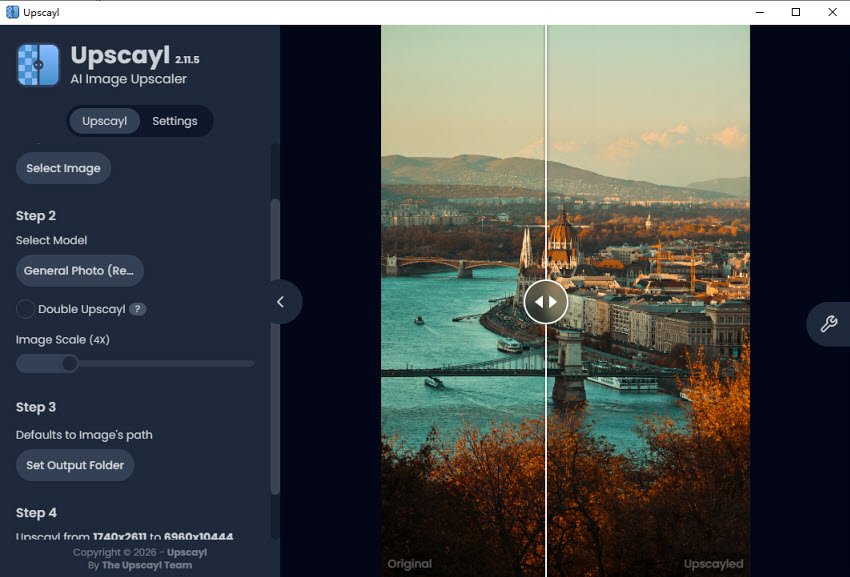
Upscayl
Maximum Photo Enlargement: Upscayl supports enlarging images up to roughly 8× natively, and in experimental and custom settings can go up to 16× depending on the image and models used.
Upscayl leverages AI super‑resolution models like Real‑ESRGAN to intelligently rebuild missing pixels rather than just stretch them, which generally improves clarity and reduces blur compared to traditional interpolation. It’s highly flexible with multiple models tailored for photos, illustrations, and anime. However, output quality can vary, and very low‑resolution images may still appear soft after scaling. Users also report some inconsistency in handling very large images or details in complex textures.
Main Features:
- Local image enhancement for offline processing (privacy advantage)
- Multiple AI models for different image types
- Batch processing support
- Cross‑platform (Windows, macOS, Linux)
- Adjustable upscaling factors (2×, 3×, 4×, and experimental 16×)
Check more free open source image upscalers and enhancers >>
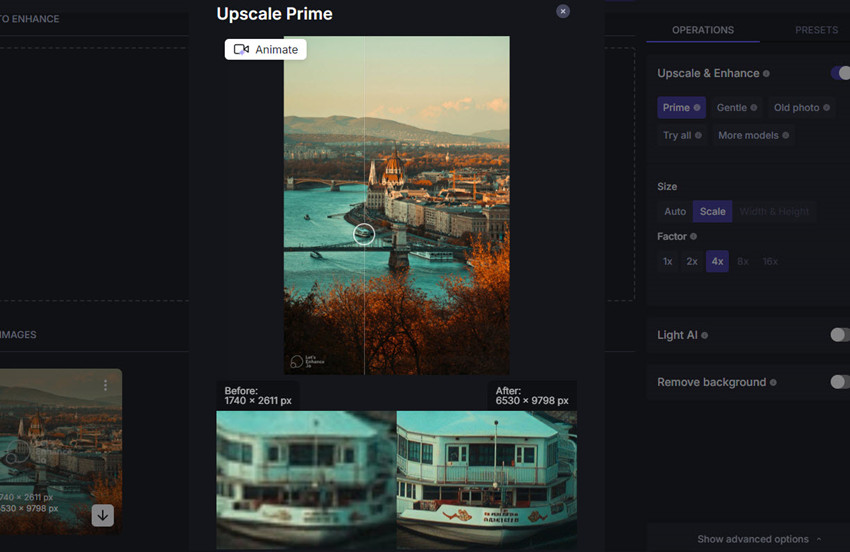
LetsEnhance
Maximum Photo Enlargement: LetsEnhance supports high‑resolution image enlarging by up to 16x suitable for 4K, 8K, and large print poster sizes.
LetsEnhance combines denoising, artifact cleanup, color enhancement, and AI‑driven upscaling into one workflow. It offers modes tailored for photos, artwork, and product images. The results tend to be balanced between fidelity and smooth detail, which makes it easier for print purposes. Some users report long processing times on very high‑resolution originals, and the browser‑based nature means you must be online to use it.
Main Features:
- AI denoise and artifact reduction
- Automatic print‑ready presets for standard sizes (A3/A4/posters)
- Multiple enhancement models (photos, art, scans)
- Chat‑style editor with prompts for fixes before upscaling
- Web‑based with no installation
ImgLarger
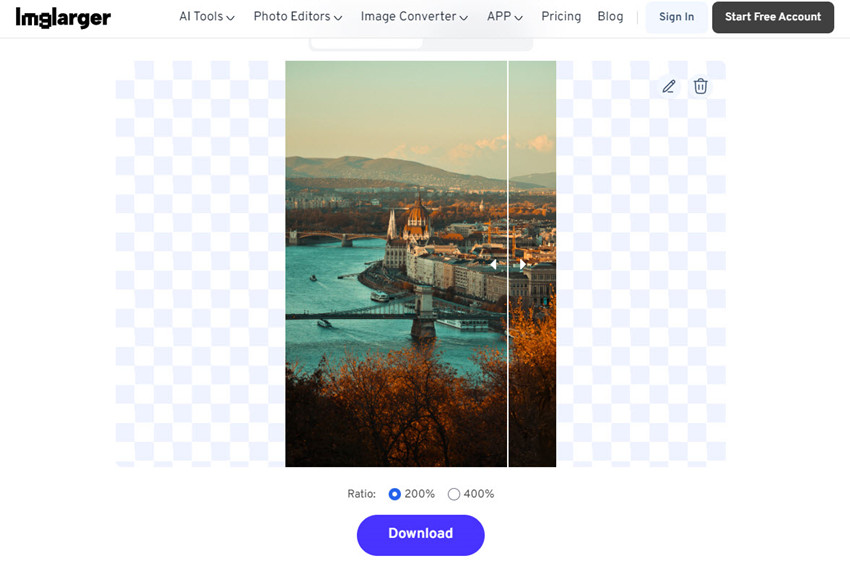
Maximum Photo Enlargement: ImgLarger can make images bigger by 2× and 4×.
ImgLarger uses AI upscaling to fill in missing image details, aiming to deliver sharper images than traditional resizing. Its additional tools (e.g., denoise, uncrop, enhancer) make it versatile for everyday photo enhancement. However, users report some inconsistency in the maximum output limits across its pages and that sharpness may dip on extremely fine details.
Main Features:
- AI image enlargement up to 8×
- Noise reduction and sharpening
- Background removal and uncrop tools
- In‑browser editor
- Batch processing support (with paid plans)
Final Words
Choosing the right photo enlargement software in 2026 depends on your specific needs and workflow. For those prioritizing maximum detail retention and sharpness, Topaz Gigapixel remains the professional standard, capable of enlarging images up to 6× while preserving textures and edges. If you prefer a more natural, texture-rich result with minimal over-sharpening, Aiarty Image Enhancer offers an excellent balance for both high-resolution prints and digital projects. ON1 Resize AI and Photoshop provide reliable alternatives for moderate enlargements, though they trade off some fine-detail reconstruction.
Ultimately, whether you’re a professional photographer, designer, or casual user, understanding the strengths and limitations of each tool ensures you select the best image upscaling software for your needs. With AI-driven enhancements becoming increasingly sophisticated, achieving crisp, high-resolution enlargements has never been easier.
If you are working on a Mac, you may also want to explore the list of the best image enhancers for Mac, where we tested and compared both free and paid apps, with image enlargement features and tools to reduce image noise, enhance sharpness, and restore details.
 FAQ
FAQ
Use a professional image enlarger software like Topaz Gigapixel or Aiarty Image Enhancer. These tools use AI-based photo upscaling to increase resolution while preserving sharpness, textures, and details.
Yes, JPEG images can be enlarged with any AI image enlarger software. Modern tools handle compression artifacts and noise, producing high-quality upscaled JPEGs suitable for prints or digital use.
You can use mobile-friendly photo upscaling apps or online image enlargers. Apps like Remini allow you to increase image resolution on iOS or Android without losing quality.
The best AI photo enlarger in 2026 depends on your needs. Topaz Gigapixel AI delivers the strongest sharpness and detail recovery for professional photography and print work, while Aiarty Image Enhancer offers more natural textures with fewer artifacts, making it ideal for everyday upscaling, e-commerce, and restoration tasks.
For old photo restoration, Aiarty Image Enhancer performs particularly well on low-quality old portraits. Its AI denoise and deblur models can recover facial details while keeping skin texture natural instead of overly sharpened or “plastic-looking,” which is especially useful for compressed or damaged vintage photos.
You May Also Like


This post was written by Brenda Peng who is a seasoned editor at Digiarty Software who loves turning ordinary photos into extraordinary works of art. With AI assistance for brainstorming and drafting, the post is reviewed for accuracy by our expert Abby Poole for her expertise in this field.
