Aiarty Download Center
-

No Spyware/Malware.
100% Clean. -

Risk-Free Trial.
Seamless Access. -

Offline Processing.
Privacy-Safe. -

Digitally Signed
and Certified.
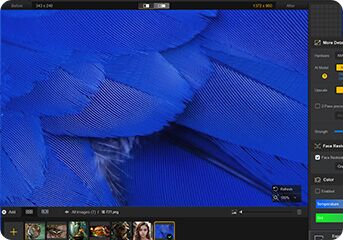
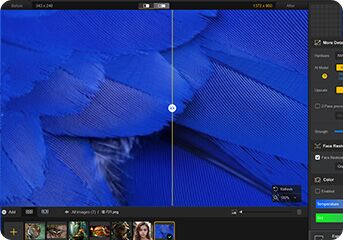



Aiarty Image Enhancer
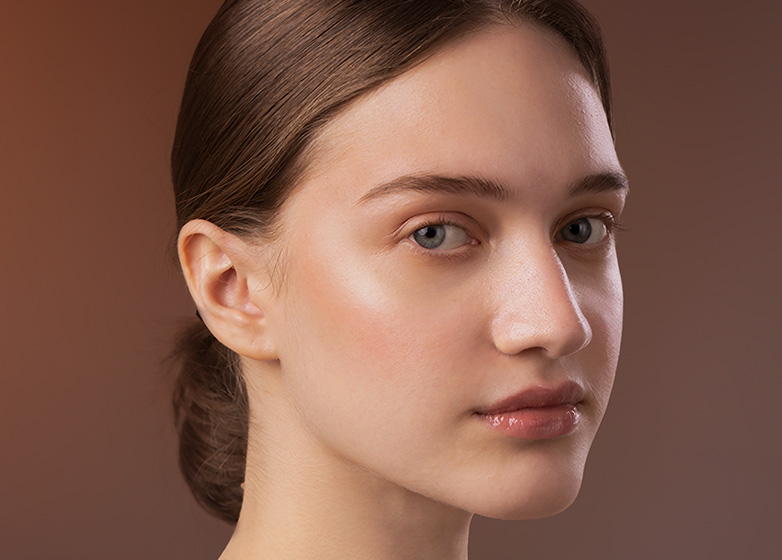
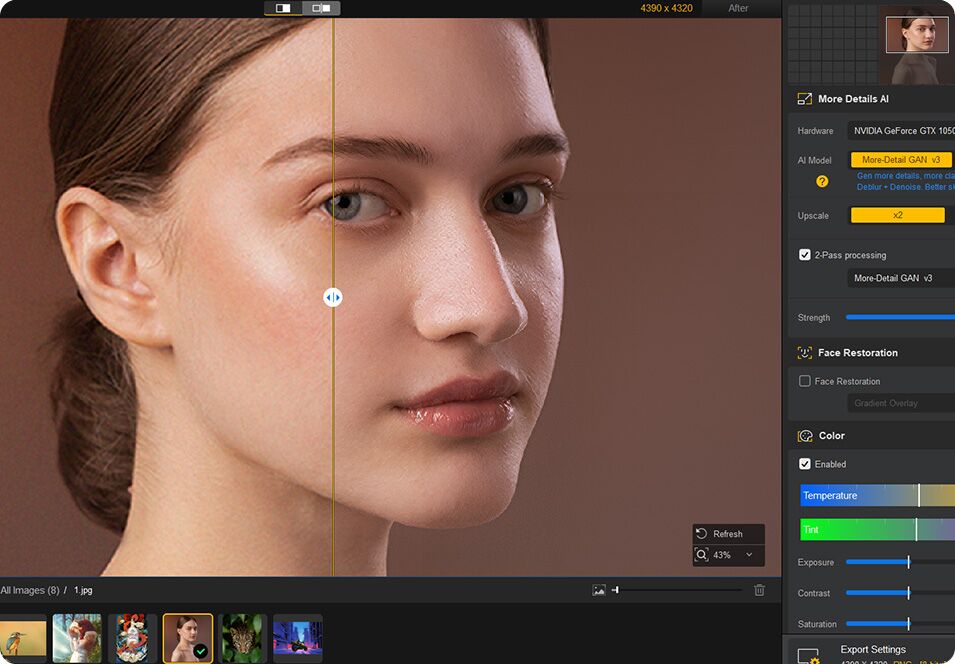
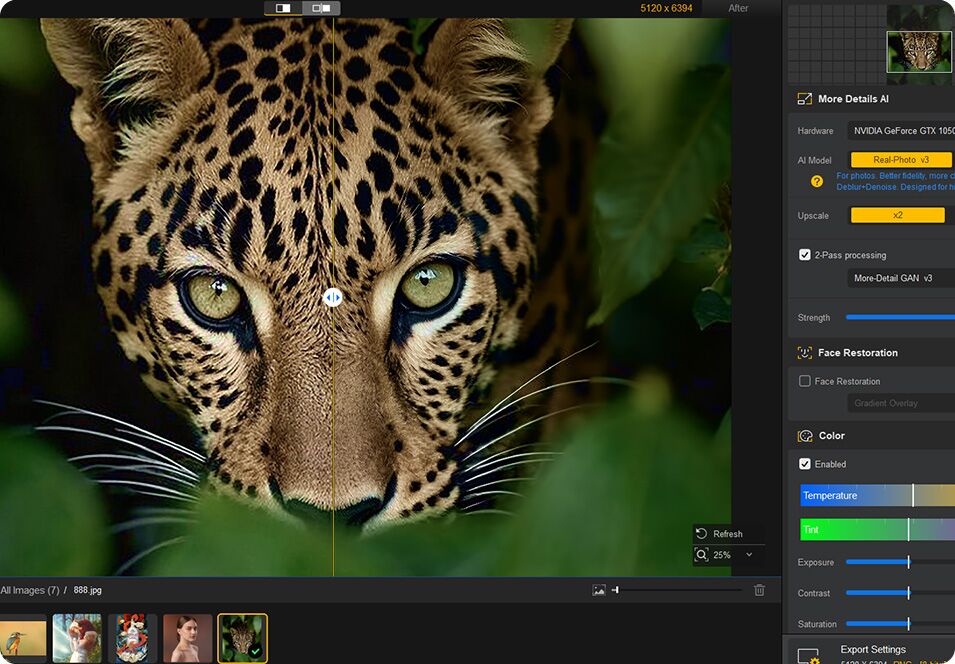
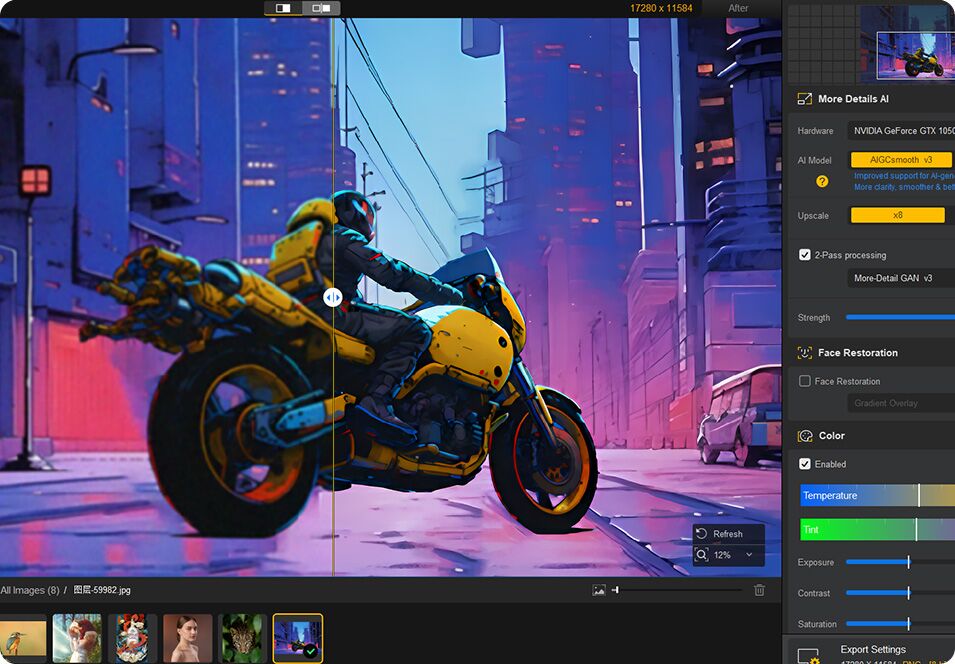
Denoise, deblur, and restore photos with faithful texture and natural clarity. Upscale images to 4K/8K/32K with the right detail.
Resources: User Guide | Images for Test
- Tailored for AI images, old shots, and wildlife/portrait photography.
- Batch enhance with natural, lifelike detail and upscale up to 32K.
- Revive grainy or low-light shots and remove compression artifacts.
- Restore faces, refine colors, erase objects with AI, and add text.



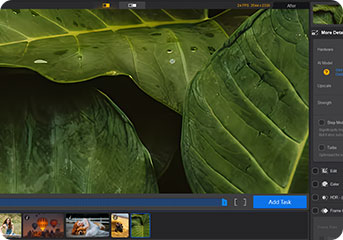
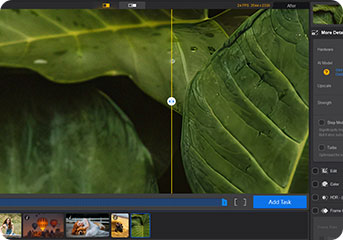
Aiarty Video Enhancer
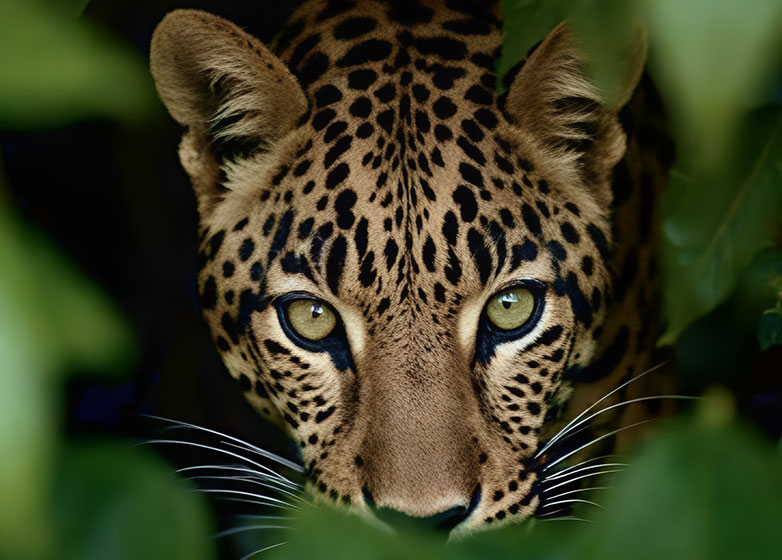
One-stop AI video upscaler, denoiser, sharpener, and enhancer to fix blurry, stuttering, low-light, and pixelated videos.
Resources: User Guide | Videos for Test
- Next-gen AI denoising and deblurring that preserves textures.
- Batch restore & upscale videos to true 4K with natural detail.
- Create smooth slow-motion; boost FPS up to 120; clean audio.
- Color correction & HDR; pre-edit: cut, crop, rotate, and flip.
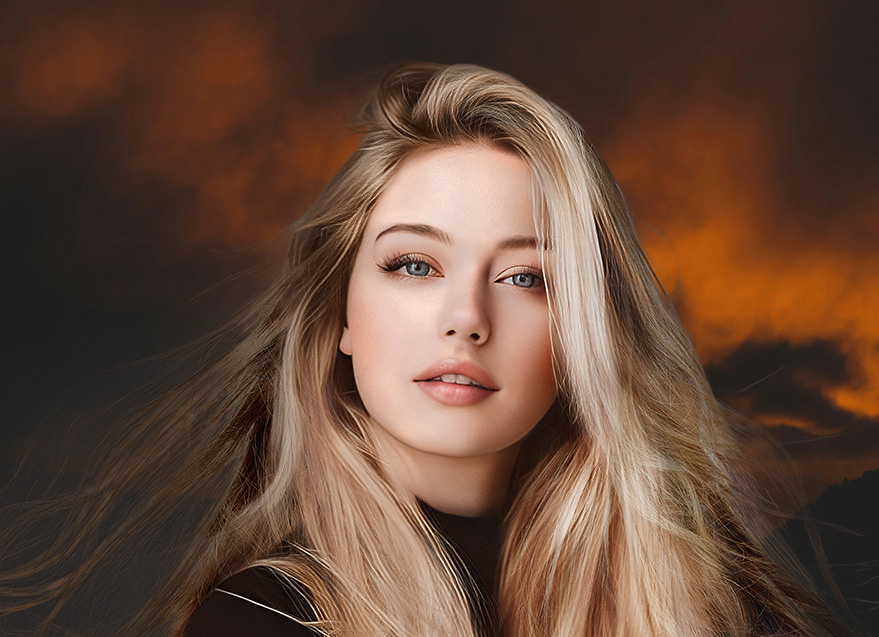
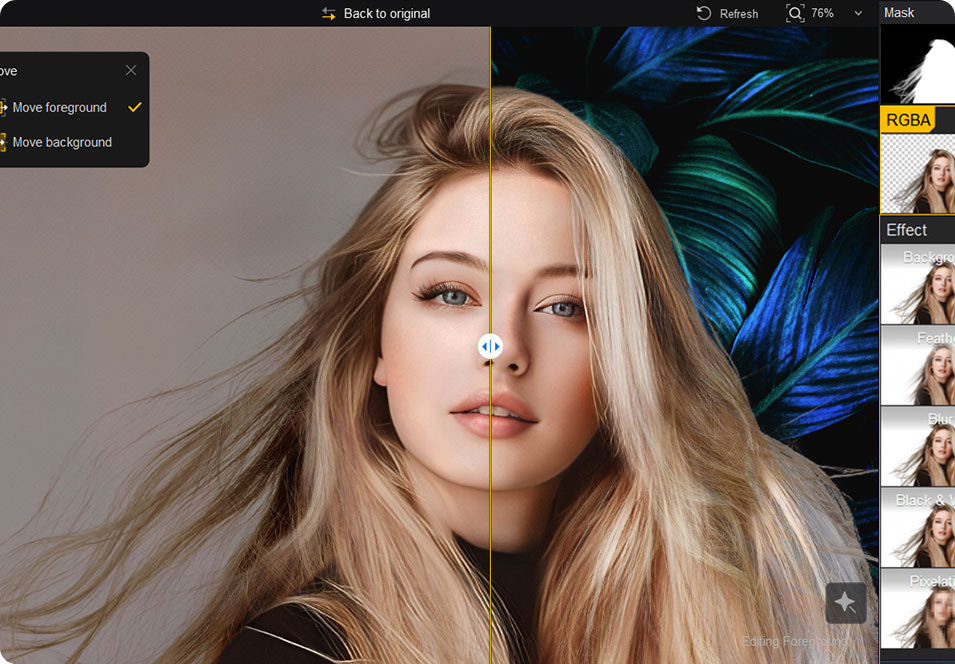
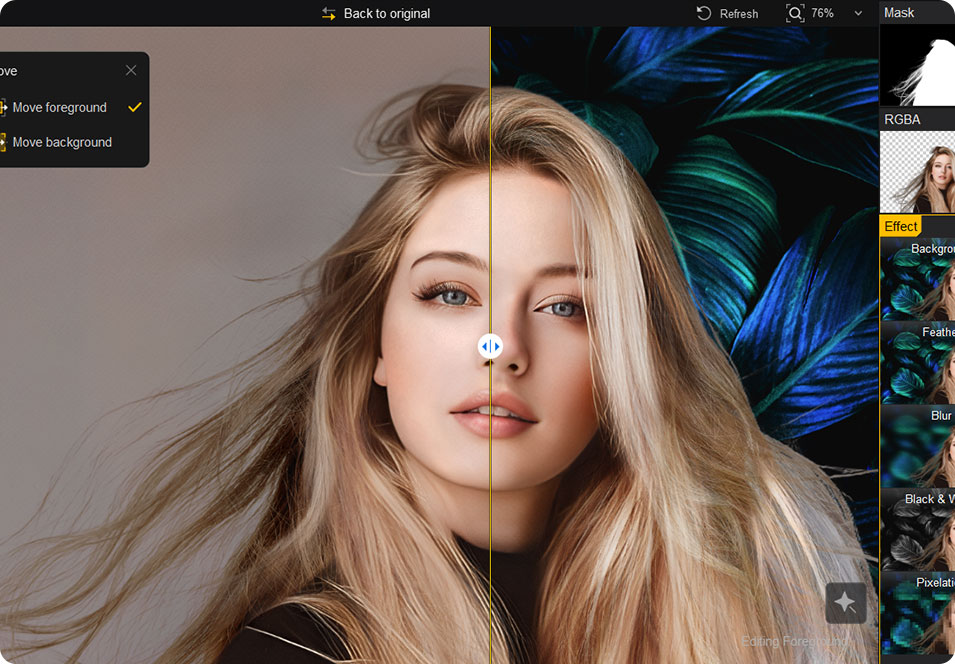
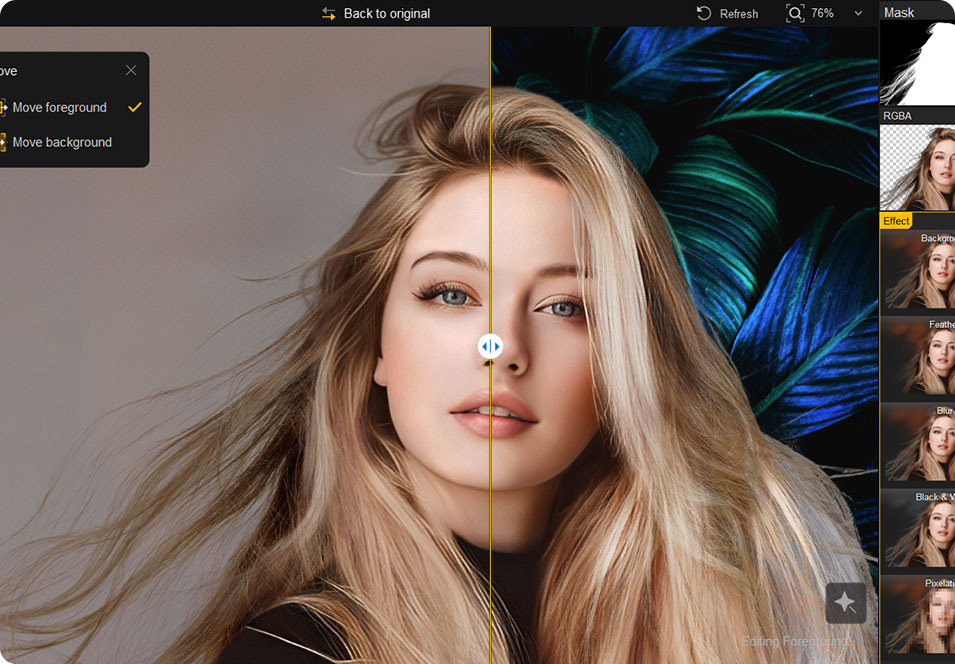
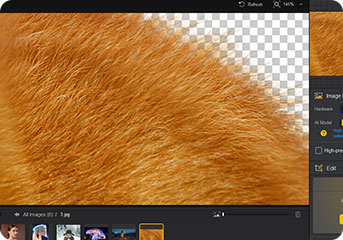
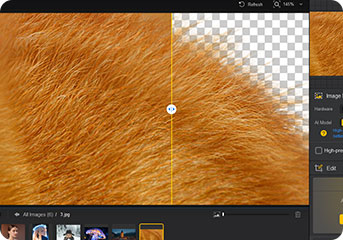
Aiarty Image Matting
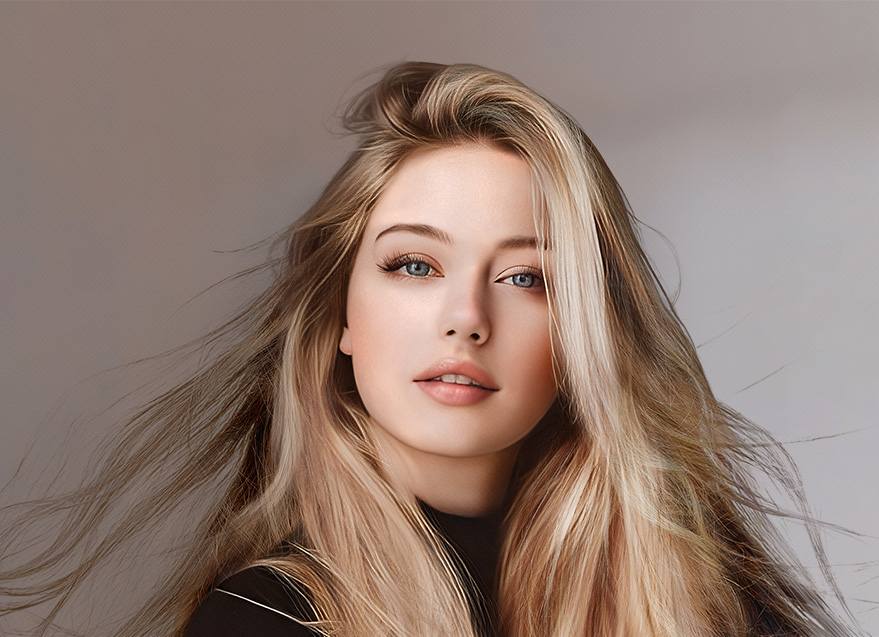
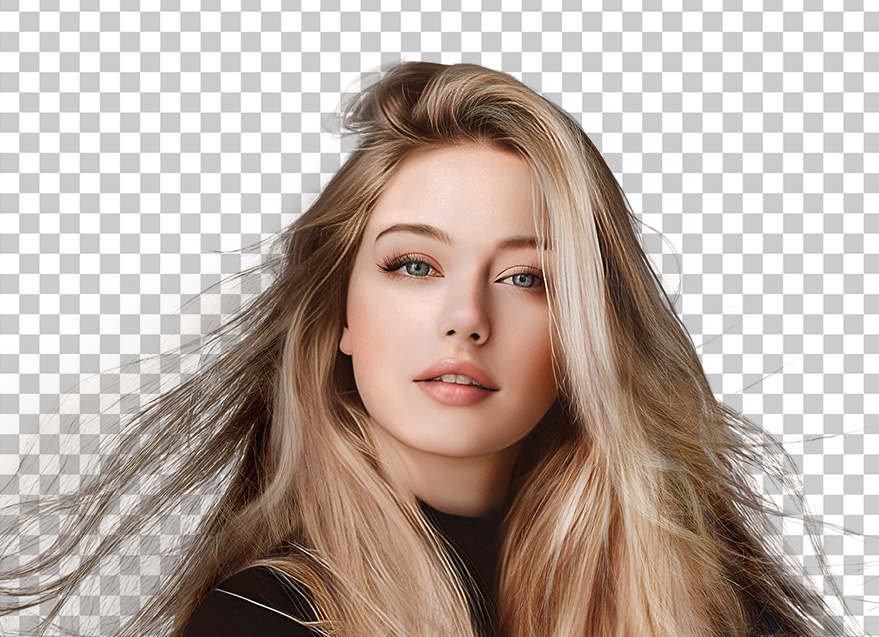
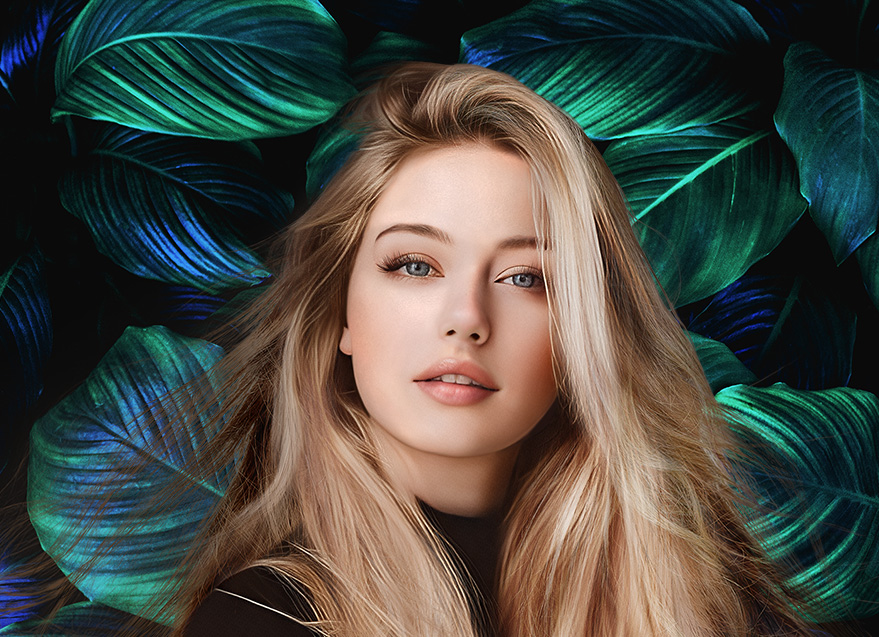
State-of-the-Art AI matting software for extracting foregrounds, merging with backgrounds, and achieving pixel-perfect results.
Resources: User Guide | Images for Test
- Optimized for hair, semi-transparent areas, and detailed images.
- Better edges with AI and manual control for precise cutouts.
- Replace and blend; Blur, feather, convert to B&W, or pixelate.
- Built with Eraser, Brush, Dodge, and Burn tools for precise control.
Trusted by Creators, Influencers, and Top Media





Why Pros Choose Aiarty
-
Aiarty uses deep learning to upscale & enhance to reduce noise, compression & blur while preserving vibrant colors and natural textures all without grid artifacts.
-
Aiarty Video Enhancer is the best-in-class tool for wildlife videographers - superior at low-light denoise, texture recovery, fast rendering, integrated slow-mo, and clean audio.
-
I tested nearly all the AI image upscalers on the market to save you time. And I found the best one to be: Aiarty Image Upscaler. It takes low-resolution images and turns those into high resolution using AI.
-
I am very impressed with Aiarty Image Matting. It is both well designed and well executed. It is fast, with all the common tools you need to create outstanding masks.
-
With Aiarty Image Enhancer you can fix low resolution and blurry photos and make small photos super big so they are suitable for printing, sharing, etc.
FAQs
-
Is it safe to install Aiarty software products on my computer?
Yes, Aiarty software is completely safe to install and use. We take user security, privacy, and brand trust very seriously. All Aiarty installers are digitally signed, regularly scanned, and verified to be free from malware, adware, or bundled third-party software. Our products have been tested by hundreds of media websites, tech reviewers, and influencers, all of whom successfully installed and used the software without any safety concerns. For your peace of mind, you can also scan the download link using VirusTotal - a free online service that checks files against multiple antivirus engines.
-
Is Aiarty software free to try? What are the limitations of the trial version?
Yes, all Aiarty software products are free to try - no sign-up or credit card is required. The trial version allows you to test all features and experience the full workflow before deciding to purchase. However, depending on the specific software, the trial version may apply certain limitations - such as restricting export to one file at a time instead of batch processing, adding a trial watermark to the output, or limiting the maximum video length that can be processed.
-
Can I use Aiarty software products for commercial or business purposes?
Yes. Aiarty software is designed for both personal and commercial use. Please note that licensing terms may vary between Aiarty Image Enhancer, Aiarty Video Enhancer, and Aiarty Image Matting; we recommend reviewing the specific 'Commercial License' details on each product's purchase page for reference.
Important: To protect your work and respect intellectual property, please verify that you have the legal right to process your chosen media, whether through original ownership or authorized fair use
-
Will Aiarty use my photos or videos for AI training?
No. Aiarty does not - and will not - use your photos or videos for AI training without your explicit consent. All media processing takes place locally on your own computer using your GPU, ensuring full control and privacy. Our AI models are trained exclusively on in-house source material and licensed content, not user-submitted files.
-
Any tips to get the most out of each Aiarty software?
All Aiarty products are designed to be beginner-friendly while offering full control for advanced users. To help you get started quickly and achieve the best results, here are direct entrances to essential resources:
Aiarty Video Enhancer: Optimal Methods | Full User Guide
Aiarty Image Enhancer: Optimal Methods | Full User Guide
Aiarty Image Matting: Optimal Methods | Full User Guide