AI Face Enhancer for Clearer, Natural Portraits Aiarty Image Enhancer
 User Guide>
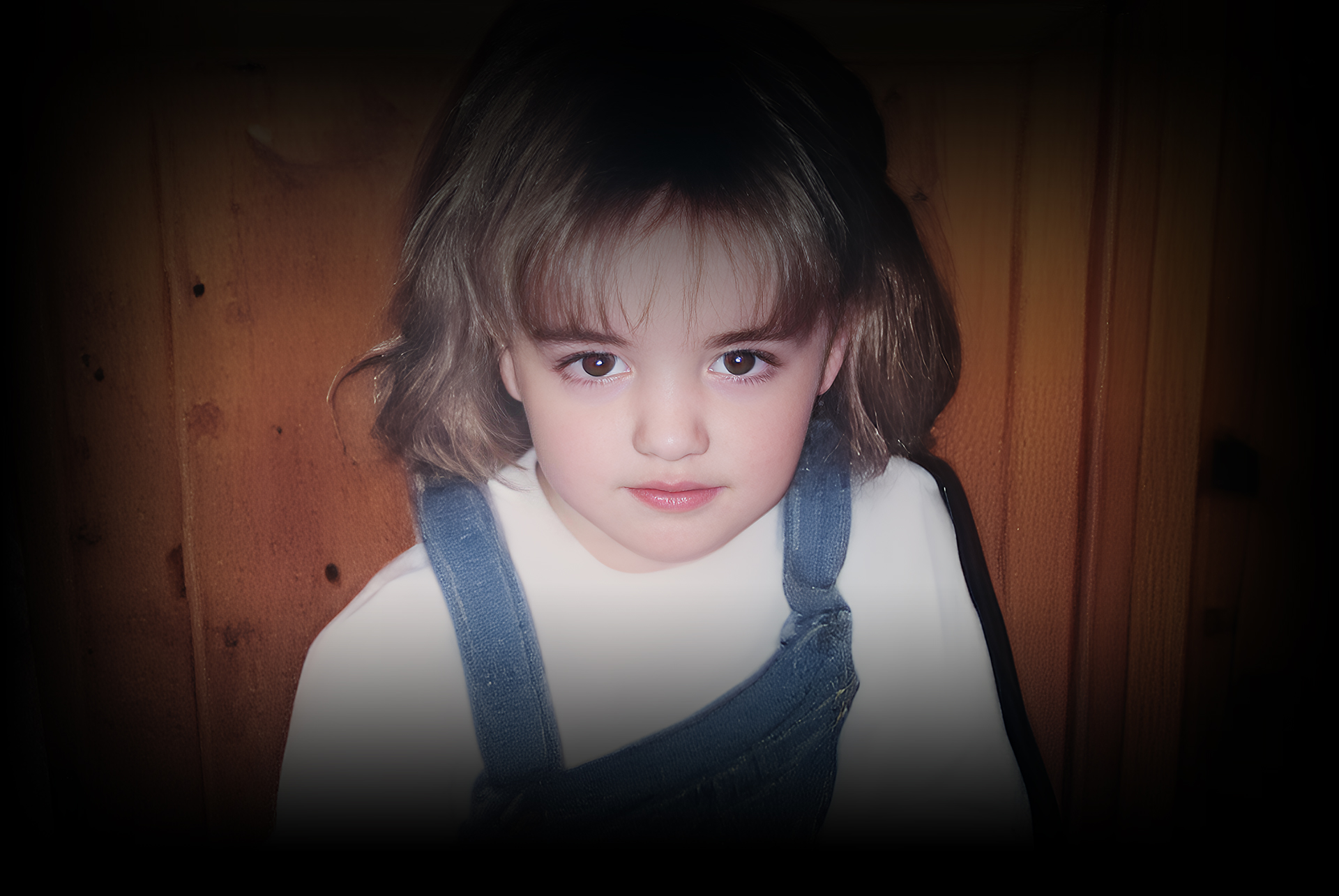

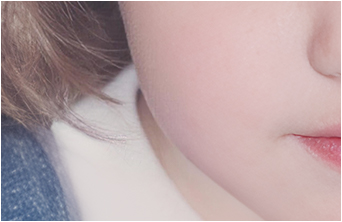
 Face Enhancer + 4X Upscaling
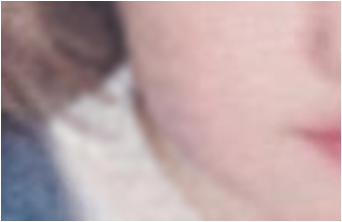 Other Tools: 400% Zoomed in

-
6.78million
Images training dataset
-
3000images
Batch processing per hour
-
32K max
Resolution for upscaling
-
GPU
NVIDIA/AMD/Intel/CPU
Enhance Portraits and All Kinds of Photos
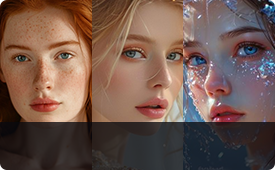
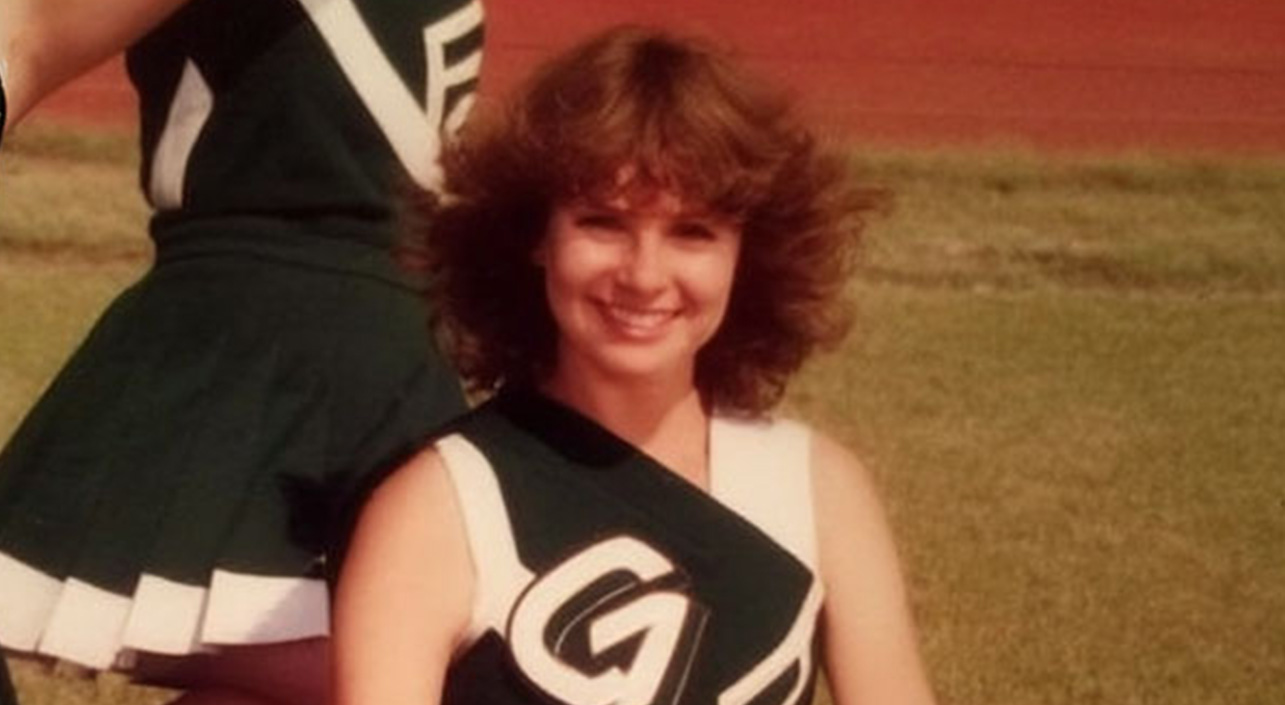
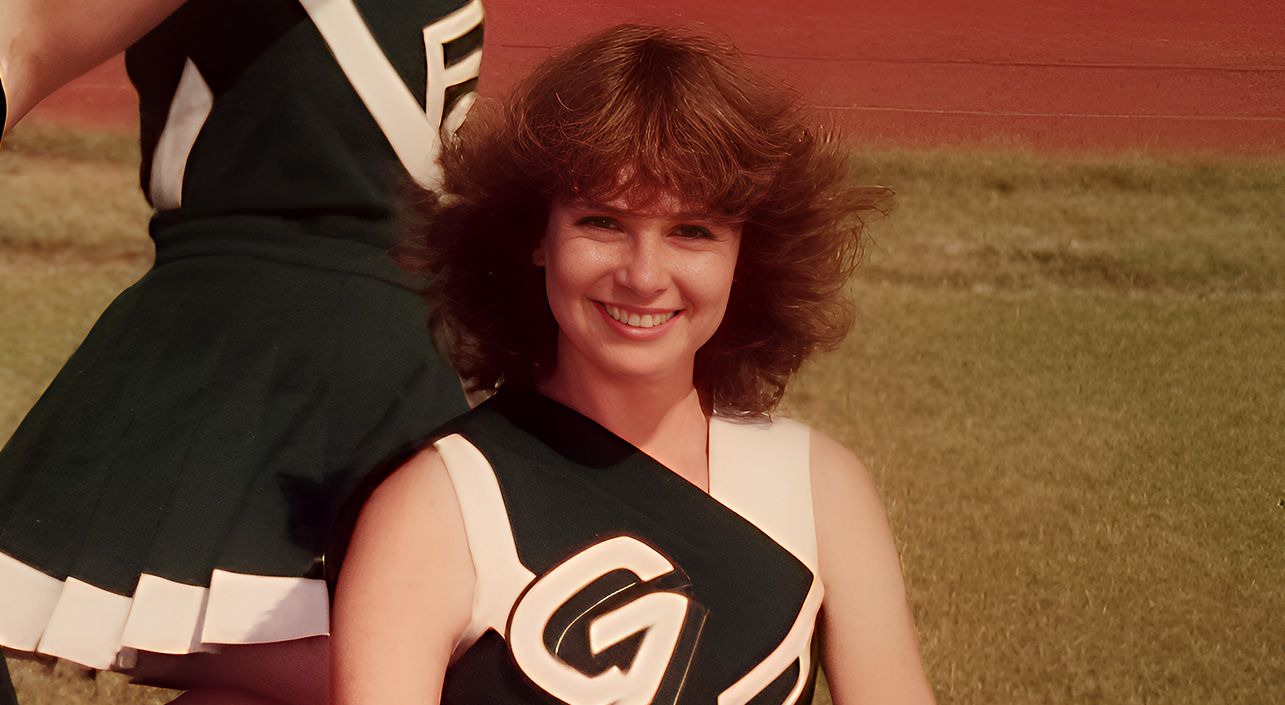
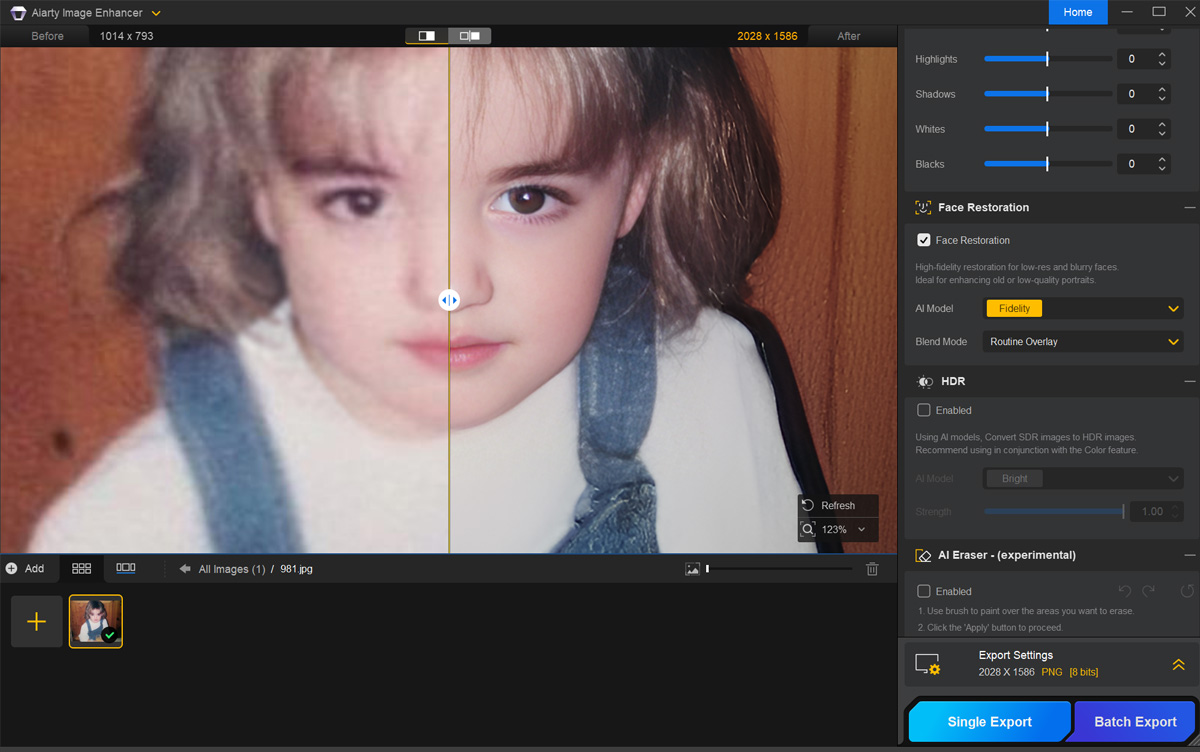
From old family photos to digital scans and mobile shots, the AI Face Enhancer in Aiarty Image Enhancer improves facial clarity and detail across photos, while maintaining natural, realistic results. You can opt for both auto AI inference and manual adjustments for specific scenarios.
 Old Photos
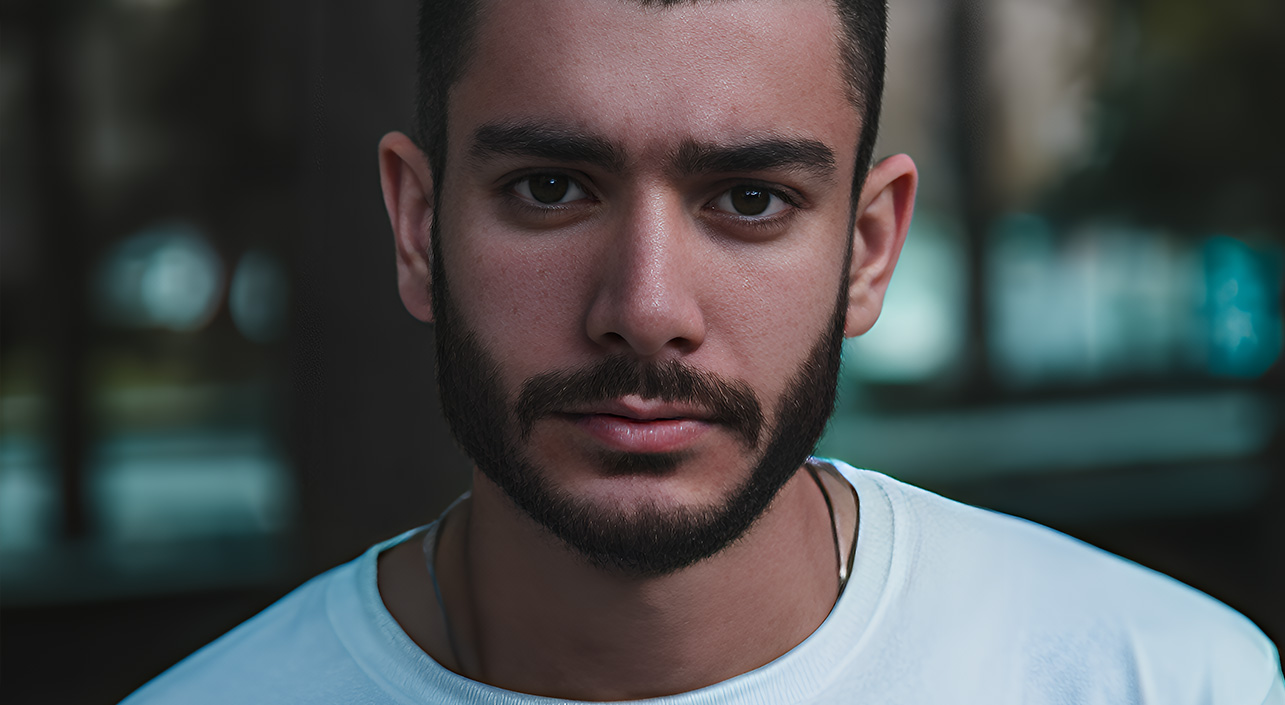
 Portraits
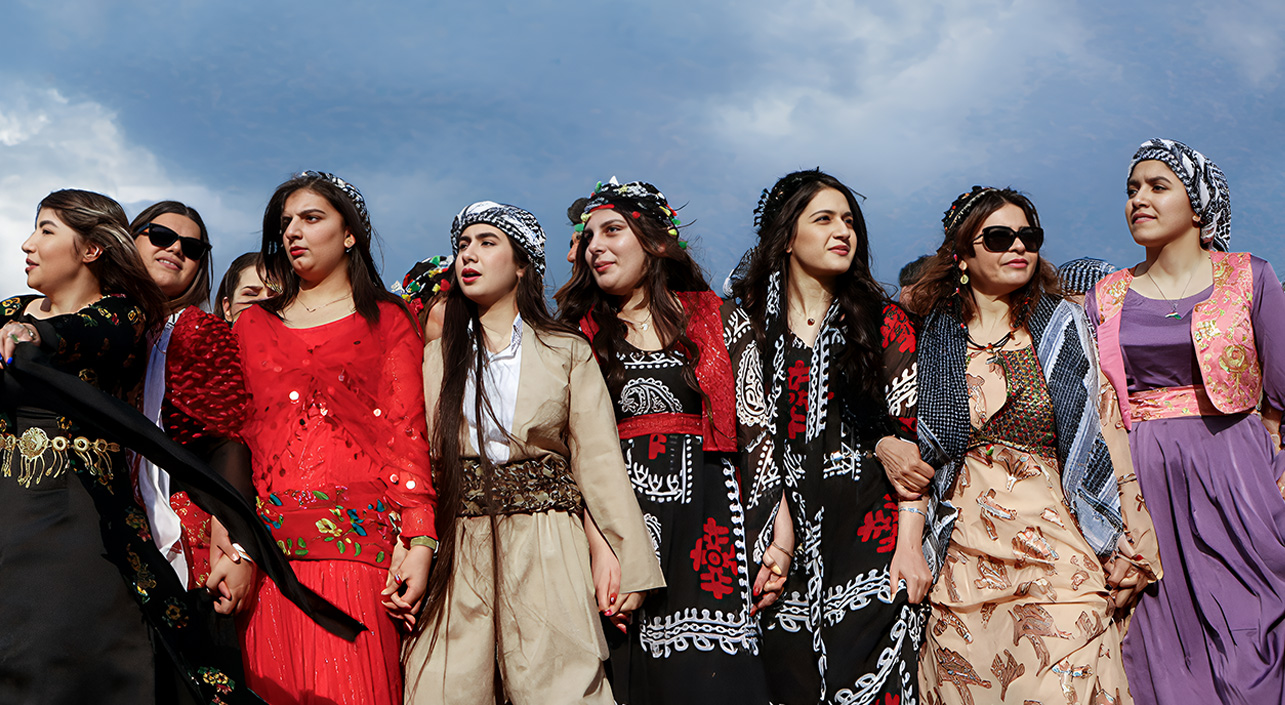
 Group Photos
 Mobile Shots and Scans
 AI Art
-
- AI ModelMore-Detail GAN
- Upscalex2 (or x1 only)
- Strength
-
 Face Restoration
Color
Face Restoration
Color
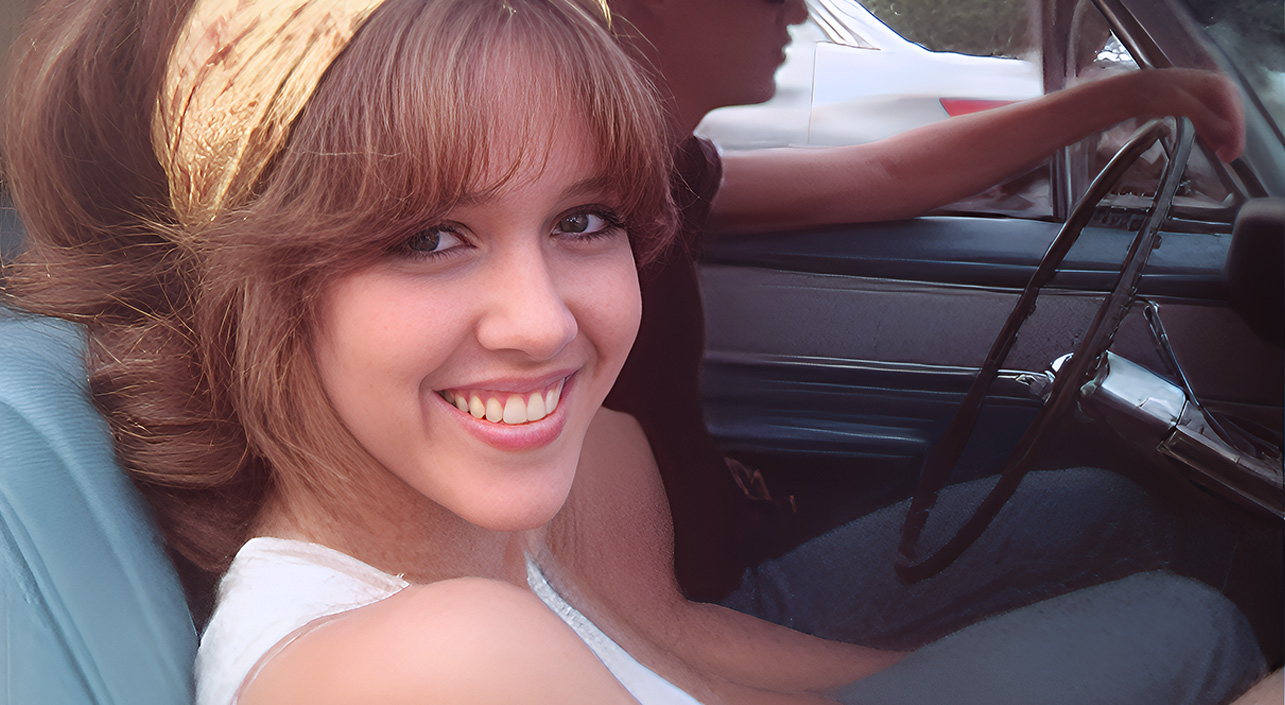
Restore Old Portrait Photos
Fix blurry, low-quality faces, and grainy low-light scenes. Restore clarity, denoise and fix artifacts while preserving an authentic, natural look.
-
- AI ModelReal-Photo v3
- Upscalex1 (or 2-pass for more details)
- Strength
-
Face Restoration
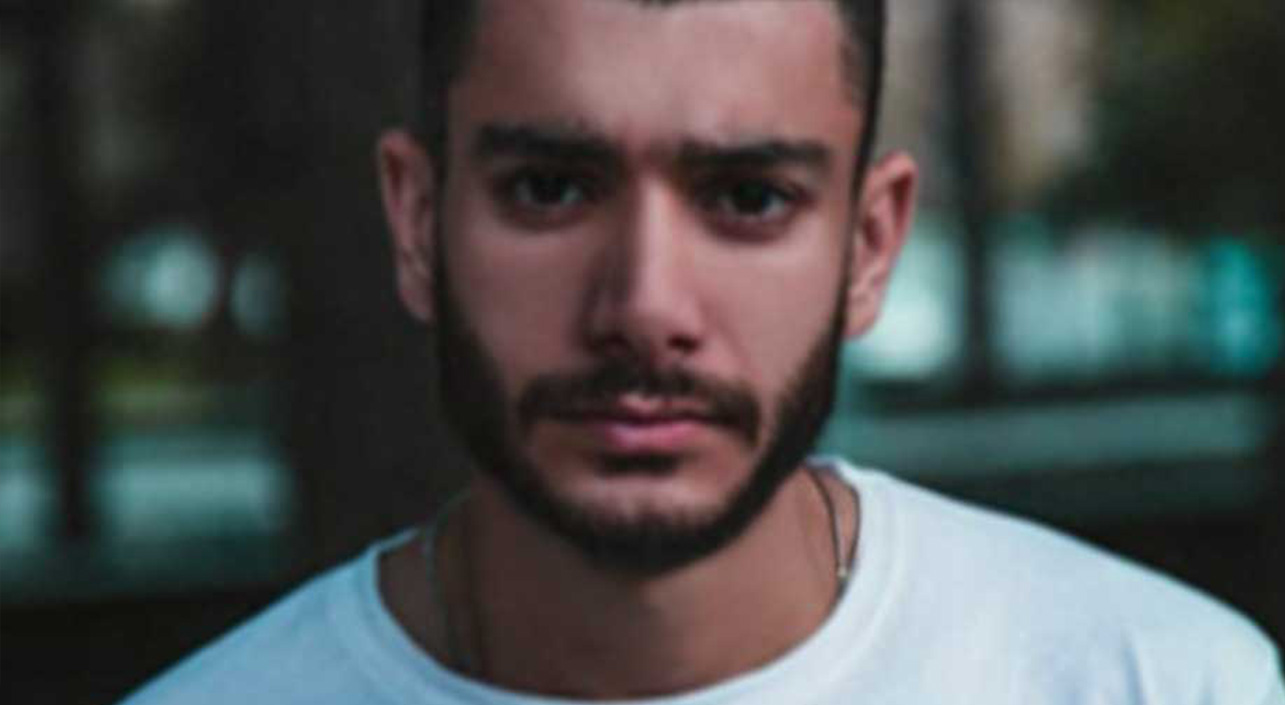
Enhance and Retouch Portraits
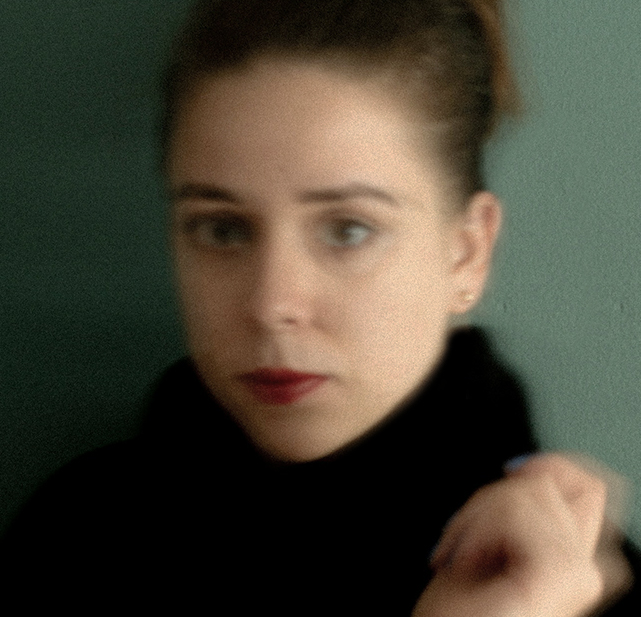
Enhance portrait photos, close-ups, or street photography with slightly blurred figures. Properly improve overall sharpness, avoid over-processing.
-
- AI ModelMore-Detail GAN
- Upscalex2 (or x4 for large prints)
- Strength
-
Face Restoration
Refine Group Photos
Restore overall clarity while keeping the photo natural and balanced. Perfect for family gatherings, events, or team photos.
-
- AI ModelMore-Detail GAN
- Upscalex2
- Strength
-
Face Restoration
Color
Restore Mobile Shots and Scans
Restore low-resolution photos, reduce compression artifacts, and clean up scanned portraits. Fix blur, dust, and scratches with AI eraser optionally.
-
- AI ModelAIGCsmooth v3
- Upscalex2 (or x4)
- Strength
-
Face Restoration
Eraser
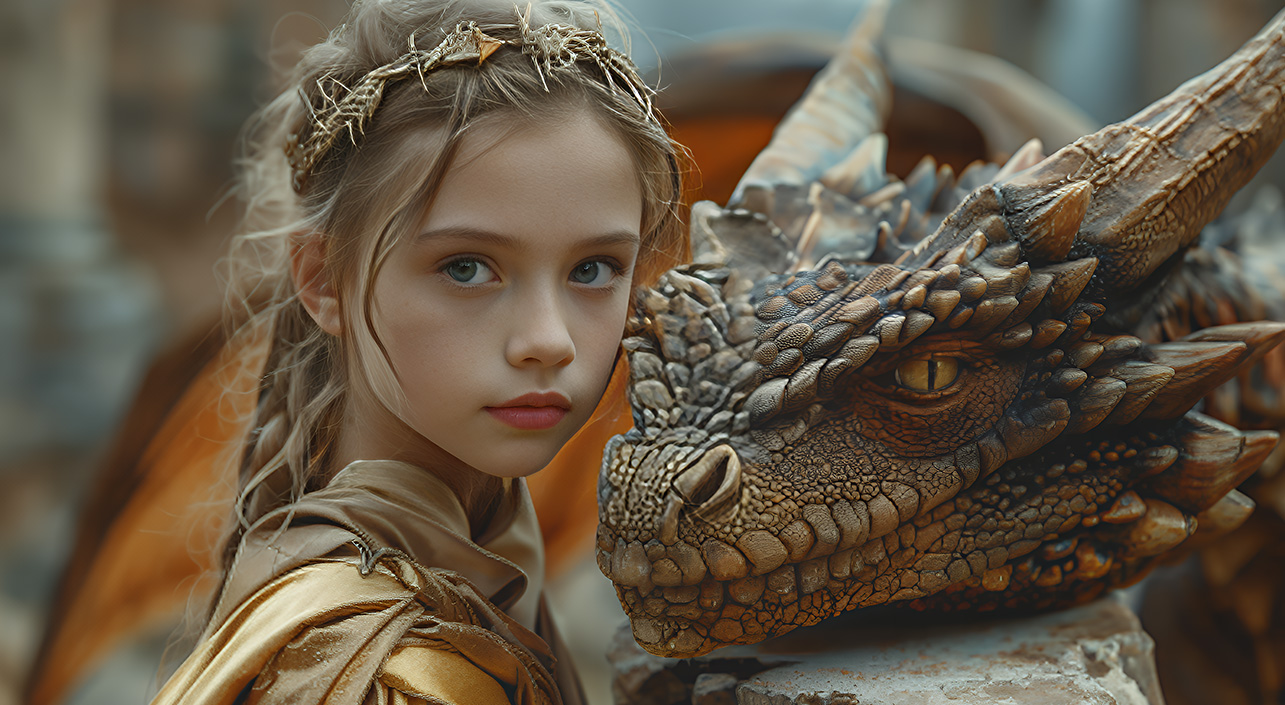
Upscale and Enhance AIGC Images
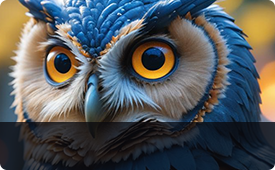
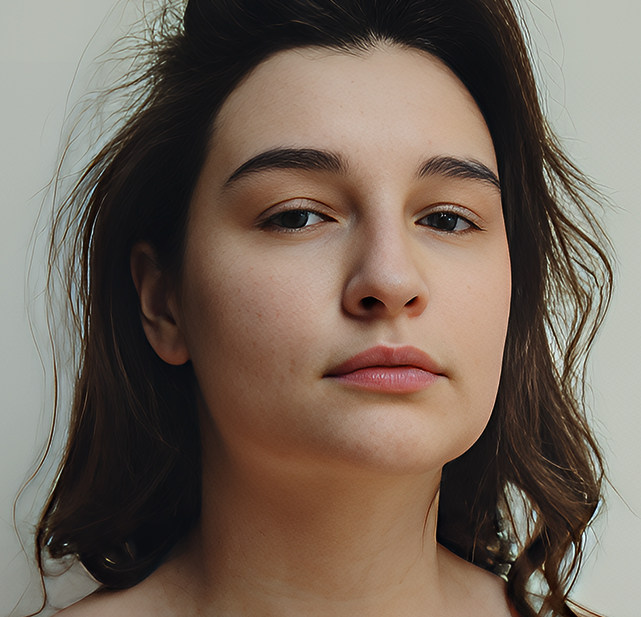
Refine AIGC portraits and any AI art, enhance facial clarity with realistic, life-like details. Option to upscale to 8K, 16K for large prints and displays.
Bonus Features: Enhance, Clean Up, and Fine-Tune Flexibly
AI Eraser Built-in For
Quick Photo Clean Up
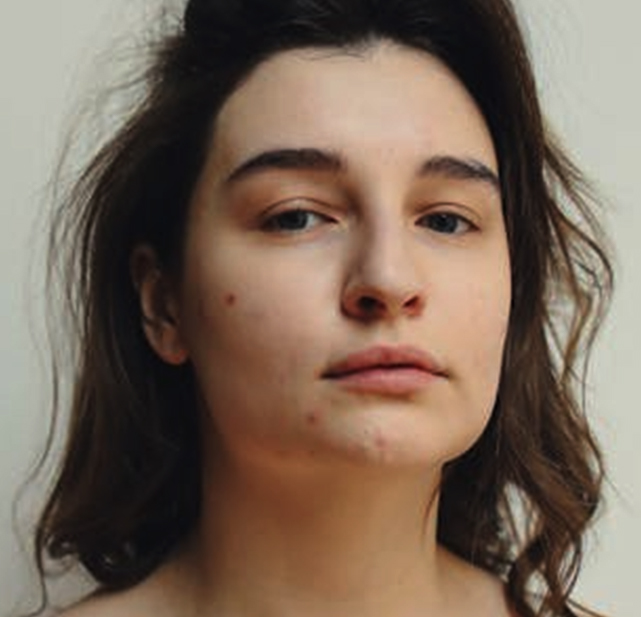
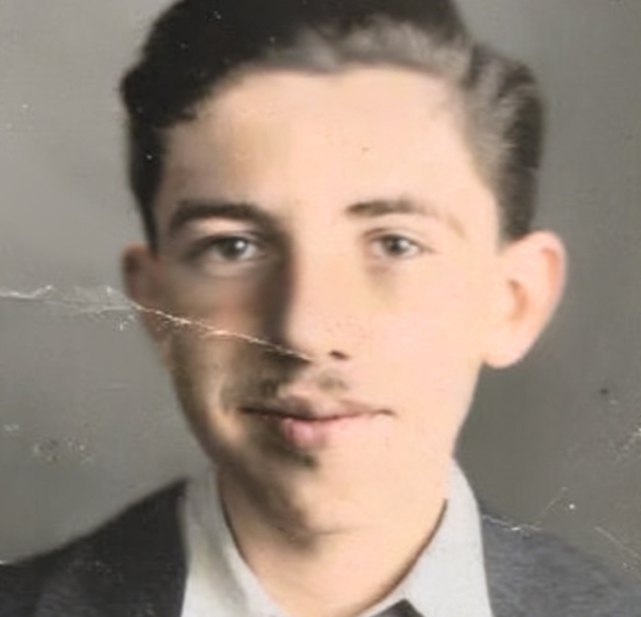
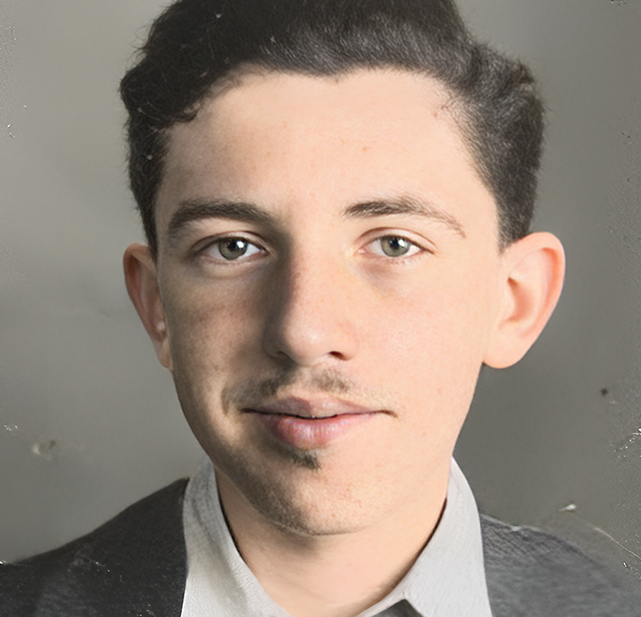
Beside face restoration and quality enhancement, you can use the AI eraser in Aiarty to brush over problem areas, and the AI will analyze and auto clean up these distractions. It is ideal for old photos and scans with dust, blemishes, subtle scratches, or unwanted objects.
 Reduce Skin Blemishes
 Fix Subtle Scratches
Handy Color Panel For
High-Fidelity Tuning or Creative Look
Easily adjust white balance, brightness, exposure, contrast, and saturation to correct lighting issues, keep color fidelity, or enhance the overall mood of the image.
- Tune color balance
- Improve lighting
- Refine contrast
- Natural results
- Creative flexibility
- Seamless workflow
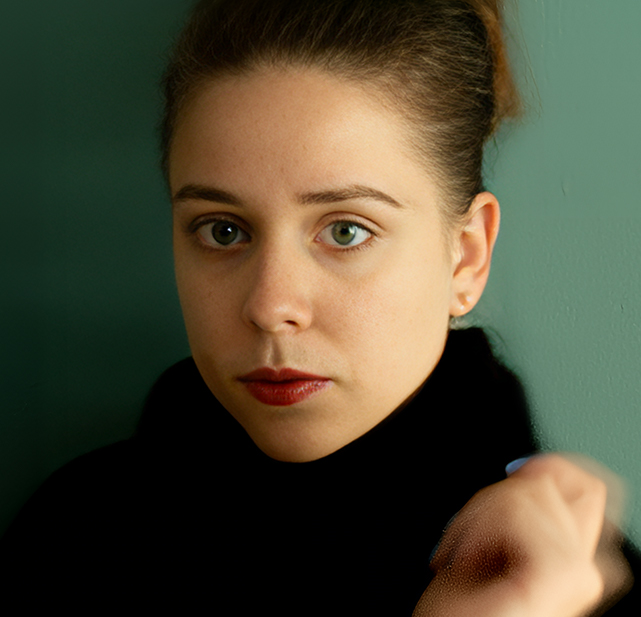
Enhance Portrait Photo Quality with Optional AI Upscaling
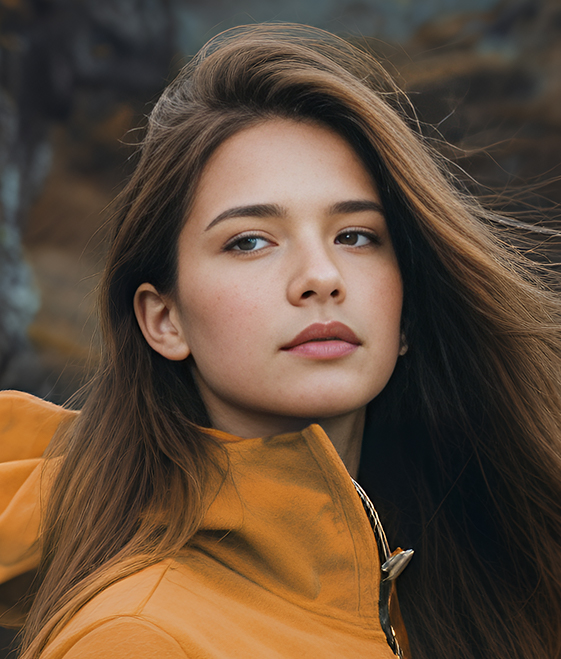
Not only an AI face enhancer: use Aiarty to refine portraits, reduce noise, and recover natural textures at original dimensions, or upscale by x2, x4, to 4K, 8K, 16K, and custom resolutions, with option to adjust enhancement strength for a balanced result.
Why Choose Aiarty Image Enhancer
-
Keep Realism
AI Models
& Manual Control- #Adjust strength
#No-plastic look - #Natural results
#Better trained
- #Adjust strength
-
Lifetime License
Great Value for
Full Features- #No subscription
#Unlimited updates
- #No subscription
-
Batch Tasks
Bulk Processing, Better Efficiency
Process multiple photos at once, each with tailored settings. Enhance portraits, restore photos, and optionally upscale images in one-go.
-
Utmost Security
100% Offline Tool
This desktop software works offline. All enhancements and face restoration tasks are processed locally on your device.
How to Use the AI Face Enhancer in Aiarty
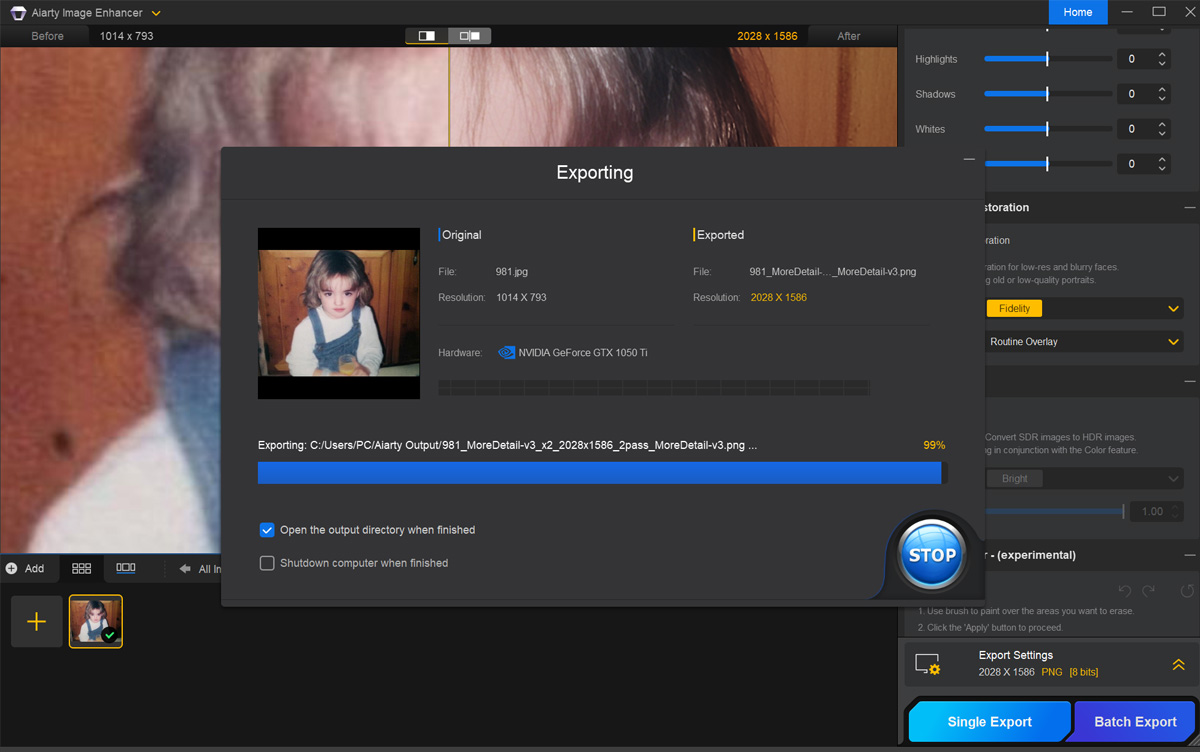
Step 1. Import portrait photos.
Or any image for quality enhancement.
Step 2. Auto enhance & manual control.
Enhance quality with AI models, and toggle Face Restoraction.
Step 3. Optional retouch or export.
Apply color correction, eraser, or upscaling when needed.
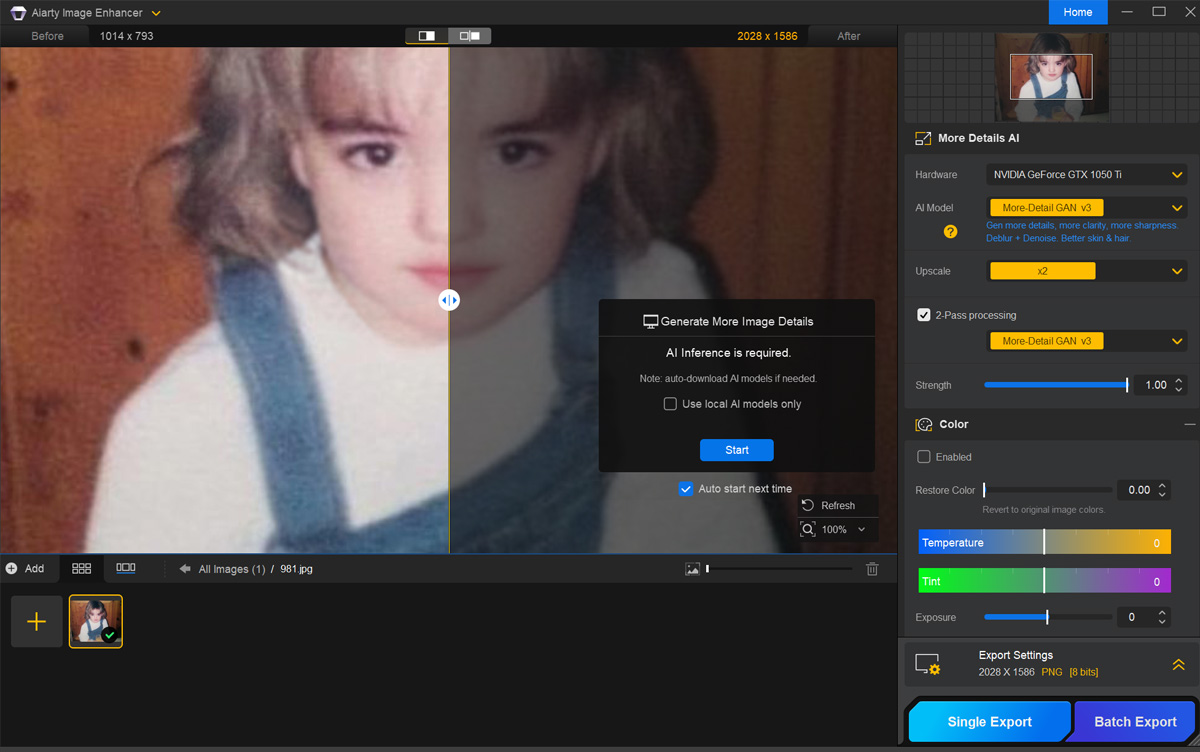
Download Aiarty Image Enhancer to batch restore, enhance, and refine portrait photos and general images.
Don't Just Take Our Word For It
-
Aiarty excels in face restoration by effectively removing blemishes, acne, redness, freckles, blurriness, and grain. With offline functionality and unlimited image processing, it ensures privacy and convenience.
-By PetaPixel -
I tried on one terrible night photo of the Egyptian pyramids and it did bring out detail and eliminate most facial problems. It does a slightly better job than both Topaz Photo AI and Topaz Gigapixel AI.
-By DPReview -
I'm already advertising in posts what I am using to retouch selfies. Your software runs on my PC, Topaz doesn't. Well done.
-By David Brown
FAQs
The AI face enhancer in Aiarty helps improve portrait photo clarity and restore faces as part of the overall image enhancing process. When you enhance photos with the AI models, the software analyzes images to fix blurriness, denoise, apply proper sharpening, restore natural details, with optional upscaling and color adjustment.
If a low-resolution portrait contains blurry or low-quality faces, you can toggle the Face Restoration option to restore portrait photos, and compare the results with real-time preview.
The AI Face Enhancer is helpful when faces in low-resolution portrait photos appear blurry, pixelated, or riddled with compression artifacts and digital noise.
It works well for portraits, old family photos, smartphone pictures, scanned photographs, or images downloaded from online platforms where compression has reduced image quality.
Not necessarily. For some photos, applying the initial AI enhancement model (such as More-Detail GAN, Real-Photo, and AIGCsmooth) is enough to improve overall clarity and fix quality problems.
After that, you can toggle on and off the Face Restoration option, see results in real-time, and stay with the settings that work the best for a specific image.
Upscaling is optional. You can enhance photo quality while keeping the original resolution (x1), or choose to upscale the image to a higher resolution such as x2, x4, 8K, 16K, etc. For instance, when you are preparing family portrait photos for wall décor, you can opt for a higher resolution for 300DPI print.
Aiarty Image Enhancer improves overall photo quality using AI models that automatically analyze and enhance images. It can reduce image noise, remove compression artifacts, recover details, and upscale images while maintaining natural results. Optionally, you can also use the color panel and AI eraser for fine tuning.
With both automatic AI processing and adjustable manual controls, Aiarty Image Enhancer helps improve photo clarity while preserving a natural and realistic look.
Yes, Aiarty Image Enhancer operates entirely offline, ensuring user privacy and data security. All files are processed locally on your own computer. It does not have an upload function, meaning your images never leave your device.
See More AI Image Enhancing Solutions
-
Boost the quality, sharpness, detail, and resolution of digital photos and AI-generated images.
-
See how Aiarty Image Enhancer upscales images and photos to 4K/8K/16K/32K without losing quality.
-
There are several upscaling methods in Stable Diffusion. You can integrate Aiarty into the workflow or replace them.
-
Upscale 512P/1024P AI images generated by Midjourney, Stable Diffusion, Dall-E, other platforms.