


Running a successful photography business isn’t just about taking great photos—it’s about managing clients, bookings, and delivering a polished final product. The best CRM for photographers helps you stay organized, automate repetitive tasks, and create a seamless client experience.
Quick answer: The best photography CRM software depends on your workflow. Tools like HoneyBook and Dubsado are great all-in-one options, while others focus on automation or studio management. However, a complete workflow also includes image enhancement tools to ensure your final delivery matches your brand quality.
Why Photographers Need a CRM (and What It Actually Does)
Most photographers start with basic tools like email, spreadsheets, or calendars. But as your business grows, these systems quickly become inefficient and difficult to manage. A CRM (Customer Relationship Management system) centralizes everything: client inquiries, booking details, contracts, invoices, and communication history.
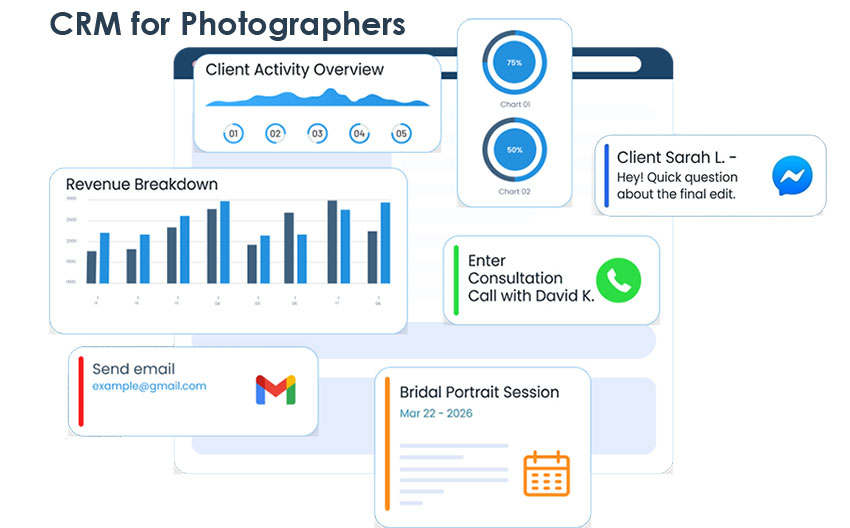
A photography CRM is designed specifically for creative workflows, going beyond generic systems by combining essential business tools in one place. Unlike standard CRMs, photography CRM software typically includes:
- Online booking and scheduling
- Contract and invoice management
- Workflow automation
- Client galleries for image delivery
In short, it’s built to handle the entire client journey—from the first inquiry and initial communication, through booking, contracts, and payments, all the way to final image delivery—so you can manage everything in one place without constantly switching between tools.
At the same time, it’s important to recognize one key truth: a smooth process gets clients in the door, but image quality is what keeps them coming back. That’s why many photographers pair CRM tools with image enhancement software as part of a complete business system.
Key Features to Look for in the Best CRM for Photographers
Choosing the right CRM depends on your workflow, but there are several core features every photographer should prioritize.
- Client & Lead Management: Track inquiries, organize leads, and manage your client pipeline for easier follow-ups.
- Online Booking & Scheduling: Let clients book sessions directly with calendar syncing and automated confirmations.
- Workflow Automation: Send automatic replies, reminders, and follow-up emails to reduce manual work.
- Invoicing & Payments: Integrated systems (Stripe, PayPal) let you send invoices and collect payments seamlessly.
- Gallery Delivery & Client Experience: Deliver images professionally using built-in client galleries.
Even the best CRM can’t fix images that look soft, noisy, or slightly out of focus. And from a client’s perspective, the final photos matter more than the process behind them. That’s why many photographers integrate AI tools into their workflow. For example, Aiarty Image Enhancer helps:
- Upscale images to higher resolution while preserving natural details for prints or client albums.
- Reduce noise in low-light or high-ISO shots for cleaner and more professional results.
- Fix minor blur, softness, or compression artifacts from handheld shooting or fast-paced sessions.
- Process large batches efficiently to handle full shoots without slowing down their workflow.
Used alongside a CRM, it ensures that your delivery quality matches the professionalism of your client experience.
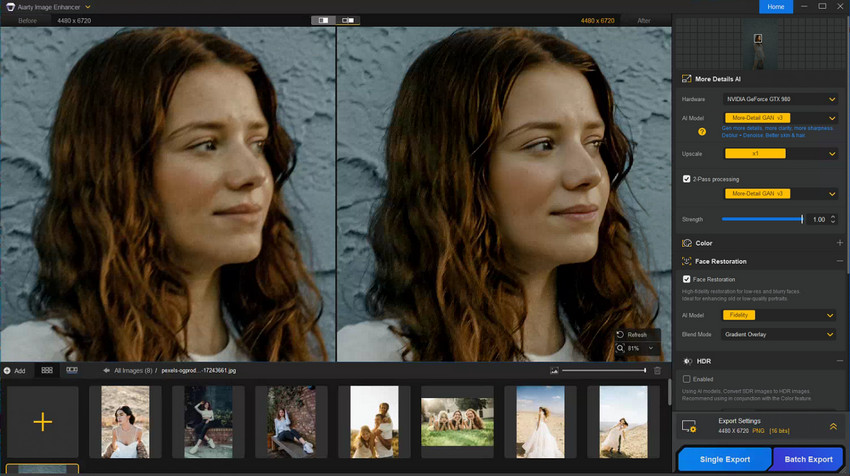
Enhance your images instantly and streamline your photography workflow.
Best CRM for Photographers (2026)
Below are some of the best photography CRM software options available today, each suited to different workflows and business sizes.
1. HoneyBook
Best for: Beginners and photographers who want a simple, all-in-one CRM
HoneyBook is an all-in-one platform designed for creative professionals. It combines client management, invoicing, and workflow automation into a single, easy-to-use interface, making it especially popular among freelancers and small photography businesses.
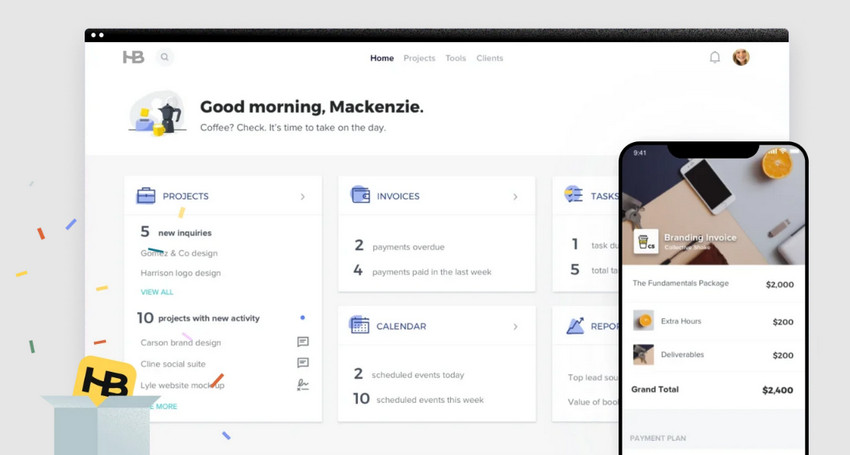
- Intuitive, user-friendly interface that’s easy to navigate
- All-in-one solution covering booking, invoicing, and client management
- Strong tools for client communication and follow-ups
- Customization options are limited compared to more advanced CRMs
- May feel basic for photographers needing highly specialized workflows
Price: from $29 a month
What photographers are saying about Honeybook:
I use HoneyBook and it’s definitely helped me stay more organized, but I don’t love all of the features/don’t utilize some because they don’t fit my workflow, and might migrate to something else at some point. I think I started when they ran a trial of $1/month for six months and then it was just easier to stick with it because I was super busy. -kimchigimchee from reddit
2. Dubsado
Best for: Photographers who want deep automation and customization
Dubsado is known for its powerful automation and customization features. Photographers can build highly tailored workflows for contracts, bookings, and follow-ups, making it ideal for complex or high-volume workflows.
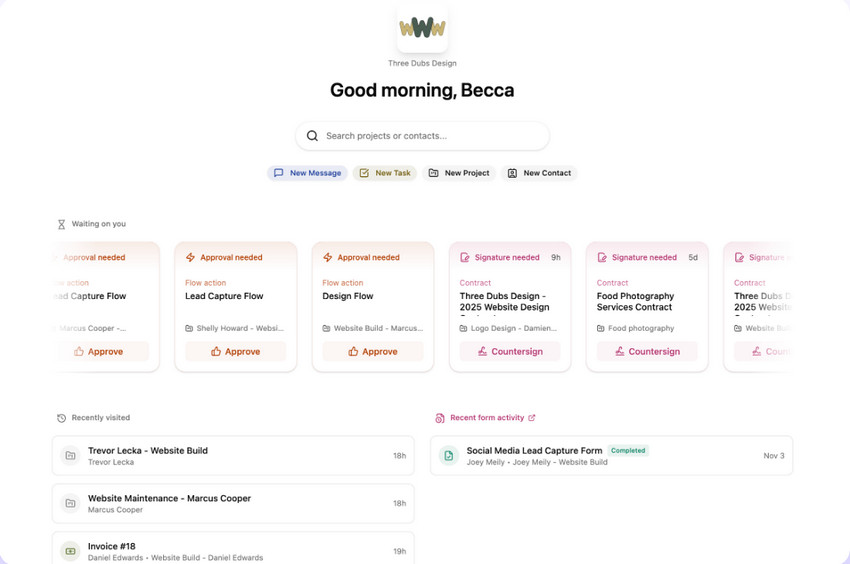
- Advanced workflow automation for contracts, emails, and follow-ups
- Highly customizable forms, contracts, and pipelines
- Supports complex booking processes for large or recurring shoots
- Steeper learning curve for beginners
- Interface can feel overwhelming at first
Price: from $35 a month
What photographers are saying about Dubsado:
I use Dubsado for my photography business, Clarksville Wedding Company, and my virtual assistant business! I love that I use one login and am able to access all of my clients in one space. You can also use the system to send clients multiple subcontracts to one client. Plus you can have team members! For example, my virtual assistant clients can add me to their workspace as an admin or assign me specific tasks. That way I’m able to access their projects with my own login. It really does double time in so many aspects! - Liz Courtney Photography
3. Studio Ninja
Best for: Photographers who value simplicity and speed
Studio Ninja focuses on ease of use, offering essential CRM features without overwhelming users. It’s perfect for photographers who want a fast, straightforward setup to manage bookings, invoices, and client communications.
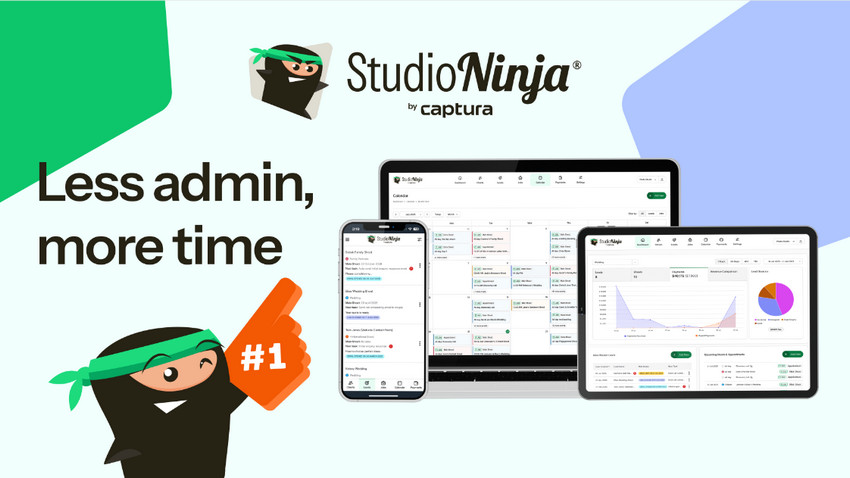
- Clean, intuitive interface for quick onboarding
- Essential CRM features without extra clutter
- Automated reminders and basic workflows
- Fewer advanced features than competitors
- Limited integrations with other tools
Price: start with $16 per month
What photographers are saying about Studio Ninja:
I have been using it for several years and it works well for me. I wish the financial reports were a bit more comprehensive and there was a bit more customization of the client's dashboard and email styling, but other than that, it does what it is supposed to do and makes my life way easier. - feelda303 on Reddit
4. Sprout Studio
Best for: Photographers who want CRM and gallery in one platform
Sprout Studio combines CRM functionality with client galleries and sales tools. It’s ideal for photographers who want to manage bookings and showcase images in a professional, branded environment.
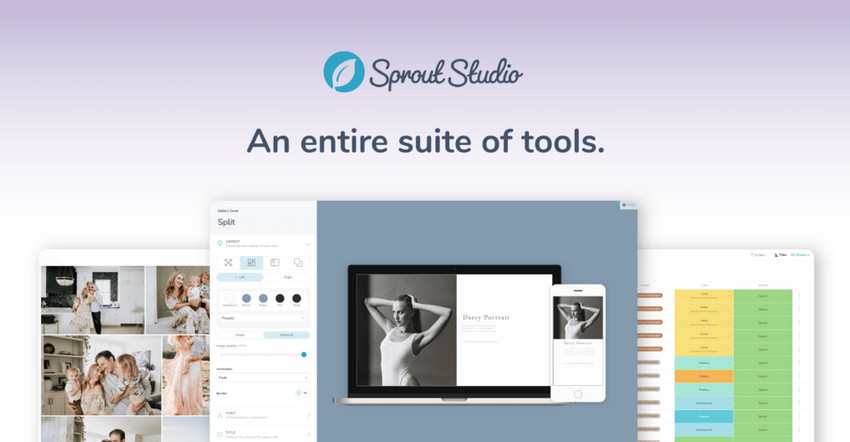
- Integrated galleries and client portals
- Comprehensive sales and marketing tools
- Strong branding and customization options
- Higher pricing compared to simpler CRMs
- Initial setup can be complex
Price: from $19 a month
What photographers are saying about Sprout Studio:
Overall my opinion after five months is that Sprout Studio is a better CRM for photographers. You save so much money and gain so many benefits. I won’t lie and say the thought of transitioning away from my old CRM didn’t scare the bejeezus out of me, but they made it easy. I’m so happy I switched! If you’re looking for a more powerful CRM or to reduce software, you should definitely look into Sprout Studio. - Angelica Pompy
5. Pixifi
Best for: High-volume photographers and studios
Pixifi offers advanced project management features for photographers managing multiple clients. It’s highly customizable and ideal for studios that need detailed tracking for every project.
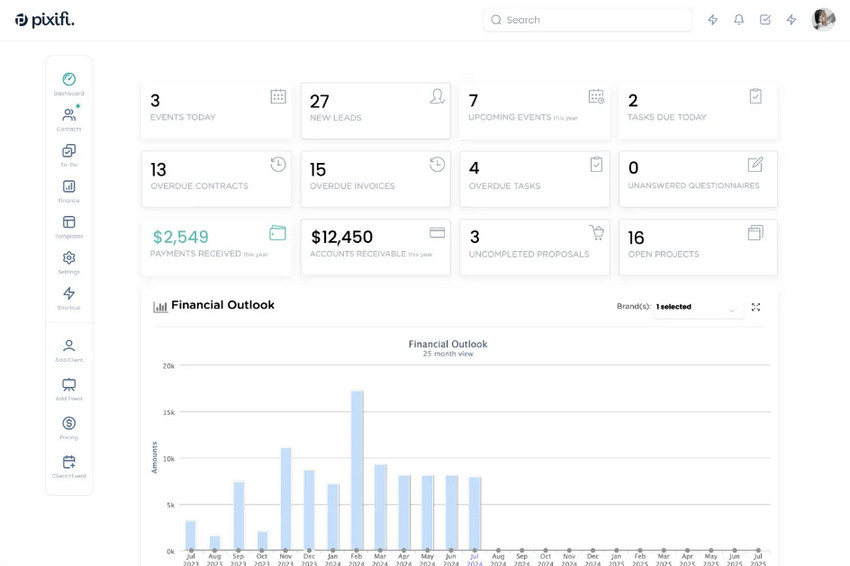
- Powerful project tracking for multiple clients
- Highly customizable workflows and pipelines
- Scalable for growing photography businesses
- Interface feels slightly outdated
- Steeper learning curve for new users
Price: from $39.95 a month
What photographers are saying about Pixifi:
Pixifi is the best studio management software out there. The owner and developer Tim Hussey is unbelievably responsive and available to his users and he is constantly updating and improving the platform to be even better. I save hundreds of hours of time a year using the automation in Pixifi and my business runs better and smarter for my clients. Highly recommend!! - fearlessphotographers.com
6. VSCO Workspace (previously Táve)
Best for: Experienced photographers and large businesses
VSCO Workspace (previously Táve) is one of the most robust CRMs for photographers, offering deep customization and automation capabilities. Perfect for those who need highly structured workflows and advanced reporting.
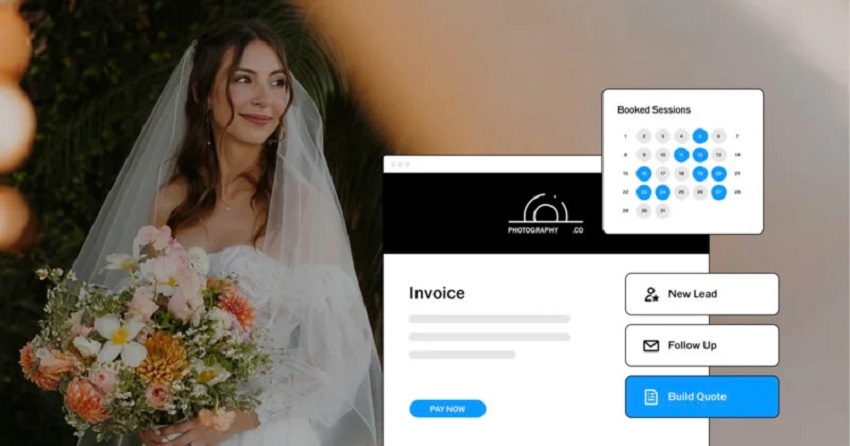
- Extremely flexible and customizable for any workflow
- Advanced automation and reporting tools
- Highly scalable for teams and large studios
- Not beginner-friendly
- Complex initial setup can be time-consuming
Price: from $22.49 a month
What photographers are saying about VSCO Workspace:
I switched to Táve (now VSCO Workspace) based on recommendations from other photographers and have been happy with it since. The setup can take time, especially if you’re not very tech-savvy, but once everything is in place, it’s a powerful system. Many platforms now offer migration support, though learning a new workflow can still take a few months. - katedrennan.com
Comparison Table of Photography CRM Software
Quick comparison: Here’s how the top photography CRM software compares across key features like automation, client management, and workflow tools.
How to Choose the Right CRM for Your Photography Business
With so many options available, the best CRM depends on your specific needs and experience level.
For Beginners: If you’re just starting out, prioritize ease of use, affordable pricing, and basic automation, tools like HoneyBook or Studio Ninja are great starting points.
For Wedding Photographers: Wedding workflows are complex, so look for automation, email sequences and timeline management. Dubsado or VSCO Workspace can handle these needs well. More for Creative Wedding Photography Ideas >>
For Studio Owners or Teams: If you manage a team or high client volume, features like multi-user support, advanced tracking and scalability are critical. For that, Pixifi or VSCO Workspace are strong choices.
No matter which CRM you choose, combining it with tools like Aiarty Image Enhancer ensures that your final images meet professional standards and client expectations.
Example Photography Workflow (From Inquiry to Delivery)
To give a clearer picture of how everything fits together, here’s a detailed end-to-end workflow using HoneyBook as an example:
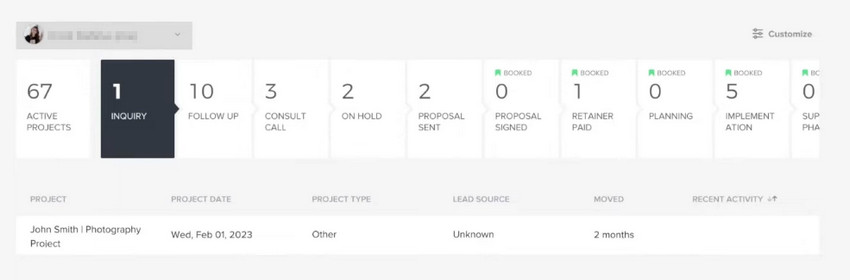
1. CRM captured the client inquiry
A potential client sends an inquiry via email, website form, or social media. HoneyBook automatically captures the inquiry and creates a client profile.You can assign tags, add notes, and track communication all in one place.
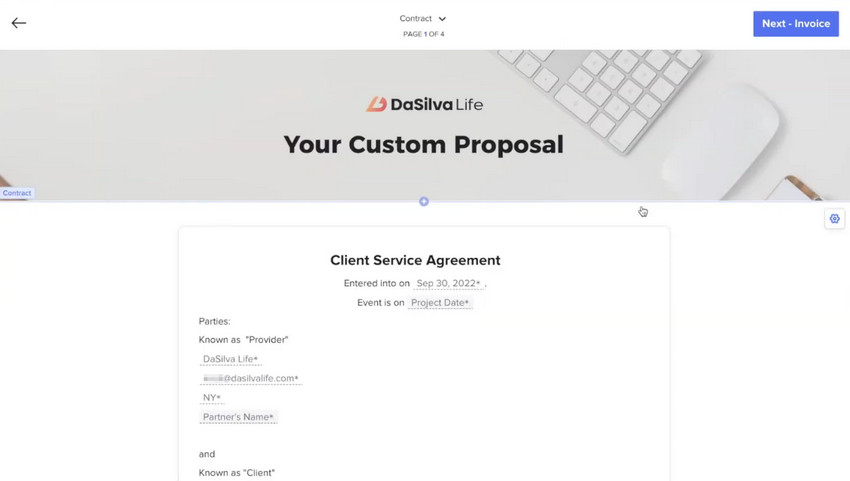
2. CRM managed the booking & contract
Once the client decides to book, you send a proposal and contract directly through HoneyBook. Clients can review, sign digitally, and pay a deposit, all tracked automatically. This step ensures both parties are protected and agreements are clear.
3. Photoshoot the RAW images
Conduct the shoot using your camera of choice. Store raw images in a well-organized folder structure (date, client name, shoot type). Keep a shot list handy to ensure all required images are captured.

4. Image enhancement & post processing
Import the raw images into Aiarty Image Enhancer for preprocessing for the post-processing. Features like noise reduction, sharpness enhancement, color correction, and batch processing save time while maintaining quality. You can compare before/after results to ensure the images meet professional standards.

Save hours on editing and streamline your workflow—Try Aiarty Image Enhancer today and enhance your photos in just a few clicks!
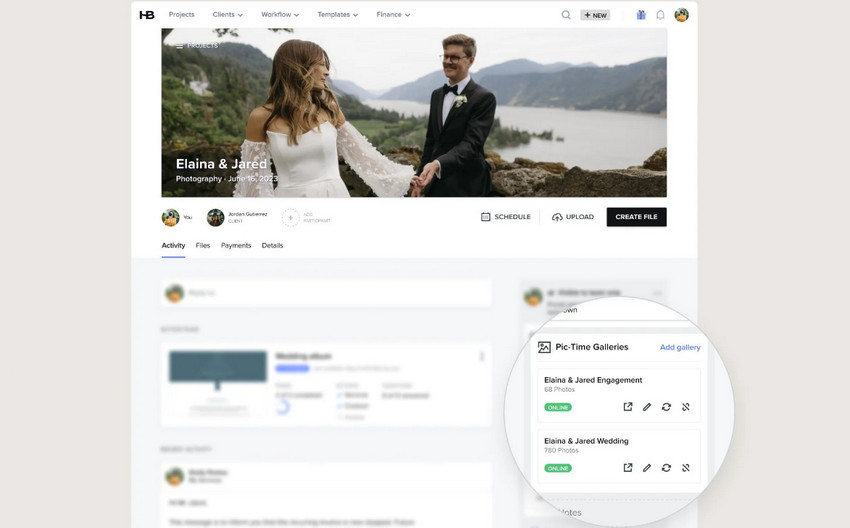
5. Shared via CRM gallery for final delivery
Upload the final images to HoneyBook’s client gallery. Clients can view, download, or request prints directly from the gallery. Automated notifications and reminders improve client satisfaction and reduce follow-up emails.
By combining CRM automation with with AI-powered camera photo enhancer, you save hours of administrative work, maintain consistent quality, and provide a seamless client experience from inquiry to delivery.
Final Thoughts: Building a Complete Photography Workflow
The best photography businesses don’t rely on a single tool—they build a complete workflow. A CRM helps you manage clients efficiently, automate tasks, and stay organized. But delivering high-quality images is what ultimately defines your brand and drives repeat business.
By combining a strong CRM with tools like Aiarty Image Enhancer, you create a system that not only runs smoothly but also consistently delivers professional results.
 Photography CRM FAQs
Popular options include HoneyBook, Dubsado, and Studio Ninja. The best choice depends on your workflow and business size.
Yes. A CRM can save hours of manual work and improve client experience, making it a worthwhile investment for most photographers.
Some free CRMs exist, but they often lack photography-specific features like booking, contracts, and client galleries.
Tools like Dubsado or Táve may be better for advanced users who need more customization and automation.
If you handle multiple clients or bookings, a CRM becomes essential for staying organized and scaling your photography business.
You May Also Like


This post was written by Brenda Peng who is a seasoned editor at Digiarty Software who loves turning ordinary photos into extraordinary works of art. With AI assistance for brainstorming and drafting, the post is reviewed for accuracy by our expert Abby Poole for her expertise in this field.
