Photo Enhancer for Photographers

Your camera captures the moment. Aiarty helps make more of it.

For a rabbit image taken in near darkness on Nikon Z9 at ISO 25,600, Real-Photo v3 Model in Aiarty has "done an excellent job at reducing the noise while preserving the detail in the fur".

Full story by Bill Maynard>

For a dog photo taken with Fujifilm GFX 50S II at ISO 12,800, Marcus integrated Aiarty into the photo editing workflow: RAW adjustments first, export the image as a TIFF, and then send it to Aiarty for enhancement. "The bunch of color noise are removed" as noted by Marcus.

YouTube review by Marcus Lashah>

"I was stunned to see that it not only recognized EXR files, but mastered them - meaning, no artifacts, no wormy effects, no noise. You can let the program do everything automatically."

Forum discussion by a Fujifilm user>

Vinnie found that Aiarty Image Enhancer could restore detail and upscale the image, but he still needed more control over the color. His solution was to export the restored image and continue the correction in Adobe Lightroom.
Full story by Craig Vinnie Whitehead>

For a dog photo taken with Fujifilm GFX 50S II at ISO 12,800, Marcus integrated Aiarty into the photo editing workflow: RAW adjustments first, export the image as a TIFF, and then send it to Aiarty for enhancement. "The bunch of color noise are removed" as noted by Marcus.

YouTube review by Marcus Lashah>

"I was stunned to see that it not only recognized EXR files, but mastered them - meaning, no artifacts, no wormy effects, no noise. You can let the program do everything automatically."

Forum discussion by a Fujifilm user>

For a dog photo taken with Fujifilm GFX 50S II at ISO 12,800, Marcus integrated Aiarty into the photo editing workflow: RAW adjustments first, export the image as a TIFF, and then send it to Aiarty for enhancement. "The bunch of color noise are removed" as noted by Marcus.

YouTube review by Marcus Lashah>

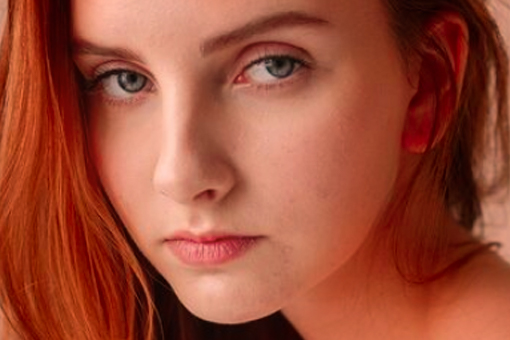
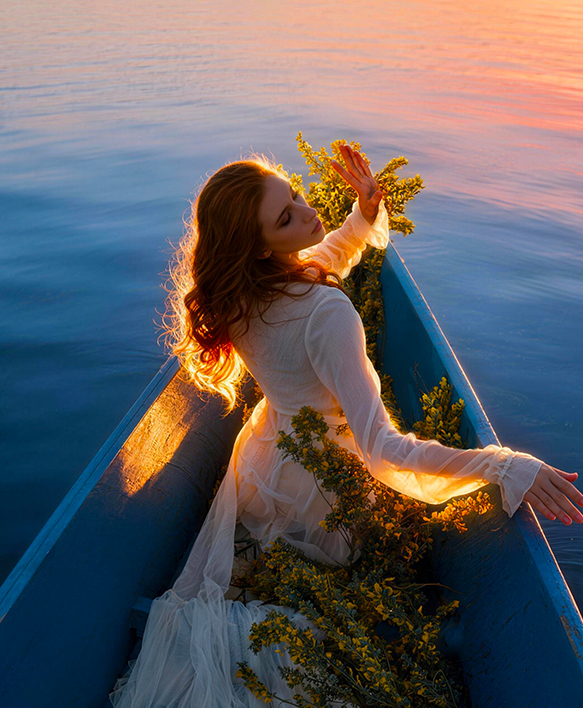
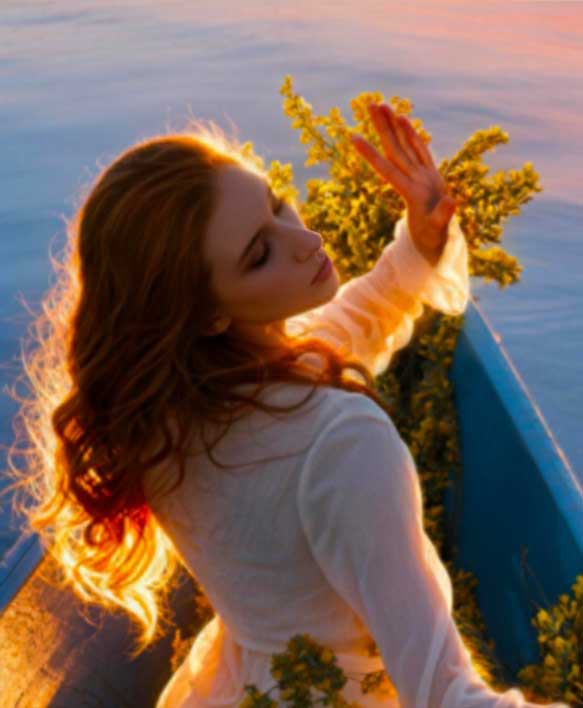
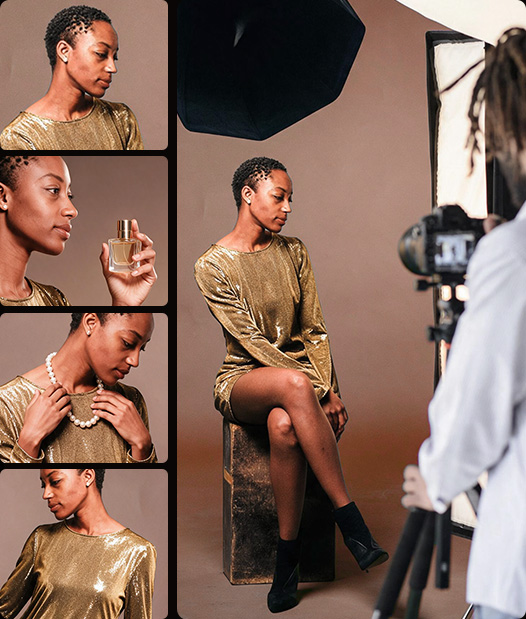
Portrait and people

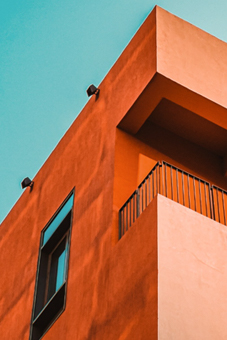
City and architecture

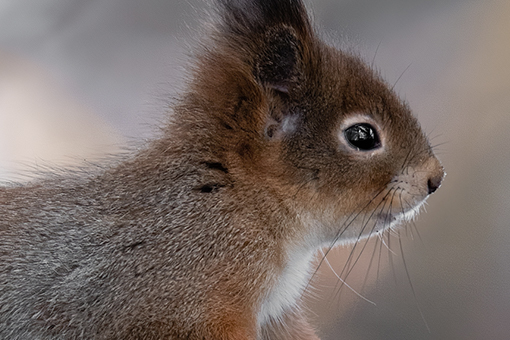
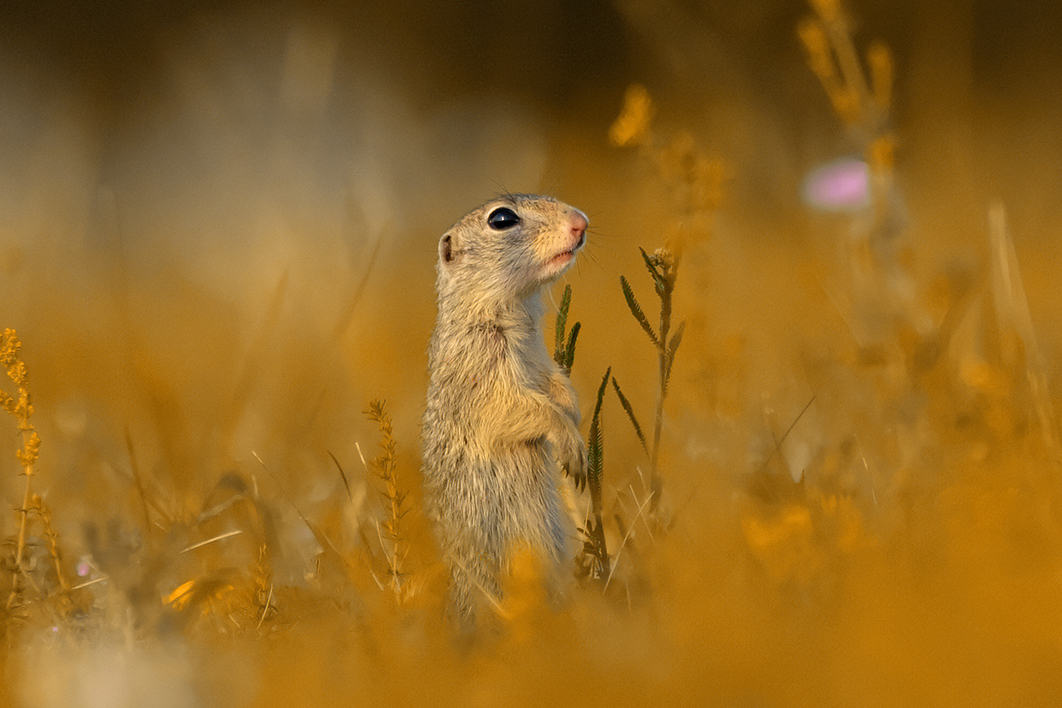
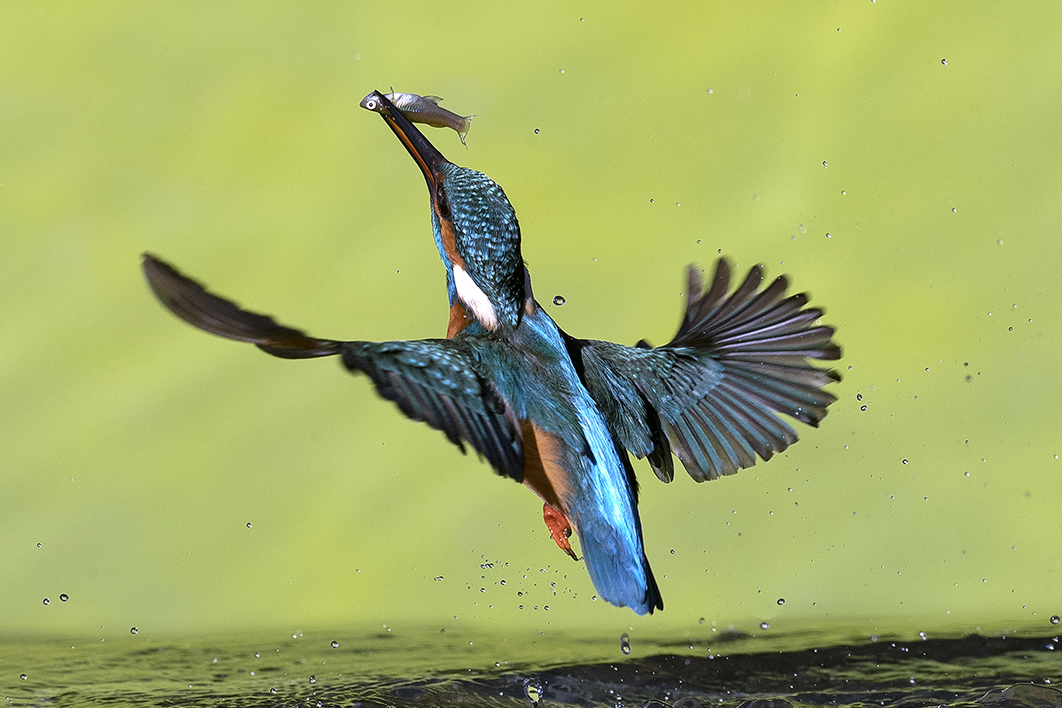
Wildlife and animals

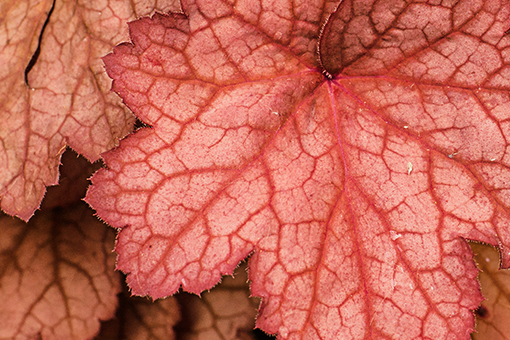
Landscape and nature

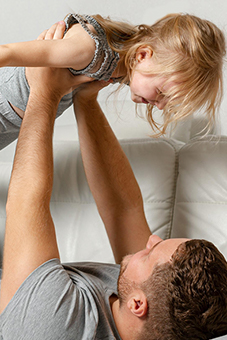
Family, home & lifestyle

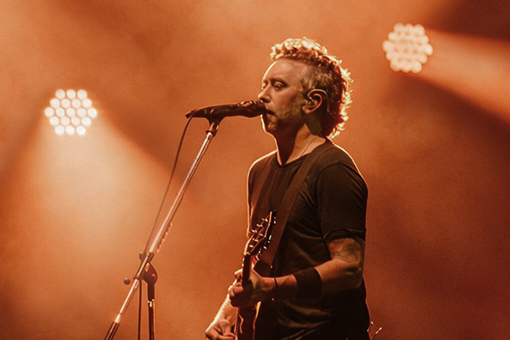
Indoor & outdoor events

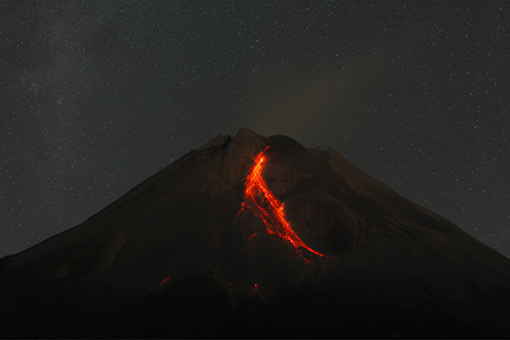
Night and astrophotography

How Aiarty Fits into Various Photo Editing Workflows

For Pros and Serious Hobbyists

For Causal Projects and Quick Editing

1. Culling, rating, and manage photos.

2. Editing with your existing tools.

3. Improve image quality with Aiarty.

  • • Professional models for natural results

  • • Strength control, detail restoration, up to 16/32K

  • • Batch processing for large, commercial projects

  • • RAW/DNG/TIFF/JPG/PNG for easy workflows

4. Export or further process in your editor.

1. Add photos in Aiarty.

2. Auto AI enhance and optional manual tweaks.

  • • Deep-learning models for quick quality fix

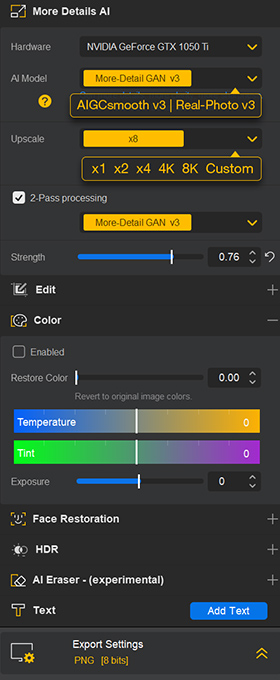
  • • Upscale 2X, 2.5X, 4X, 8X, up to 16K/32K

  • • Color correction, AI eraser, and face enhancer

  • • Local photo enhancer for utmost privacy

3. Export at fast speed.

Enhance Photos Across Cameras and Shooting Conditions

Small sensors, telephoto shooting, high ISO, demanding crops, and large-volume shoots create different photographic conditions. Explore your scenario to see where Aiarty fits, from significant image quality improvements to greater workflow efficiency.

M4/3, APS-C, and Bridge Cameras for Long Reach

For distant subjects, heavy crops, 300mm/350mm lenses, high ISO, and challenging autofocus.

Affordable long telephoto setups can produce softer images due to less resolving lenses, shooting at the long end, high ISO, or limited stabilization. Budget bodies may also have weaker IBIS, while some third-party lenses may not fully synchronize optical stabilization with the camera body, making handheld shots more prone to subtle blur.

How Aiarty helps enhance telephoto shots?

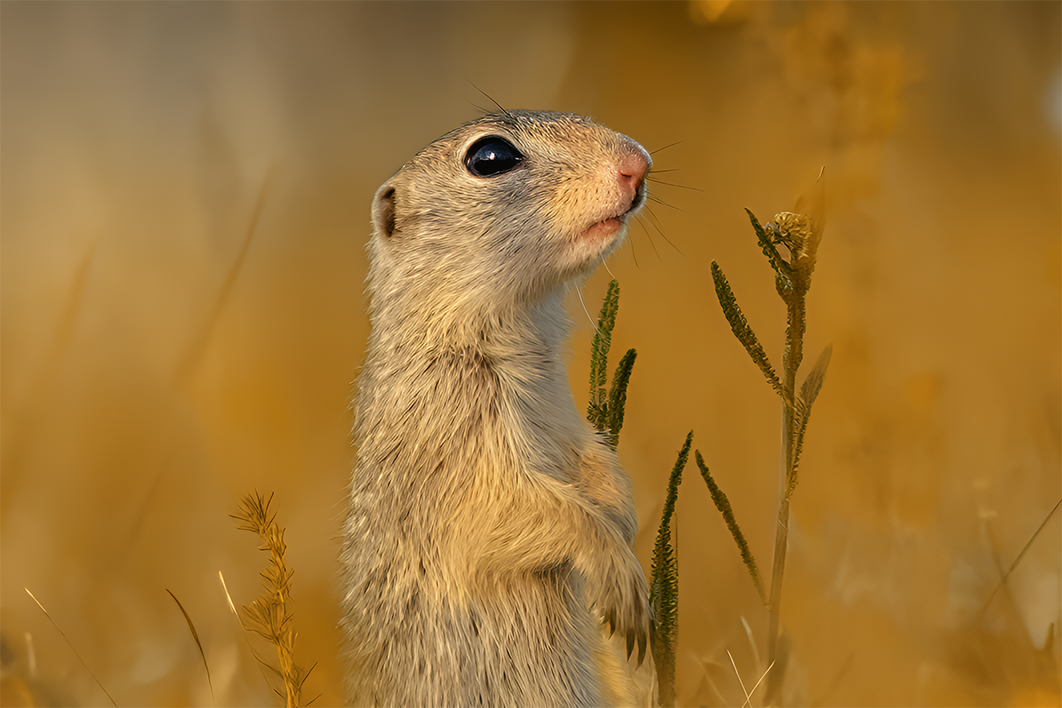
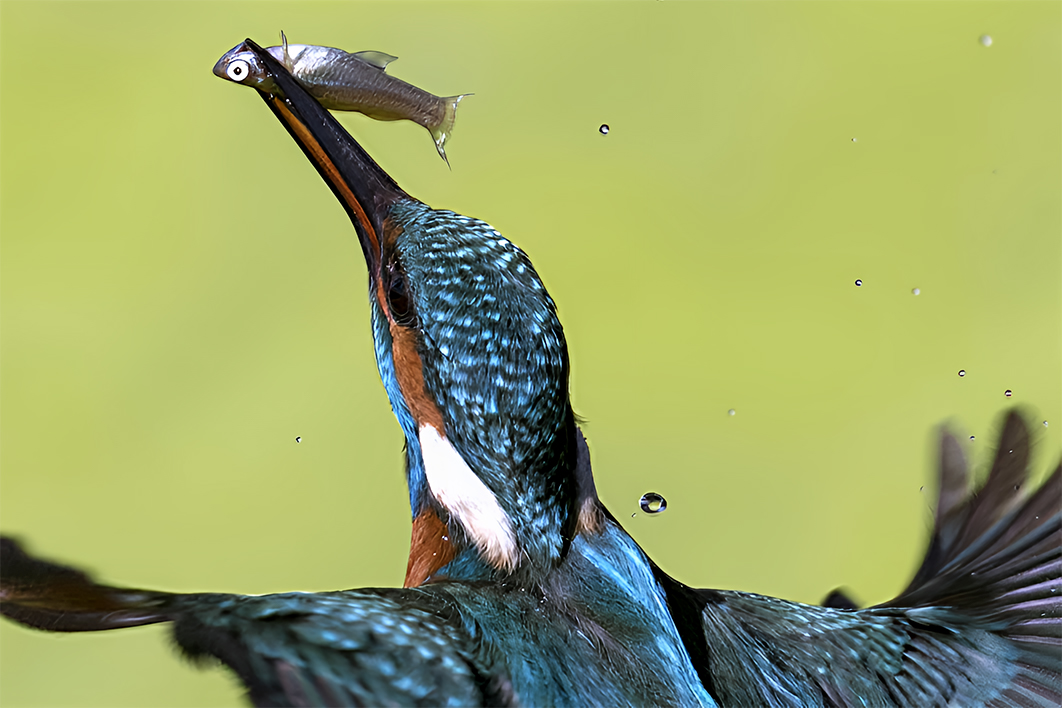
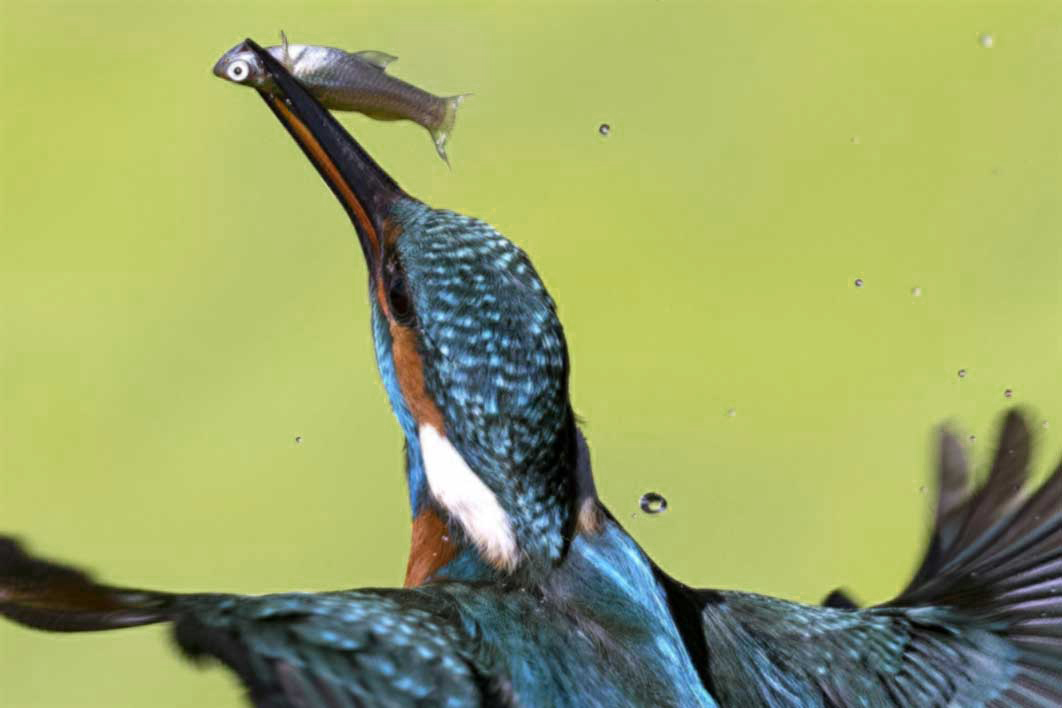
Aiarty Image Enhancer helps enhance wildlife photos, clean up noise, reduce subtle blur, and restore fine details in feathers, fur, and other distant subjects. For heavily cropped wildlife photos, you can also upscale resolution and enhance clarity to get cleaner results for sharing, larger displays, and prints.
Budget Cameras and Full Frame for Everyday Photography

For portrait, travel, street, landscapes, pets, indoor scenes, and everyday shoots.

Even capable cameras and mobiles can end up with noisy, soft, or underexposed images in challenging conditions. Aiarty excels at enhancing image quality without smoothing out details. Its auto inference, manual controls, and optional face enhancer help avoid a plastic, waxy look.

Why you need Aiarty for these scenarios?

For subtle blur from handheld shooting, mushy images in dark scenes, or degraded photos after cropping and reframing, this image enhancer will sharpen, denoise, and restore details. Get your images ready for sharing, photo albums, and 300 DPI prints.

Advanced Wildlife, Sports and Telephoto Photography

For flying birds, far away wildlife, low-light indoor sports, and live performances.

Premium camera and lens can capture remarkable detail, but fast-moving and distant subjects remain demanding even with the best equipment. Faster shutter speeds often require higher ISO, while reframing or cropping to emphasize birds, pets, or athletes can make sensor noise and slight softness more noticeable.

Why choose Aiarty for challenging telephoto shots?

For such scenarios, Aiarty refines photo quality and gives you more cropping flexibility without worrying about noise in photos. If you mainly shoot in RAW, Aiarty also comes handy to restore realistic details from the sensor data. For large photo bursts from wildlife and sports sessions, batch processing with GPU acceleration helps speed up the enhancement workflow.

"I applied the Real-Photo v3 model with 1x Upscale and Strength set to 0.9. After processing, the image appeared noticeably cleaner."

Catherine • Great Big Photography World

"You can drag and drop raw files from your Sony, Fujifilm, Canon, or Nikon cameras without wasting time on additional DNG conversions."

Alice • SLRlounge

"Like most AI tools, extremely blurred or severely underexposed wildlife shots still have limits, but Aiarty handled this type of high ISO recovery in a fairly restrained and photography-friendly way."

Canon Buzz
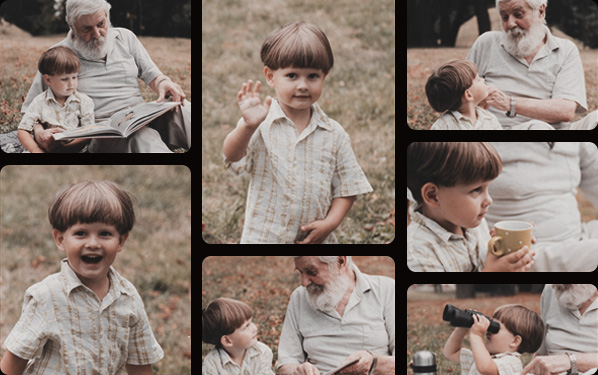
"For a photo taken in 2005 using Minolta Dimage Z1 camera, I've used the More Detail GAN V3 option to upscale the image to 8K. The resulting image will still be very usable for printing or online use."

Ricks Review

For photographers "looking for ways to speed up their workflows while improving the quality of photos that are already good", Aiarty "currently stands out to me as software that fits the workflows".

Michael Breitung • Fstoppers

Made to Enhance, Not Replace.

A good photograph is built on more than pixels. It comes from the photographer's choices, knowledge, equipment, timing, aesthetic decisions, and sense of what makes an image work.

Aiarty cannot replace that effort, and it is not meant to. It is here to be useful where it can: helping recover detail, refine image quality, or make batch projects more efficient when your workflow calls for it.

You make the photographic decisions. Aiarty helps with the parts where it can. Help every shot go a little further, or make a bigger difference when it matters.

FAQs

1. Why do I need Aiarty Image Enhancer when I already have the native photo editor from my camera maker?

Aiarty Image Enhancer provides dedicated tools to restore natural details, reduce image noise, upscale resolution, and enhance the quality of heavily cropped images. You can use it alone to process photos from your camera, or integrate it with Lightroom, Photoshop, or the native editor from your camera maker for seamless workflows.

For instance, some camera-maker software limits AI noise reduction for flagship camera types, or tends to smear details in plants and the night sky after noise removal. Others restrict the input RAW format to their own brand, which can disrupt your workflow with mixed input sources and camera files.

Aiarty Image Enhancer handles RAW, JPEG, PNG, DNG, TIFF, and other formats, with deep-learning algorithms to detect quality issues and apply fixes. With both automatic correction and manual adjustment, it helps restore and develop photos to achieve natural results without over-processing.

2. What image quality problems can Aiarty handle?

Aiarty Image Enhancer helps with these scenarios and beyond:

  • Reduce high ISO noise: In low-light scenes or when you need to raise ISO to maintain a faster shutter speed, Aiarty works to remove sensor noise and preserve details in skin, fur, plants, surface textures, etc.
  • Restore quality after cropping: For bird photography and telephoto shots, when quality issues become more prominent after cropping and fitting on a full screen, Aiarty will restore image quality, fix softness, and remove color speckles.
  • Upscale images for print: For old camera photos in low resolution, you can select x2, x4, x8 and custom higher resolutions, ensuring enough quality for 300DPI print.
  • Fix softness and enhance clarity: For subtle blur and inherent softness from a flat image, Aiarty delivers sharp and crisp image quality, with better defined edges and textures. You can optionally adjust lighting and color, brighten images, and fix underexposure and overexposure issues.
  • Restore faces and remove blemishes: For old, degraded portrait, or scanned photos, you can optional toggle the Face Restoration feature, or use the AI eraser to remove dust, spots, creases, etc.

Admittedly, the technical quality of a photo, such as sharpness, fine detail, and texture, starts with the camera, lens, and shooting technique. And a good photo is about more than technical quality, as composition, lighting, timing, and visual aesthetics all matter too.

No software can replace the photographer's effort and aesthetic decisions as such in the first place, yet post-processing can help further improve image quality and make the most of your existing equipment.

3. Why does the same photo in JPG and RAW show different results when processing with Aiarty?

The quality differences between RAW and JPEG are fundamentally related to in-camera processing, as JPEG has already gone through in-camera compression, noise reduction, and color rendering. Aiarty handles both well for natural detail restoration, and since RAW retains more of the original sensor information, it provides more data to work with.

If you shoot in RAW and JPEG, you can import both into Aiarty Image Enhancer, apply quality enhancer models, adjust enhancement strength, and preview and compare the results in real time. For instance, since the source JPEG has already undergone noise reduction in the camera, with varying quality depending on the camera maker, you may notice that detail restoration works better with RAW files.

4. For photos already in high resolution, what settings are recommended to refine quality at an ideal processing speed?

If you do not need to upscale the photo, select x1 to focus on quality enhancement without increasing the image resolution. For large-format photos, set Max Tile Size to Auto in software settings for a balanced quality and processing speed.

For faster processing, select a capable GPU to take advantage of hardware acceleration. Depending on your hardware and workload, you can also switch to CPU or Integrated GPU if that provides better performance on your device.

5. What are the best practices to enhance photos with Aiarty Image Enhancer?

  • Experiment with different models. Besides staying with the default model, you can easily switch models, see the results in real time, compare them, and adjust the enhancement strength.
  • Upscaling is optional. If you only need to reduce image noise or fix quality problems, you can try x1 to keep the original resolution. Optionally, you can upscale to x1.5, x2, or enter custom resolutions.
  • Face restoration is optional. For degraded, old, or blurry portraits, you can experiment with Face Restoration, toggle it on and off to compare results, adjust the enhancement strength, or optionally deselect detected faces.

For more detailed instructions on best practices, with screenshots and test images, refer to this guide.

6. Does Aiarty Image Enhancer work safely offline?

Yes. Aiarty Image Enhancer is standalone software that runs locally on Windows and Mac. It does not contain any function to upload or transfer images to a server for online processing. Your photos stay safely on your local devices. Aiarty only initiates network connections for tasks such as downloading the latest AI models and checking for software updates.

7. Is my privacy and image ownership protected when using Aiarty Image Enhancer?

Aiarty Image Enhancer will not use your photos to train AI models, nor does it contain any such functionality. The software runs locally on your device, so your images are not uploaded to or processed on any online server. Your images remain yours. Aiarty Image Enhancer does not claim ownership of any images you process with the software.

8. What's the difference between the free trial and the full version of Aiarty Image Enhancer?

The free trial lets you test and evaluate Aiarty Image Enhancer before purchasing. If Aiarty fits your needs and workflow, you can upgrade to the full version to enjoy the full experience and access to the latest AI models. The full version can also be used for commercial purposes. See Free vs. Full Version for details.

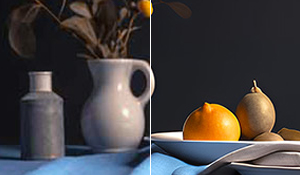
  • Denoise, Deblur, and Upscale

    Pro models to enhance photo quality, fix softness, reduce noise. Up to 16K/32K.

  • Reveal Natural Details

    Restore details from RAW files, restore JPG artifacts. Avoid a plastic look.

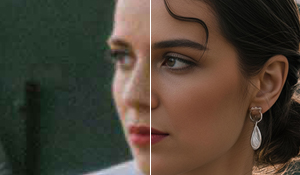
  • Restore Faces

    Enhance low-quality portrait with strength controls. Restore details in skin, hair.

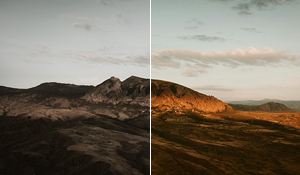
  • Adjust Color & Lighting

    Fine-tune saturation, exposure, WB, contrast, etc. Optional SDR to HDR.

  • Quick Edit

    Add text, crop, flip, and rotate. AI eraser to fix blemishes. External editor workflow.

  • Offline Batch Processing

    100% secure for commercial/personal projects. Fast with GPU acceleration.