How a Professional Photographer Uses Aiarty in His Real-World Workflow
Professional photographer Marcus tested Aiarty Image Enhancer on his own medium-format photos. Here's how he tested different AI models, where Aiarty fits alongside Capture One, and what he thought of the results.


Marcus Lashah Walker is a professional photographer and retoucher with nearly 20 years of experience in portrait, boudoir, street, and lifestyle photography. A certified Capture One specialist, he shares hands-on photo editing tutorials, professional retouching workflows, and software reviews based on the tools he uses and tests in his photography work. In his YouTube review, Marcus tested Aiarty Image Enhancer on a missed-focus portrait and a high-ISO image. Watch Marcus's original review on YouTube.
Aiarty invited Marcus to try the software and provided him with a license for evaluation. Marcus explained that he only reviews tools he has personally owned or used, including in his professional work. "They did not have any input on this video." "They didn't even require me to come out and do a video praising how great the software is."
— Marcus Lashah Walker
Test #1: A Missed-Focus 102MP Portrait
Marcus chose a missed-focus photo that he considered unusable to see how Aiarty would handle it.
Camera: Fujifilm GFX 100S II
Resolution: 102MP
Challenge: Missed focus
Input: TIFF exported from Capture One
Marcus considered the original unusable: "In my opinion, this photo is unusable." He explained that the missed focus was severe enough that he would not normally show or deliver the image to a client.

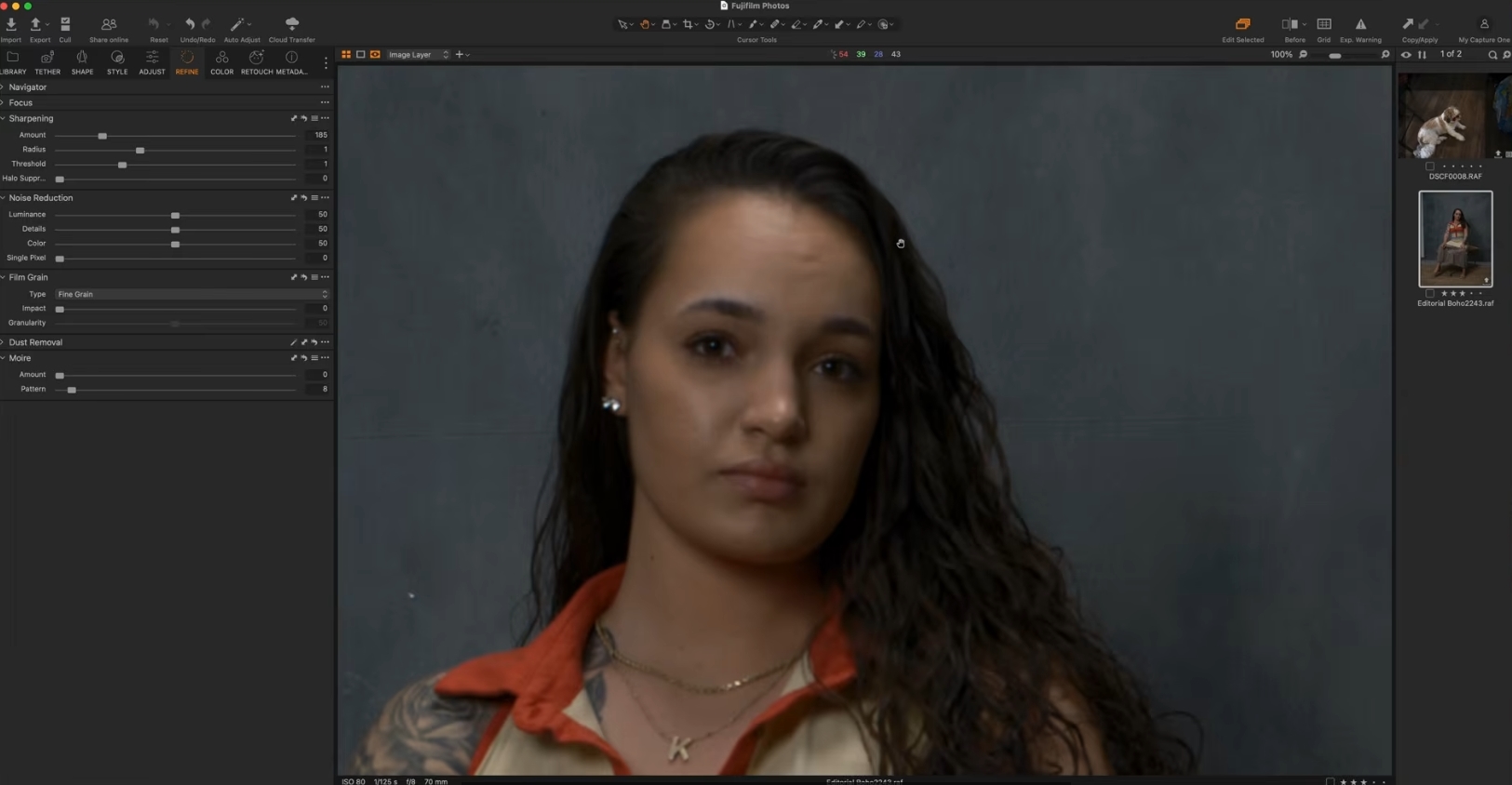
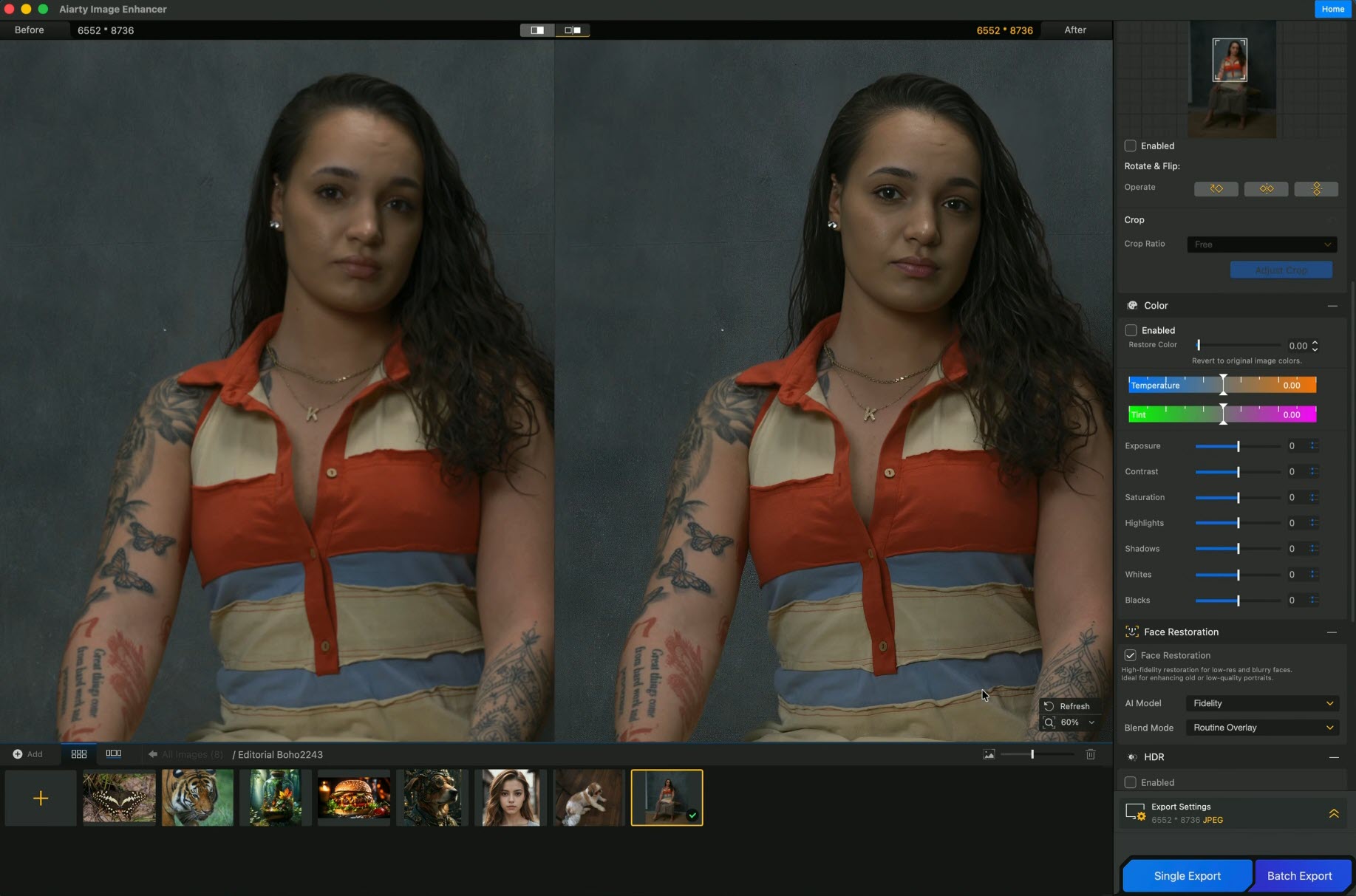
Marcus first processed the 102MP image at 1× with Face Restoration enabled. Comparing the result with the severely out-of-focus original, he said: "That actually did a phenomenal job in bringing it back." He then tested the portrait with multiple AI models to compare how each one handled the same challenging image. Here's what he thought of the results.
- More-Detail GAN v2: Marcus said, "That still looks amazing."
- Smooth Diff: He thought the result looked good, although the necklace appeared less sharp than with the previous models.
- Real-Photo v3: Marcus said, "That one came out extremely well."
Test #2: A Medium-Format Photo Shot at ISO 12,800
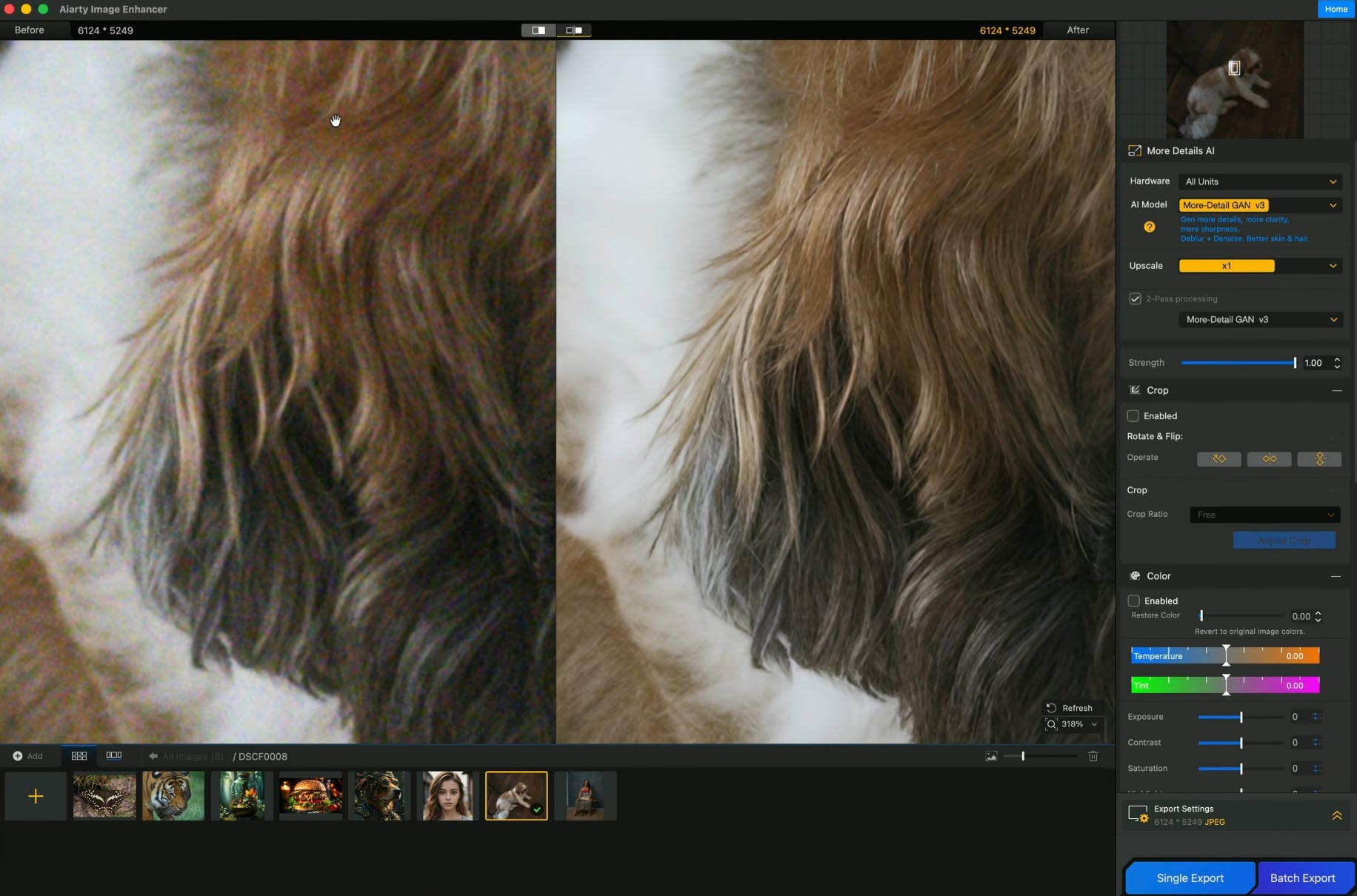
For his second test, Marcus used another of his own medium-format photographs, this time focusing on heavy high-ISO noise.
Camera: Fujifilm GFX 50S II
Resolution: 51MP
ISO: 12,800
Challenge: Heavy color noise
Input: TIFF exported from Capture One
For this test, Marcus deliberately removed Capture One's noise reduction and sharpening before exporting the image to Aiarty. After processing, he inspected the result at 200% and said: “Look at the difference of what it actually did! ... There was a bunch of color noise, but look what it was able to do to restore that photo.” Marcus then tested the Smooth model on the same image. Looking closely at the result, he said: “Look at the detail. There's no noise in this photo whatsoever. This is giving you that fine art look.”
A Few Practical Tips from Marcus
Download the AI Models for Local Processing
Marcus downloaded the available AI models before running his tests locally. He noted that having the models downloaded could speed up local processing.
Adjusting the Result
Marcus also demonstrated the enhancement Strength control: “If 100% is too strong, you can walk it back.”
Where Aiarty Fits in Marcus's Workflow
Marcus was also clear about where Aiarty fits in his existing editing workflow: "It is not a replacement for Lightroom. It is not a replacement for Photoshop. It is not a replacement for Capture One." In his normal workflow, Marcus said he would make his RAW adjustments first, export the image as a TIFF, and then send it to Aiarty for enhancement.
RAW → Capture One → TIFF → Aiarty Image Enhancer
After testing the software, he noted: "I quickly put this into my workflow."

Attribution
Based on Marcus's original YouTube video, this page condenses his demonstrations, workflow, and observations for readability while preserving their original context. Direct quotations are taken from his spoken commentary and may be shortened for clarity and brevity.
In the video, Marcus states that Aiarty provided him with the software for evaluation but had no input into the video and did not require a positive review. This story and selected video frames are shared with his permission. Creator-owned materials featured here remain the property of Marcus and his YouTube channel.