Real Photographers. Real Results. Shared on DPReview.
See how photographers are actually using Aiarty Image Enhancer - from Fujifilm RAW processing and wildlife detail to challenging EXR files. Every story below comes from public discussions, with a link to the original thread.

These stories are curated from public discussions on the DPReview forums. Quotes are kept in their original context and each story links to the original thread for verification. Usernames and profile images are blurred for privacy. Aiarty is not affiliated with or endorsed by DPReview. If you're the author of a quote and would like it removed or updated, contact media@aiarty.com.
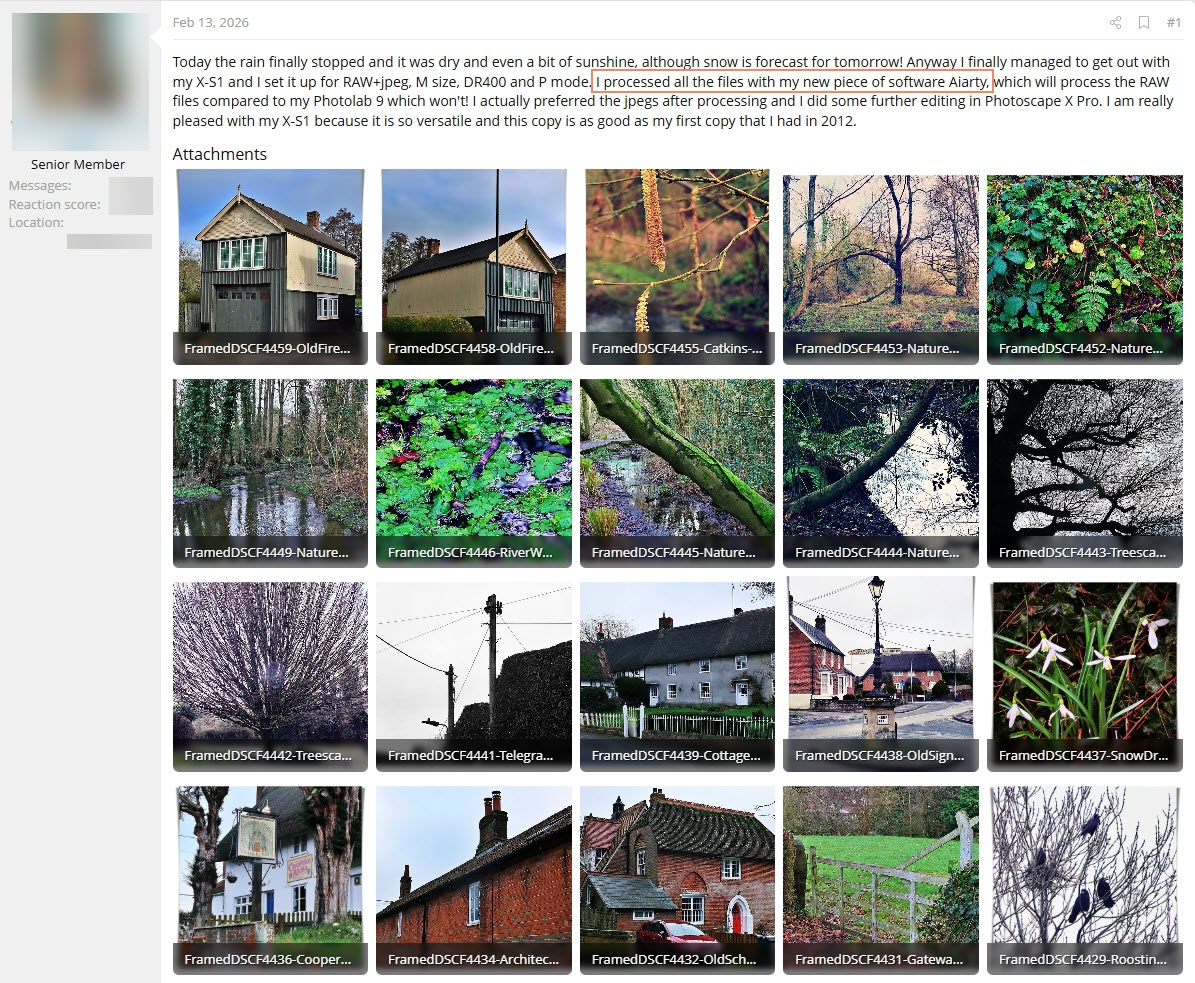
Story #1: A Fujifilm X-S1 User Added Aiarty to His RAW Workflow
Camera: Fujifilm X-S1
Workflow: RAW → Aiarty → JPEG
Also using: DxO PhotoLab 9
What happened: Aiarty gave him another way to process his Fujifilm RAW files alongside his existing PhotoLab 9 workflow.
He wrote: "I processed all the files with my new piece of software Aiarty, which will process the RAW files compared to my Photolab 9 which won't! I actually preferred the jpegs after processing..."
To see the original discussion, view the full-resolution pictures, and support the photographer's work, we encourage you to visit the original forum thread.
Story #2: A Wildlife Photographer Looked for More Natural-Looking Detail
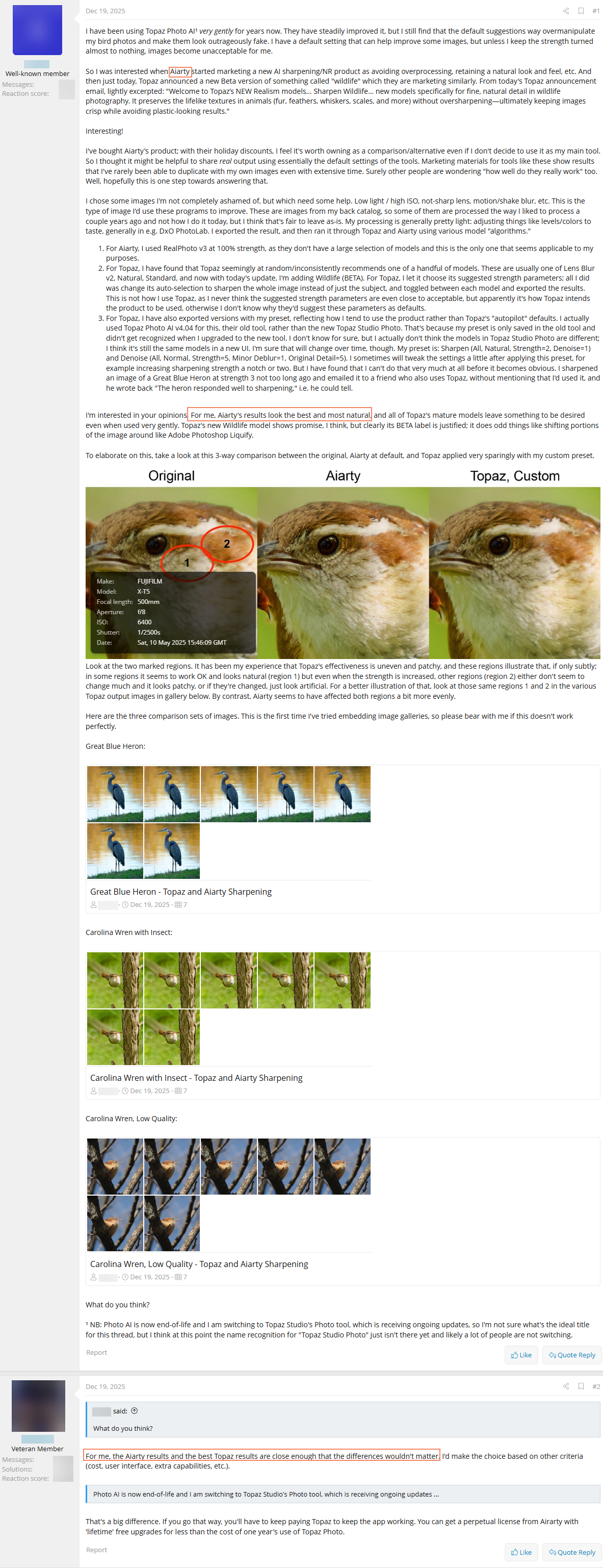
Use case: Wildlife and bird photography
Why he tried Aiarty: He was looking for another way to enhance fine detail while keeping his wildlife photos looking natural.
He wrote: "For me, Aiarty's results look the best and most natural."
His original DPReview post includes side-by-side examples from his tests. View the original DPReview discussion and comparison images.
Story #3: A Fujifilm EXR User Searched for a Better RAW Conversion Workflow
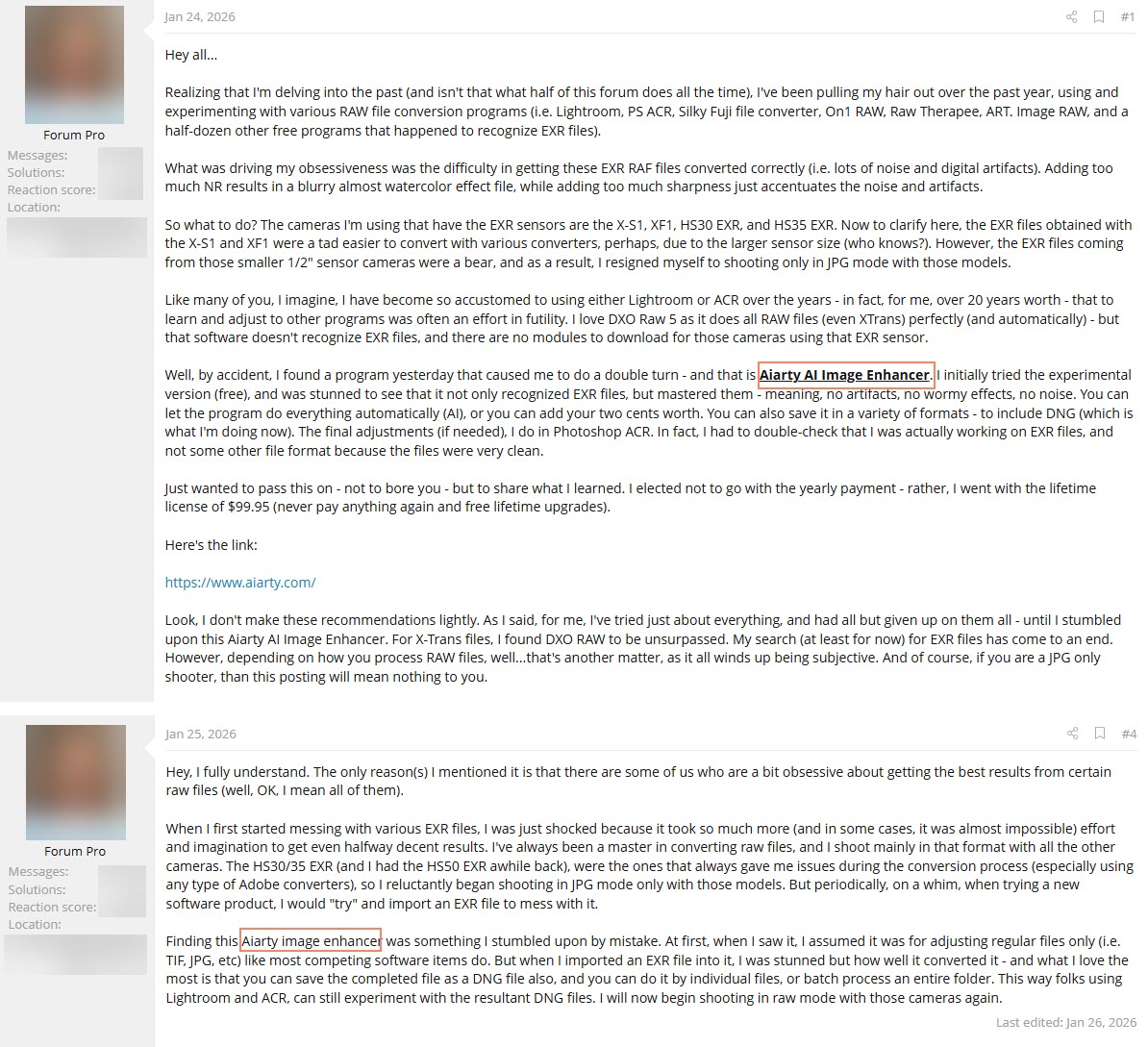
Camera files: Fujifilm EXR RAW (RAF)
Goal: Find a reliable way to process his older EXR files
What he tried: Nearly a dozen RAW converters over about a year
Workflow: Aiarty → batch process RAF files → DNG
He wrtoe: "I was stunned to see that it not only recognized EXR files, but mastered them - meaning, no artifacts, no wormy effects, no noise. You can let the program do everything automatically (AI), or you can add your two cents worth. You can also save it in a variety of formats - to include DNG (which is what I'm doing now). The final adjustments (if needed), I do in Photoshop ACR."
He went on to describe using Aiarty to batch-process his legacy RAF files into DNG. View the original DPReview discussion.
Our Commitment:
At Aiarty, we understand we still have room for improvement. We follow the discussions on DPReview and value both the praise and the "not-so-good" comments. In either situation, we listen. Whether it is a success story or a critique of a specific feature, every piece of feedback is shared directly with our engineering team.
For example, recognizing that many photographers have strict requirements for color accuracy - an area where many AI enhancement tools struggle with color shift - we have optimized our AI models in Aiarty Image Enhancer to provide two distinct paths: the ability to restore images to their original color while maintaining intricate color details, or the option to adjust color features manually.
Whether you are fixing Fujifilm artifacts or enhancing wildlife textures, our goal is to provide a tool that respects your artistic intent. Thank you for helping us grow through your honest feedback.