


Looking for honest ScanCafe reviews before sending in your old photos, slides, negatives, or VHS tapes? ScanCafe is one of the better-known mail-in photo scanning and video transfer services, but whether it is the right choice depends on your budget, timeline, media type, and how much restoration you expect.
In this ScanCafe review, we'll look at its services, pricing, scan quality, customer feedback, pros and cons, competitors, and alternatives, so you can decide whether ScanCafe is worth it for your photo digitization project.
ScanCafe Review: Quick Verdict
ScanCafe is a legitimate photo scanning and video digitization service best suited for people who want to digitize large collections of photos, slides, negatives, tapes, or film reels without doing the scanning themselves.
Its biggest strengths are wide media support, solid scan quality, and a mail-in workflow that is easy for family archive projects. The main drawbacks are that pricing can add up with large orders, turnaround time may vary, and advanced photo restoration is limited.
- Best for: Family photo archives, slides, negatives, VHS tapes, film reels, and bulk digitization.
- Not ideal for: Users who need instant results, local drop-off, or heavy manual restoration.
- Good add-on: Use an AI image enhancer after scanning if your digital photos still look soft, noisy, or faded.
What is ScanCafe?
ScanCafe is a professional digitization service that converts old physical media into digital files. It supports paper photos, 35mm slides, negatives, VHS tapes, camcorder tapes, audio cassettes, and film reels.
Instead of buying a scanner or learning how to convert slides to digital yourself, you mail your media to ScanCafe, choose the service you need, and receive digital files back along with your original items.
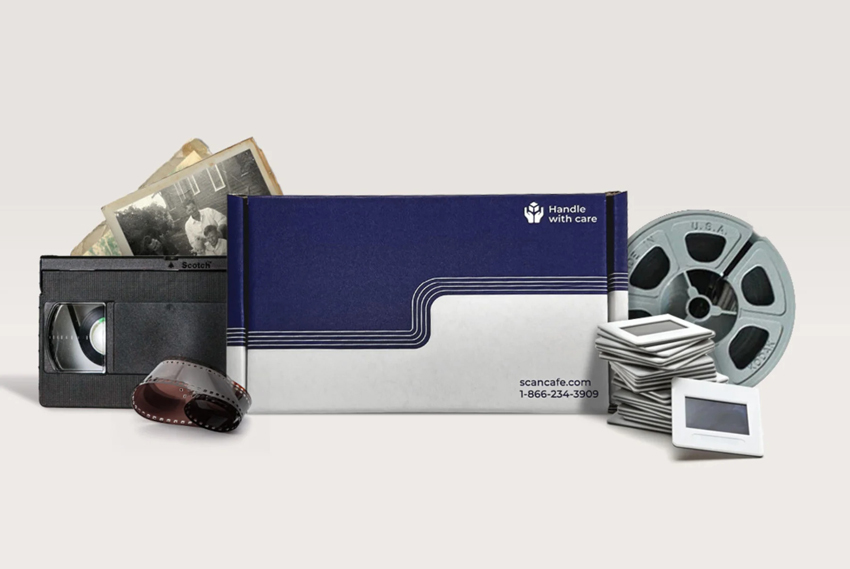
The service is especially useful for people who have boxes of old family photos, film negatives, or home videos but do not want to spend hours scanning, organizing, and correcting each file manually.
ScanCafe Services and Quality
ScanCafe offers several digitization services for different types of physical media:
- Photo scanning: Paper photos, 35mm slides, APS negatives, and 35mm negatives.
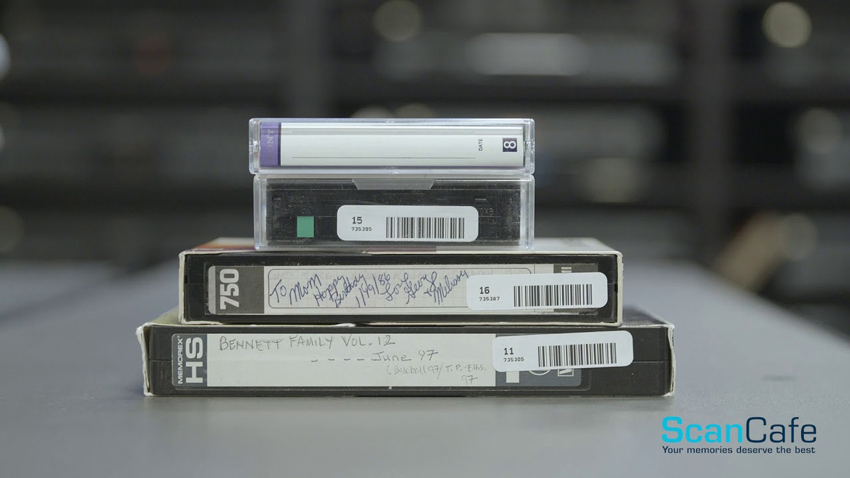
- Video digitization: VHS, S-VHS, VHS-C, Hi8, MiniDV, BetaMax, and similar formats.
- Film reel transfer: 8mm, Super 8, 16mm, Super 16, and 35mm film.
- Audio transfer: Audio cassette and reel-to-reel audio formats.
Scan Quality
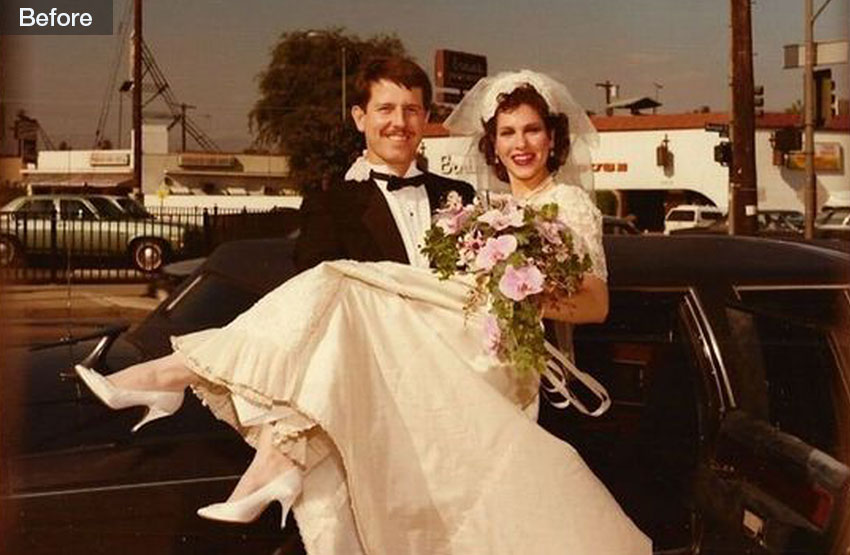
ScanCafe's photo scans are generally aimed at preserving detail, color, and usability rather than creating heavily restored images. This works well for old family albums, slide collections, and negatives that are still in decent condition.
For older or faded photos, ScanCafe may help with basic corrections, but users expecting advanced face restoration, scratch repair, or AI-level detail recovery may need additional software after the scan.
If your scanned photos come back looking slightly soft, faded, noisy, or low-resolution, Aiarty Image Enhancer can help improve them after digitization. It can upscale old scans, recover facial details, reduce noise, and make archived photos look clearer without manually editing every image.


ScanCafe Pricing
ScanCafe offers both A la Carte pricing and prepaid kit options. A la Carte is better for smaller or more specific projects, while kits are designed for larger collections.
ScanCafe pricing is reasonable for small-to-medium projects, but the final cost can rise quickly if you send hundreds or thousands of items, add storage options, or choose extra services. Before ordering, it is worth comparing the total estimated cost against other services such as Legacybox, iMemories, Kodak Digitizing, or a local scanning lab.
ScanCafe Customer Reviews and Feedback
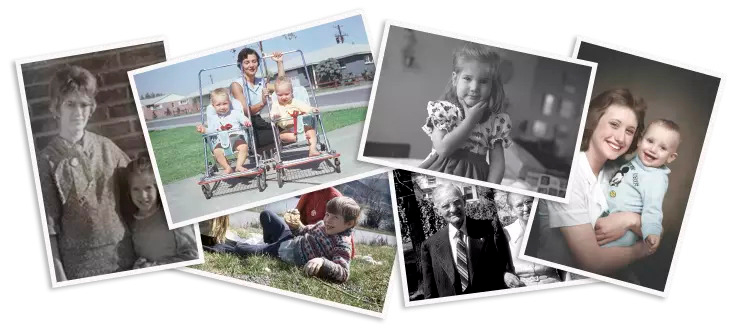
ScanCafe customer reviews are generally mixed-to-positive. Many users praise the scan quality, communication, and ability to handle large collections, especially slides, negatives, and older family photos. Common positive comments mention sharp scans, organized files, and safe return of originals.
Negative feedback usually focuses on delays, customer service issues, unexpected costs, or disappointment with certain video transfers. This is common for mail-in digitization services because turnaround time and output quality can depend heavily on media condition, order size, and service expectations.
- Good scan quality for photos, slides, and negatives.
- Helpful for large family archive projects.
- Original media is returned after scanning.
- Order updates and online review options are useful.
- Turnaround time can be longer than expected.
- Large orders can become expensive.
- Some users report mixed customer service experiences.
- Advanced restoration may not meet expectations for badly damaged photos.
ScanCafe vs Competitors
If you are searching for ScanCafe reviews, you are probably also comparing it with other photo scanning and video transfer services. Here's a quick comparison:
ScanCafe is strongest when you want a balance of photo scanning quality, media support, and convenience. If you mainly care about speed, local control, or heavy restoration, another option may be better.
Pros and Cons of ScanCafe
- Supports many media types, including photos, slides, negatives, tapes, audio, and film reels.
- Good option for large family archive projects.
- A la Carte pricing allows more control for smaller orders.
- Original media is returned after digitization.
- Online review and discard options can help reduce unwanted scans.
- Not the fastest option if you need digital files immediately.
- Total cost can rise with large collections and add-ons.
- Advanced photo restoration is limited.
- Mail-in services may not appeal to users who dislike shipping irreplaceable originals.
- Customer experience may vary depending on media condition and order complexity.
Is ScanCafe Legit?
Yes, ScanCafe is a legitimate digitization service. It has been operating for years and is widely known in the photo scanning and video transfer market. It provides mail-in scanning services, online ordering, original media return, and multiple delivery options for digital files.
That said, "legit" does not automatically mean it is perfect for every user. Before sending irreplaceable photos or tapes, check the current pricing, read recent customer reviews, understand the expected turnaround time, and consider starting with a smaller test order if you are unsure.
Best ScanCafe Alternatives
If ScanCafe does not fit your budget, timeline, or restoration needs, here are a few alternatives to consider:
- Legacybox: A popular kit-based digitization service for users who want a simple box-and-send process.
- iMemories: Good for users who want easy access to digitized videos and cloud-based viewing.
- Kodak Digitizing: A familiar brand option for consumer photo and video digitization.
- Local photo lab: Better if you want in-person service or do not want to ship originals.
- DIY scanning: Best if you want full control and have the time to scan everything yourself.
Is ScanCafe Worth It?
ScanCafe is worth considering if you have a large collection of photos, slides, negatives, or old tapes and want a professional service to handle the digitization for you. It is especially useful for family archive projects where convenience matters more than instant turnaround.
However, ScanCafe may not be the best fit if you need the fastest possible delivery, want full hands-on control, or expect advanced restoration for severely damaged photos. In those cases, a local lab, DIY scanning setup, or dedicated photo restoration software may be a better choice.
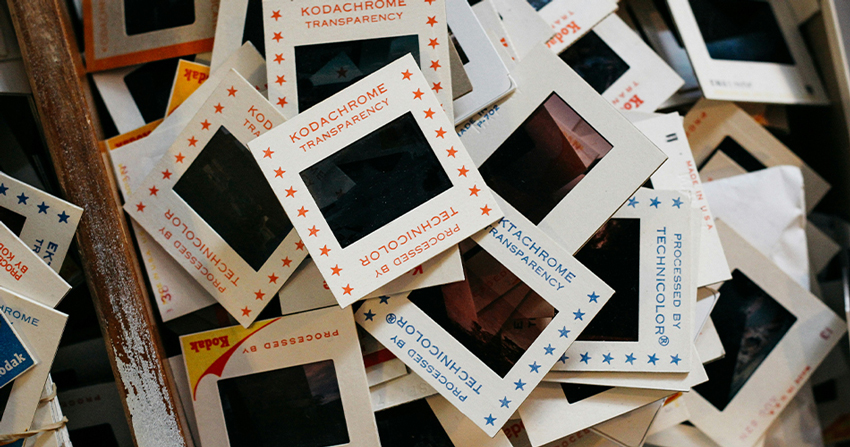
Overall, ScanCafe is a solid option for digitizing old media, but the best choice depends on your order size, budget, timeline, and how much image enhancement you need after scanning.
 FAQs
FAQs
Yes. ScanCafe is a legitimate mail-in photo scanning and video digitization service. It supports photos, slides, negatives, tapes, audio, and film reels, and returns original media after digitization.
ScanCafe's current A la Carte pricing includes $0.48 per photo, slide, or negative, $28 per tape, and $0.34 per foot for film reels. Final costs may vary depending on add-ons, kits, delivery options, and promotions.
Turnaround time depends on order size, media type, and current workload. Smaller A la Carte orders may be faster, while large mixed-media orders can take longer. Always check ScanCafe's current estimate before ordering.
Yes. ScanCafe returns your original photos, slides, negatives, tapes, or reels after the digitization process, along with your digital files.
ScanCafe may be better if you want more flexible photo scanning and review options. Legacybox may be better if you prefer a simple prepaid kit workflow. The better choice depends on whether you prioritize flexibility, simplicity, price, or speed.
ScanCafe can help with basic correction, but it is not mainly an advanced photo restoration service. If your scans still look blurry, noisy, faded, or low-resolution, you can use Aiarty Image Enhancer after scanning to improve the digital files.
Popular ScanCafe alternatives include Legacybox, iMemories, Kodak Digitizing, local photo labs, and DIY scanning. For improving files after digitization, AI photo enhancement software can also be useful.
You May Also Like


This post was written by Brenda Peng who is a seasoned editor at Digiarty Software who loves turning ordinary photos into extraordinary works of art. With AI assistance for brainstorming and drafting, the post is reviewed for accuracy by our expert Abby Poole for her expertise in this field.
