Photo Enhancer Benchmarks Image Quality and Performance Tests


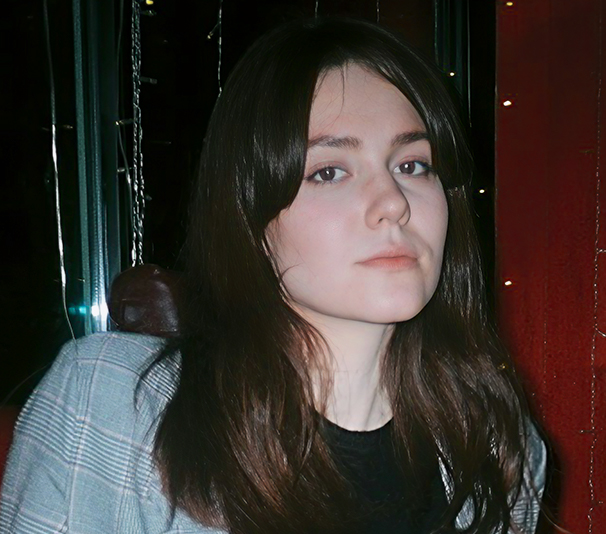
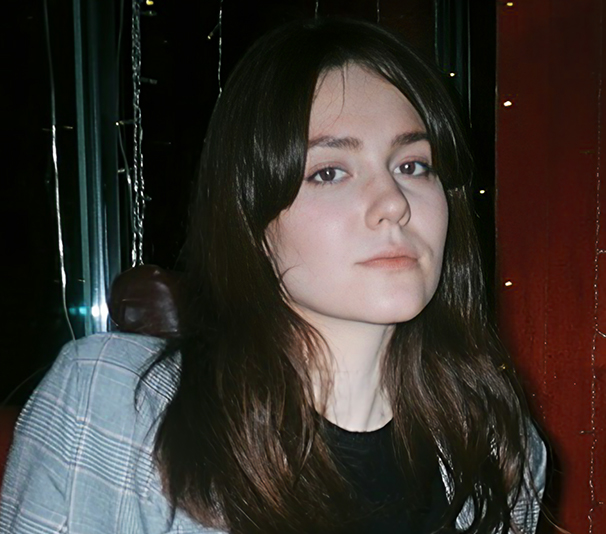
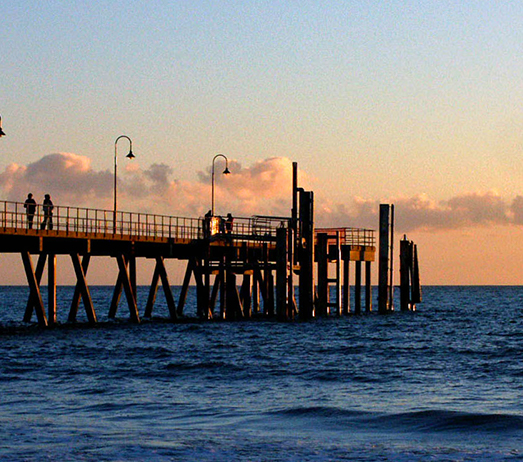
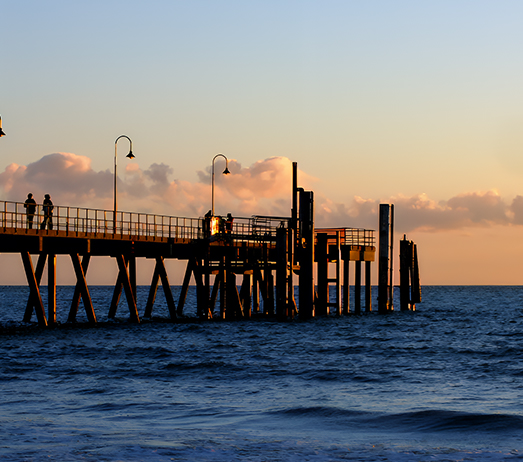
How do image enhancers handle image-quality challenges? This benchmark examines before-and-after results using Aiarty Image Enhancer, helping readers compare it with other tools and identify the best fit for their needs.
Both standalone enhancement and photo-editing workflows are considered, covering common challenges such as noise reduction, detail restoration, compression artifacts, softness, and upscaling.
Image Quality Tests by Particular Problems
The test samples cover a range of image sources and formats, including RAW, DNG, TIFF, JPG, PNG, and WebP files, web-compressed downloads, and heavily cropped photos. Quality issues such as softness, noise from small-sensor cameras and high-ISO settings, compression artifacts, blemishes, and detail loss are examined. Below are some typical cases and enhanced results.
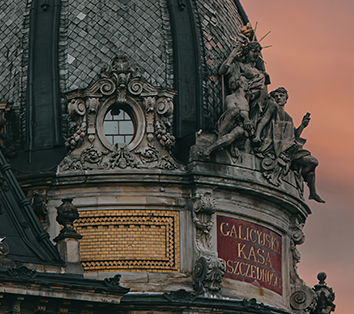

Test 1. Softness or Lack of Clarity
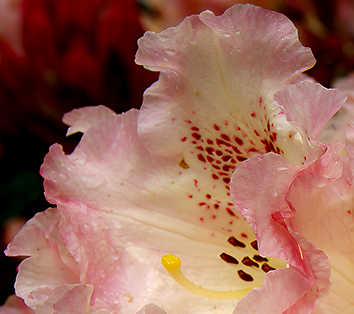
Test 2. Noise from Small Sensor Camera
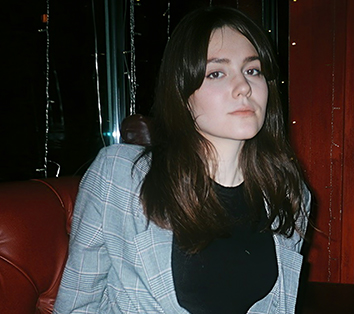
Test 3. Blemishes and Noise in Lowlight
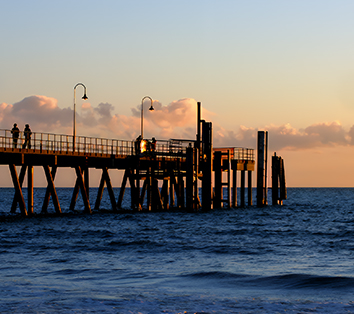
Test 4. Blockiness and Compression Artifacts
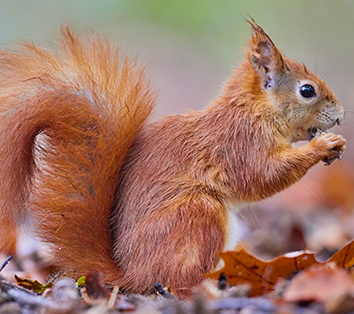
Test 5. Quality Restoration after Cropping
Image Enhancement Tests by Scenarios
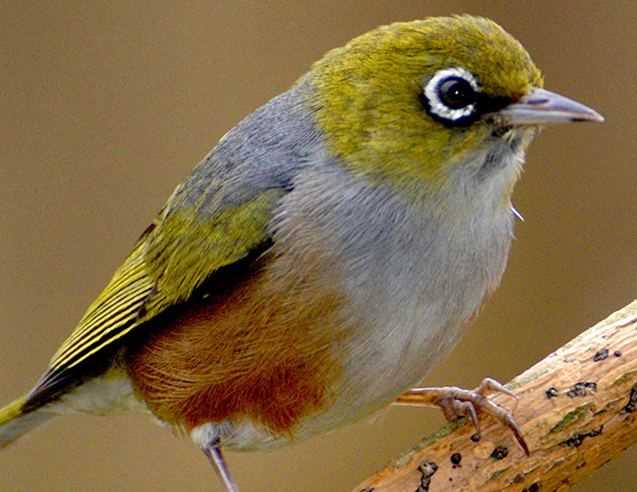
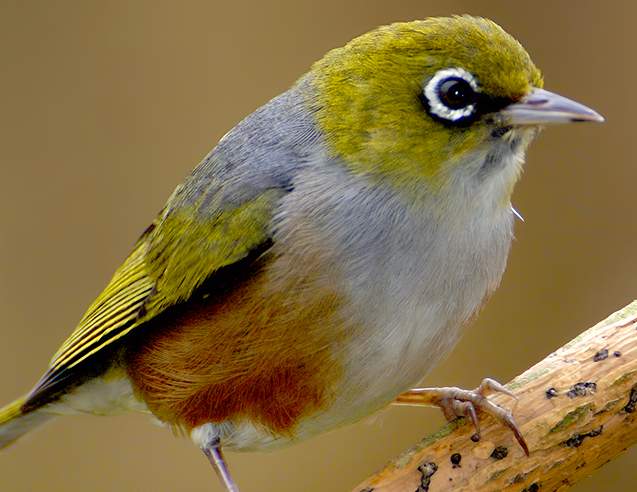
Before and After Analysis
Source: Silvereye bird -2400x1574 Sony A300, f/8 1/125s ISO400. Deer - 2047x1365.
For the bird image, the source file showed noticeable luminance and colour noise, particularly in the background. Aiarty reduced noise while retaining feather details.
For the deer with slight overexposure, Aiarty's handy colour panel corrected exposure and preserved natural tones, while the RealPhoto model keeps the output natural.
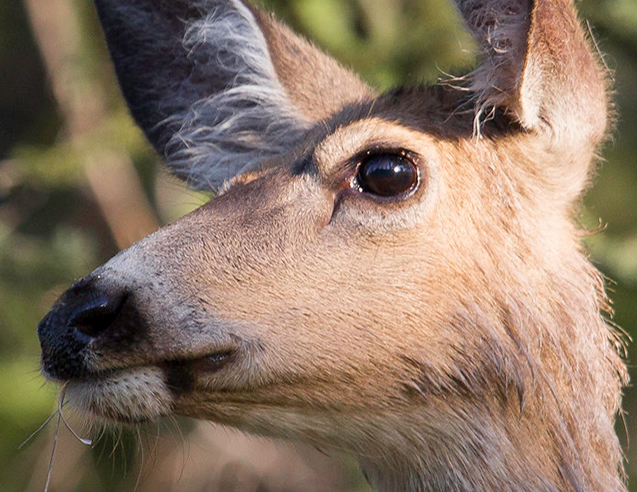
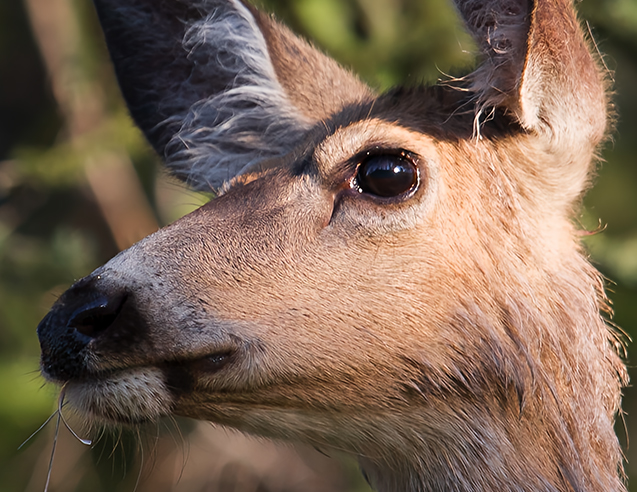
Settings Used in Aiarty:
Bird: MoreDetail x2, 1.0 strength, restore color 1.0, saturation +7, shadows +3, whites +10, blacks +1.
Deer: RealPhoto x2, simple color editing to fix over-exposure.
Before and After Analysis
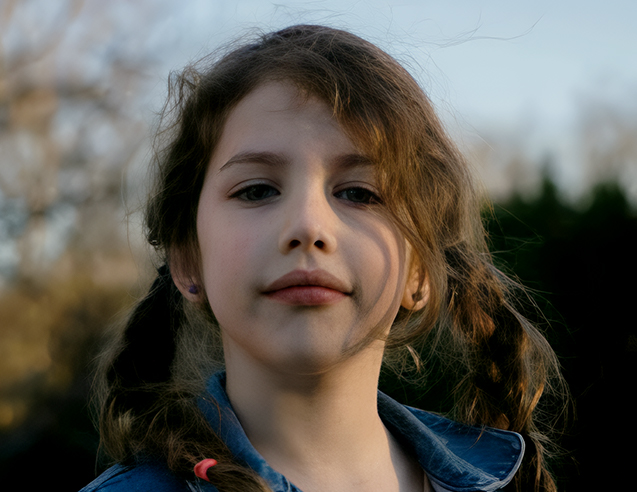
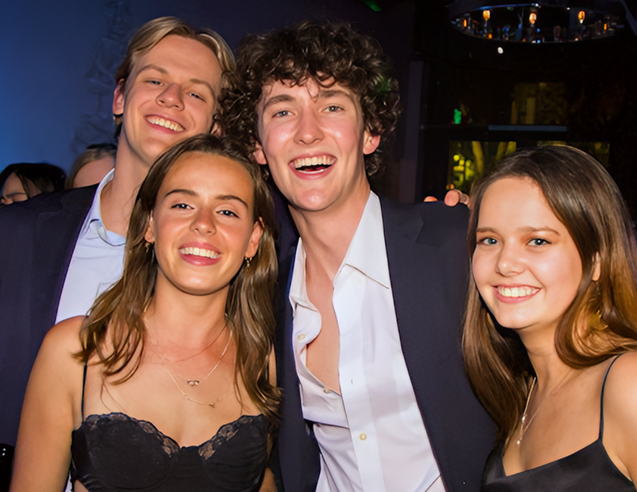
Source: Teen-768x675, web-compressed JPG, shot with SONY ILCE-6000. Friends-640x426 web-compressed PNG, Canon EOS 7D.
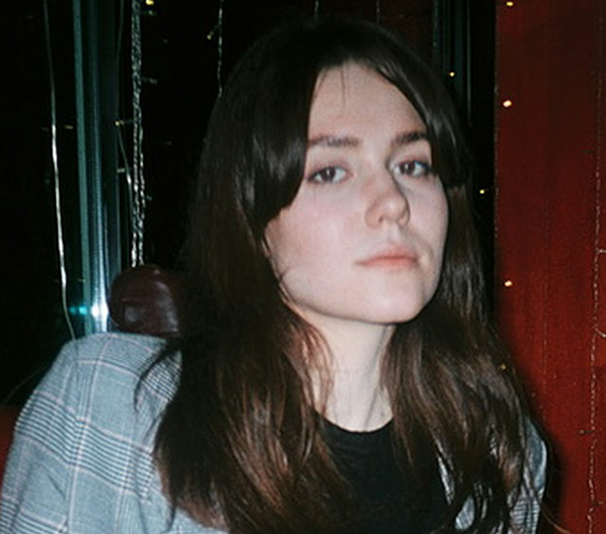
The teen portrait is slightly underexposed, with web compression softening facial features and fine details. Enhancement improves facial definition and image clarity, while exposure and color adjustments restored brightness and balanced skin tones.
The group photo's low resolution and compression make individual facial details harder to distinguish. Aiarty improves overall definition while maintaining a natural appearance.
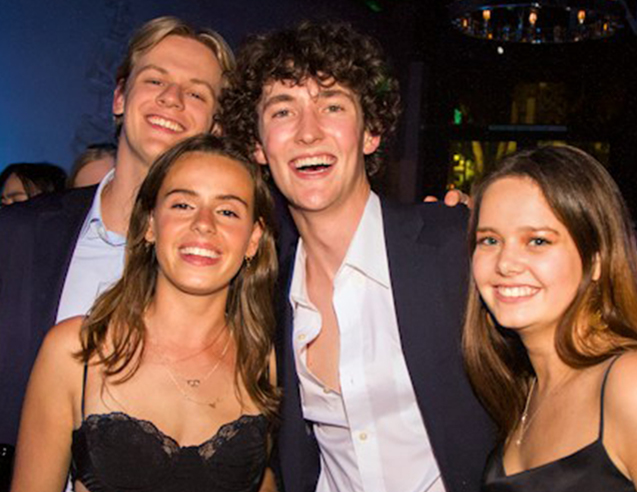
Settings used in Aiarty:
Teen: MoreDetail x2, 0.27 strength, Face Restoration, color: tem+8, tint+1.42, and adjusting exposure, saturation, hightlights, shadows, etc.
Friends: MoreDetail x2, 0.82 strength; Face Restoration: Fidelity model, Alpha Overlay, 2-Pass processing, 0.30 strength.
Before and After Analysis
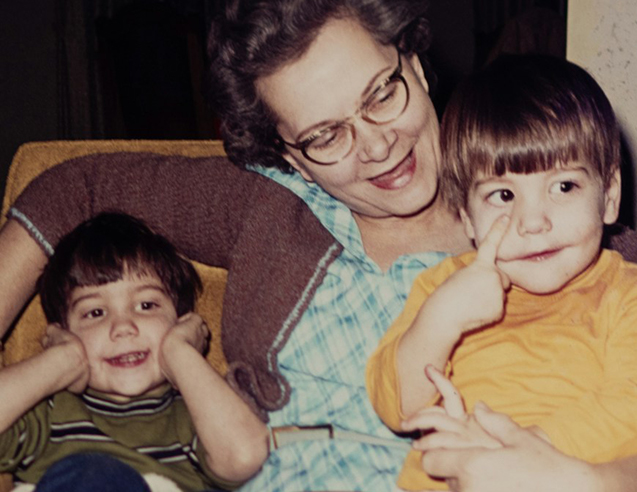
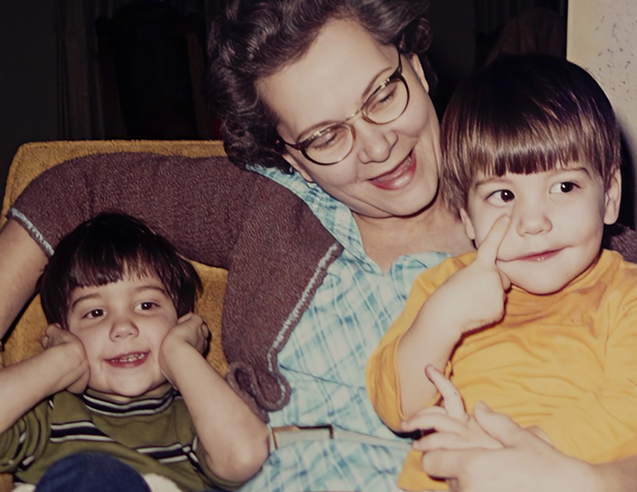
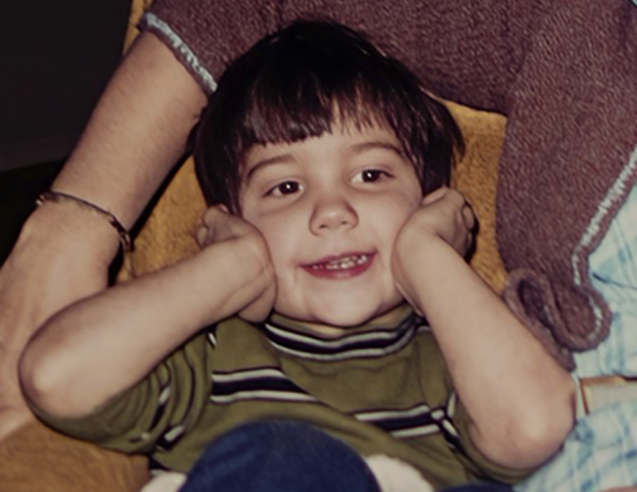
Source: Family photo - Richoh Pentax 645Z, f/4 1/160s ISO 400, platform-compressed 1920x1321 PNG.
The family photo shows faded colors, uneven tones, and softened details typical of older photographs. Aiarty improves overall clarity and reduces blurriness.
The Face Restoration model is optional, and it works for this specific photo when restoring facial features. Fine textures remain limited by the source resolution, still, the output looks natural.
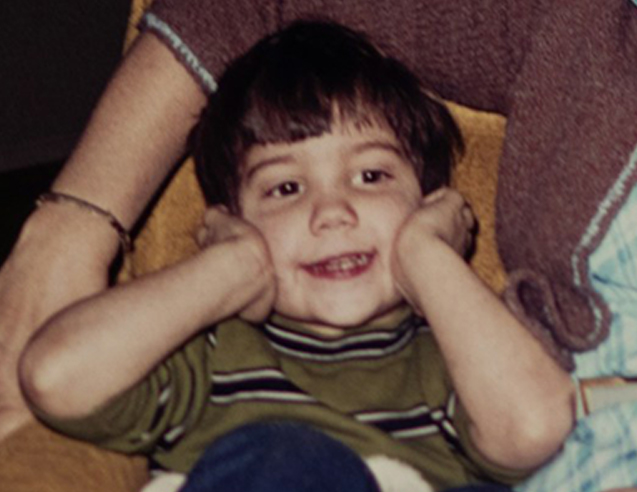
Settings used in Aiarty:
RealPhoto model, strength 0.9, upscale x1 (i.e. keeping original resolution). Retore color: 1.0
Face Restoration: Fidelity model, Alpha overlay, 0.64 strength.
Before and After Analysis
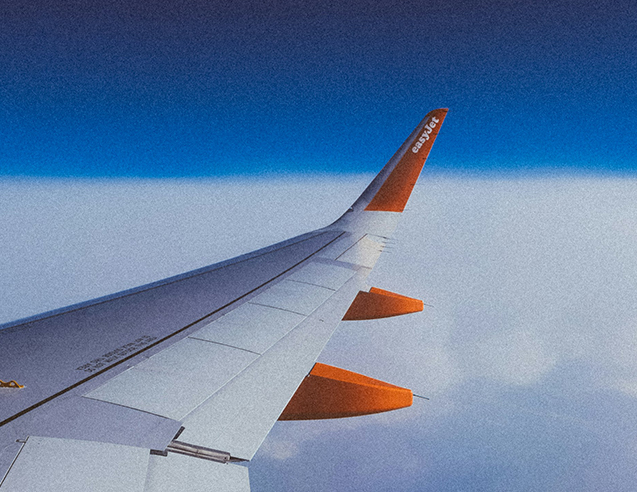
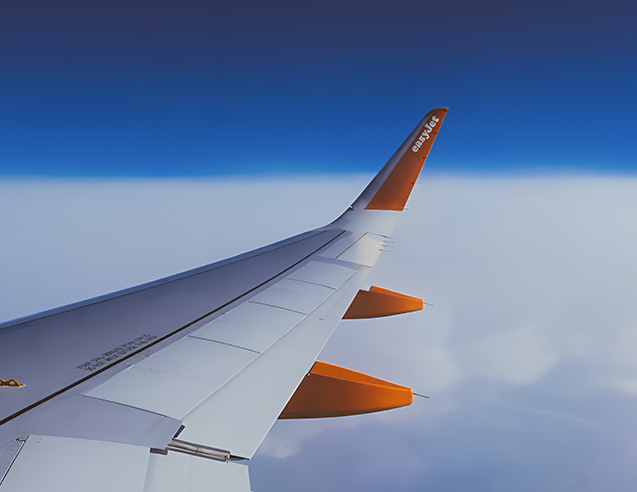
Source: Plane-FUJIFILM, X-T10 f5.6 1/500s ISO 1000, compressed 1920x3413. Sailing at dawn-Sony A580, f11 1/2000s ISO800, 2400x1383, web-compressed 800x461.
The plane photo shows noticeable grain and noise, particularly in the sky. While grain can be an intentional aesthetic choice, Aiarty helps reduce it for users who prefer a cleaner look, while retaining wing details.
The sailing photo shows softened sail edges and cloud textures. Aiarty improves sharpness and fine details, though distant elements remain limited by the source quality.


Settings used in Aiarty:
Plane: More-Detail x2, 2-Pass_AIGCsmoth, strength 1.0, output at 3840x6826.
Sailing: More-Detail x4, 2-Pass_More-Detail, strength 0.8, output at 3200x1844.
Before and After Analysis
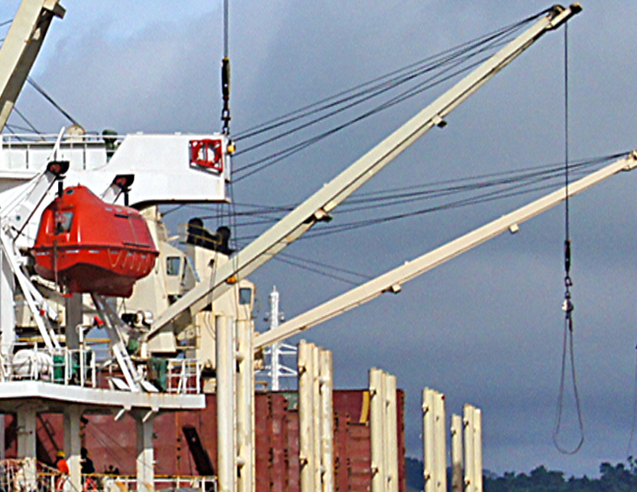
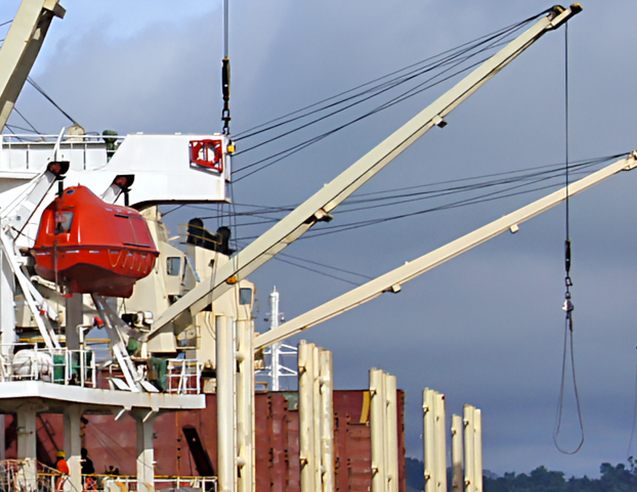
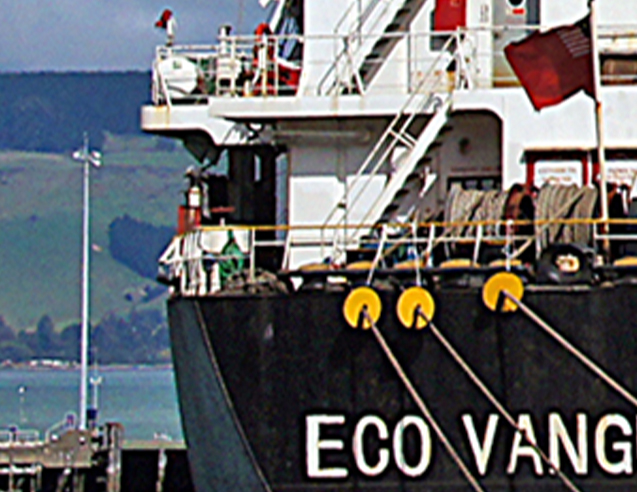
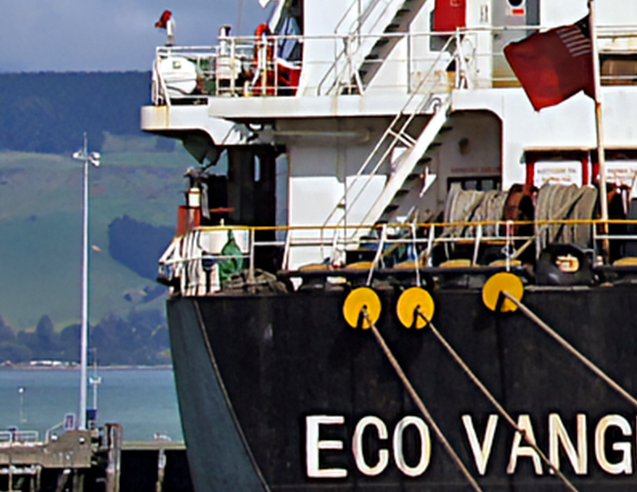
Source: Carrier photo-Sony A580, f/13 1/640s ISO400, 2400x1555.
The close-ups reveal subtle color speckling, compression artifacts, and softened fine details in the original image. These characteristics can be influenced by capture conditions and subsequent image processing.
Aiarty improves edge definition and reduces visible noise, making ship structures and distant details easier to distinguish.
Settings used in Aiarty:
MoreDetail, upscale x1, 2-Pass_MoreDetail, strength 0.9.
To maintain a natural look, reduce the strength to 0.65 to avoid oversharpening.
Apply basic color adjustments. Output: 2400x1555.
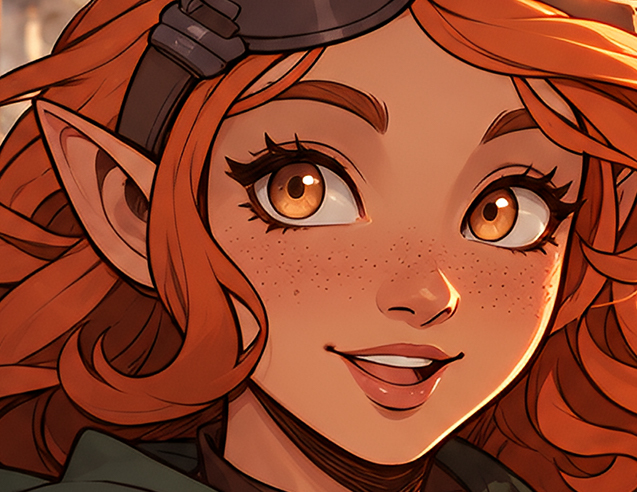
Before and After Analysis
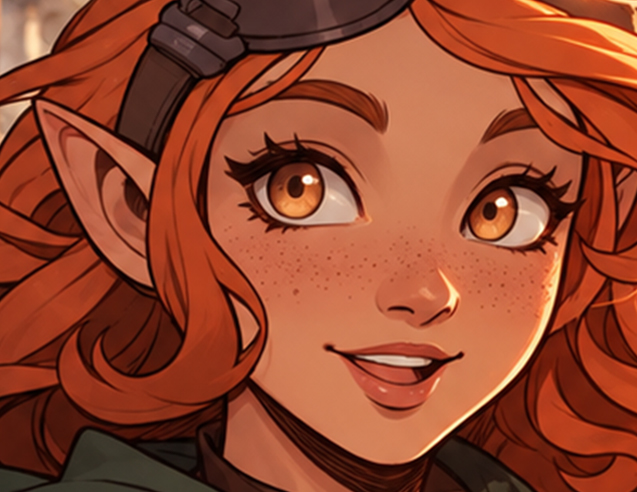
Source: Fantasy illustration, 1240x1269 PNG.
The fantasy illustration shows slight softness in facial features, hair strands, and costume outlines. Aiarty enlarges the image x2 while improving edge definition and fine details, making it more suitable for larger displays and potential print use.
The close-up comparisons highlight changes in facial details, line clarity, and illustrated textures after upscaling.
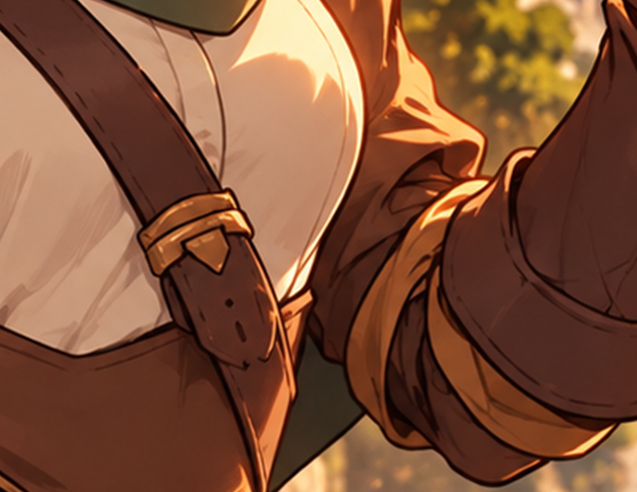
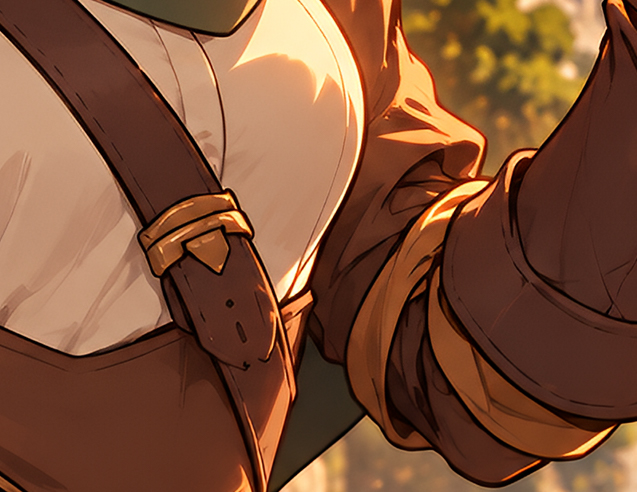
Settings used in Aiarty:
AIGCsmooth-v3 model, upscale x2, strength 1.0.
Output: 2480x2538 PNG.
Real-World Editing Workflows Tested: How Aiarty Fits In
Image enhancement can complement an existing photo-editing workflow or serve as a standalone task. These tests evaluate how Aiarty fits into both approaches, highlighting where it improves image quality and supports further editing, as well as cases where the results show little visible difference and additional enhancement may be unnecessary.

Source

Photo Editor

Aiarty
Finetune/Export
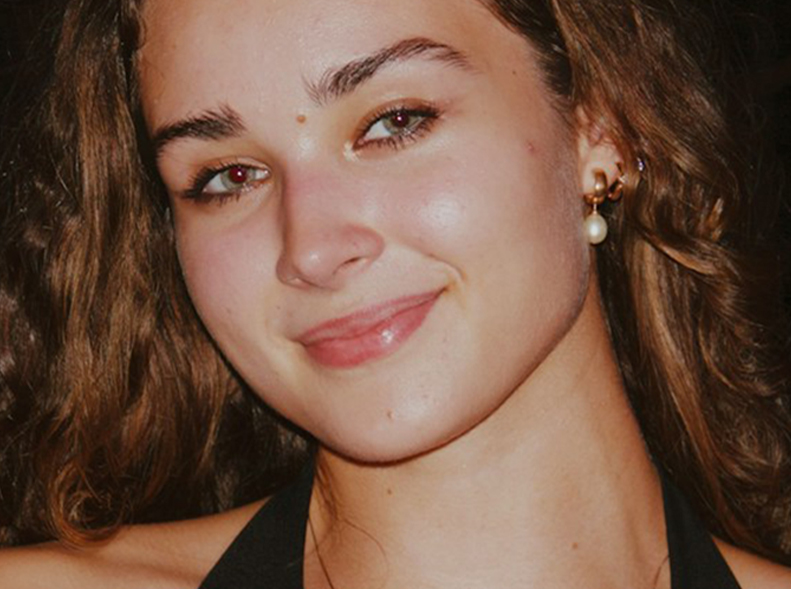
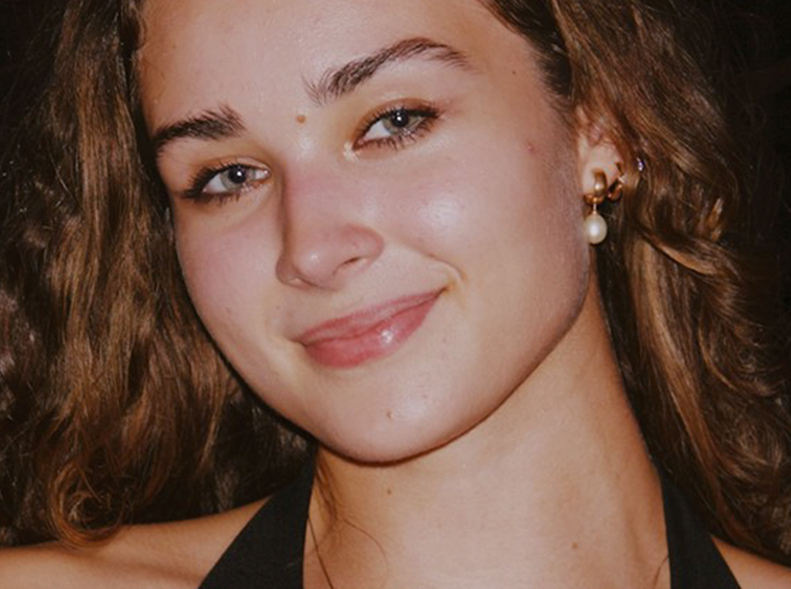
1/4: Original indoor portrait with flash-induced red-eye.
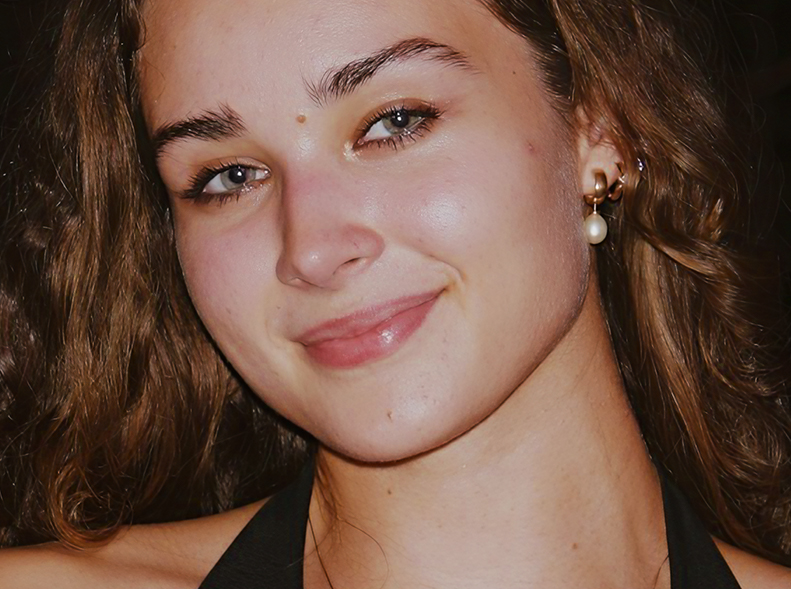
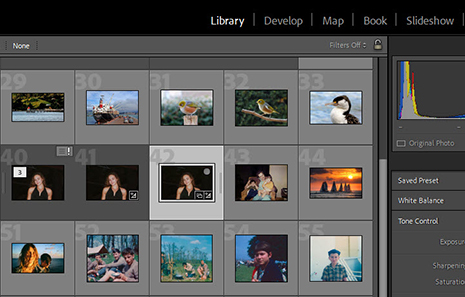
2/4: Remove red-eye in Lightroom and apply auto color adjustments.
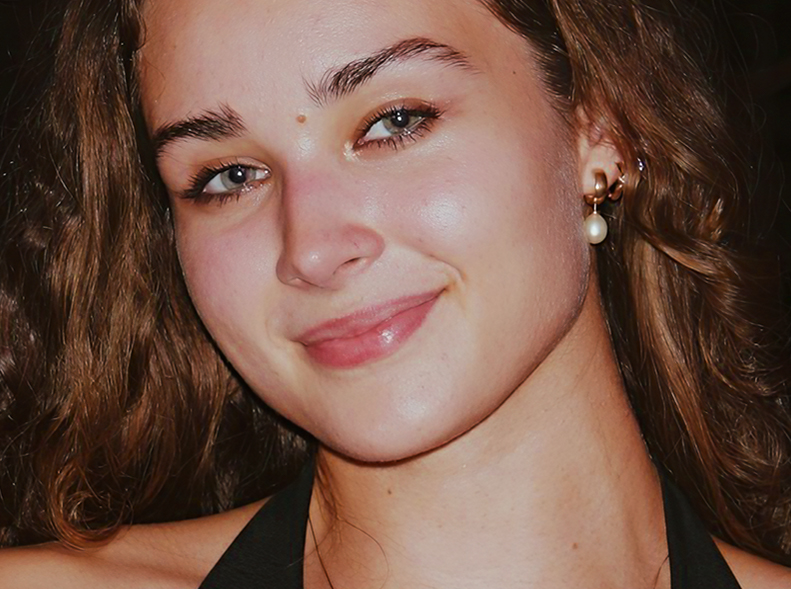
3/4: Send from Lightroom to Aiarty: deblur and enhance details.
4/4: Optional: Use Aiarty's AI Eraser to clean up skin imperfections.
Test 1. Does Aiarty Fits Your Existing Workflow
This test examines how Aiarty fits into an existing photo-editing workflow. The indoor portrait shows typical image quality issues in lowlight scenes. After basic adjustments in Lightroom Classic, the edited copy is sent to Aiarty for further enhancement.
The results show how Aiarty can complement the existing editing process by improving clarity, reducing noise and softness, and recovering fine skin details. Further blemish removal with AI Eraser are optional.
More Cases of Using Aiarty in a Lightroom Workflow >
Source

Photo Editor
Aiarty
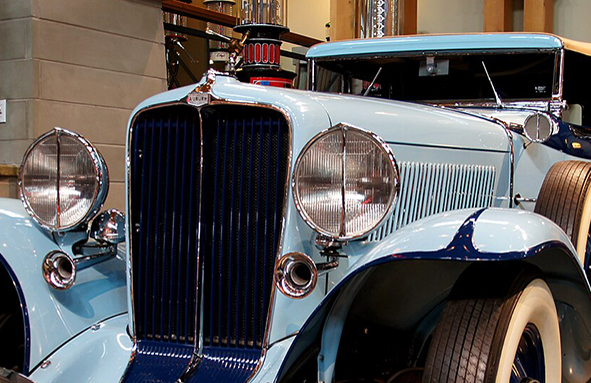
1/3: Source photo with favorable shooting conditions
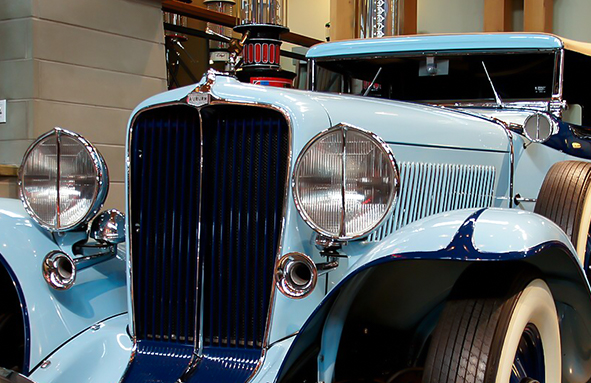
2/3: Culling and basic editing in Lightroom
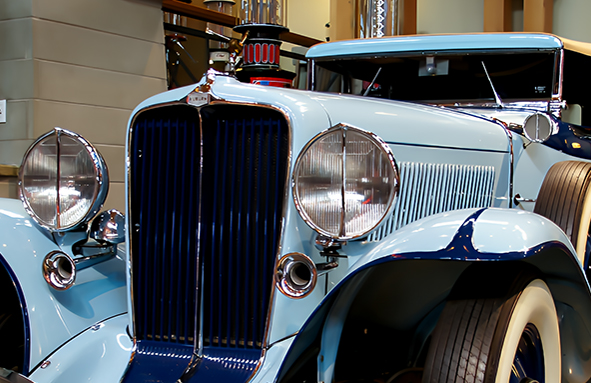
3/3: External photo enhancer workflow is only optional
Test 2. When Aiarty Is Optional in the Pipeline
This test uses a car photo that has already received basic color adjustments in Lightroom Classic. It examines whether further enhancement with Aiarty makes a meaningful difference.
The improvements are mainly noticeable under extreme close-up inspection. At normal viewing sizes, the overall image shows little visible change. In this case, the existing editor already delivers an ideal result, making Aiarty an optional step rather than a necessity.
Source
Aiarty

Export
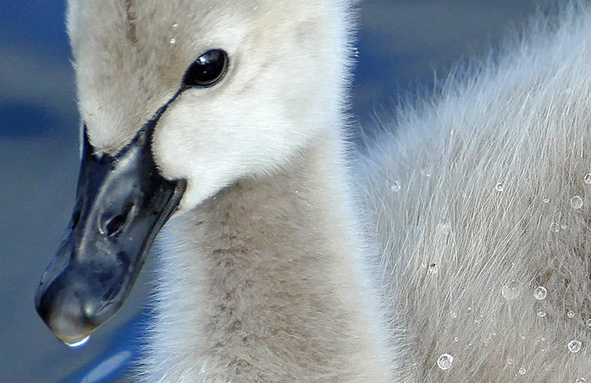
1/1: Source 2K photo lacks detail after cropping
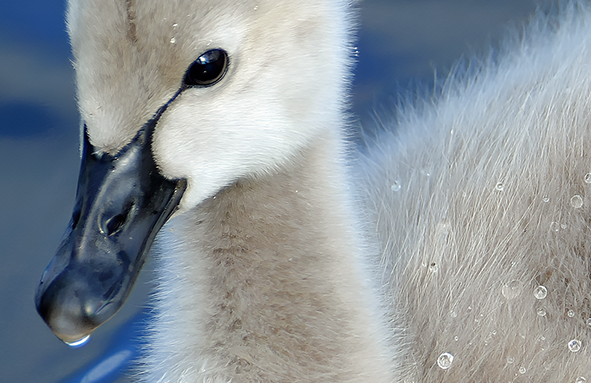
1/2: Apply x2 upscaling and repeat x2 for 8K output in Aiarty
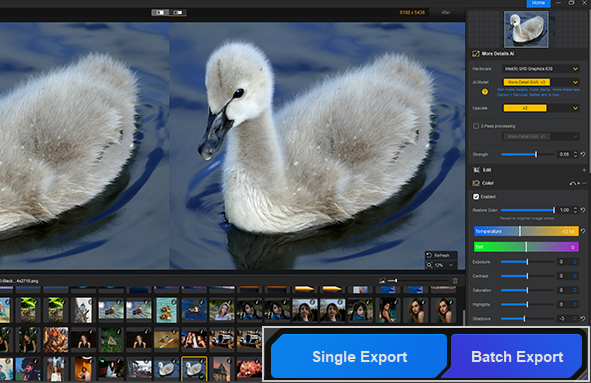
1/3: Option to batch process multiple images and export
Test 3. Using It Standalone or As Part of the Workflow
Besides fitting into an existing editing workflow, this test examines Aiarty as a standalone enhancer. The 2K swan photo is cropped for a closer view on larger screens, which creates a need for higher resolution and restored detail, while retaining enough image quality for further zooming and reframing.
Real-time previews of different AI models in Aiarty and strength settings help compare results and choose the best fit for this image.
Speed and Efficiency
Processing time varies with the computer, source dimensions, selected AI model, upscale factor, and other settings. The figures below are tiedto the stated test setup and workload; The figures below are tied to ....they are intended to help readers understand the test...
Low-Res to High-Res
640 x 960 Upscale x2  5120x7680


4K to 8K
4000x3000 Upscale x2 8000x6000

Batch Processing
Mixed resolution: 2X upscaling 10K

Batch Processing


| Batch Files | Model | Scale | Elapsed Time | Peak VRAM | Peak RAM |
|---|---|---|---|---|---|
| 50-photo batch | MoreDetail | X2 | 9:28 | 6.2 GB | 5.7 GB |
| 50-photo batch | RealPhoto | X2 | 9:10 | 3.5 GB | 4.6 GB |
| 50-photo batch | AIGCsmooth | X2 | 8:55 | 4.5 GB | 4.5 GB |
| 50-photo batch | MoreDetail | X4 | 22:59 | 8.5 GB | 8.9 GB |
How We Tested Batch Processing: To reflect real-world photo collections, we tested 50 images from various sources and resolutions, ranging from 1K to 4K pixels. The batch included 13 images below 2K, 20 in the 2K range, 11 in the 3K range, and 6 in the 4K-and-above range. At 2x upscaling, these outputs ranging from approximately 2K to 10K.
How Aiarty Performs: Using MoreDetail GAN v3 at 2x scaling, Aiarty completed 87% of the batch in 7min49 sec and finished all 50 images, including AI reference, enhancement, and export, in 9min28 sec. During processing, Peak VRAM usage was 6.2 GB out of 12 GB, while RAM usage reached 7.9 GB out of 64 GB.
*Test system: Windows 11 Pro (64-bit), Version 22H2. AMD Ryzen 5 5600X (3.70 GHz), AMD Radeon RX 6700 XT (12 GB VRAM) | 64 GB RAM (3000 MHz).
Comparing Image Enhancement Quality
Aiarty Image Enhancer
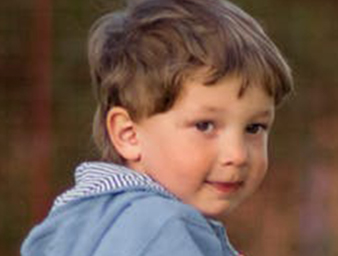
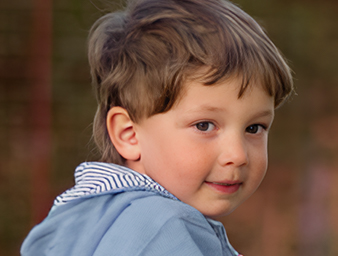
Before
Enhanced

Detail Restoration and Natural Results
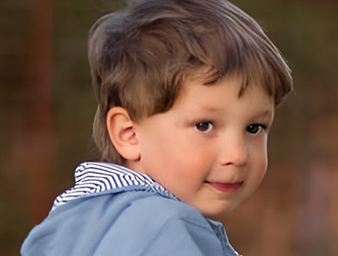
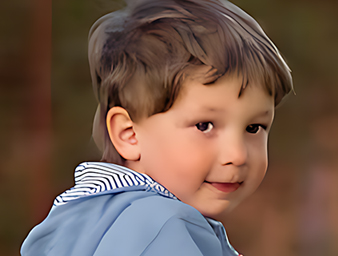
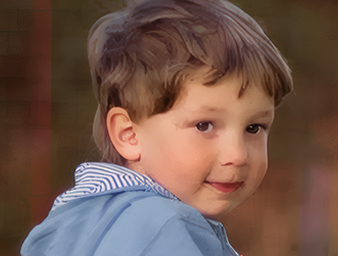
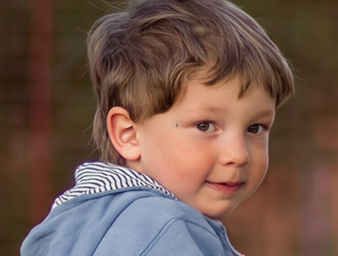
For soft, blurry, or low-resolution photos, we evaluated how different image enhancers restore clarity and fine details while maintaining a natural appearance, avoiding excessive sharpening, waxy textures, or artificial-looking results.
Aiarty Image Enhancer:
Aiarty offers different AI models for various image types and quality issues, with adjustable enhancement strength, color restoration, and manual controls for fine-tuning the results. This provides flexibility when balancing detail recovery and natural-looking textures across RAW and common image formats.
Other Tools:
Some online enhancers use general-purpose models that can produce smoother textures in certain images, with fewer options for manual adjustment. Specialized RAW editors often focus on demosaicing and noise reduction, while traditional sharpening methods can improve edge definition but may be less effective at restoring clarity and reducing noise.
Faithful Enhancement vs Creative Upscaling
Image enhancers generally follow two approaches: faithful enhancement vs. creative upscaling, depending on user needs. For family photos, users may prioritize fidelity over reconstruction. For design projects, generating details may be acceptable, or even desirable.
Aiarty Image Enhancer:
Aiarty focuses on image quality restoration and upscaling, with different AI models offering varying priorities, from detail recovery and source fidelity to smoother results for illustrations. For hands-on examples of model selection and settings, see Best Practices.
Other Tools:
Generative tools such as SeedVR and Nano Banana take a more creative approach to upscaling. The results above show changes to facial details, including altered facial characteristics. Such changes may be useful for creative projects, but can be less suitable when faithful reproduction of the original person is important.
Key Findings and Benchmark Summary
The tests examine how leading image enhancers handle real-world challenges, using Aiarty Image Enhancer alongside other tools. Aspects such as image quality, processing speed, level of control, workflow capabilities, and privacy considerations are compared.
Image Quality Handling
Manual Controls and Workflow
Offline Processing and Security
*Scope and Limitations
Results Depend on the Image and Enhancement Goal
Image enhancement results depend on the source quality, selected model, settings, and intended output. Aiarty provides different approaches to detail recovery, noise reduction, and source fidelity.
The comparisons show why no single enhancement approach suits every image, and how natural appearance and visual detail should be evaluated together. For in-depth review of more tools and for specific tasks, read:
• 6 Best Free Open Source Image Upscalers and Enhancers
• 8 Best AI Image Upscalers Tested with Real Images
Control Over Results and Editing Workflows
Compared with online enhancers that prioritize automatic correction and open-source workflows that may require complex technical setup, Aiarty offers a balance of AI-powered enhancement and manual control. Strength controls and color editing allow photographers and designers to fine-tune results, while automated processing keeps common restoration tasks accessible to beginners.
Aiarty can complement an existing editor or work as a standalone enhancer. The workflow tests above also show that further AI processing is not always necessary when the existing edit already meets the intended viewing needs.
Privacy, Convenience, and Customization
Image enhancement tools vary in how they handle processing and model access. For privacy-sensitive work, such as client projects or personal photos, offline local enhancer like Aiarty offers greater control over local files, without requiring image uploads. Internet access is used for activation, updates, and downloading AI models. Licensed users can download all models in one batch for better convenience.
Online image enhancers offer convenience for quick, on-the-go edits, often with automated corrections and fewer manual controls. Open-source GUIs and node-based workflows, such as ComfyUI, offer more flexibility for testing custom models, combining processing steps, and adjusting parameters, but require more setup and trial and error.
Notes on Test Selection and Comparison
For image quality tests and before-and-after comparisons, we evaluated over 200 photos. Due to space limitations and overlapping image-quality issues, this page presents selected examples covering typical scenarios, including wildlife, portraits, group photos, landscapes, web-compressed images, and digital illustrations. These examples are intended to illustrate common enhancement results rather than provide an exhaustive evaluation.
For high-resolution comparisons, enhanced outputs such as 4000px-to-8000px file are displayed in resized preview boxes so they can be viewed alongside their source images. These previews are similar to scaled-down screenshots and do not represent the full output dimensions.
Disclaimer: The images used in this benchmark come from various sources, including public-domain images from Wikimedia Commons, photographs generously shared by photographers under free-use licenses, and photos and digital illustrations provided by Aiarty's editorial team. All third-party product names, brand names, and trademarks mentioned on this page belong to their respective owners.
Frequently Asked Questions
Is AI image enhancement always better than traditional photo editing?
AI image enhancement and traditional photo editing serve different purposes and can complement each other. Traditional photo editors offer precise control over exposure, color, contrast, and other adjustments. AI-based image enhancers such as Aiarty focus on image quality restoration and enhancement, using deep-learning tools to tackle challenging tasks such as noise reduction, detail restoration, deblurring, and large-format upscaling.
AI inference is not intended to replace a photographer's creative judgment or editing decisions. Instead, it tries to help address image quality limitations that are difficult to fix via conventional editing alone. For photo editing projects, users can incorporate an image enhancer into their existing workflow where further quality restoration or upscaling is needed.
Can AI image enhancement preserve original facial features?
It depends on the AI model and settings. Some enhancement models prioritize fidelity to the source image, aiming to improve clarity, reduce noise, and restore details while retaining recognizable facial features. Besides standard AI models, Aiarty also offers an optional Face Restoration model for degraded or low-quality portraits, helping recover facial details when the original image lacks clarity.