


When I first started using online galleries, Pixieset was the obvious default. It launched faster than anyone else, the galleries looked clean without much work, and it was easy to send a client a proofing link and be done.
Later, after sending several high-end wedding clients through PicTime, I realized the difference was more than just looks. PicTime turned the gallery into a sales and branding tool. It changed the way clients experienced their photos, and in one case it paid for the subscription with a single automated order.
This review is based on actual shoots, real clients, and a few months of running both systems in parallel. It's not a feature sheet. It's what happens when a portrait photographer tries to move from "solid and simple" to "premium and profitable."
Pictime vs Pixieset First Impressions: Setup and Onboarding
Pixieset
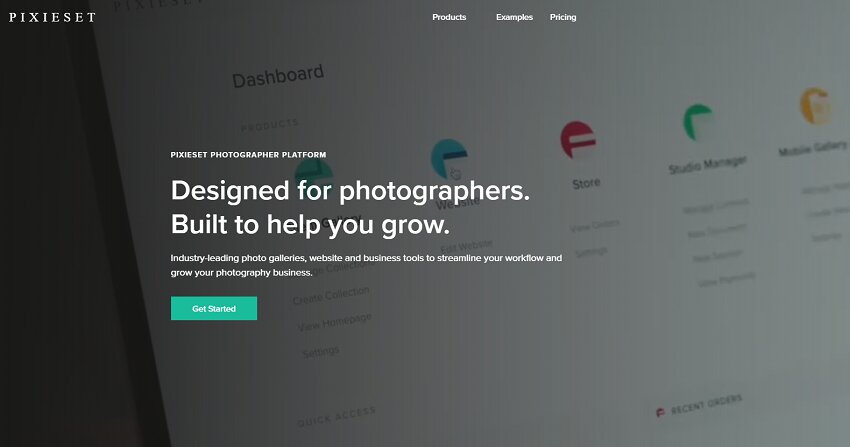
The first thing that hit me about Pixieset was how little friction there was. I signed up, created a gallery, uploaded a set of 80 family photos, and sent the link in under ten minutes. The default layout looks polished enough that I didn't need to style it much.
That speed made Pixieset perfect for small jobs where I needed a fast turnaround: mini-sessions, brand shoots, and smaller portrait orders. The homepage, gallery, and checkout all work well together, so the platform and photo proofing gallery feel like a complete package without much thought.
PicTime
PicTime is different from the first click. The signup takes a moment longer because there are more options to choose and more features to configure. The learning curve is real. It asks you to think not just about a gallery, but about the way that gallery will sell prints, automatically follow up, and represent your brand.
That extra setup time paid off. Once the gallery was live, it felt more considered. In one wedding delivery, the client sent me back a message calling the gallery "one of the most beautiful I've ever received." That response came from the way PicTime presents images, creates galleries for vendors, and highlights products in a way a basic proofing link simply does not.
Pictime vs Pixieset: Gallery Creation in Real Use
Upload and organization
With Pixieset, uploading is straightforward. You drag files into a gallery, add a cover photo, and choose whether the client can download or order prints. If you are used to a simple file delivery workflow, this is exactly what you want.
With PicTime, I started using the Lightroom plugin for larger jobs. That means the gallery is built directly from the editing software, and the export process includes metadata, album structure, and the option to tag images for later. It feels more technical, but it also means I spend less time fixing gallery structure after the upload.
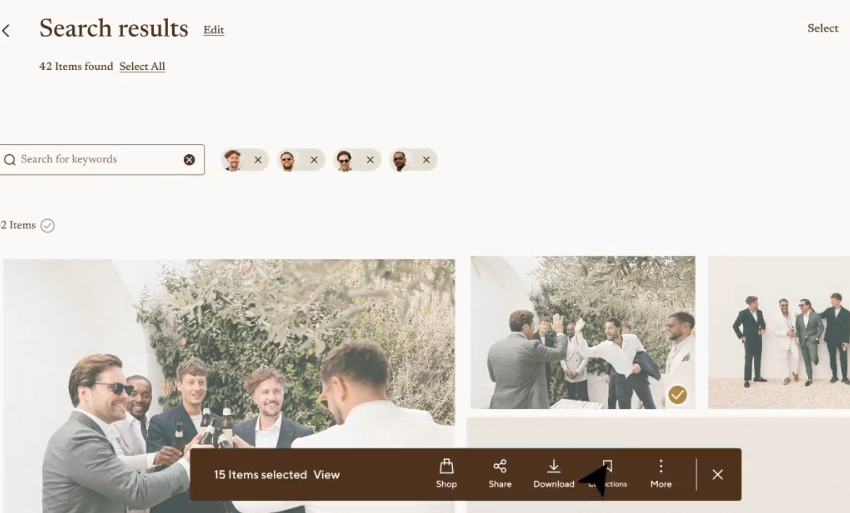
I used Pixieset for a 150-image newborn session and the platform handled it well. For a 600-image wedding, PicTime's organization tools made the gallery feel manageable for clients. The vendor galleries, automatic image sorting, and the option to add personalized messages to different groups of viewers were real benefits during that busy delivery season.
Client Experience
The client experience is where the two platforms differ most clearly. Pixieset delivers a clean, responsive gallery that feels reliable. Clients can browse, favorite, and download. For most families and couples, it is intuitive. One of my wedding clients even said the Pixieset gallery "felt easy to use" and that they appreciated not needing a tutorial. PicTime feels more premium. The transitions are smoother, the gallery feels more like an experience than a folder. When I sent a luxury portrait client their images, they spent more time on the page and then asked if I offered prints. That kind of engagement came from the way PicTime highlights featured images, offers a more elegant product presentation, and supports a more curated delivery approach.
Pictime vs Pixieset: Sales, Marketing, and How the Gallery Earns Money
This is the most important comparison if you care about revenue.
Pixieset
Pixieset has a store built in. You can add prints, digital downloads, and purchase options. It works well for photographers who want an easy way to sell. The sales process is clean and clients can check out without leaving the gallery.
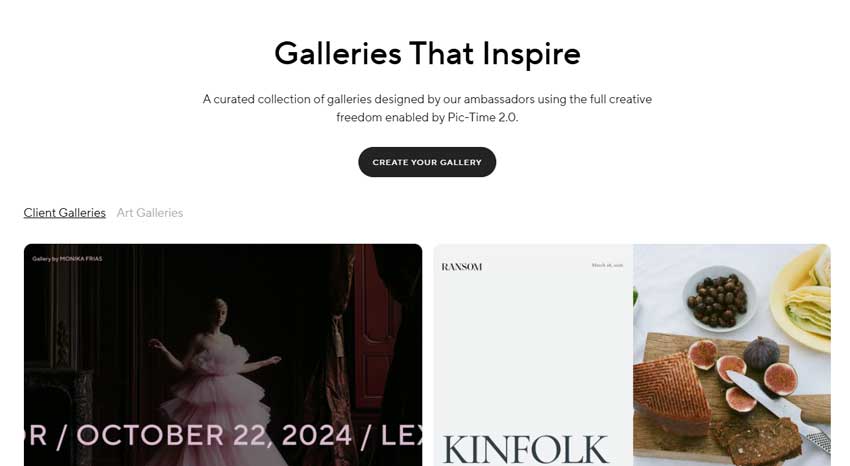
For my business, Pixieset's store was enough for occasional print orders. It was solid for digital delivery with a buy option. But it was still passive. If a client didn't open the gallery, there was nothing built in to remind them.
PicTime
PicTime is where the difference showed up in practice. It sends automated emails after a gallery is published, it can follow up on abandoned carts, and it offers anniversary promos automatically. One wedding gallery I published had a print order come through two weeks later after the automated "early bird" email. That order would likely have been lost with Pixieset.
I also appreciated the cashier-style upsell flows in PicTime. The gallery does not just show images, it positions them as products. When clients saw an option for a luxury album or framed print inside the gallery, it started to feel like a boutique shop instead of a proofing link.
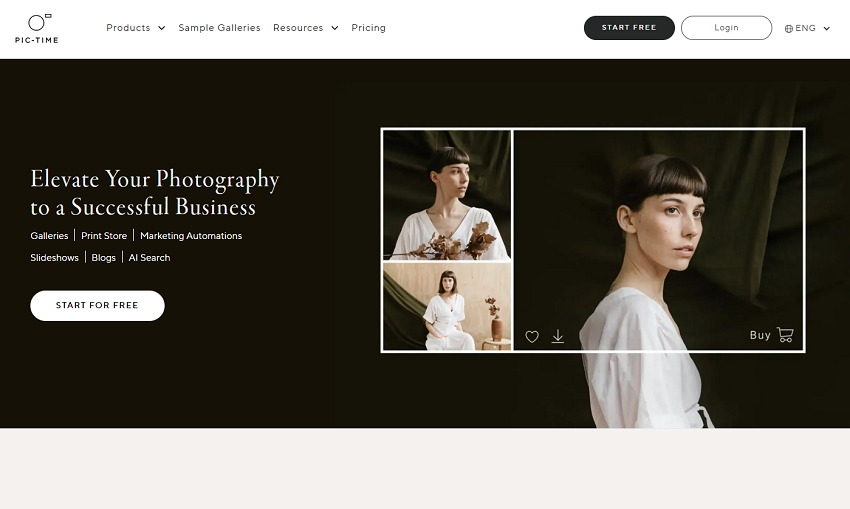
That's the split: Pixieset sells well when clients are already ready to buy. PicTime sells better when the platform itself helps nudge them.
Pictime vs Pixieset: Workflow and Integration
Pixieset's Broader Toolset
Pixieset is more than galleries. It has website building, studio manager tools, quotes, invoices, and online booking. If you want one platform to cover multiple photography business needs, Pixieset is more complete out of the box.
I used Pixieset when I needed a simple solution to manage galleries and a basic website together. For business owners who want a "one subscription to rule them both" approach, Pixieset makes sense.

That said, the Studio Manager tools are functional rather than powerful. For booking and invoicing, they work, but they don't replace a dedicated CRM when your business grows.
PicTime's Narrower Focus
PicTime does not try to be everything. It focuses on galleries, presentation, and sales. That makes it cleaner in some ways.
Because I already had a website and a separate booking/CRM system, PicTime fit perfectly as the gallery layer. I kept my client intake in one tool, my contracts in another, and let PicTime handle the experience after the shoot. It was less overlap and fewer duplicated features.
The Lightroom integration is one place PicTime earns its keep. When I uploaded wedding photos directly from Lightroom, I could keep the gallery structure aligned with my edits and avoid the extra export step. That is not a small thing when you are dealing with several hundred images and a tight turnaround.
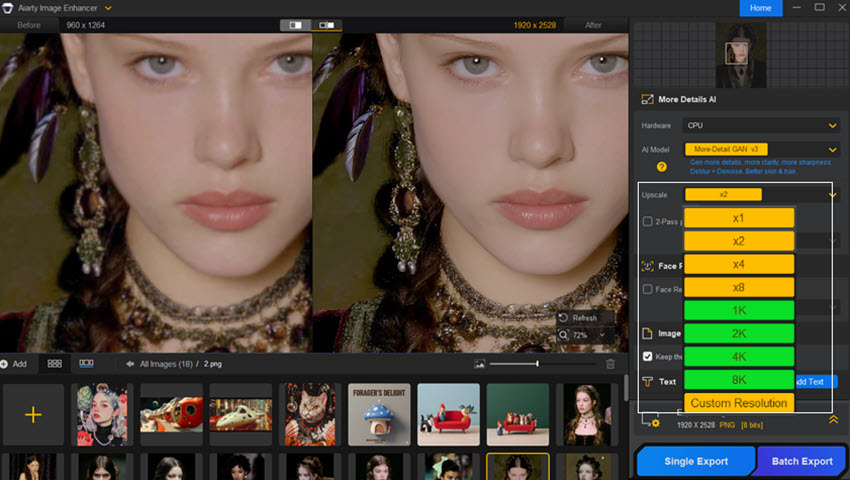
If you want the galleries you send through Pixieset or PicTime to look even stronger, there's one extra step I always recommend: polish the final images with Aiarty Image Enhancer before export. It's a lightweight, photographer-friendly tool that boosts clarity, refines color, and keeps skin tones natural without the over-processed look. For me, that meant the same Pixieset gallery felt sharper and more professional, and my PicTime deliveries looked more premium from the first click.
Use Aiarty Image Enhancer to make sure the platform you choose is showing your best work — whether you need a fast delivery with Pixieset or a luxury gallery experience on PicTime.
Pictime vs Pixieset: Pricing
Pixieset Pricing
Pixieset's free plan is useful for smaller workloads. The paid plans are modular, so you can choose galleries only or combine them with websites and studio manager tools. That flexibility is valuable if you are building a business from scratch and want to control your subscription cost.
For quick sessions and smaller orders, Pixieset offered more predictable pricing. I could keep the cost low while still delivering a professional gallery.
PicTime Pricing
PicTime starts a little higher, but the value becomes clearer when you use the sales automation. If you are selling prints and products regularly, the extra cost often pays for itself.
In my experience, the best way to judge PicTime is not by monthly cost, but by the revenue it helps generate. If one automated campaign brings in a print order that would have otherwise disappeared, that makes the investment feel reasonable. For photographers who care about premium clients and product sales, PicTime is not just another tool — it becomes a revenue channel.
Real Switch Story
I moved one of my wedding workflows from Pixieset to PicTime after a season where print sales were lagging. In the first month on PicTime, a gallery for a luxury wedding client produced a print order from an email I did not have to send. That outcome was what convinced me the switch was worth it. At the same time, I kept using Pixieset for second-shooter galleries and smaller portrait jobs. The truth is that both platforms have a place. Pixieset remains the tool I reach for when time is limited and I need delivery with minimum fuss. PicTime is the tool I use when the client expectation is luxury and when I want the gallery to act like a sales machine.
Choosing the Right Platform for Your Business
Use Pixieset if:
- You're just starting and need reliable galleries quickly
- You want a clean client experience without deep setup
- You want a more all-in-one solution with website and studio management
- Your focus is delivery and basic sales
Use PicTime if:
- Your clients expect a premium presentation
- You want automated follow-up and print sales
- You are comfortable using multiple tools for website/CRM vs gallery
- Your business depends on turning galleries into product orders
Final Verdict
Pixieset is the right choice when you want a fast, dependable gallery delivery system. It feels like a workhorse - solid, pleasant, and easy to use. PicTime is the right choice when you want the gallery to feel like part of a luxury experience and when you want the platform to work for you after delivery. It is not as quick to learn, but it can reward you with better sales and stronger client reactions.
For my own workflow, I stopped thinking of this as “Pixieset or PicTime.” I now think in terms of use case:
- Pixieset for efficient delivery and simple proofing jobs.
- PicTime for premium weddings, high-end portrait collections, and anything where the gallery itself should feel like a product.
You May Also Like


This post was written by Brenda Peng who is a seasoned editor at Digiarty Software who loves turning ordinary photos into extraordinary works of art. With AI assistance for brainstorming and drafting, the post is reviewed for accuracy by our expert Abby Poole for her expertise in this field.
