


A2E AI 2026- Best AI Video Generator for Creators
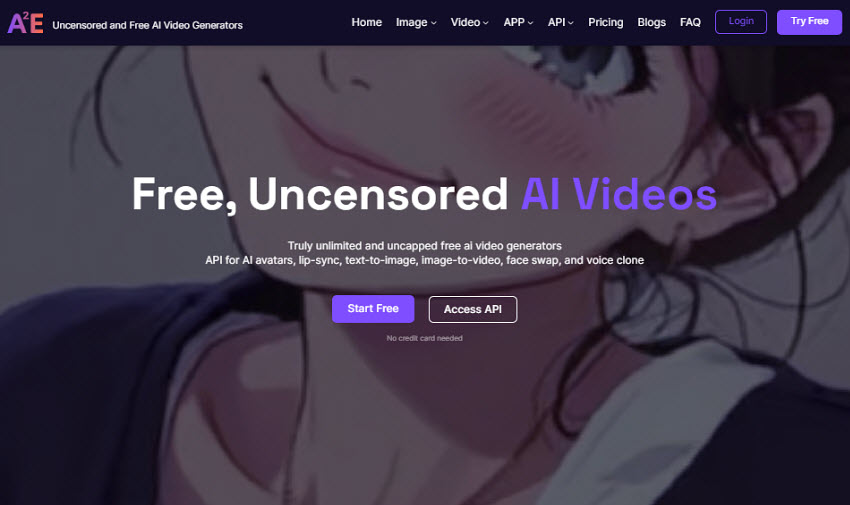
A2E AI positions itself as a next-generation generative video platform designed for creators, developers, and businesses who value flexibility, creativity. Unlike platforms that impose stricter moderation limits, A2E AI emphasizes a more free AI video environment and experience, giving users greater control over voice cloning, talking-avatar production, lip-sync video creation, and image-to-video tools.
This review takes an in-depth look at A2E AI’s features, pricing, performance, and real-world use cases, while also examining what its content philosophy means in practical, ethical, and creative workflows.
What Is A2E AI?
A2E.ai is a generative AI platform focused on video creation. It offers unlimited lifelike avatar videos, voice cloning, image-to-video synthesis, and multimedia creation tools, accessible through a browser UI and developer API. Positioned as an affordable and scalable alternative to platforms like Synthesia and D-ID, A2E AI appeals to users who prefer flexible credit-based billing and lower entry costs.
At its core, A2E enables users to generate realistic AI videos without cameras, actors, or studio setups, simply by uploading images or videos, entering scripts, or using voice clones. Its workflow gives creators and developers more control over content expression while still supporting professional production pipelines.
A2E AI Pricing & Plans
Is A2E AI free? Yes, but with limits. Although A2E AI promotes itself as a free AI video generator, the free tier is actually limited in credits, features, and output quality. In practice, A2E uses a credit-based system with several paid subscription plans for higher limits, faster processing, and full feature access.
- Free: A2E AI is free $0 forever with about 30 daily credits, but videos are limited to watermarked 720p, lower processing priority, and usage caps of 10 custom avatars, 1 voice-clone slot, plus 100+ community avatars.
- Pro: The Pro plan ($9.99/month) offers 60 credits/day, removes watermarks, supports 4K video export, and includes API access with 50 custom avatars and unlimited voice cloning.
- Max: The Max plan ($49/month) provides 90 daily credits, high-priority processing, and full access to tools such as lip-sync, image-to-video, and face swap.
- API & Business Plans: For larger teams and developers, A2E AI also provides API & Business plans with pay-as-you-go billing, optional dedicated servers or on-premises deployment, and volume or reseller discounts, and credits do not expire and are consumed based on content length (typically about one credit per second of video).
Note: Credits do not expire and are consumed based on content length (e.g., 30 credits per 5-second video generation).
A2E AI Core Features & Capabilities
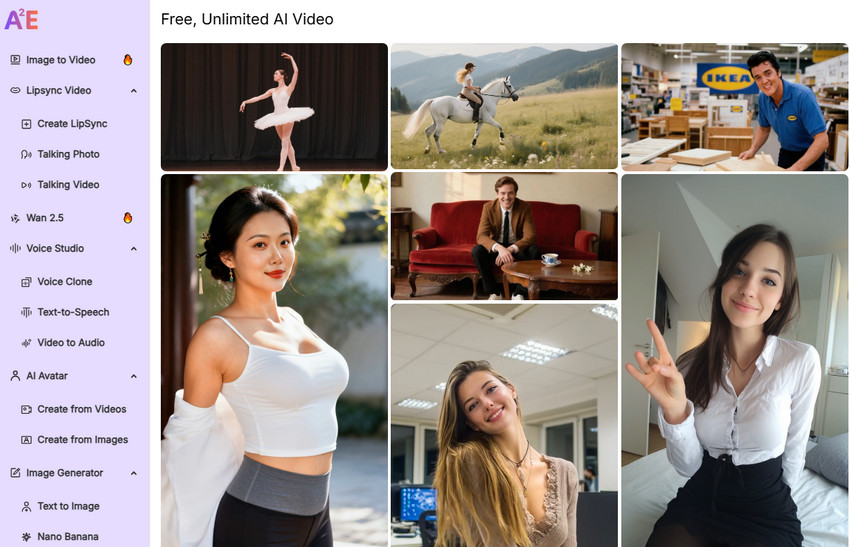
1. Image-to-Video & Media Tools
A2E AI allows users to turn a photo into a short motion video clip with background scenes, animation, and synchronized voice narration. These features are especially useful for creators who want greater freedom over media editing without restrictive content gating. Key video generation tools include:
- Image to video generation in 1080P
- Head / face swap and talking-photo generation
- Subtitle removal and video-to-audio extraction
- Text-to-image generation inside the same toolkit
2. AI Avatar Video Generation
With A2E AI Video Generator, users can create talking-avatar videos from text or uploaded media. The no-censorship avatar engine is designed for users who value expressive freedom across global languages and creative contexts. The platform delivers:
- Precise lip-sync and natural mouth movement
- Multilingual avatar generation for localization
- Realistic performance output without re-recording
3. Voice Cloning & Text-to-Speech
A2E AI Video Generator integrates cloning and speech synthesis technologies such as Minimax, ElevenLabs, and Cartesia to produce natural, expressive, AI speech. Because A2E promotes a no-censorship voice generation experience, creators can explore broader narrative and stylistic applications than on more restricted platforms.
- Cross-language voice synthesis
- Accent + tone preservation
- Flexible creative and experimental use cases
4. Developer API
A2E AI Video Generator provides a full developer API with a 99%+ SLA, enabling programmatic integration into apps, web platforms, content tools, AI assistants, and more. The A2E AI API covers avatar & lip-sync video generation, live streaming avatars, and TTS and voice cloning. Commercial users can deploy via dedicated servers or on-premise solutions, making it suitable for businesses that require content infrastructure while maintaining operational control.
A2E AI Supported Models & Technology
A2E AI relies on multiple well‑known video generation models as the underlying engines that actually create text‑to‑video and image‑to‑video content.
Wan 2.6: Main text-to-video / image-to-video backbone used for cinematic scenes, character clips, and creative storytelling, delivering smooth motion and multi-resolution output for professional AI videos..
Veo 3.1: Realism-oriented model applied to photo-to-video, product motion, lifestyle shots, and scenes where structural detail and natural movement matter.
Kling Video: Optimized for short expressive clips (5–10s), such as reaction edits, meme-style motion, and social-media loops, providing a flexible workflow for creators who want quick, no-censorship AI video generation.
Seedance 1.5 Pro: It's used in A2E AI in lip-sync videos, talking avatars, narration clips, and music-synced motion.
Also read: Seedance 2.0 Free Access: 7 Working Platforms
Nano Banana Pro: Lightweight fast-render models used for quick previews, low-credit drafts, short demo animations, and rapid creative exploration.
Flux 2 Pro: Stability-focused model for smoother motion in longer narrative clips, camera movement shots, and mid-length cinematic sequences, ensuring consistent high-quality AI video output across A2E AI progjects.
A2E AI Pros & Cons
Before deciding whether A2E AI is the right platform for AI video creation, it’s important to look at how its strengths and drawbacks compare in real-world use.
- Flexibility: A2E AI's open and no-cencorship content generation environment allows greater control over creative output without heavy moderation restrictions.
- Multiple Powerful Models: Support the latest AI models for flexibility across video speeds, styles, and quality levels.
- All-in-One Toolkit: Includes avatar video generation, lip-sync, image-to-video, voice cloning, TTS, face swap, and more.
- Developer-Friendly API: Full API access with dedicated/on-premise options makes it easy to integrate into apps, platforms, or automated workflows.
- Multilingual & Voice Options: Integrated voice models (e.g., Minimax, ElevenLabs, Cartesia) provide expressive speech and cross-language support.
- Free Tier Limitations: The free, AI video generator is heavily limited in credits, watermarks, and priority.
- Quality Variability: Output quality can vary between models, with some less consistent visuals compared to top enterprise tools.
- Learning Curve for Best Results: Choosing among multiple models and setting parameters can be confusing for beginners.
- Slow speed: Sometimes it takes too long to generate a 5s video.
Best A2E AI Alternatives Free &
While A2E AI stands out with its creative video generation tools, it is not the only option available. Below are several notable A2E AI alternatives to help creators compare features, output quality, and how each platform approaches AI video generation.
ZenCreator
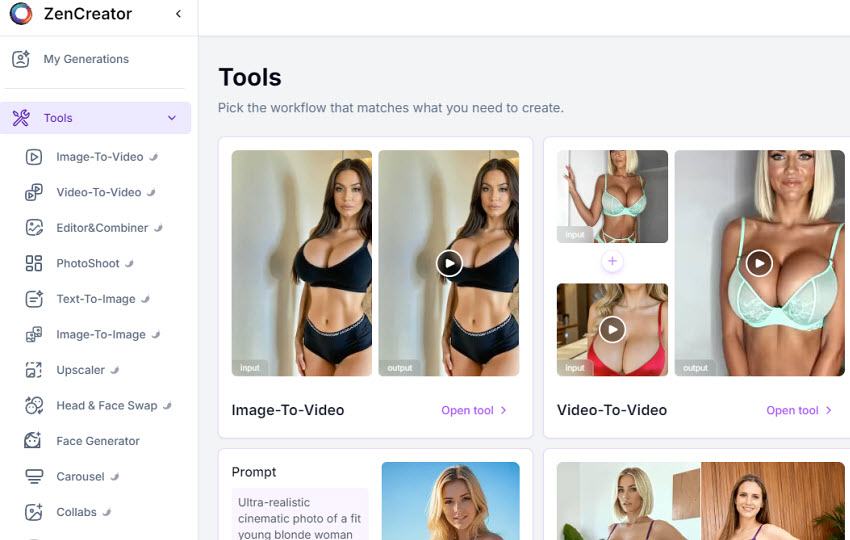
A budget‑friendly AI video alternative to A2E AI with relatively flexible creative controls.
ZenCreator positions itself as a budget-friendly alternative to A2E AI, offering similar tools like avatar video creation, simple lip-sync, and image-to-video tools without complex setup or expensive subscriptions. It is less advanced in model variety and motion realism, but appeals to users who want quick talking-avatar content without strict censorship filters.
GROK Video Generator
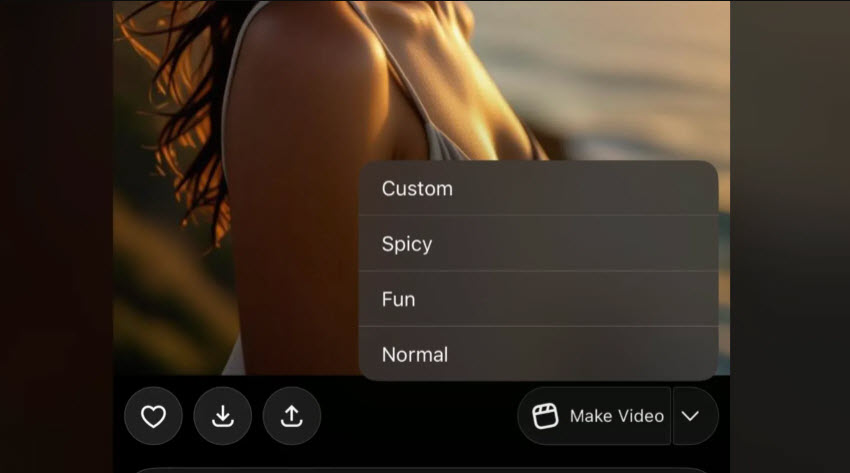
GROK Video Generator is a free AI video platform that allows users to generate short clips from text or images using modes like Normal, Fun, and Custom, often without a subscription. While Grok’s "Spicy Mode" offers a more AI video generation experience, its availability is limited and may require specific app access or paid tiers. Strict safeguards still apply, so GROK is not a fully AI video generators such as A2E AI. It remains a strong free alternative for casual experimentation and creative AI video workflows.
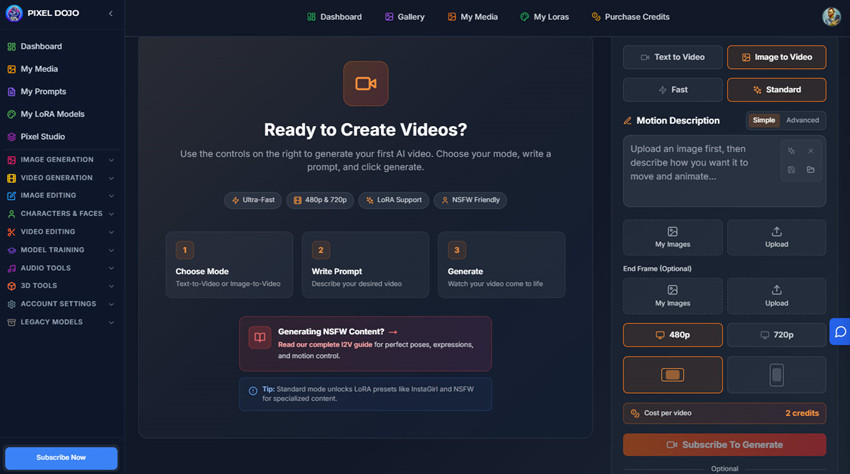
PixelDojo AI Video Generator
PixelDojo AI Video Generator is a truly free alternative to A2E AI that focuses on AI video generation. It allows creators to produce videos from text or images without strict daily limits or mandatory subscriptions, making it ideal for experimentation and rapid content creation.
PixelDojo supports multimodal workflows, including text-to-video, image-to-video, and audio integration, giving users flexibility to create realistic avatars, animated clips, or talking characters. Its open approach to content generation means users can explore creative ideas without the heavy moderation restrictions found in enterprise platforms like HeyGen or Synthesia.
QWEN Video AI
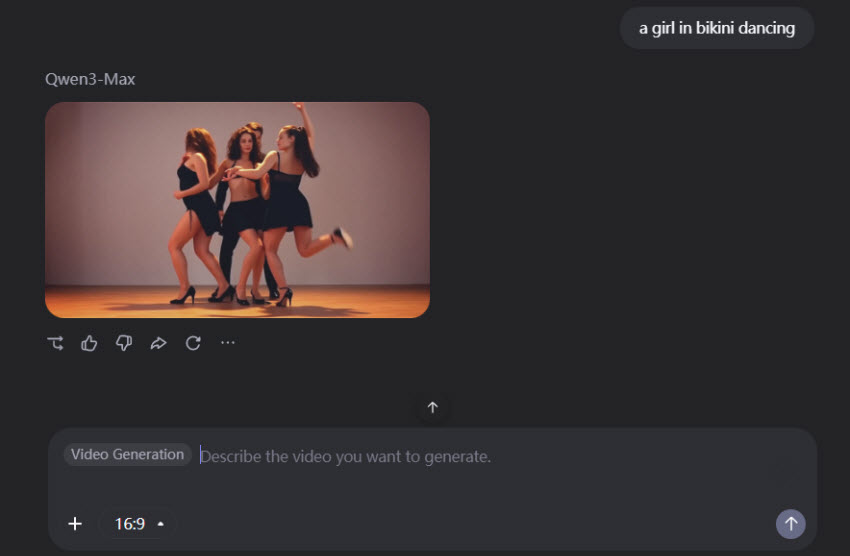
A free video generator alternative to A2E AI with strong realism.
QWEN allows creators to generate short AI videos, offering high-quality image and motion output. While the free plan typically limits users to around 10 videos per day, it remains a strong alternative to A2E AI for creators who prioritize realistic AI video generation over quantity. Its straightforward interface and cross-platform accessibility make it suitable for experimenting with text-to-video and image-to-video content without a subscription.
META Video Model
A free A2E AI alternative video generator but with inconsistent quality.
META provides users with access to AI video tools that allow more open or less-restricted content than many enterprise platforms, making it useful for prototyping and experimental AI video creation. However, output quality is inconsistent and less reliable compared to A2E AI, so it is better suited for testing ideas rather than production-level no-censorship AI videos.
HeyGen
A polished, enterprise-focused A2E AI competitor.
HeyGen is one of the most popular A2E AI competitors, offering polished avatars, strong lip-sync, and corporate localization workflows. However, unlike A2E AI’s video generation, it enforces stricter moderation and content filters. While ideal for professional or business use, these controls can limit creative experimentation, making it less suitable for creators seeking a fully free AI video generation workflow.
A2E AI vs Alternative Comparison Table
Final Thoughts
A2E AI is a versatile, next-generation AI video generator that empowers creators, developers, and businesses with content creation tools. With features like avatar video generation, image-to-video, voice cloning, lip-sync, and a full developer API, it offers unprecedented creative flexibility. While the free tier provides limited credits and watermarked output, the paid plans unlock higher resolution, faster processing, and full access to its capabilities.
That said, there are also free alternatives to A2E AI, like PixelDojo, QWEN, GROK, ZenCreator, etc. They also offer varying levels of AI video generation, giving users options to experiment without subscription fees. Overall, A2E AI remains a strong choice for those prioritizing creative freedom, and professional-quality AI video output. And there are free credits to let you try.
 A2E AI Video Generator FAQs
A2E AI is generally safe to use as a web-based platform, and it does not install software or access your device. Since it's an free video generator, moderation is lighter than enterprise tools, so users should responsibly avoid illegal, harmful, or copyrighted content. For best safety, always review the privacy policy before uploading sensitive media.
- To use A2E AI, first sign up and log into the web app, where you can access tools for avatar videos, image-to-video, face swaps, and voice cloning.
- Choose the creation mode that fits your project, whether it’s a talking avatar, animating a photo, or generating a short video with audio.
- Upload your images or enter your script, select the desired output style and resolution, and pick the AI model if needed for motion or lip-sync precision.
- Once ready, generate the video, review the preview, make any adjustments, and then download or export the final video.
You can get A2E AI free credits mainly through account registration and daily activity. New users typically receive a welcome bonus (around 100 free credits) when signing up, and you can earn about 30 extra bonus credits per day by checking in to your A2E AI account. In some cases, users also report getting additional credits through referral / invite codes or community events, though availability may vary by region or promotion.
These free credits can be used for features such as AI avatar generation, voice cloning, text‑to‑video and image‑to‑video, but the free tier usually includes watermarks and resolution limits compared with paid plans.
A free alternative to A2E AI is PixelDojo AI Video Generator, a truly free platform for AI video creation from text or images. Other notable free options include Makefun.ai, GROK Video Generator, and QWEN Video AI, all of which allow users to generate AI videos with fewer restrictions, though some may have daily limits or lower resolution compared to A2E AI.
You May Also Like


This post was written by Brenda Peng who is a seasoned editor at Digiarty Software who loves turning ordinary photos into extraordinary works of art. With AI assistance for brainstorming and drafting, the post is reviewed for accuracy by our expert Abby Poole for her expertise in this field.
