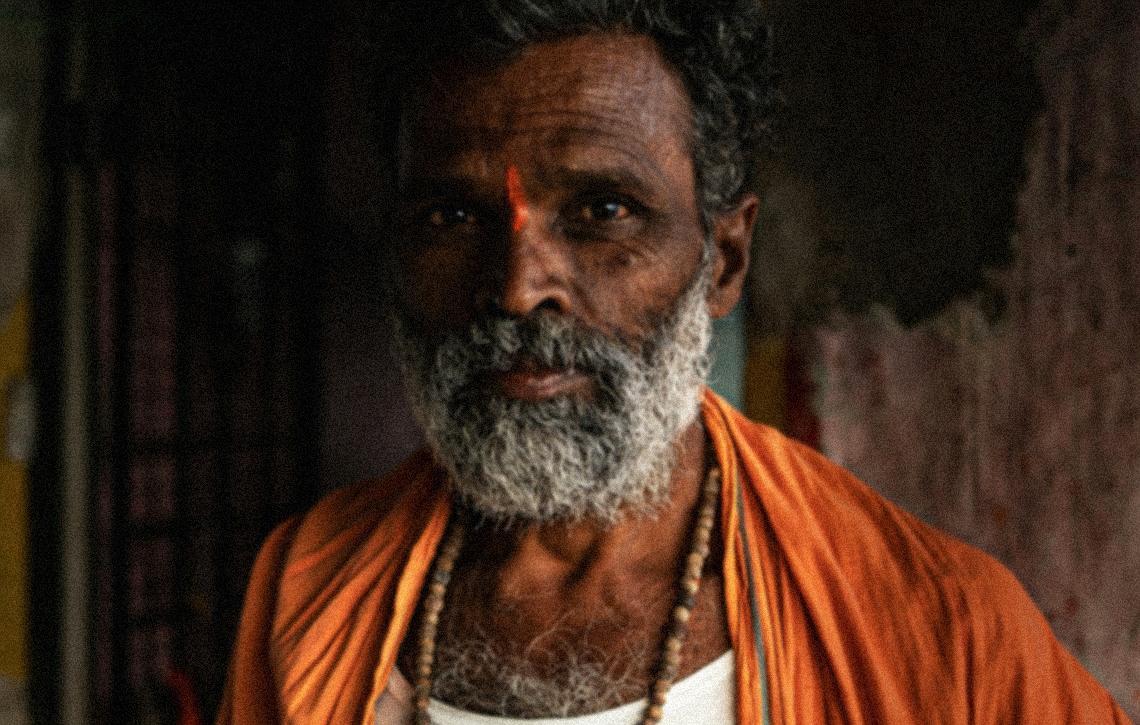
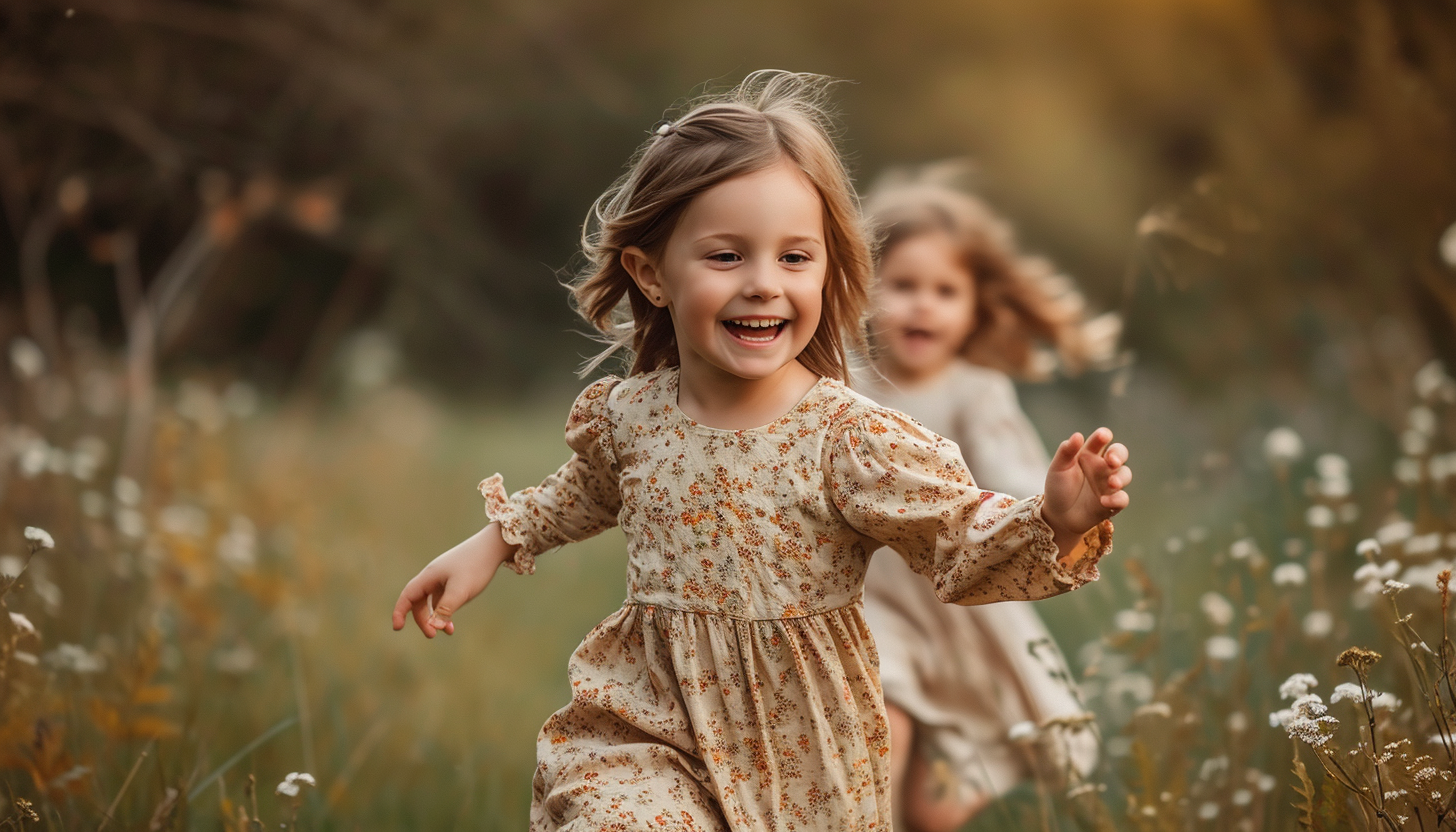
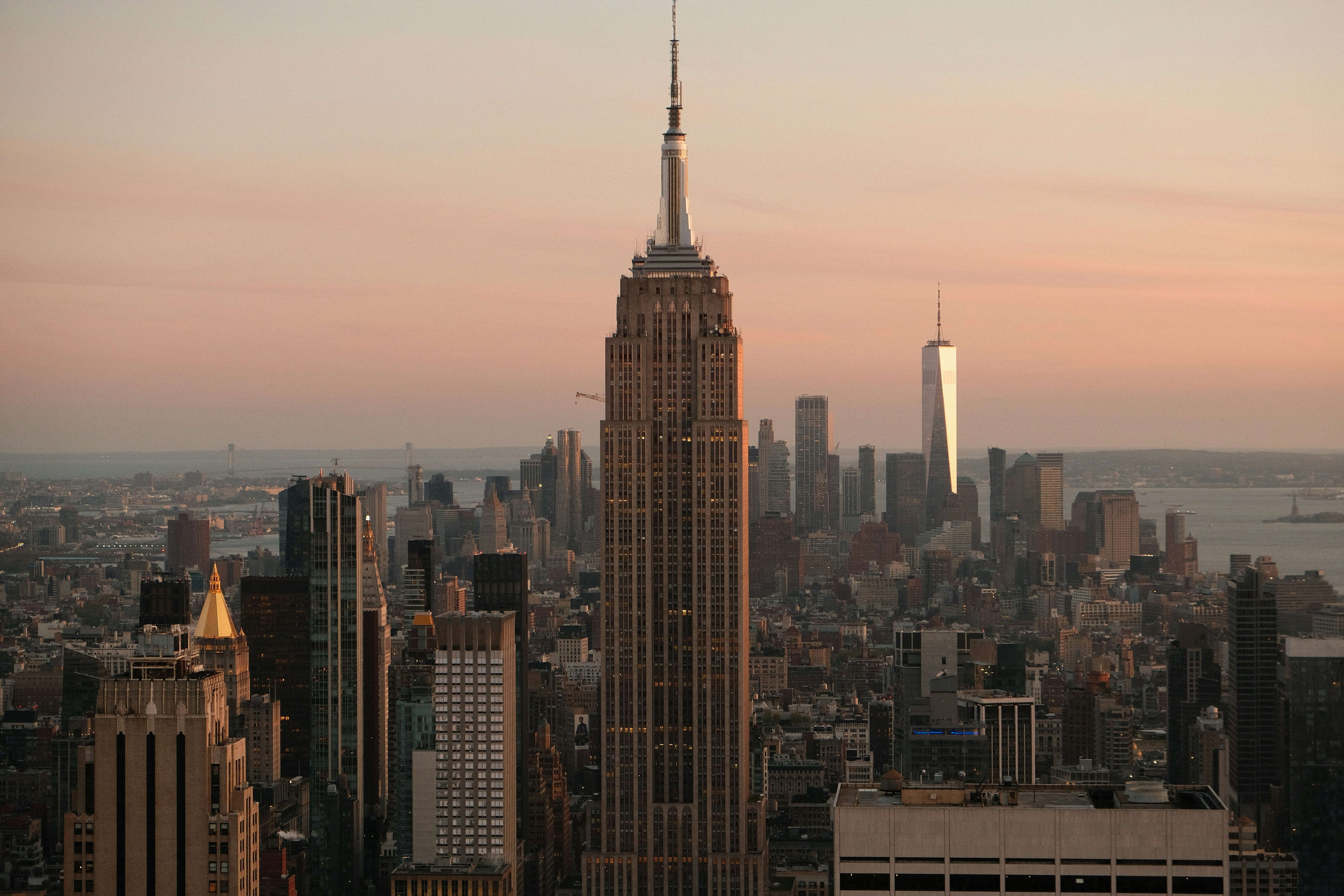
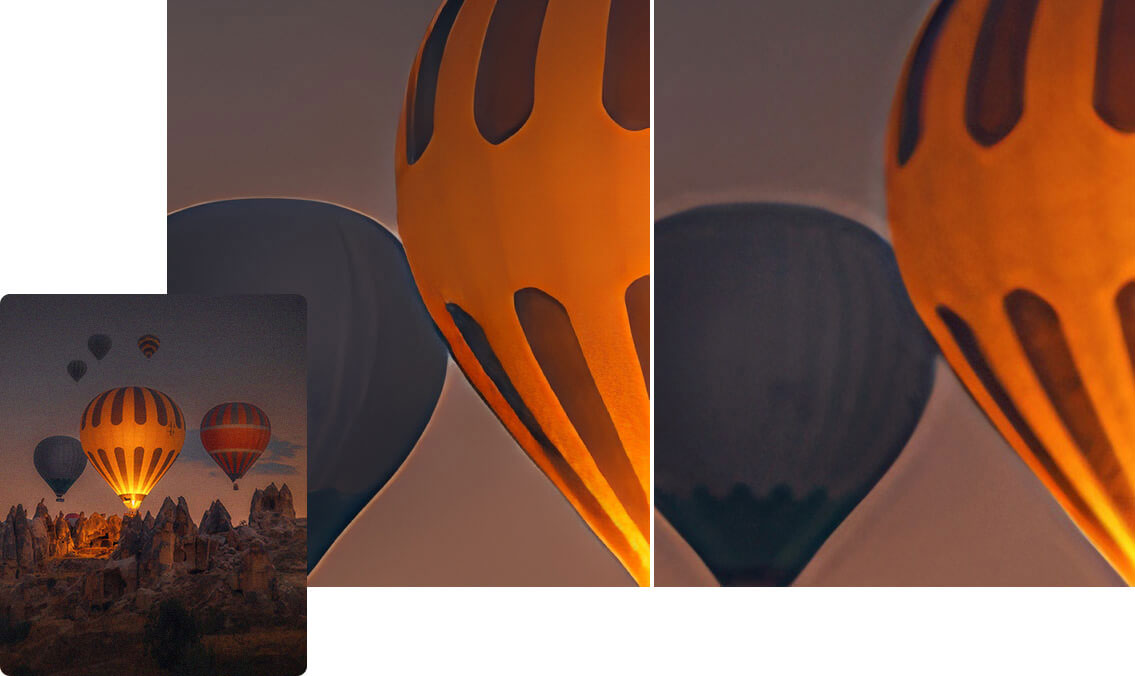
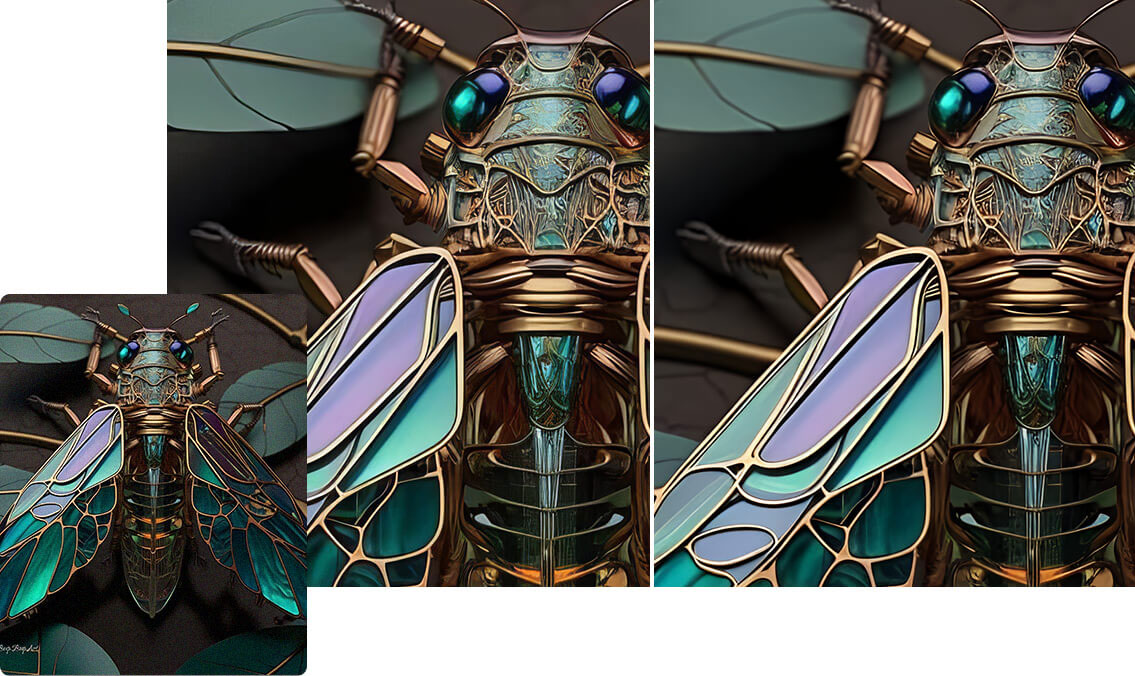
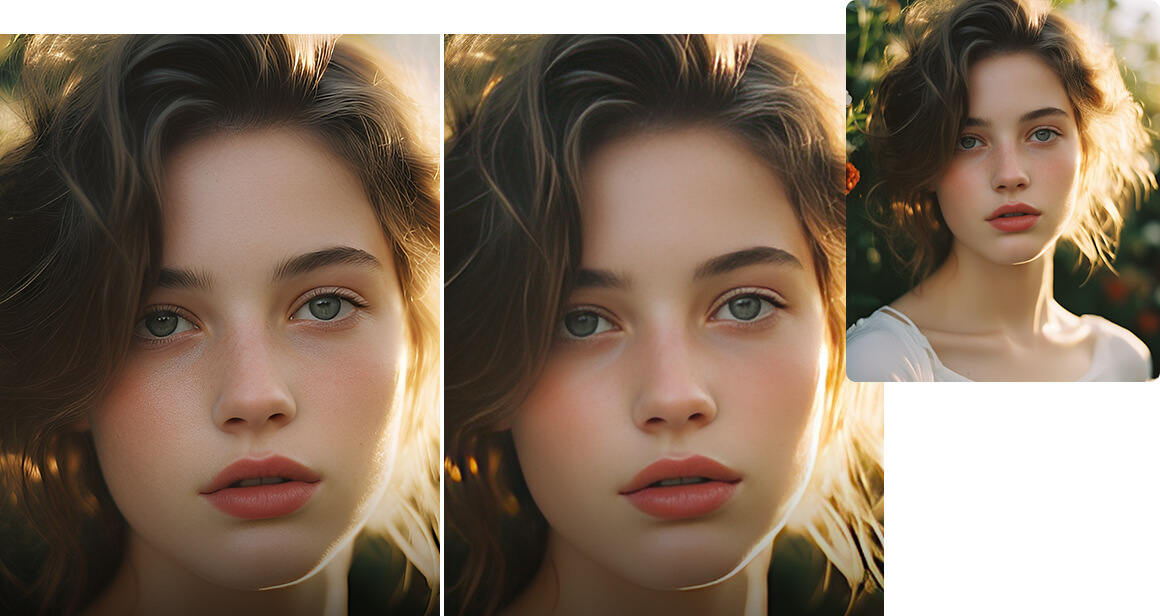
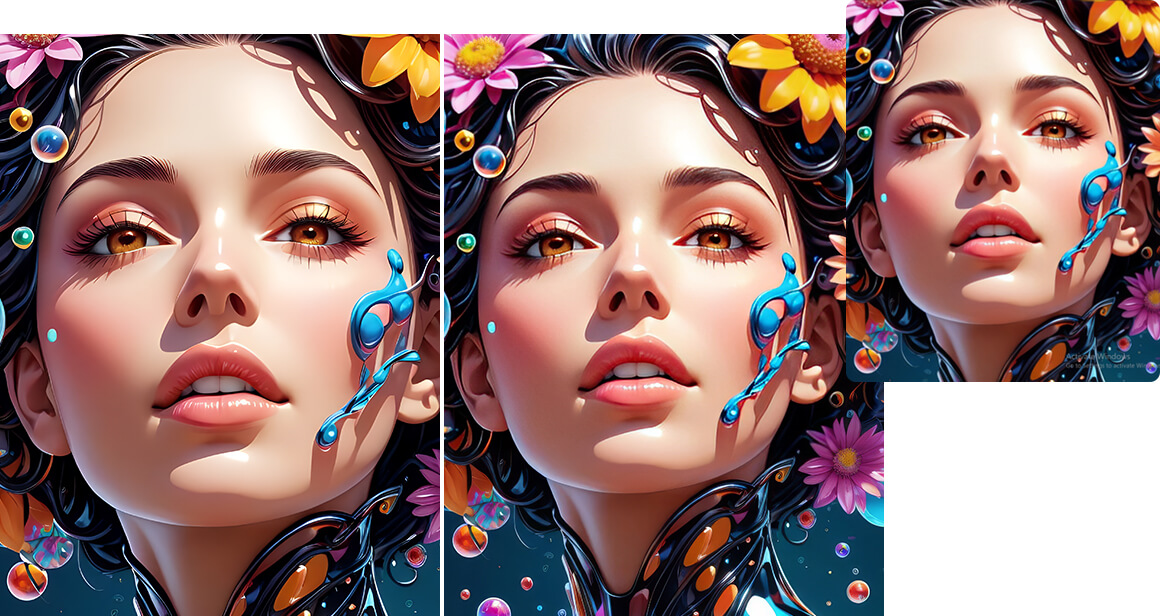
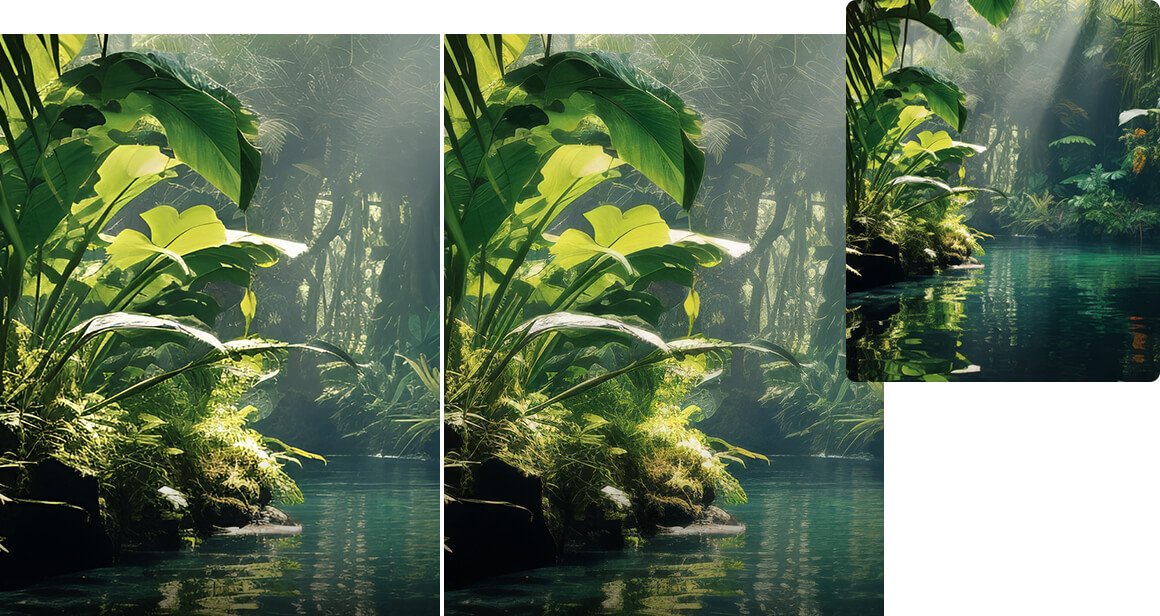
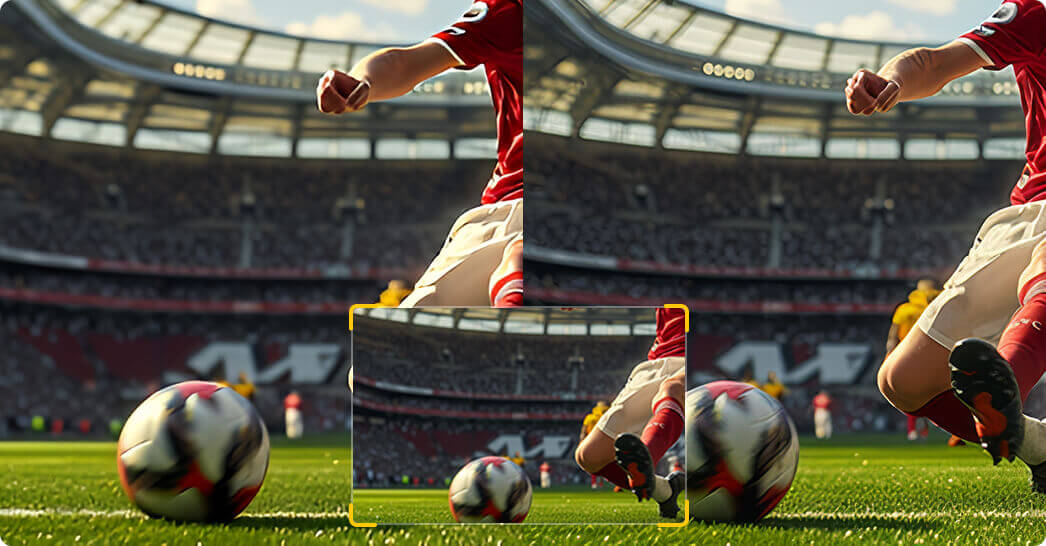
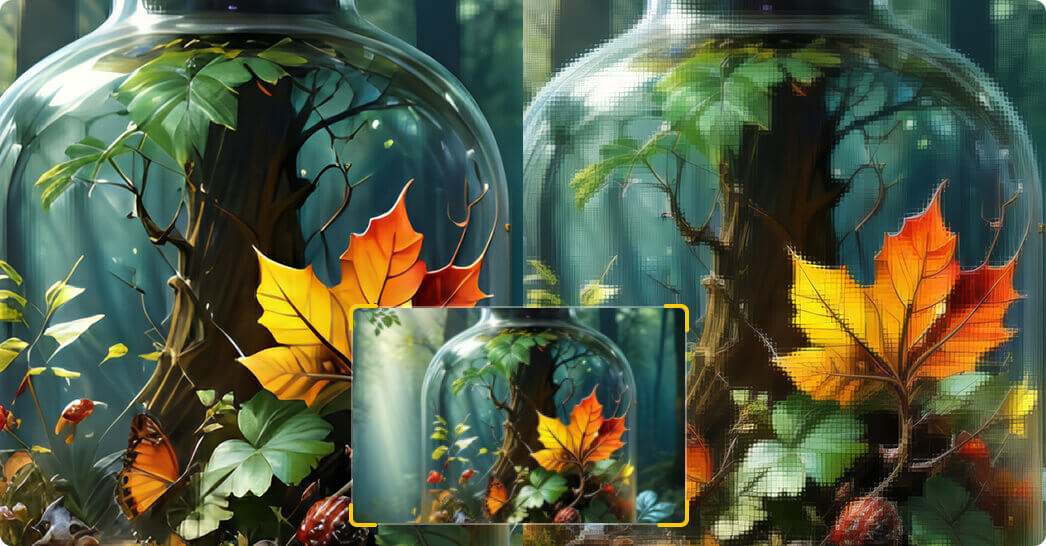
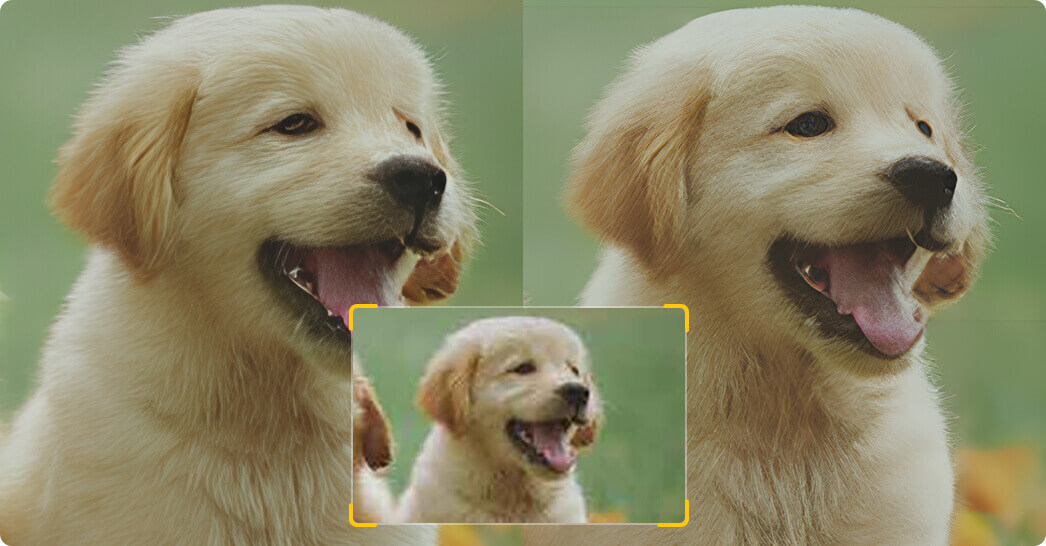
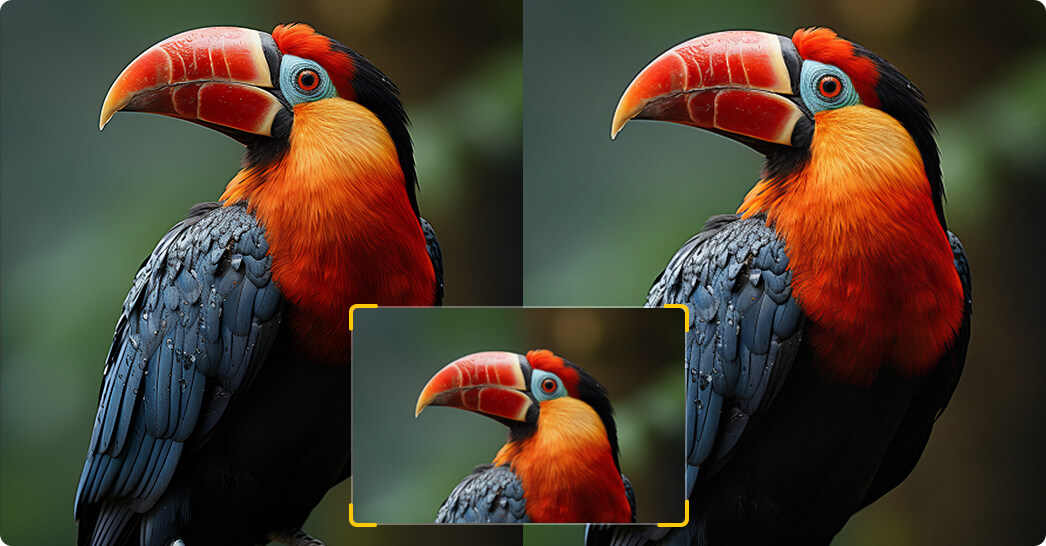
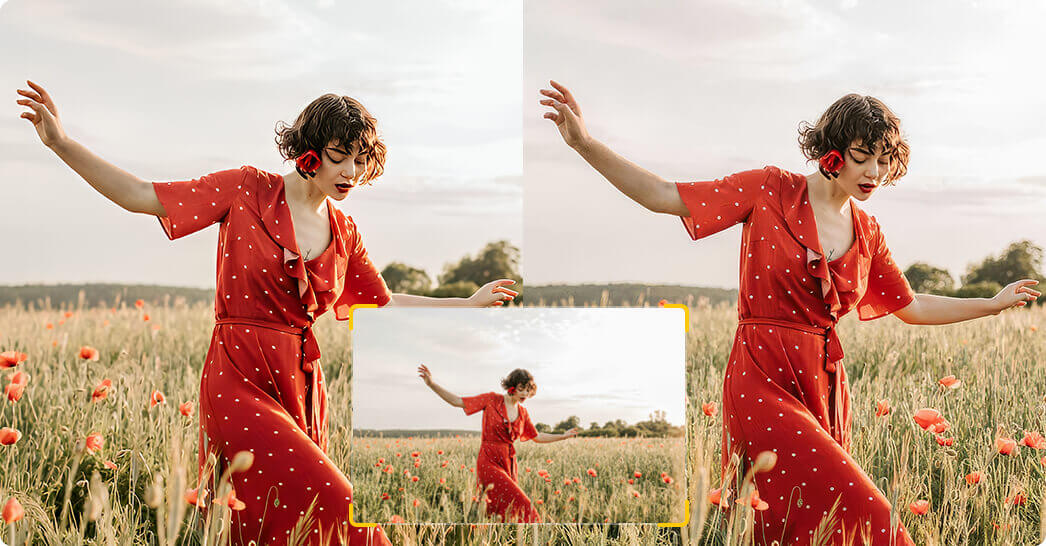
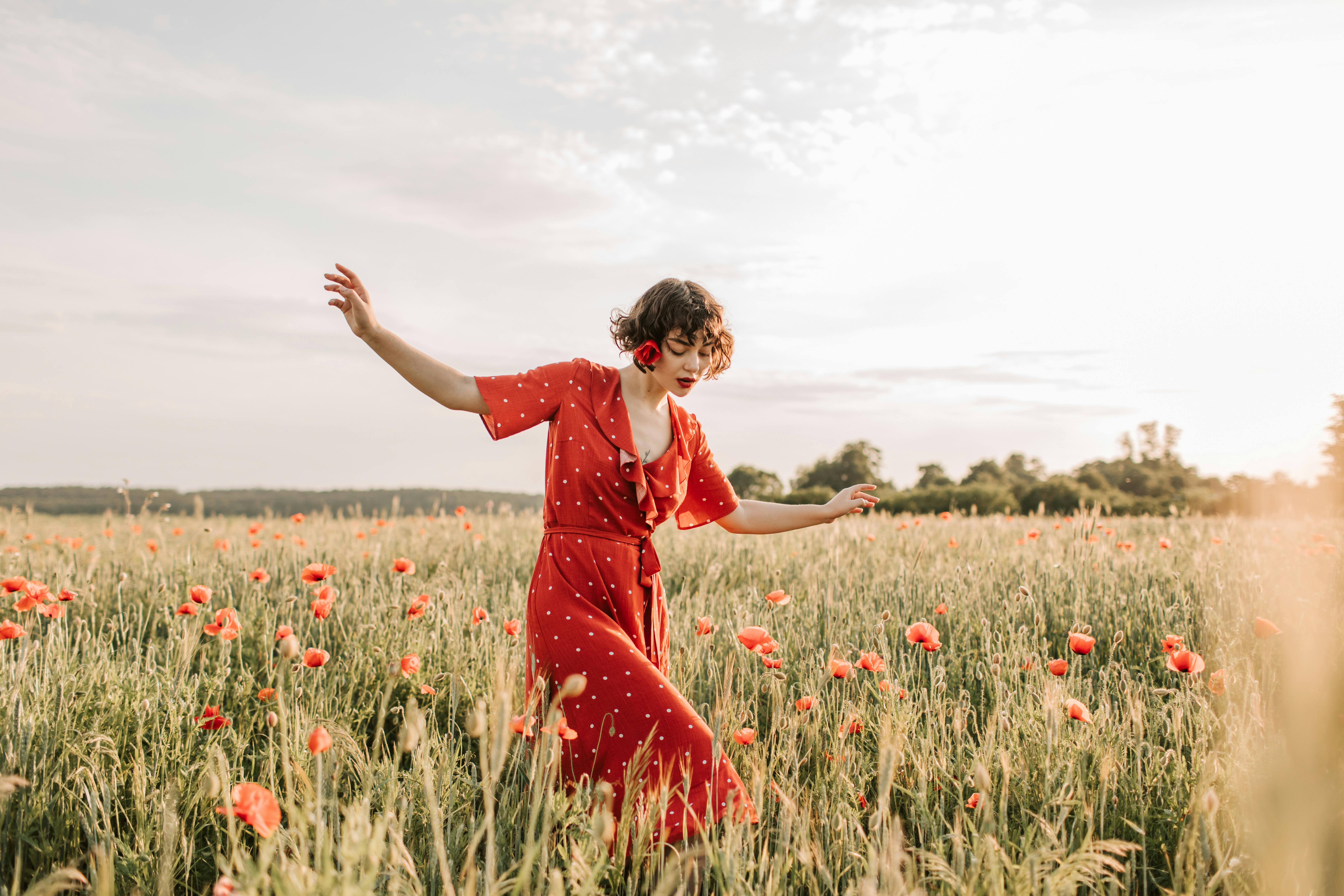
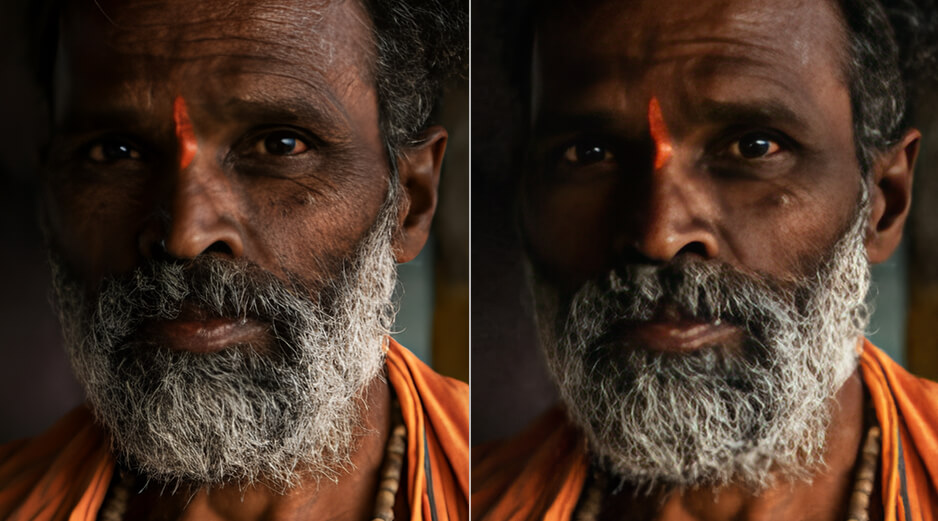
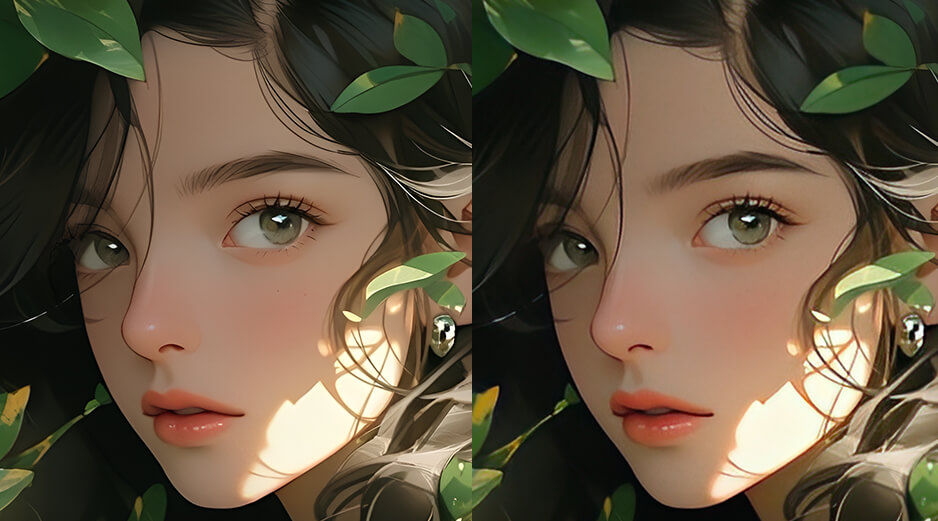
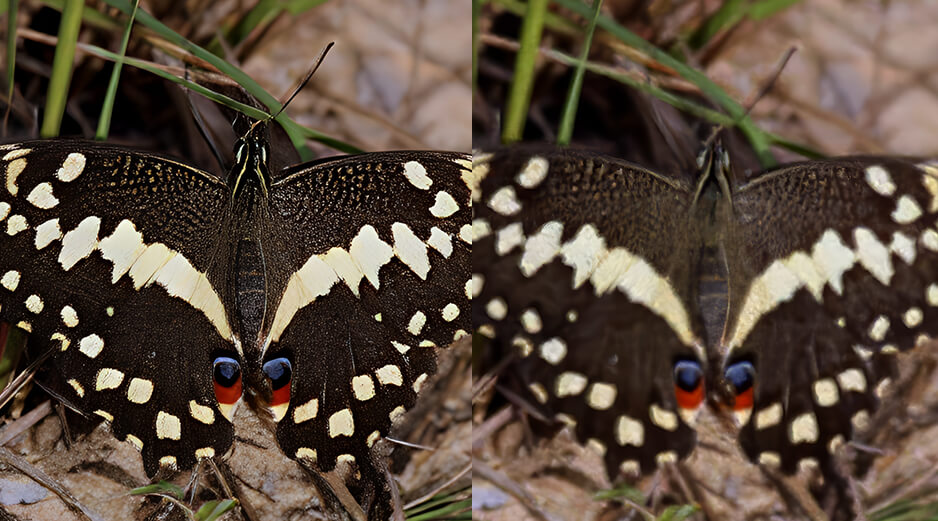
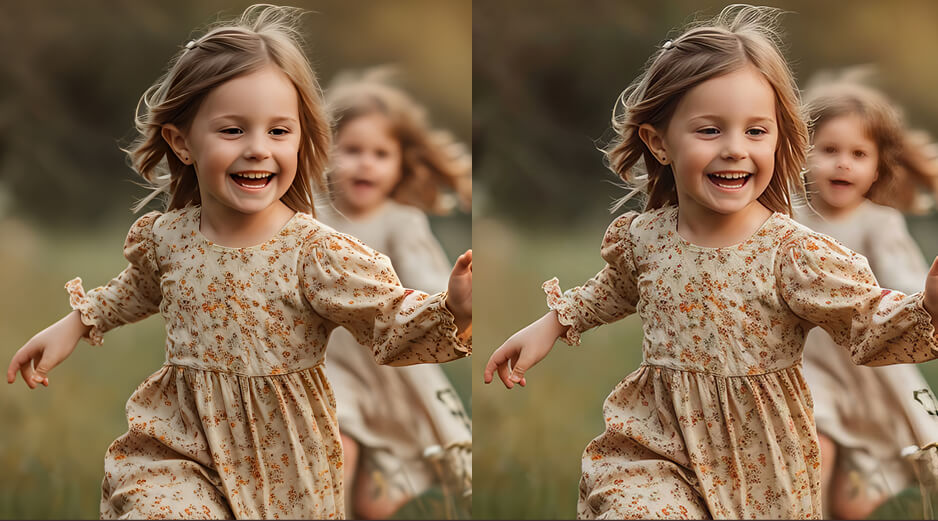
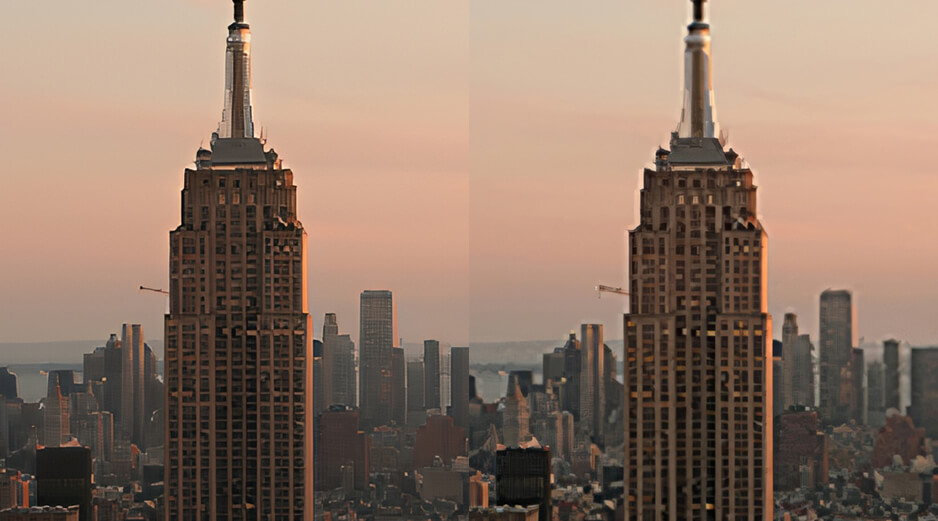
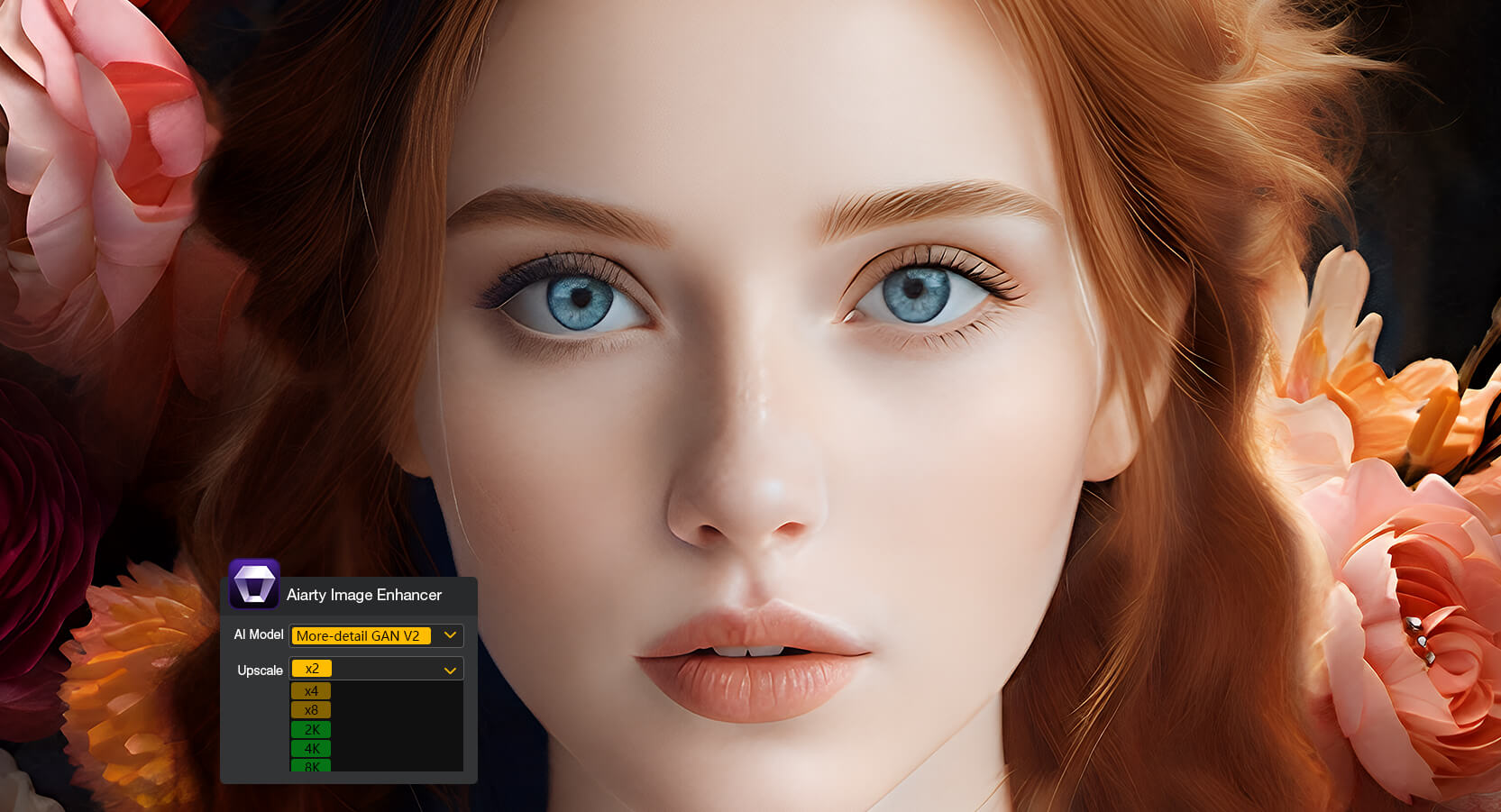
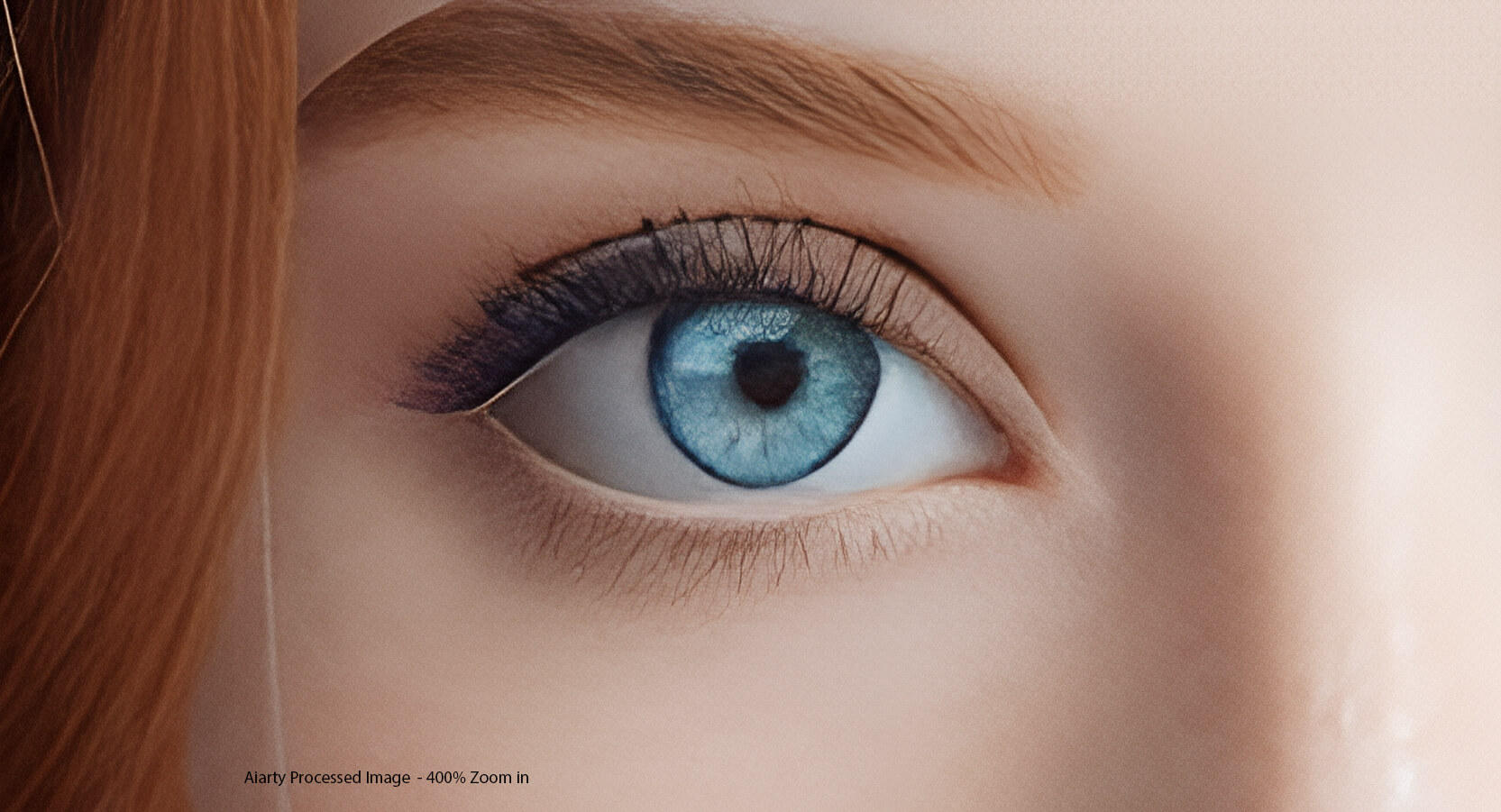
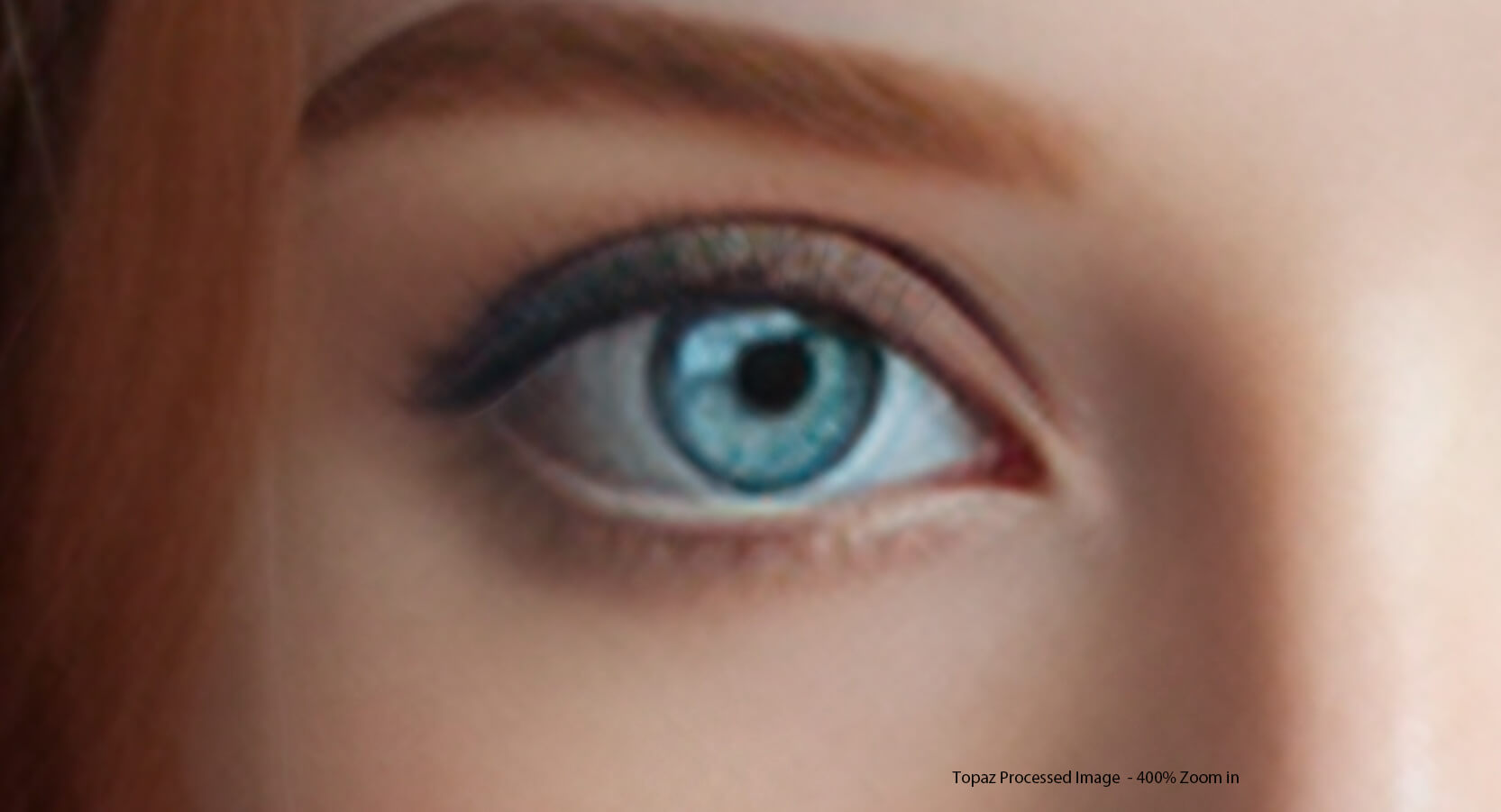
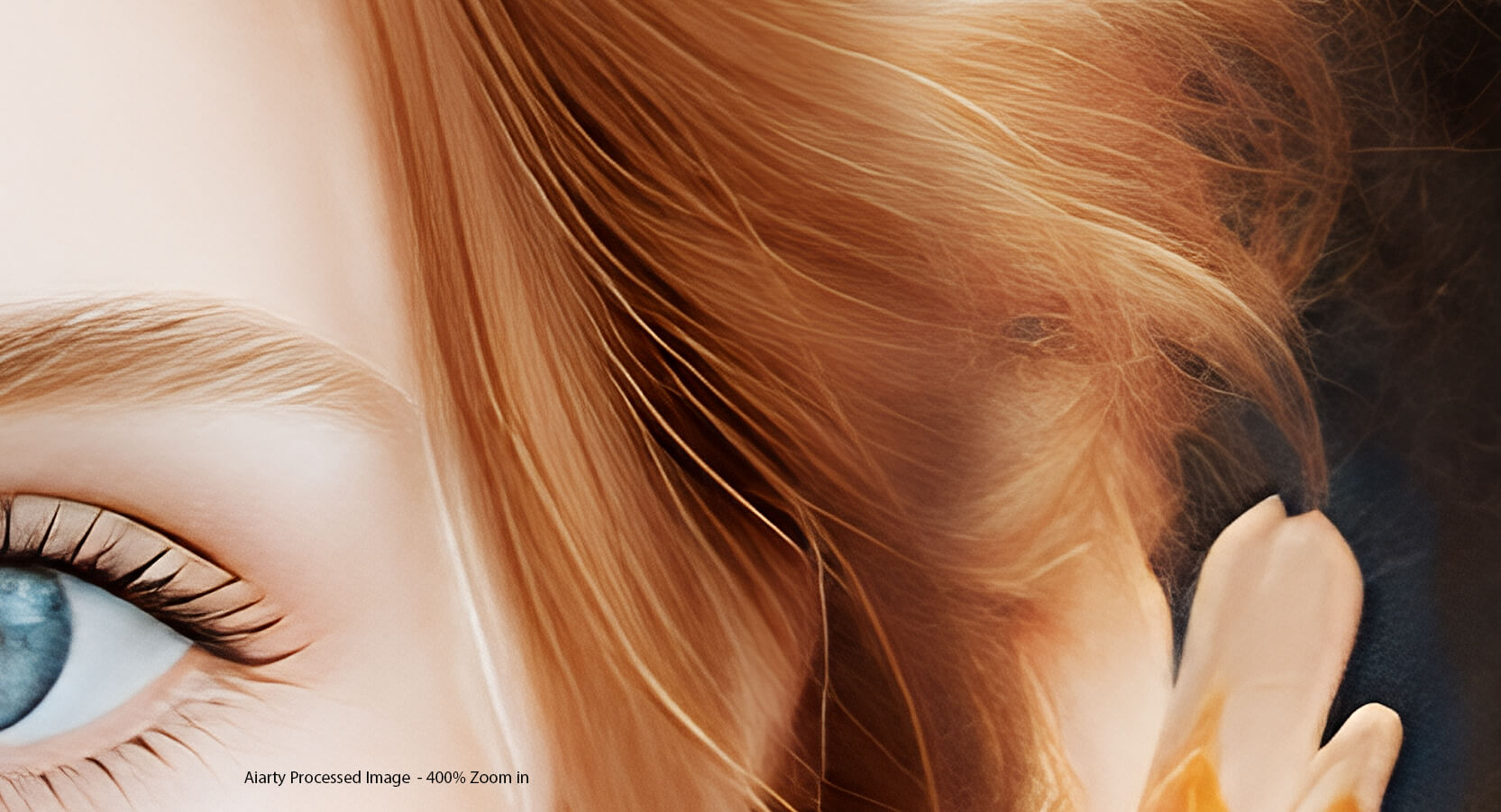
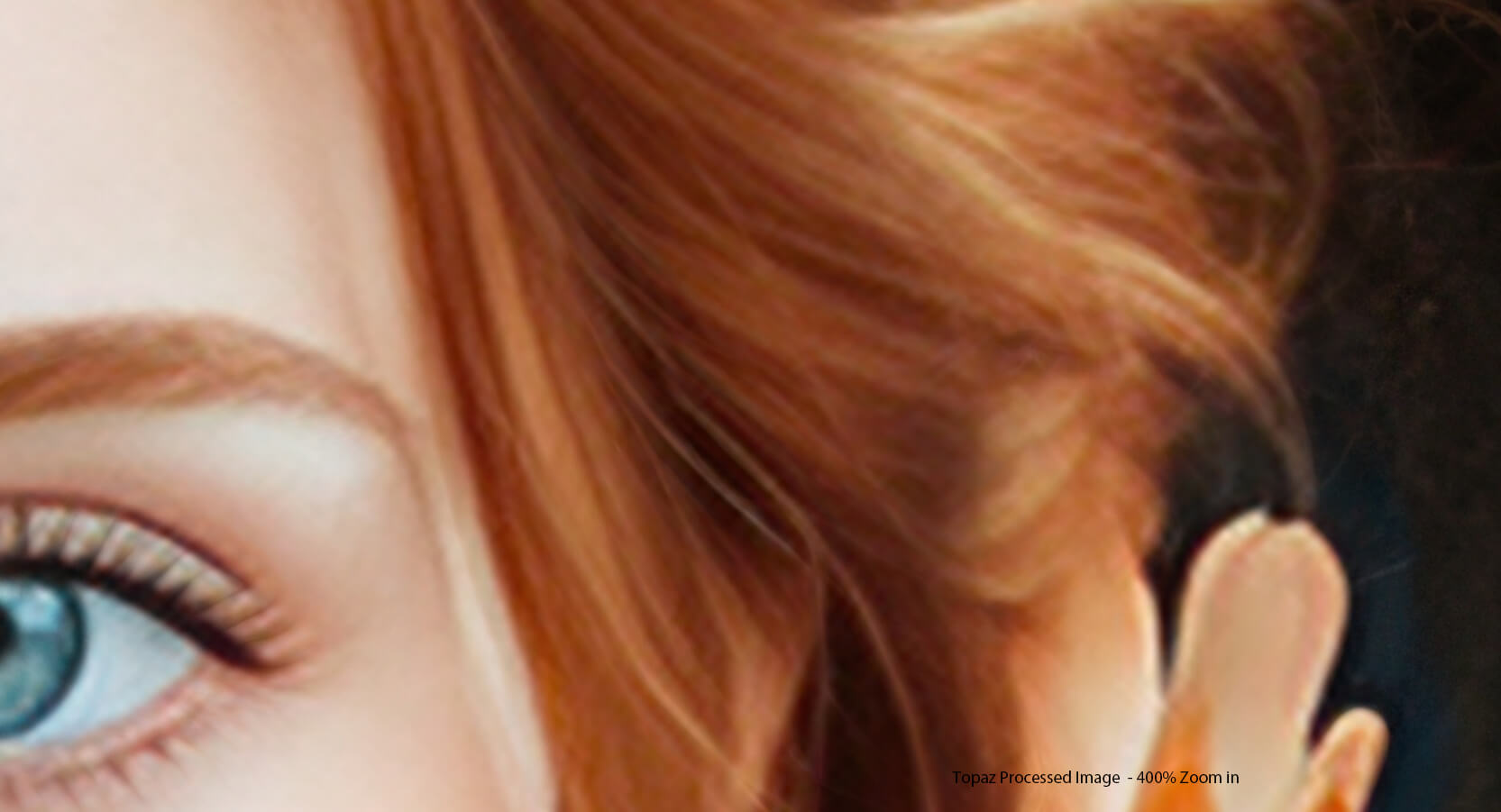
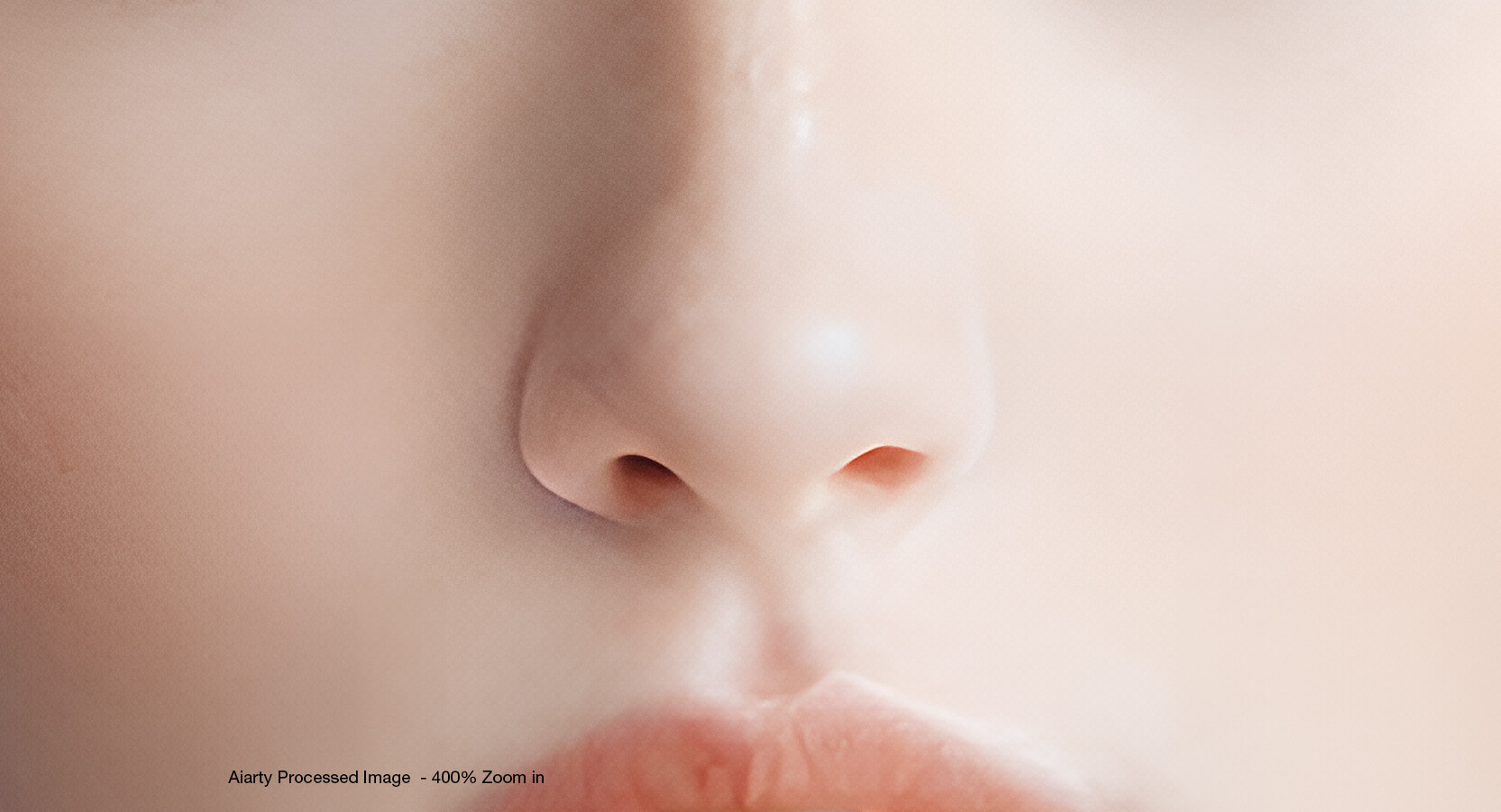
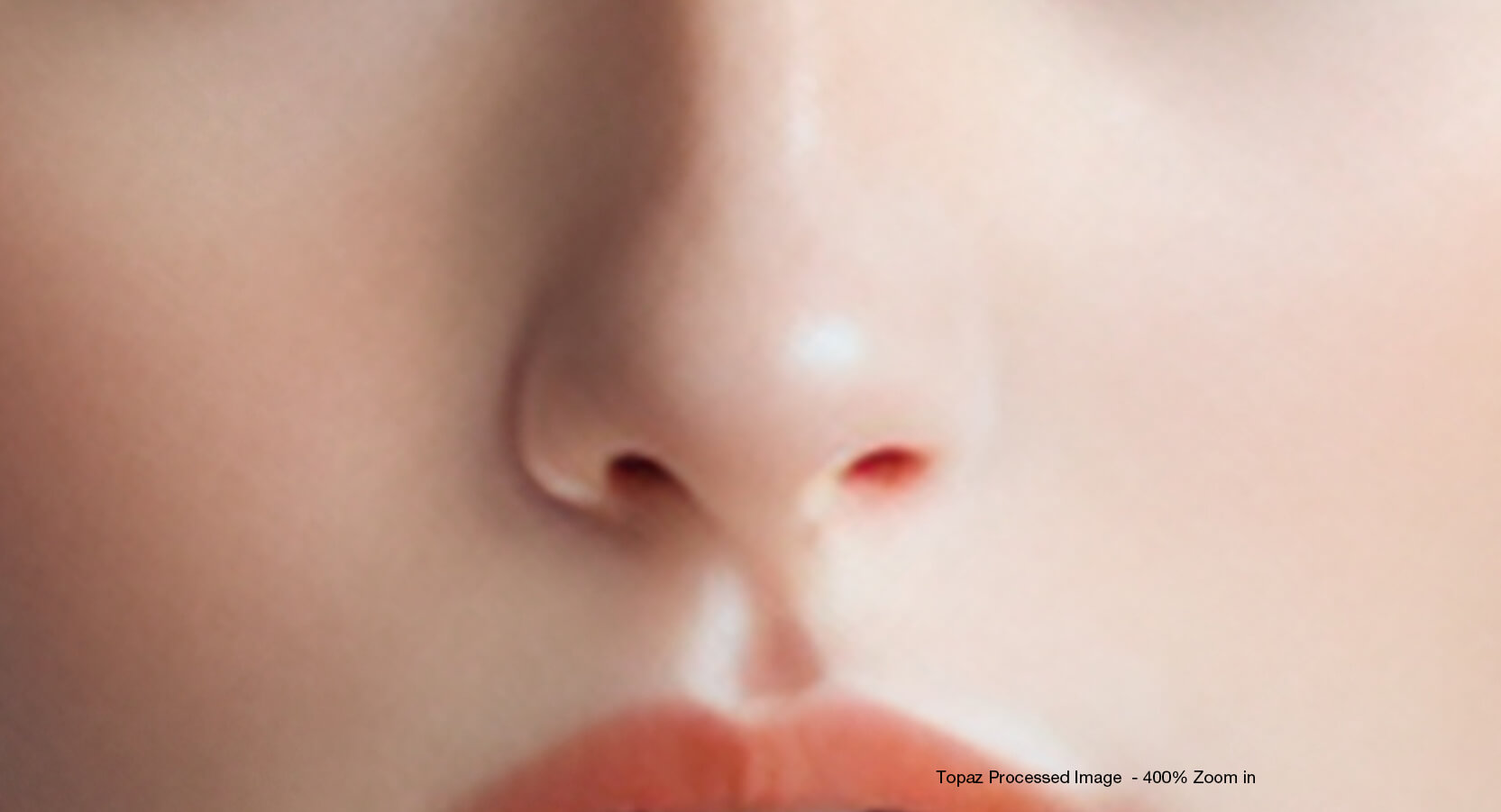
Aiarty 4X Enhanced
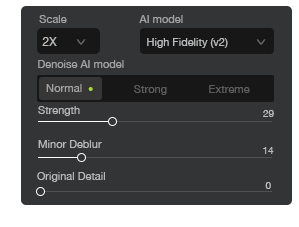
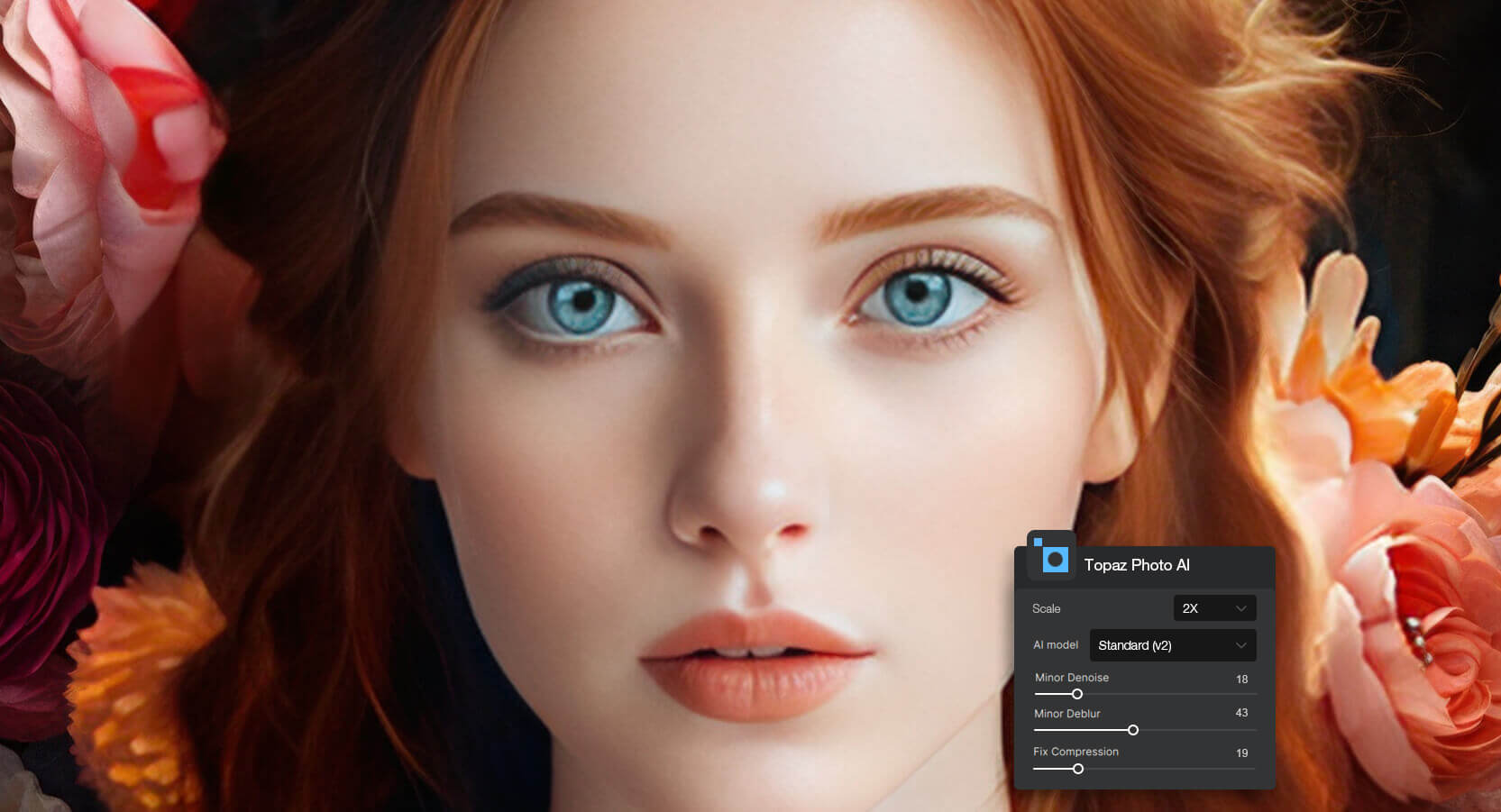
Topaz 4X Enhanced
 VS.
VS.


 mizushyne
“I use Aiarty Image Enhancer, and that’s the first time I’ve felt like I don’t have to fight the tool. It reminds me of Topaz Gigapixel in what it does, but it runs quicker,is less clunky, and the results come out nice
and crisp while still looking exactly like the original image, without overprocessing no matter what you throw at it. Also big plus: it doesn't require heavy hardware, and it's one time purchase.”


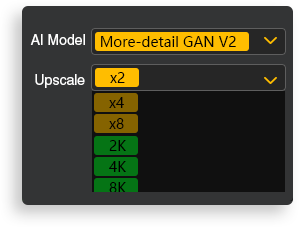
 Up to 8X upscaling Up to 6X upscaling
Daniel Mercer
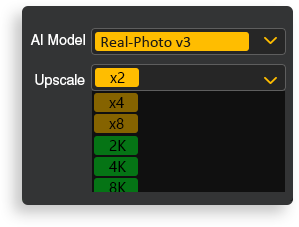
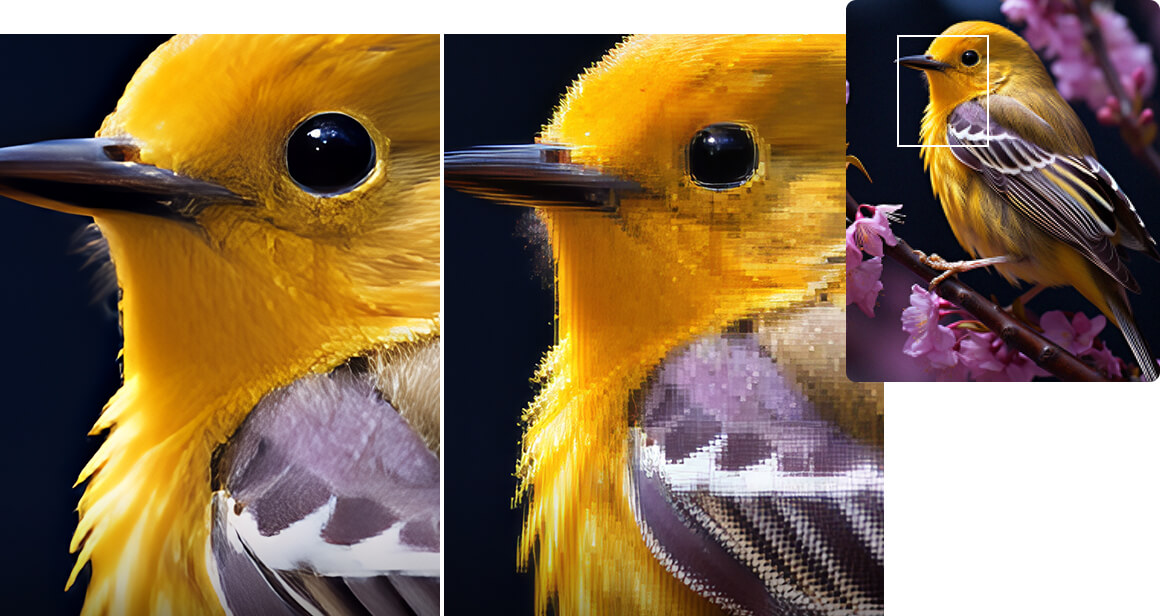
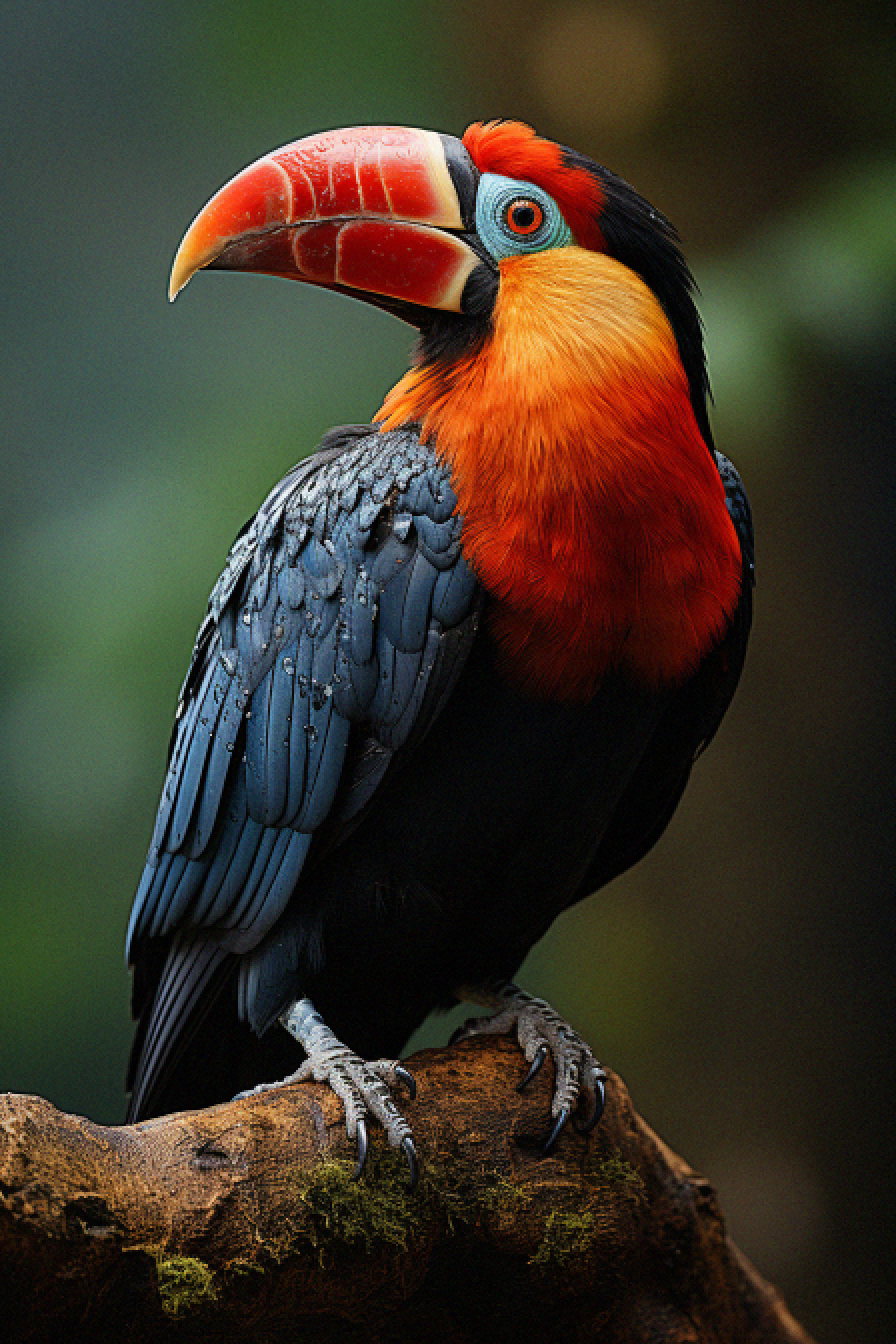
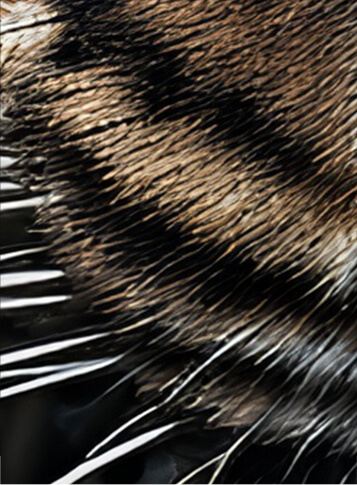
“I took a bird shot from a distance, so I needed a heavy crop that left the bird looking quite soft. I used Aiarty's Real-Photo v3 for a 2× upscale, then ran a second pass with More-Detail GAN v3. The final image showed much clearer feather texture and finer detail around the eye while keeping the bird looking natural.”
Liam Sanders
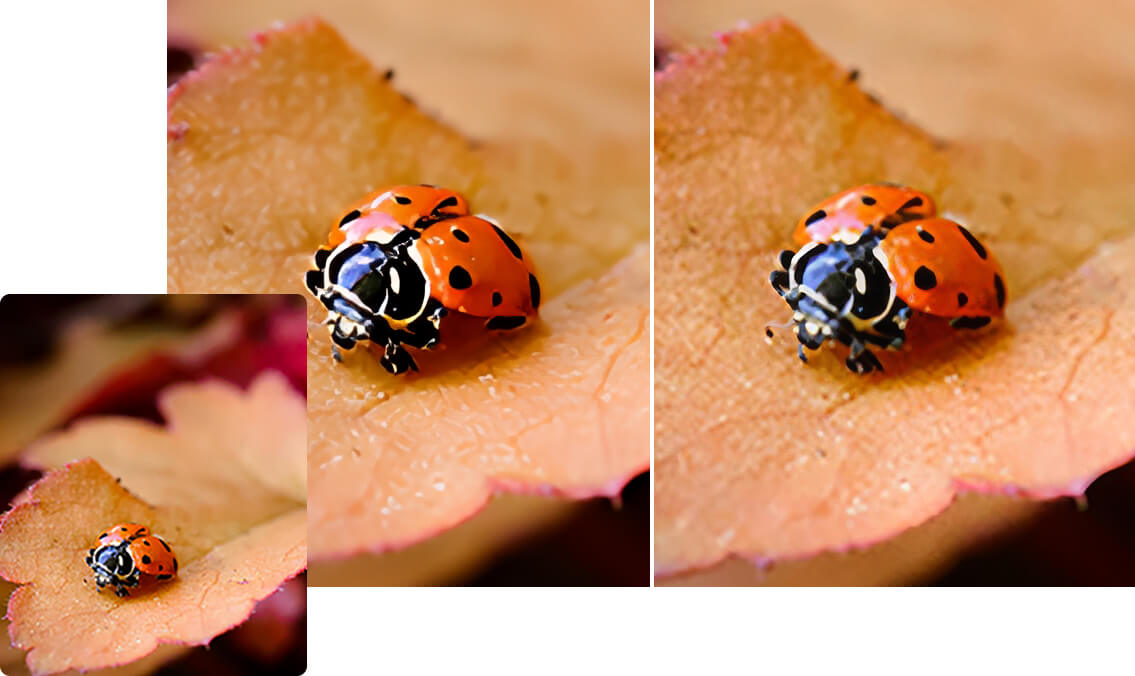
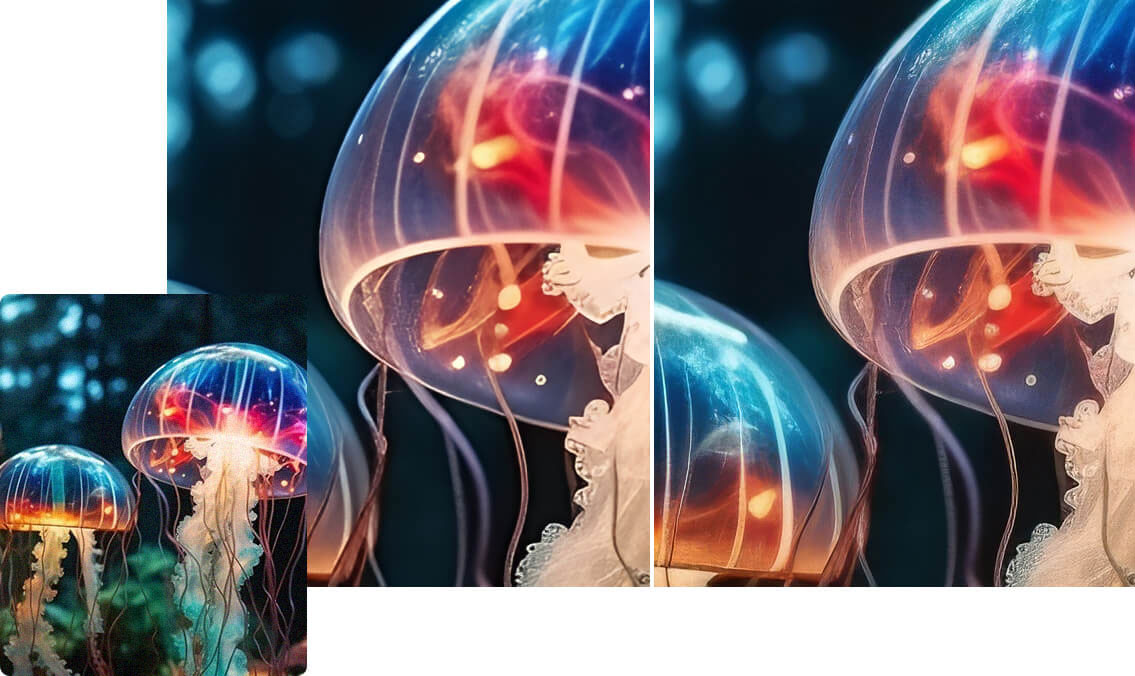
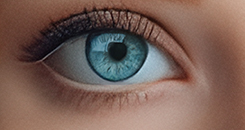
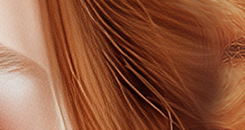
Aiarty Image Enhancer clears up blurry and blocky photos in one click, making them look sharp and clean. Topaz Autopilot helps, but results can be inconsistent, sometimes over-sharpening or missing details.
Aiarty Image EnhancerTopaz Photo Noah Parker - “Love how Aiarty gives hints for picking AI models—makes it super simple. Topaz? Autopilot can help, but manual settings are a pain and results vary.”



Tanya - "Aiarty looks great! Much easier to understand than Topaz and makes my computer a lot less hot and dont look so blotchy!"
Aiarty Image EnhancerTopaz PhotoDirectML hardware acceleration:
Note: DirectML hardware acceleration requires graphics cards that support DirectX Feature Level 12.0 and above. To check your DirectX Feature Level, open Task Manager, click on the Performance tab, select GPU, and there you'll find the FL value.
TensorRT hardware acceleration:
Note: To utilize NVIDIA TensorRT hardware acceleration, ensure you have the latest software updates:
Dedicated Graphics Card:
Integrated Graphics Card: Intel UHD 600 Graphics or higher; Intel Iris Xe or higher; 16GB system RAM
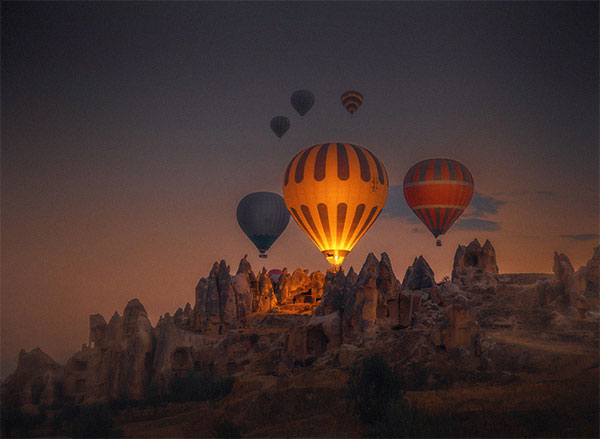
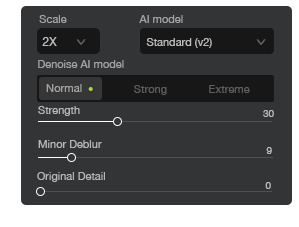
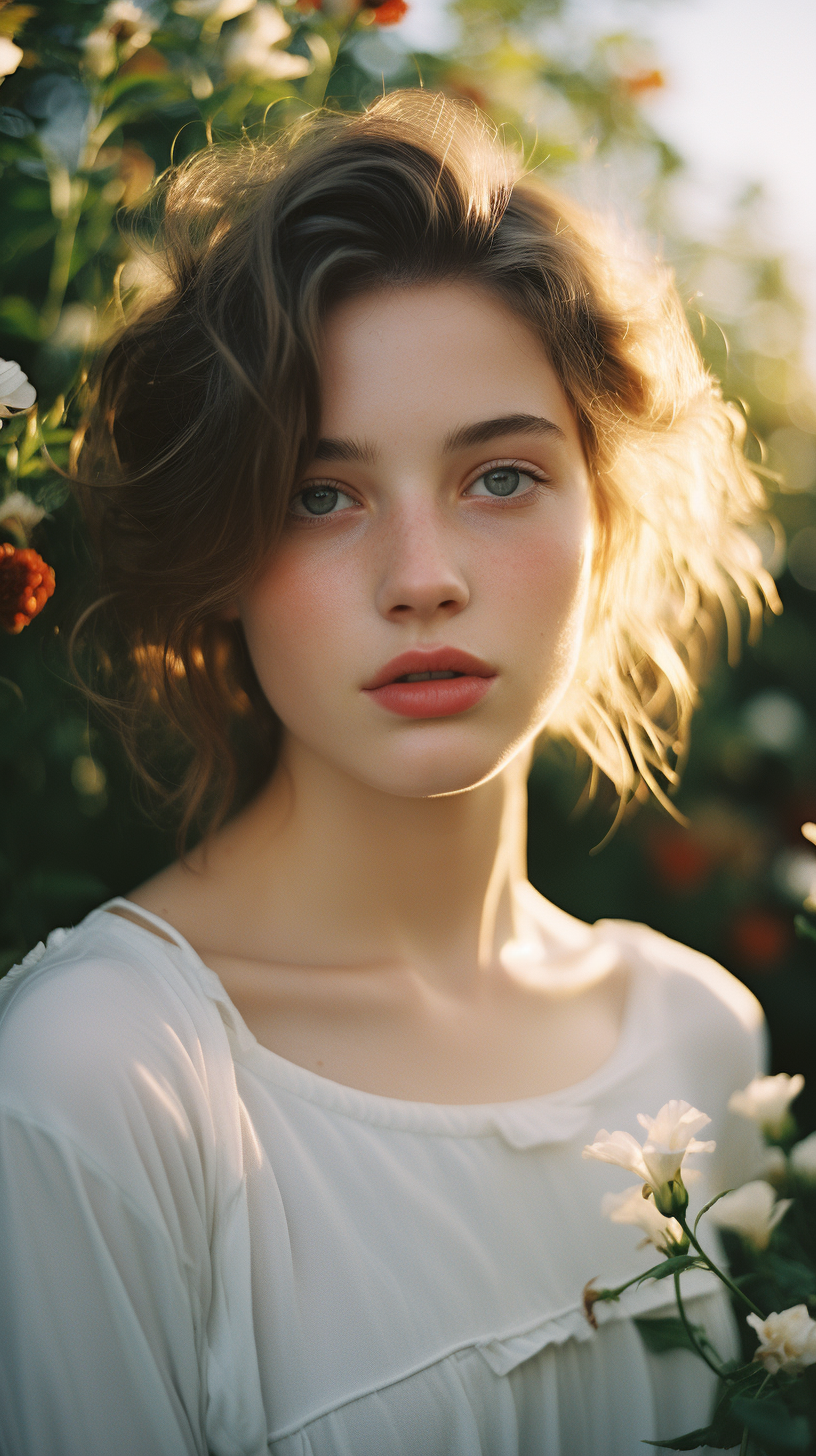
* To fairly compare Aiarty and Topaz in real-world image upscaling, we tested nearly 500 images covering portraits, landscapes, close-ups, and AI-generated content. Tests were run in a controlled environment with background apps closed for consistency. We used Aiarty’s “More-Detail” model and Topaz’s “Autopilot” mode, applying 2x upscaling and appropriate denoise/sharpen settings for different image types. Since image quality is highly dependent on content, model choice, and settings, results may vary across different images. You can download the same test images to compare both tools yourself.
Final Verdict: Aiarty Image Enhancer or Topaz Photo?
Across image quality, pricing, AI models, and speed, Topaz Photo focuses more on advanced controls and professional-grade results, but comes with higher cost and slower workflow. Aiarty Image Enhancer prioritizes speed, simplicity, and consistent results, while offering better long-term value for most users. The best choice depends on whether you value maximum control or a faster, more cost-efficient workflow.
Don’t just take our word for it — try Aiarty with sample images and see the difference yourself.
We have picked out 10 best AI image enhancers for AI art, photos, anime, and web images.
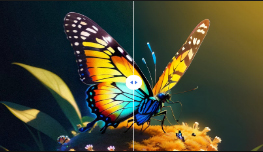
See Aiarty Image Enhancer performances on different images.
We tested Aiarty Video Enhancer vs Topaz Video AI, and got all your questions covered in this review.
Easily enlarge your image from SD/HD to 4K/8K or higher. Natural details and exceptional clarity.