


For most people, Merlin Bird ID is the best birdwatching app in 2026. It is free, easy to learn, and can identify birds from a photograph, a recording, or a short description of what you saw. Its offline tools are also genuinely useful when birding beyond cell coverage.
That does not mean Merlin is the only app worth carrying. Bird identification is just one part of a day in the field. You may also want to build a life list, submit complete checklists, check nearby hotspots, compare similar species, or keep track of a target bird while traveling.
In practice, many birders eventually settle on two apps: Merlin for identification and eBird for recording the outing. The other apps in this guide fill more specialized roles, from sound analysis and illustrated field marks to community sharing and finding recently reported birds.
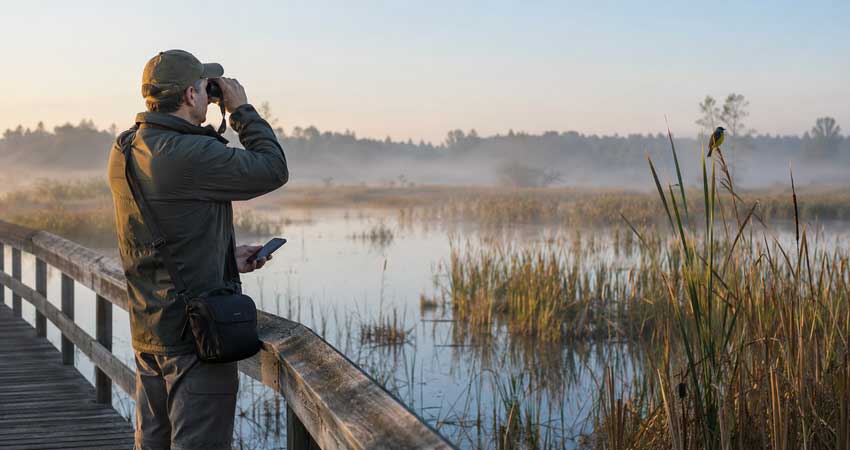
Best Birdwatching Apps: Quick Answer
- Best birdwatching app overall: Merlin Bird ID
- Best for logging sightings: eBird
- Best free North American field guide: Audubon Bird Guide
- Best for identifying bird songs: BirdNET Live
- Best for community and challenges: Birda
- Best paid illustrated field guide: Sibley Birds 2nd Edition
- Best for birds and other wildlife: iNaturalist
- Best for finding target species: BirdsEye
How We Chose the Best Birdwatching Apps
Birding apps are most useful when they help you make a decision quickly and then let you get back to the bird. We compared each app against situations birders regularly face: identifying a half-seen bird, recognizing a call from dense cover, checking a field mark, keeping a complete checklist, and working somewhere without reliable reception.
1. Identification Options
Birds rarely present themselves like field-guide plates. More often, you get a brief view of a wing bar, a distant silhouette, a few notes from a thicket, or a photograph blurred by low light.
The best birdwatching apps therefore offer more than one route to an identification. Photo recognition is useful when an image preserves details such as bill shape, wing pattern, or tail markings. Sound identification is often the better starting point for birds singing from cover. When neither is available, a guided search based on size, color, habitat, behavior, location, and season can narrow the possibilities.
No automated result should be treated as proof on its own. A good app suggests likely species; the birder still needs to check the field marks, range, habitat, and vocalization before confirming the identification.
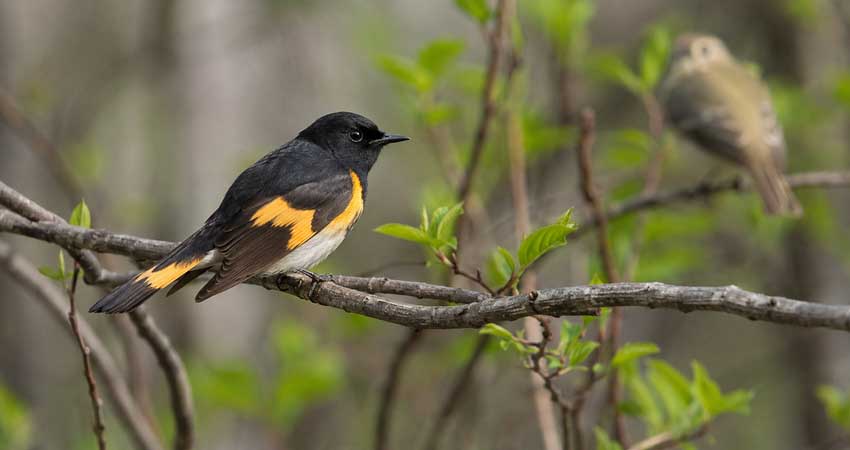
2. Geographic Coverage
An app may describe itself as global while performing unevenly from one region to another. Species accounts may be available worldwide, for example, even though photo or sound identification works best only in areas with larger reference libraries.
Before traveling, check that the app covers your destination, includes the local species pack, and supports the identification features you expect to use there.
3. Offline Use
Mobile reception tends to disappear in exactly the places birders want to visit: mountain valleys, coastal headlands, wetlands, forests, and remote reserves. Being able to open a field guide, compare calls, or enter observations without a signal is therefore more than a convenience.
Merlin, eBird, and BirdNET Live provide useful offline functions, but some preparation is required. Download the relevant bird packs, maps, and regional data before leaving home, then confirm that everything opens with your phone in airplane mode.
4. Logging and Life Lists
Identifying a bird and documenting a birding session are different tasks. Many apps can save a species to a personal list, but that is not the same as recording a complete outing.
For casual birders, a simple life list may be enough. Regular eBird users are more likely to need start time, duration, distance traveled, location, species counts, breeding codes, and notes for unusual observations. We gave preference to apps that make these details easy to enter without slowing down the birding itself.
5. Field Usability
An app can have an impressive feature list and still be awkward in the field. Cold fingers, bright sunlight, rain, moving birds, and one-handed use quickly expose a cluttered interface.
We looked for apps that open quickly, keep essential controls within easy reach, and make it simple to correct an entry. Battery drain and storage were also considered, since continuous GPS tracking, long sound recordings, offline packs, and large photo libraries can take a noticeable toll during a full day outside.
You might also want to read: 35 Best Gifts for Bird Lovers: Practical, Unique, and Fun Ideas >>
The 8 Best Birdwatching Apps in 2026
The best app depends on whether you need identification, sound analysis, formal checklists, a field guide, a birding community, or current information about target species. The table below shows where each app fits.
Prices and features were checked in July 2026 and may vary by platform or region.
1. Merlin Bird ID - Best Birdwatching App Overall
Merlin Bird ID is the easiest recommendation for a new birder, but it is not merely a beginner's tool. Experienced birders also keep it ready for an unfamiliar chip note, an odd call from dense cover, or a quick check on what is expected at a new location.
Merlin offers four ways to work with a bird:
- Record it with Sound ID.
- Upload or take a photograph with Photo ID.
- Answer questions about size, color, location, and behavior.
- Browse birds expected in a particular place and season.
Sound ID is particularly effective during a busy dawn chorus. The app listens continuously and highlights likely species as they vocalize. That makes it easier to separate the song of a Carolina Wren from the softer calls and trills around it.
The screen should still be treated as a set of leads, not a completed identification. A mimic, an unusual call, background noise, or an unexpected rarity can produce a misleading suggestion. Whenever possible, listen for repetition and compare the recording with reference calls in the species account.
Merlin's global field guide contains information for more than 10,000 species, while Sound ID currently recognizes more than 2,000 species and does not yet cover every region equally. Photo ID covers more than 8,000 species.
Offline access is another major advantage. Birders can download regional content under “My Offline Birds,” and Sound ID works independently of those bird packs. Set up the destination and download its content before heading somewhere without service.
Best for: Beginners, traveling birders, backyard birdwatching, photo identification, and bird song identification.
What to know: Merlin suggests likely matches. Confirm the bird using range, season, habitat, field marks, and behavior before adding a difficult or rare species to a formal record.
2. eBird - Best for Logging Sightings and Life Lists
eBird is not primarily an identification app. It is a field notebook connected to one of the world's most important bird-observation databases.
The distinction becomes clear during an outing. Merlin helps answer, “What bird is that?” eBird records the entire birding session: where you went, how long you watched, how far you traveled, which species you detected, and how many individuals you counted.
The mobile app supports location-specific checklists, GPS tracks, nearby hotspots, rare-species flags, and life, year, month, trip, and day lists. It also works offline, allowing a checklist to be started and completed in an area without reception before being submitted later.
For useful eBird data, the goal is usually a complete checklist rather than a collection of highlights. If you saw 18 common species and one exciting warbler, record all 19. The ordinary chickadees, starlings, gulls, and sparrows are part of the biological picture.
Counts matter too. “X” confirms presence, but even an approximate numerical count is more informative. With practice, counting becomes part of the rhythm of birding rather than a distraction from it.
eBird is also valuable before a trip. Hotspot pages, bar charts, recent sightings, and species maps help answer practical questions: Which trail is producing migrants? Is the target bird still being reported? What species are likely at this location in July?
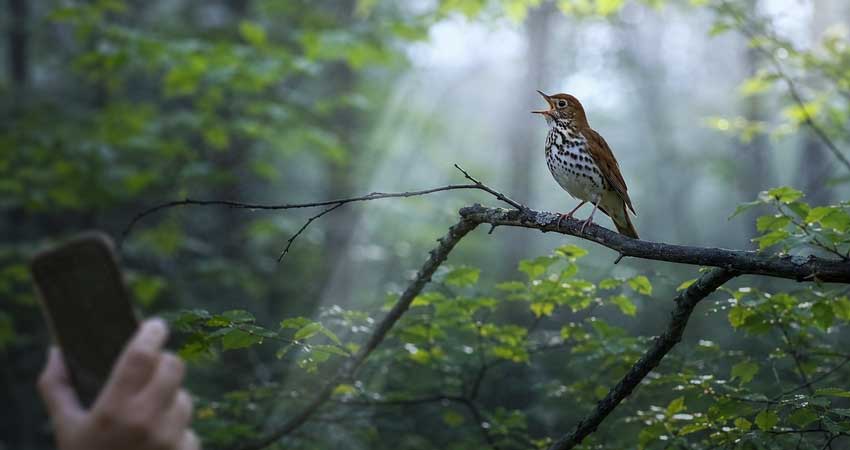
Best for: Birders who want complete checklists, permanent records, regional lists, hotspot information, or citizen-science participation.
What to know: Do not report a bird solely because an identification app displayed its name. Add supporting notes, photographs, or recordings when documenting an unusual species.
3. Audubon Bird Guide - Best Free Field Guide for North America
The Audubon Bird Guide is one of the best free choices for anyone birding mainly in the United States and Canada.
Its strength is not automatic sound recognition. It is the depth and organization of its field-guide material. The app covers more than 800 North American species and includes over 3,000 photographs, more than eight hours of songs and calls, seasonal range maps, and identification text by Kenn Kaufman.
The Bird ID tool works from observed characteristics such as size, color, tail shape, location, and date. This encourages the user to study the bird rather than simply point a microphone at it.
That distinction is important. Learning to notice primary projection, bill shape, wing bars, eye rings, tail pattern, feeding height, and flight style will make you a better birder long after the phone is back in your pocket.
Audubon also includes sightings, a personal life list, nearby hotspots, real-time reports drawn from eBird, and a photo feed. Its North American focus makes the content easier to browse than a global guide when you are working through local sparrows, warblers, waterfowl, or shorebirds.
Best for: North American birders who want a free digital field guide with strong photographs, natural-history information, and field-mark filters.
What to know: Merlin is faster for automatic photo and sound suggestions. Audubon is better when you want to study the bird and understand why one identification fits better than another.
4. BirdNET Live - Best App for Identifying Birds by Sound
BirdNET Live is the strongest specialist choice for birders primarily interested in calls and songs.
The current app runs its BirdNET+ model on the device, supports real-time detections, and can work entirely offline. It provides ranked suggestions with confidence scores and draws on a model covering more than 6,000 species worldwide.
That global reach is particularly valuable outside the regions where Merlin's Sound ID coverage is strongest. BirdNET also has deeper connections to bioacoustic monitoring and research, making it useful for serious birders, field researchers, and anyone reviewing sound as evidence.
Confidence scores need to be read carefully. A high score means the recording resembles material associated with that species; it does not make the identification automatically correct. Location, season, habitat, and the quality of the recording remain essential.
For a useful field recording, move away from conversation, traffic, clothing noise, and running water where possible. Hold the phone steady, avoid covering the microphone, and record long enough to capture several repetitions. A clean ten-second sequence is usually more useful than a long recording full of handling noise.
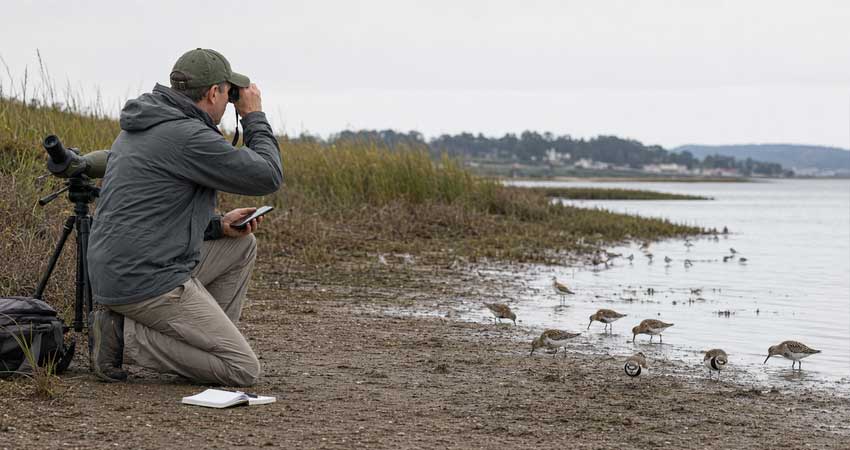
Best for: Sound-focused birders, nocturnal flight-call listeners, bioacoustic work, and offline bird-song identification.
What to know: BirdNET is a sound specialist. Pair it with a visual field guide or Merlin when you also need plumage comparisons and broader identification help.
5. Birda - Best for Community, Challenges, and Casual Logging
Birda treats birding as a shared activity rather than a private database.
The app combines photo identification, text-based identification, a species guide, sighting logs, life lists, nearby observations, challenges, and a social feed. If a bird remains unidentified, it can be shared with the community for suggestions.
That makes Birda appealing to beginners who want encouragement as well as answers. Monthly challenges, badges, goals, photography activities, and community posts provide reasons to keep going outside even when migration is quiet.
The social side is also useful for learning local context. Seeing what birders at nearby parks are reporting can help a newcomer understand which habitats to visit and what seasonal changes to watch for.
Birda can import eBird data, and sightings logged in Birda contribute to the Global Biodiversity Information Facility. Even so, its experience is more social and motivational than eBird's formal checklist workflow.
The core app is free, while Birda+ adds paid features through monthly or annual plans. Prices vary by platform and promotion.
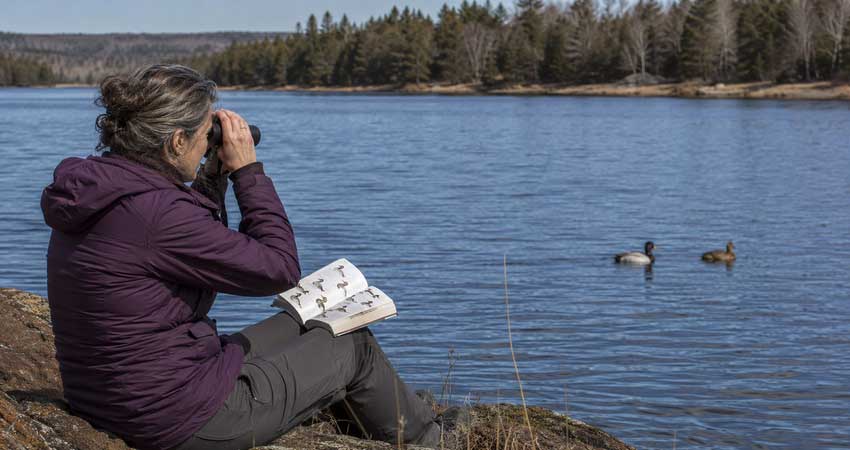
Best for: Casual birders, beginners who enjoy challenges, bird photographers, and people who want a friendly birding community.
What to know: Birda can keep lists and sightings, but eBird remains the better choice when complete checklists and structured field data are the priority.
6. Sibley Birds 2nd Edition - Best Paid Illustrated Field Guide
The Sibley Birds 2nd Edition app brings the artwork and reference material of David Sibley's field guide to a phone or tablet.
At $19.99, it is the only paid app in this list that is easy to recommend without a subscription. It covers more than 930 North American species and includes detailed plates, range maps, descriptions, similar-species tools, and over 2,700 calls and songs.
Illustrations have an advantage over photographs: the artist can place several ages, sexes, plumages, and flight views beside one another under consistent lighting. That makes subtle comparisons much easier.
The app's side-by-side comparison is particularly useful for difficult pairs. A distant accipiter, an immature gull, or a sparrow glimpsed through grass rarely matches a perfect reference photograph. Comparing structure and pattern across multiple illustrations is often more productive.
Smart Search can narrow species by location, month, habitat, size, shape, behavior, color, and pattern. The guide is also self-contained enough for offline use, although its large collection of plates and audio takes substantial storage.
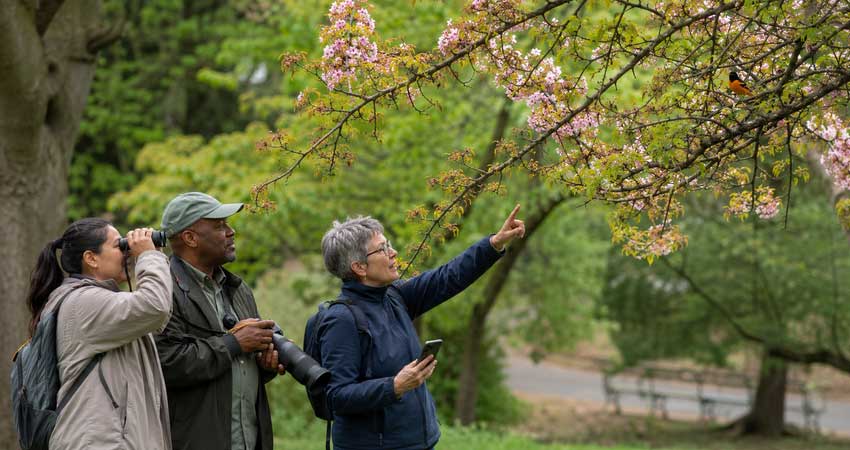
Best for: Intermediate and advanced North American birders, visual learners, and anyone who prefers illustrations to automatic identification.
What to know: Sibley does not listen to a bird and identify it automatically. It provides the material needed to make the identification yourself.
7. iNaturalist - Best for Birders Who Observe All Wildlife
iNaturalist is broader than a birdwatching app. It covers plants, fungi, insects, mammals, reptiles, marine life, and other organisms alongside birds.
Upload a photograph with the date and location, and the app provides an initial identification suggestion. The observation can then be reviewed and refined by a global community of naturalists. That combination of computer vision and human expertise is particularly helpful when the subject is outside a birder's usual knowledge.
A birder who stops to photograph a dragonfly, orchid, lizard, moth, or unfamiliar nest material can keep all those observations in the same place. This makes iNaturalist an excellent companion for bioblitzes, travel, and general natural history.
For birds alone, Merlin is quicker and more specialized. iNaturalist does not replace the sound tools, expected-species filters, or bird-specific field guides found in Merlin and Audubon. Its value lies in community confirmation and its wider taxonomic scope.
Best for: Naturalists, birders interested in all wildlife, bioblitz participants, and users who value community review.
What to know: An iNaturalist photograph may become part of an open scientific record. Preserve the original file and avoid edits that alter plumage, structure, habitat, or other biological evidence.
8. BirdsEye - Best for Finding Target Birds Near You
BirdsEye answers a different question from Merlin: not “What bird is this?” but “Where might I find this bird?”
The app uses recent eBird observations to build customized lists around a location. It can show nearby reports, notable birds, seasonal abundance, hotspots, driving directions, and species that are missing from a selected life or year list.
This makes BirdsEye useful when traveling or working on a target list. Before visiting an unfamiliar area, you can check whether the bird has been seen recently, which hotspots are producing reports, and how reliable the species is at that time of year.
The free version provides access to common nearby species. Regional or worldwide memberships unlock broader species coverage and additional features.
BirdsEye works best as a companion to a field guide. It can point you toward the right habitat, but it will not replace careful identification once you arrive.
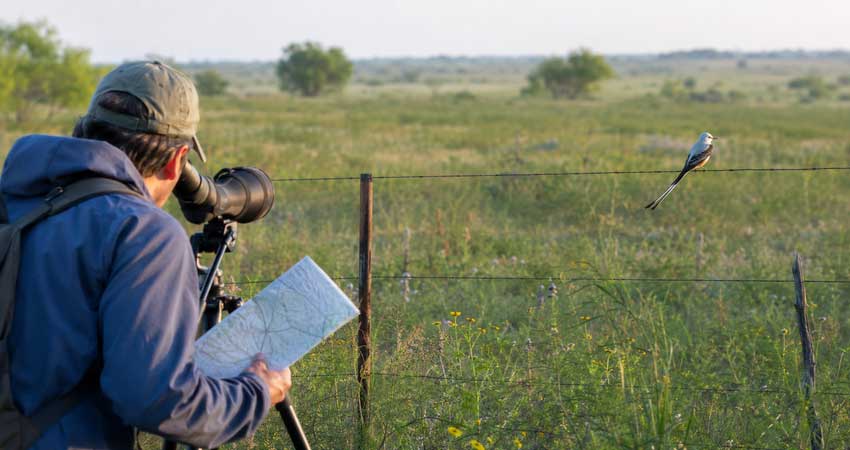
Best for: Trip planning, target species, recent sightings, and birders working on life, year, state, or county lists.
What to know: A map pin is not a guarantee. Birds move, weather changes, reports age quickly, and some sensitive species have restricted location information. Follow local access rules and avoid crowding or disturbing a bird.
Which Birdwatching App Should You Choose?
The best birdwatching app depends on what you actually do in the field.
- Best for beginners: Choose Merlin if you are new to birding and only want one app. It covers the widest range of everyday identification needs with the least friction.
- Best two-app setup: Use Merlin and eBird together. Identify the bird with Merlin, confirm it yourself, and record the complete outing in eBird.
- Best for North American field marks: Choose Audubon for a free, photograph-based guide or Sibley for more detailed illustrations and side-by-side comparisons.
- Best for bird calls: Merlin is the easier all-purpose option, while BirdNET Live provides more specialized sound identification, broader global coverage, and confidence scores.
- Best for community and challenges: Choose Birda if you enjoy photography, social features, birding challenges, and a more casual approach to logging sightings.
- Best for birds and wider nature: Choose iNaturalist if you also observe insects, plants, reptiles, mammals, and other wildlife.
- Best for finding target species: Use BirdsEye or eBird's Explore tools to check recent sightings, nearby hotspots, and likely locations before a trip.
How to Get More Accurate Bird IDs from an App
Birding apps are most useful when they support observation rather than replace it. A name on the screen should begin the identification process, not end it.
Record the Location and Date
Range and season eliminate many impossible matches. A warbler expected during spring migration may be highly unlikely at the same location in midwinter.
Allow the app to use an accurate location, especially when birding near state borders, coastlines, elevation changes, or sharply different habitats.
Watch the Bird Before Reaching for the Phone
Start with shape and behavior. Is the bird upright or horizontal? Does it hop or walk? Is it feeding on the ground, gleaning leaves, hovering, diving, soaring, or clinging to bark?
A brief behavioral note often survives longer in memory than a vague impression of color.
Photograph More Than One Angle
A sharp side profile is useful, but a short burst can capture more evidence: the tail pattern as the bird turns, the underside of the wing, a crown stripe, the back color, or the shape of the bill.
Do not crop the photograph so tightly that you remove context. Habitat, perch, apparent size, and association with other birds may help with the identification.
Capture Repeated Calls
One short note can be shared by several species. Record a longer sequence when possible and listen for pace, repetition, pitch changes, and accompanying calls.
If multiple birds are singing, watch which suggestion lights up at the exact moment the target bird vocalizes.
Check the Full Shortlist
The first suggestion is not always the correct one. Open the likely alternatives and compare range, habitat, plumage, calls, and behavior.
This is especially important with female plumages, immature birds, seasonal molts, distant silhouettes, mimics, and closely related species.
Verify Rare Sightings
An identification becomes less secure as the bird becomes less expected. A common backyard species may need only a quick visual confirmation. A first county record demands much stronger evidence.
For a rarity, write notes before consulting too many photographs. Record exactly what was observed, including structure, plumage, behavior, vocalization, light conditions, viewing distance, and how similar species were eliminated.
Use Playback Sparingly
Identification apps contain extensive call libraries, but those recordings should not automatically be played through a speaker in the field.
Playback can draw territorial birds away from feeding, nesting, or defending young. Avoid it around nests, sensitive species, heavily visited rarities, and locations where playback is prohibited. Listening through headphones is safer and usually all that is needed for comparison.
After Identification: Improve Your Bird Photos for Sharing
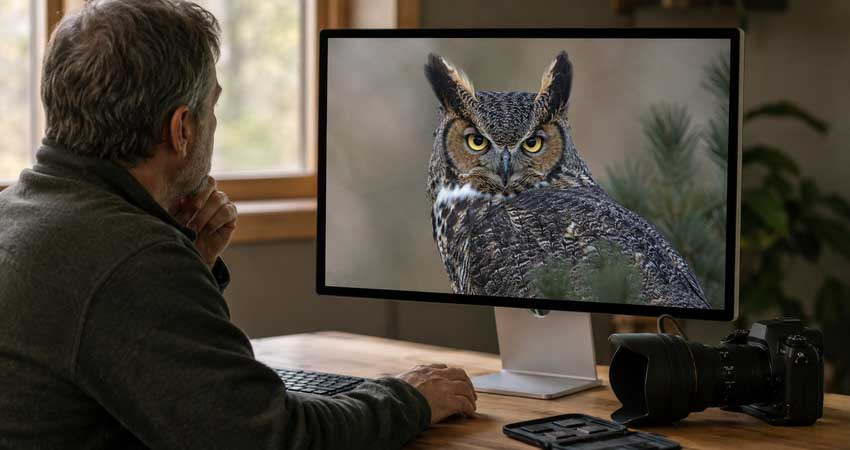
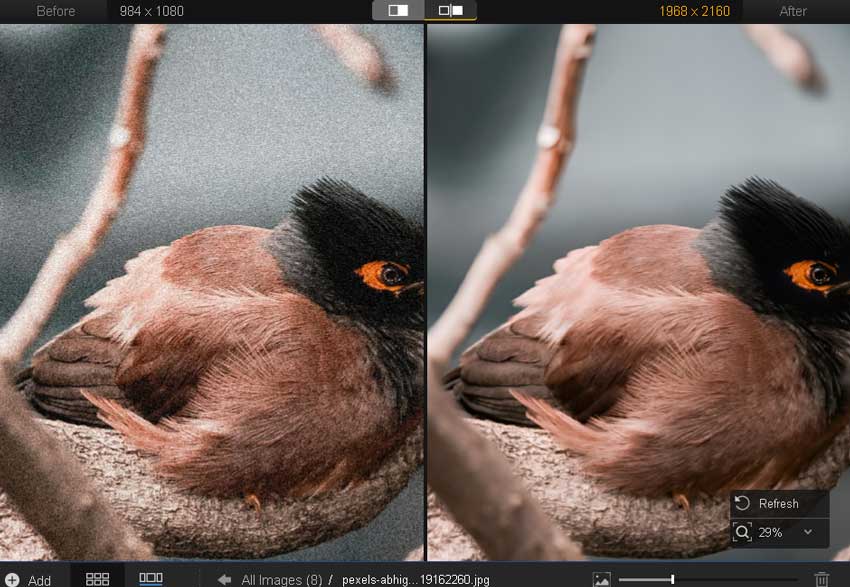
Identification apps can tell you what you saw, but the photograph may still need work. Birds are often small in the frame, backlit, photographed through foliage, or captured at high ISO with a long lens. Even a correctly focused image may produce a soft, noisy crop.
The proper order is important: identify the bird first, preserve the original file, and complete any scientific record before creating an enhanced version.
💡 Restore clarity in cropped and high-ISO bird photos with Aiarty Image Enhancer
For photographs intended for a personal gallery, social post, desktop wallpaper, or print, Aiarty Image Enhancer can be used as the finishing stage of the workflow. Real-Photo is the more conservative choice when fidelity matters. More-Detail GAN v3 can be useful for a small crop that needs clearer feather texture, foliage, and perch detail.
Start at 1× when the original dimensions are sufficient and the main job is denoising, deblurring, and restoring clarity. Use 2× when a deeper crop needs more resolution. Keep the enhancement strength restrained and inspect the eye, bill, feather edges, feet, and fine branches at 100%.
Maintain two clearly separated files:
- The original RAW or camera JPEG for identification and documentation.
- The enhanced derivative for presentation, sharing, or printing.
Do not use an enhanced photograph as the primary evidence for a rare sighting or upload it in place of the original to a citizen-science archive. Those platforms depend on biologically accurate records, not simply attractive images.
Best Birdwatching App: Final Verdict
Merlin Bird ID is the best birdwatching app for most users in 2026. It handles visual, sound, and description-based identification without placing a subscription between the birder and the basic tools.
For a more complete field workflow, pair Merlin with eBird. Add Audubon or Sibley when you want to study field marks in depth, BirdNET Live for serious sound identification, Birda for community, iNaturalist for wider natural history, or BirdsEye when the day revolves around finding a target species.
The app should help you notice more. Once it begins taking attention away from the bird, put the phone down and return to the view through your binoculars.
 FAQs
FAQs
Merlin Bird ID is the best free birdwatching app for most people. It supports photo identification, Sound ID, step-by-step identification, regional bird guides, and offline use. For keeping complete records, eBird is the better free companion.
Merlin Bird ID is the easiest bird song identification app for general birdwatching. BirdNET Live is the stronger specialist option because it works offline, displays confidence scores, and supports a broader global sound model.
Yes. Merlin, Birda, and iNaturalist can suggest a bird identification from a photograph. Results improve when the bird occupies a reasonable part of the frame, important field marks are visible, and the correct date and location are included.
Yes. Merlin's Photo ID and Sound ID can work offline. Regional species accounts can be downloaded under “My Offline Birds.” Download the destination's content and confirm it is available before leaving reliable internet access.
Merlin is primarily an identification and learning tool. eBird is primarily a checklist and bird-observation database. A bird saved in Merlin is not the same as a complete eBird checklist, so the two apps work best together.
Merlin is better for fast photo and sound identification and has broader geographic coverage. Audubon is better for studying North American species through detailed photographs, range maps, calls, field-mark filters, and natural-history text.
Merlin, eBird, BirdNET Live, and Sibley Birds offer useful offline functions. Live sightings, community feeds, and current hotspot updates generally require an internet connection.
No. Bird identification apps can be confused by poor recordings, mimics, unusual vocalizations, hybrid birds, juvenile plumages, difficult lighting, and species that are rare in the selected area. Use the app as one source of evidence and confirm the bird through direct observation.

This post was written by Brenda Peng, a seasoned editor at Digiarty Software with a focus on photography, image quality, and practical editing workflows. With AI assistance for brainstorming and drafting, the post is reviewed for accuracy by our expert Abby Poole.
