Aiarty Image Enhancer







Marketing & Social
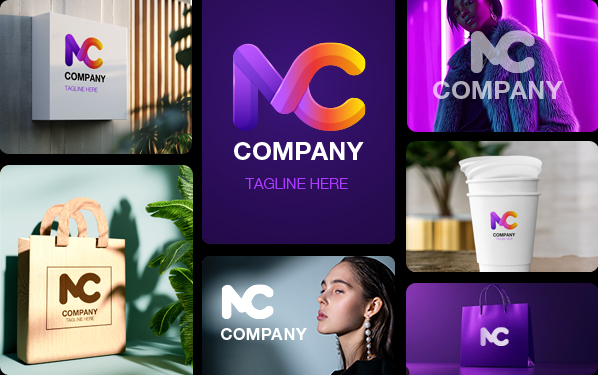
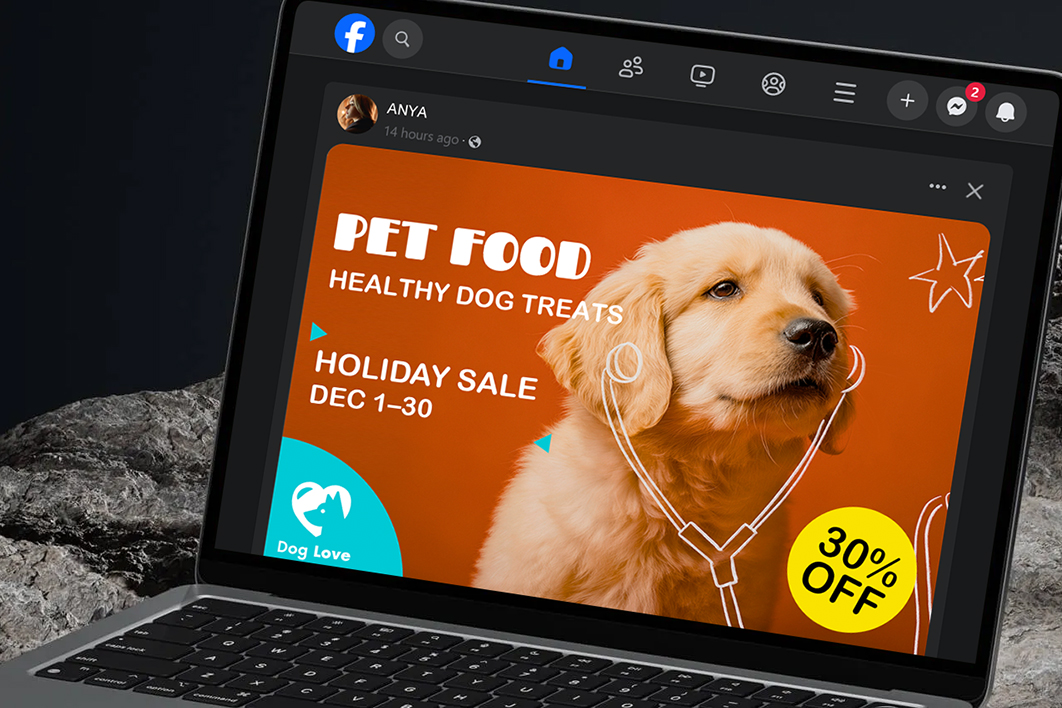
For ads, social posts, campaign graphics, posters, banners, and promotional content.
Marketing assets rarely stay in one format. A visual created for a social post may later need to appear in a campaign banner, poster, or other promotional placement, often at a larger size. When the original high-resolution file is unavailable, recreating or sourcing another image adds unnecessary work.
How does Aiarty fit into marketing design?
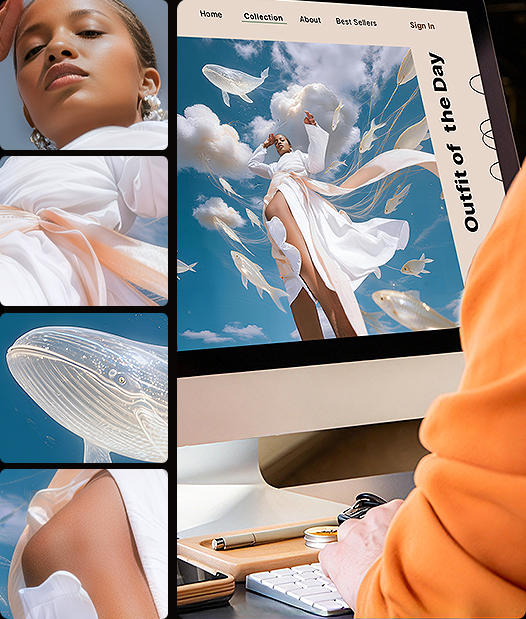
Aiarty helps extend existing visual assets to new campaign formats through image upscaling and enhancement. Designers can prepare a larger version of an existing image for another placement instead of starting the asset search from scratch.
Print & Large-format Design
For posters, banners, signage, displays, packaging, and other high-resolution print materials.
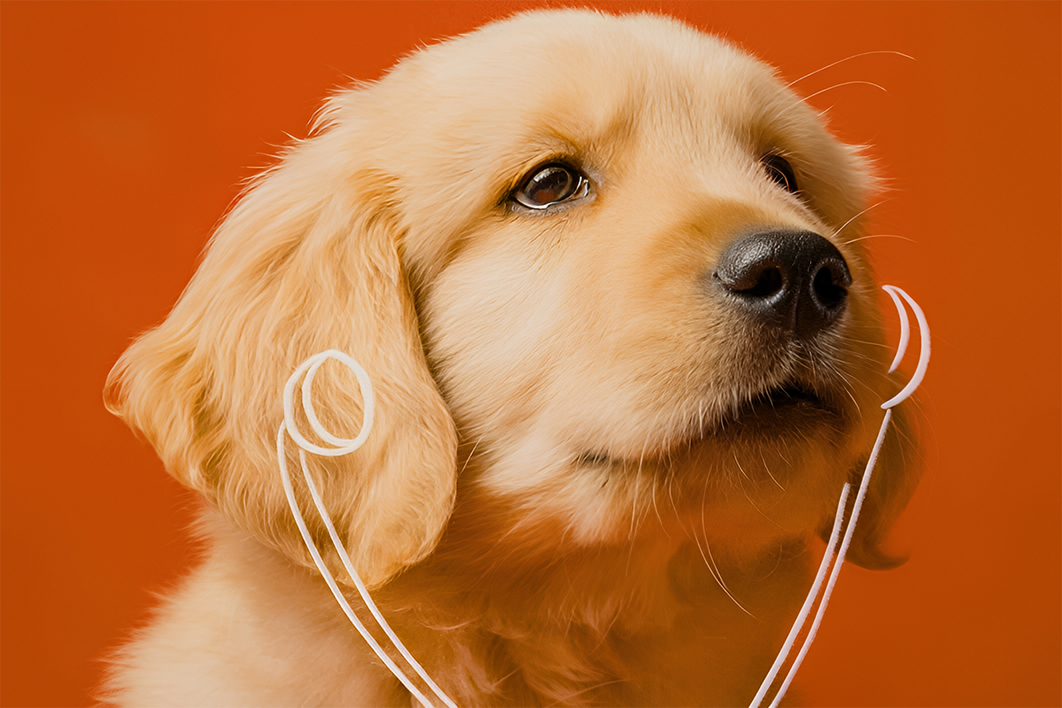
Print can expose softness and pixelation that may not be obvious on screen. Small raster images often lose clarity when enlarged, so sufficient pixel dimensions are essential for the intended print size.
How does Aiarty help with print-oriented assets?
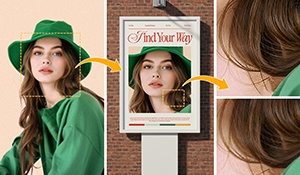
Aiarty can upscale images to increase pixel dimensions while enhancing details and reducing softness or noise. It also provides a DPI setting for preparing the output metadata for the intended print workflow. DPI does not add image pixels itself, so the two settings serve different purposes.
E-commerce & Product Visuals
For product listings, storefronts, promotional banners, marketplaces, and product campaigns.
Product visuals are often judged at close range. Once a product image is enlarged, soft edges, lost textures, unclear labels, or compressed surface details can become much more noticeable. For designers, the challenge is making an existing product photo large enough for a new layout without making the product itself look less convincing.
How does Aiarty work for product visuals?
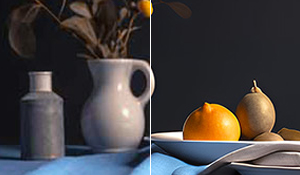
Upscaling combined with detail enhancement can help retain visible product features as the image is enlarged. This is particularly useful when an existing product photo needs to move from a smaller listing image into a larger storefront graphic, promotional layout, or campaign asset.
"I mainly use Aiarty Image Enhancer for thumbnails and social posts. It’s fast, straightforward, and doesn’t require a powerful computer. Batch processing saves me a lot of time, and the results look noticeably clearer without that ‘AI look’ some tools have."
Daniel Thompson
"It’s definitely a worthy try especially for those who work with images and art works for professional purposes. The integration of AI makes tedious image enhancement work much shorter without sacrificing quality."
Review by iLounge
"This seems like interesting software because it doesn't alter the original photos. It remains a ‘real’ photo that doesn't look like it was created by AI. It seems easier to use than Lightroom."
Daniel Foster