


All-in-One Image Enhancer Powered by AI



Enhance Images to Better Quality with Natural Details
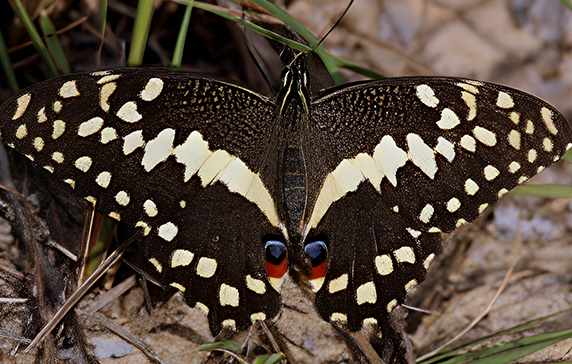
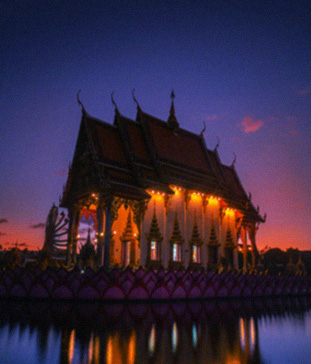
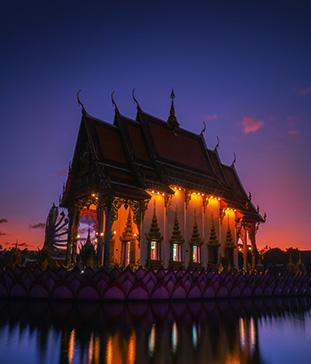
Whether it's for low-quality images or large photos, Aiarty Image Enhancer uses generative AI models to fix flawed images, restoring realistic details and textures. It also offers you options to enhance photos at the x1 original resolution, or upscale images by x2, x4, x8, and higher.
- AI ModelMore-Detail GAN
- Upscalex8 (or x1 to denoise only)
- Strength
-
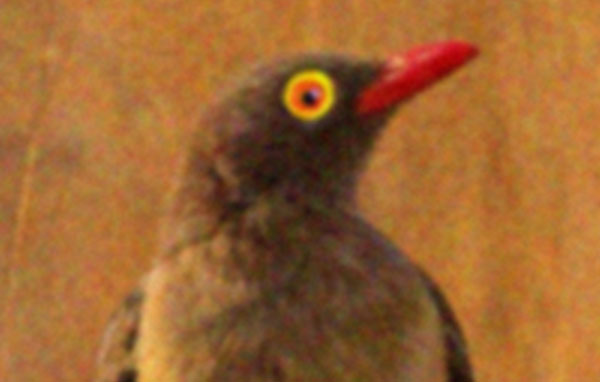
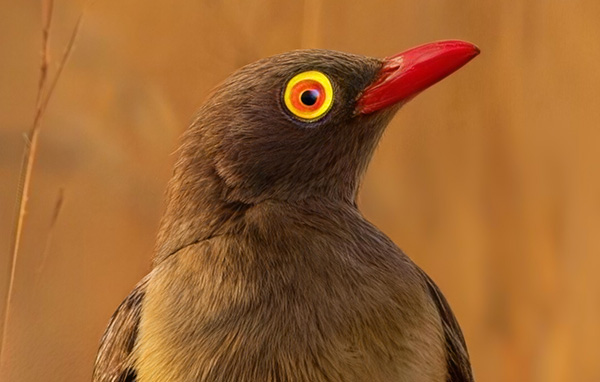
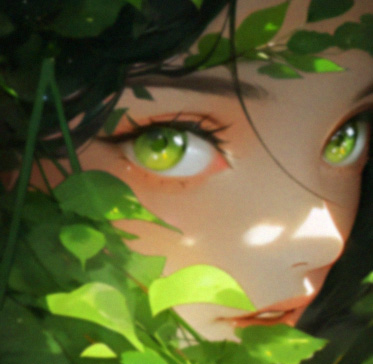
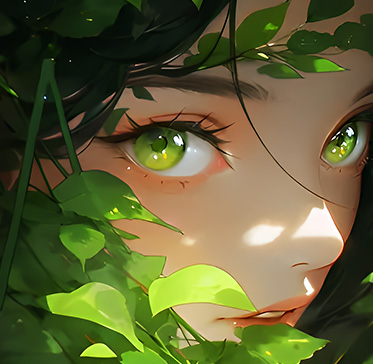
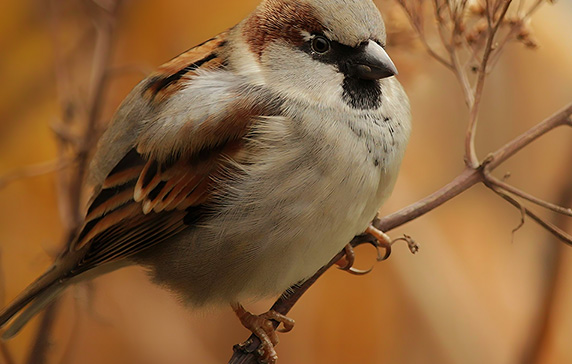
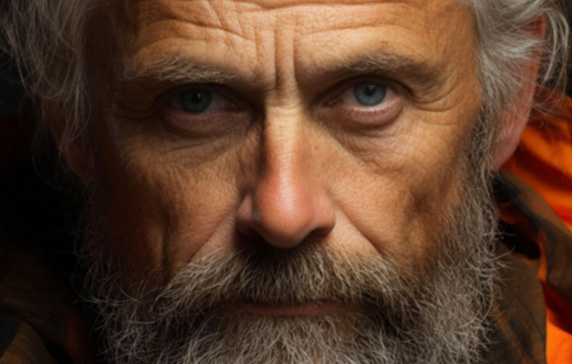
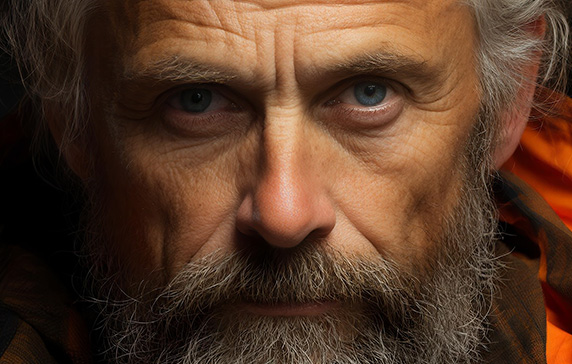
Reduce sensor noise and enhance sharp eye detail.
-
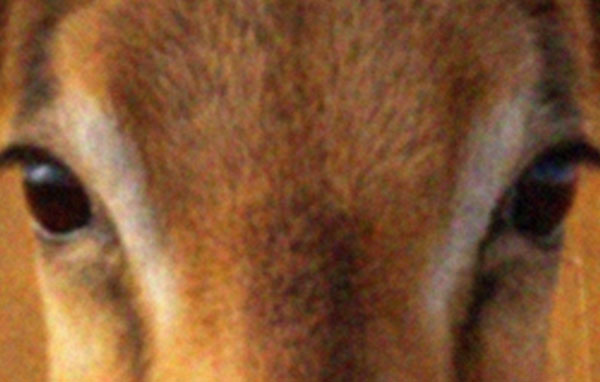
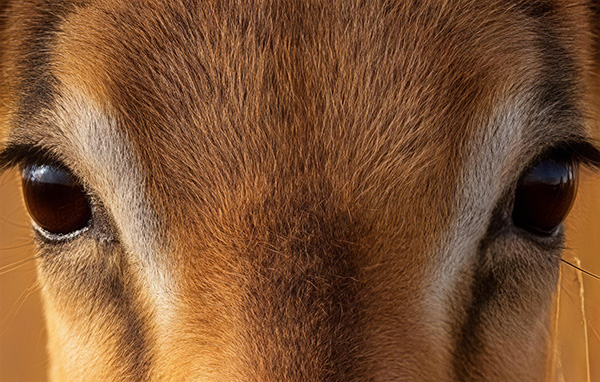
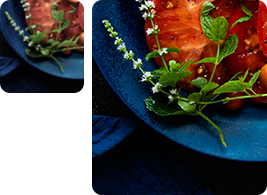
Improve organic textures, no plastic smoothing.
-
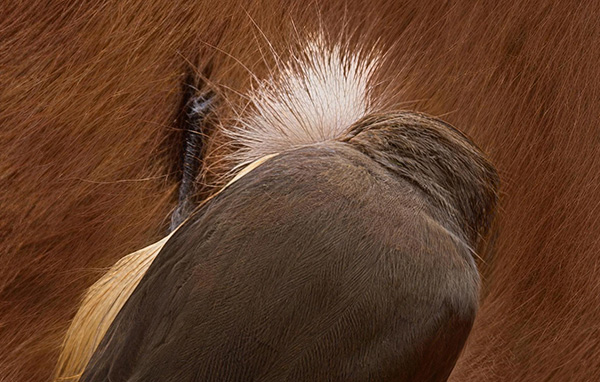
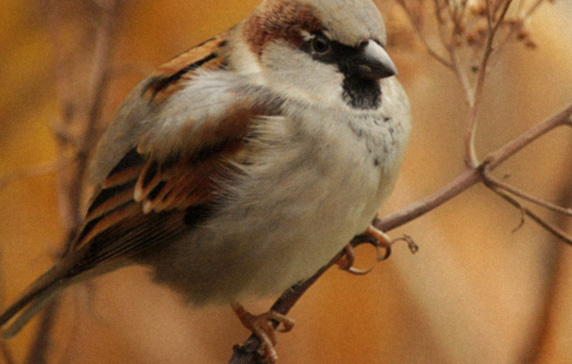
Restore feather and fur details in every strand.


For wildlife shot from far away, heavy zooming is needed to spotlight that dynamic moment. Aiarty helps to upscale "heavily cropped images, refine image quality, and reduce noise", as shared by wildlife photographers.


Upscale Images to Higher Resolutions for Screen and Print
Aiarty upscales images with AI inference, ensuring that details and overall image quality hold up on large 4K/8K displays and for large-format printing. With 45MP, 80MP, and more headroom for further processing, it is ideal for enhancing photos, banners, wallpapers, digital art, and more.


-
Fix Low-Res Images
Turn small, pixelated photos into clean, high-resolution images.
-
Refine Large Photos
Enhance clarity and sharpness without over smoothing.
-
Generate More Details
Reconstruct natural textures and fine patterns with AI.
-
For 300DPI Print
Upscale images by 4X, 8X, or custom resolutions for high-quality printing.
Remove Noise from Photos
High ISO noise and color speckles can ruin photo quality. Aiarty helps to remove image noise without smoothing out details, saving the precious moment in low-light situations, wildlife close-ups, compressed downloads, and old scans.
-
Low-Light Scenes
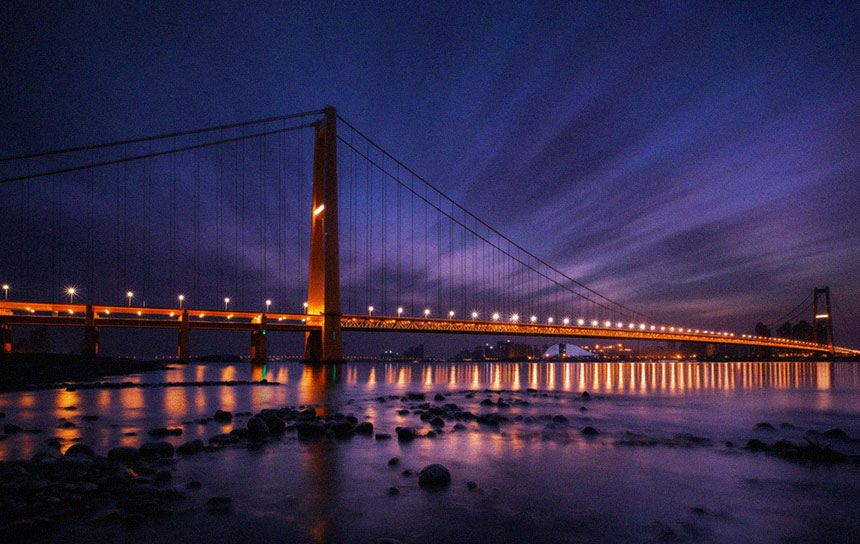 Fix High ISO Noise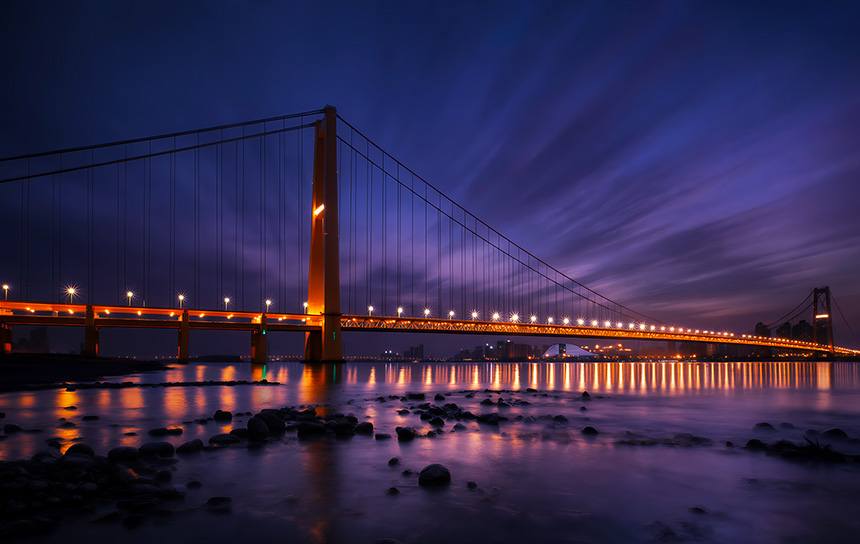
-
Tackle Various Noise
Fix low-light noise, color speckles, blotchy areas and compression artifacts.
-
Avoid Over Processing
Adjust enhancement intensity, fine-tune color, contrast, shadow, and lighting for natural results.
-
Keep Real Details
Distinguish details from artifacts. Improve clarity, sharpness, and quality.
-
-
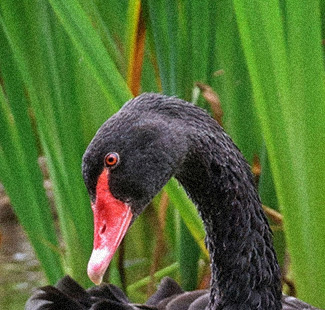
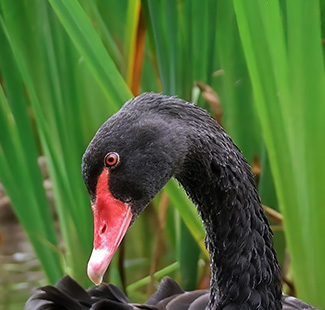
Wildlife Close-Up
-
"It preserves lifelike textures in feathers and whiskers without over sharpening."
Refine Shadow Area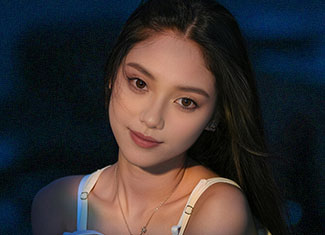
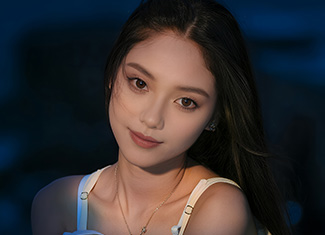


Make Blurry Images Clearer
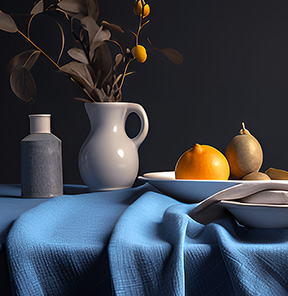
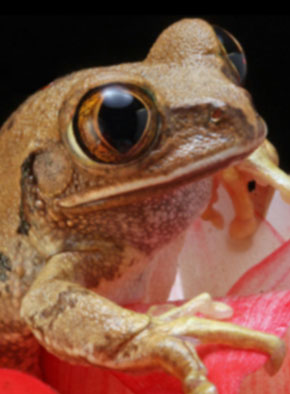
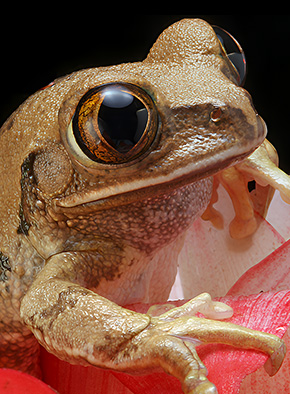
Deblur images with Aiarty Image Enhancer to rescue blurry, pixelated, and soft visuals. It works efficiently to enhance and restore old photo scans, low-resolution zooming, and heavily compressed downloads.
-
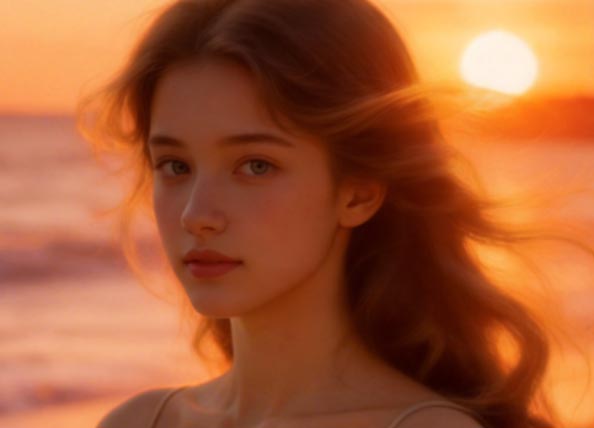
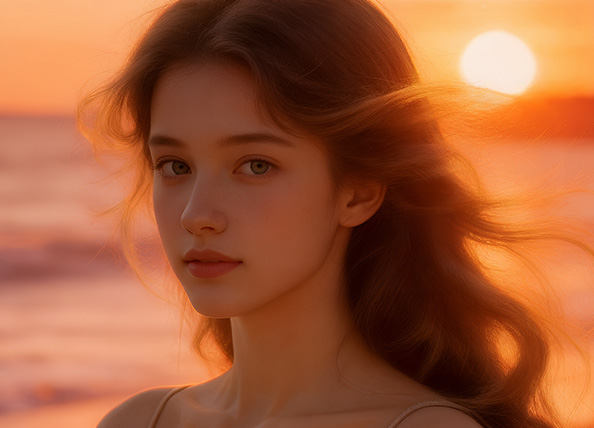
Enhance Soft Portraits
-
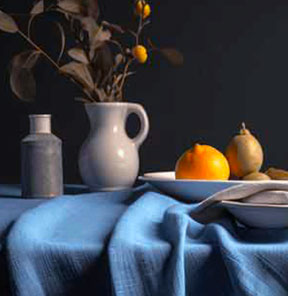
Remove JPG Artifacts
-
Fix Fuzzy Photos
-
Rescue Photos You Almost Deleted
Bring back fine details, sharp edges, and natural clarity from images that looked unusable, without introducing artifacts or over-sharpening.
Restore Natural Clarity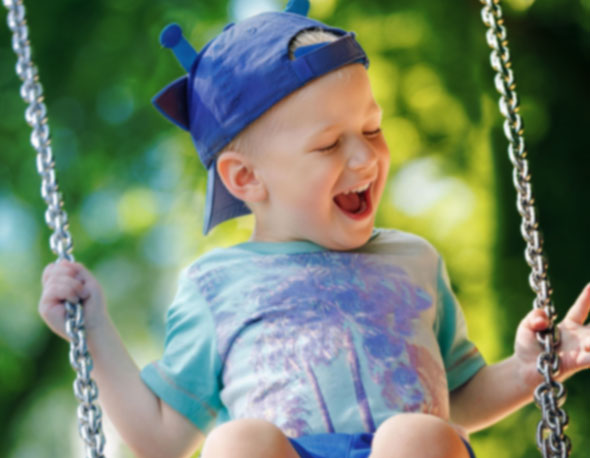 Avoid Over-Processing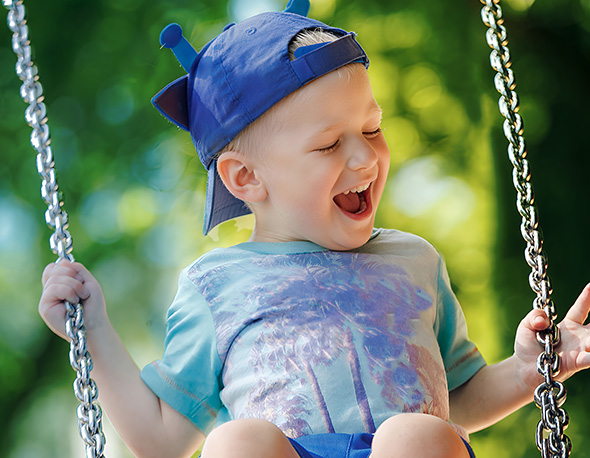
"Aiarty can rescue slightly blurry or pixelated photos. The results look more natural than what I could achieve with other tools."


Restore and Retouch for Natural Sharpness
Restore sharpness to all kinds of images and optionally restore faces, with flexible strength controls and blend modes. For low-quality, blurry, and old photos, enable Face Restoration to enhance details in skin, hair, and eyes while keeping an authentic look.


-
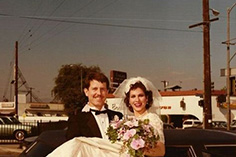
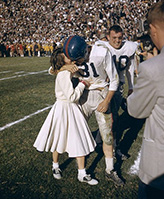
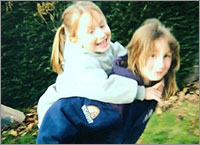
"Aiarty helped me clean up and restore old family photos."
"The faces and details look clearer, but still natural, not overly processed."
-
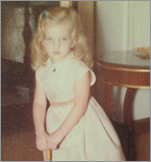

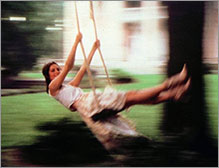
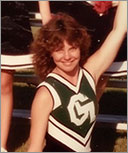
"Aiarty helps restore 70-year-old photos from a flatbed scanner."
"It reduces noise, improves sharpness for better printing."
-
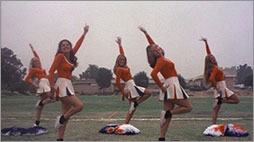
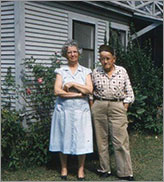
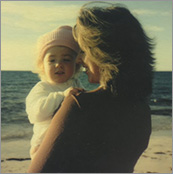
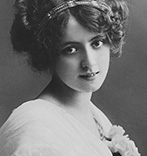
"It can effectively remove dust spots and creases."
"Ideal for scanned prints, old digital files, or heavily cropped images."
Fine-Tune Colors and Lighting for Vibrant Results
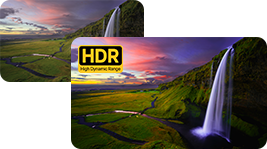
Adjust white balance, contrast, saturation, highlights, and shadows, with the option to export HDR images with better color depth and lighting. Preserve natural colors and deliver a clean, polished look without over-processing or artificial tones.
-
HDR
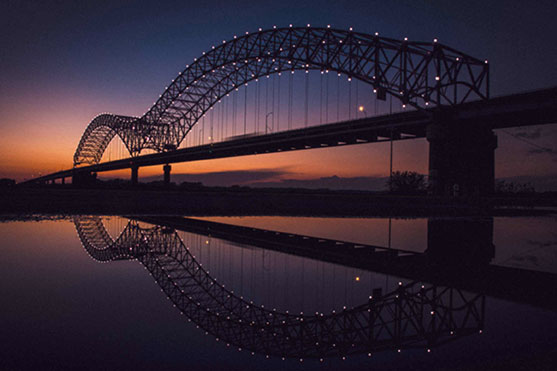
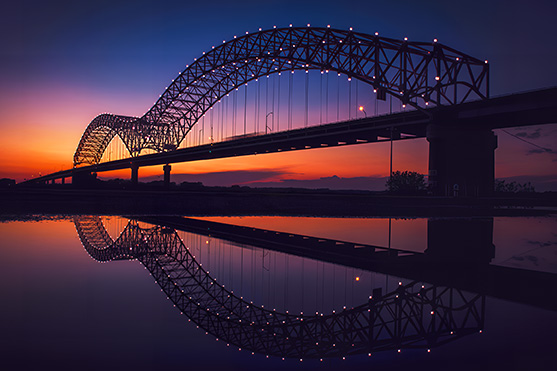
Export HDR with better color depth, lighting, and contrast. Bring out details in shadows and highlights.
-
Lighting
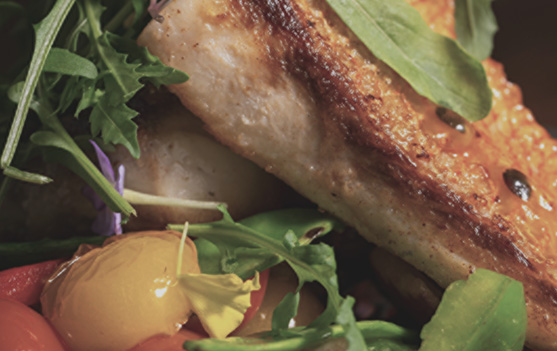
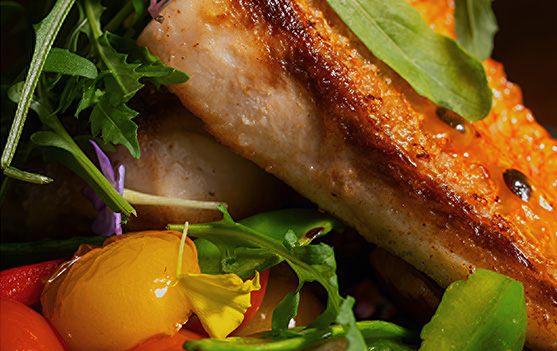
Make your photography pop with better lighting and color rendering. No more dull and flat results.
-
Color
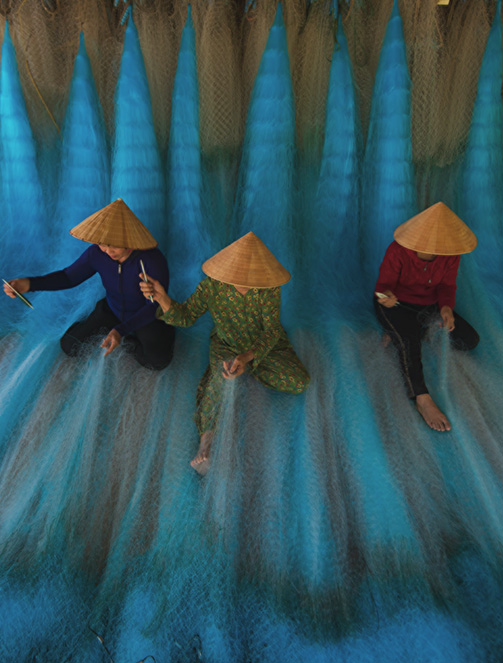
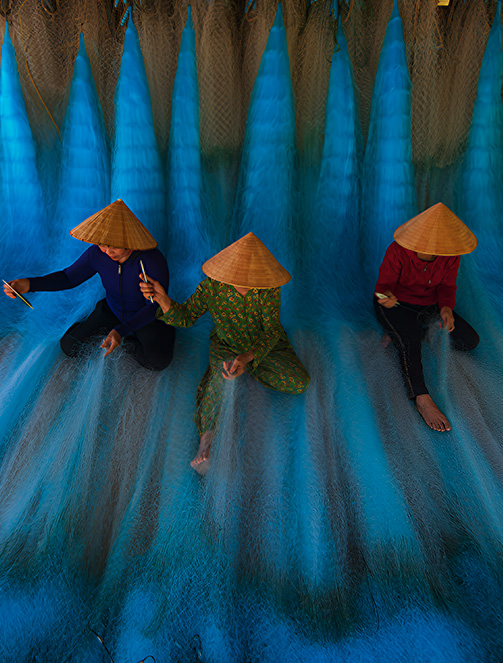
Manually adjust colors to stay faithful to the original photos, or tune for mood and for a creative look.


Clean Up Photos, Remove Unwanted Objects
AI Eraser makes photo cleanup simple with just a few brush strokes. Paint over photobombers, signs, or small imperfections, and the AI removes them naturally. It analyzes surrounding textures, patterns, and colors to rebuild clean areas that blend seamlessly.
Generative AI Models for Versatile Scenarios
More-detail GAN v3
Architecture: GAN
Generate more details, more clarity and sharpness. Better skin, hair, and overall perceptual quality.
Best for: Images with skin, hair, pore, and other intricate patterns.
Upscale: 1x2x4x8x1K2K4K8K
-
Overall Clarity
-
Denoise
-
Deblur
-
Sharpen/Detail
-
Smoothness
AIGCsmooth v3
Architecture: GAN
Improved support for AI-generated images. More clarity, smoother and better quality.
Best for: AI art, anime, line art, images with smooth textures.
Upscale: 1x2x4x8x1K2K4K8K
-
Overall Clarity
-
Denoise
-
Deblur
-
Sharpen/Detail
-
Smoothness
Real-Photo
Architecture: Diffusion
Enhance real photo and restore original. Better fidelity, photorealistic details. For high-resolution photos.
Best for: Family portrait, product shot, and scenic landscape.
Upscale: 1x2x
-
Overall Clarity
-
Denoise
-
Deblur
-
Sharpen/Detail
-
Smoothness
Face Restoration
Architecture: GAN
Bonus option to restore low-resolution faces besides the general quality enhancement process.
Enable when: Restoring low-quality, grainy, blurry portraits.
Upscale: 1x2x4x8x1K2K4K8K
-
Overall Clarity
For low-res portraits
-
Denoise
Depend on images and model
-
Deblur
-
Sharpen/Detail
Depend on images and model
-
Smoothness


AI Image Enhancer For Even More Scenarios
Increase the resolution of your AI-generated art, photography, e-commerce images to 4K/8K/32K for high-quality prints, wallpapers, posters, presentations, and more. Improve image quality and details for stunning social media posts.
- Enhance Photography and Prints
- Refine Designs and Art
- Optimize Social Media Sharing
- Restore Old Family Photos
- Improve E-commerce Listing
- Preserve Archive Historical Pictures
Trusted by Top Media and Industry Leaders
See why photographers, creators, media professionals, and everyday users choose Aiarty. Read reviews >
-
"On modern 4K displays and large-format reprints, legacy 2MP and 5MP photos appear blurry and muddy. AI models in Aiarty Image Enhancer will apply noise removal and detail restoration properly, while also offering flexible adjustments."
Nikon Rumors -
"Aiarty supports strength control for AI enhancement, avoiding over-processing, unnatural results, or an artificial look. Optionally, you can combine it with its face restoration tool and color features for specific photos and scenarios."
Apple Insider -
"For a rabbit image taken in near darkness on Nikon Z9 at ISO 25,600 with excessive amount of noise, Real Photo v3 AI Model in Aiarty Image Enhancer has done an excellent job at reducing the noise while preserving the detail in the fur of this rabbit."
CoolWildLife -
"I cannot afford one of the fancy medium-format cameras with 100 MP sensors…Thankfully, I tested Aiarty Image Enhancer with around 50 photos, the results are free of artifacts, and the details and sharpness Aiarty adds to my photos look natural."
Fstoppers -
"Aiarty is super fast. I had a folder with 100 images, all about 1024p, and I wanted to upscale them to 2048p. I thought it would take forever, but it only took around 12 minutes."
GottaPics

How to Use This AI Image Enhancer
Step 1. Import Photos
Add photos or folders.
Step 2. Choose an AI Model
Upscale and enhance, opt for edits.
Step 3. Preview and Export
Export the enhanced images.


Download Aiarty Image Enhancer to batch enhance and upscale your images and photos now.
Frequently Asked Questions
-
What is Aiarty Image Enhancer?
Aiarty Image Enhancer is a desktop image enhancer to improve image quality with deep learning. It delivers natural results for image noise reduction, deblurring, upscaling, and quality restoration, with optional face enhancer option, color editing, AI eraser, HDR output, and strength controls. Processing runs offline on your device, so your images stay private and secure.
This AI image enhancer helps photographers, content creators, designers, and family users to refine images for flawless close-ups, crisp prints, and cropping freedom with details restored.
-
What makes AI upscaling and enhancement better than traditional methods?
Traditional upscaling without AI inference can result in unnatural artifacts or simply stretch pixels without restoring details. Leveraging deep learning, particularly Convolutional Neural Networks (CNNs), Aiarty Image Enhancer analyzes and understands image content to enable both intelligent upscaling and quality enhancement.
It works efficiently to restore missing details, preserve texture, and avoid over-sharpening with strength control, delivering a more natural and realistic result.
-
Is it safe to use your AI photo enhancer?
Yes, Aiarty Image Enhancer is completely safe to use. Compared with online image enhancers, this desktop-based software processes everything offline—no need to upload your photos to the cloud or any server. This ensures your images remain private, secure, and protected from being collected, shared, or used for training purposes.
-
Can I use Aiarty Image Enhancer for free?
Aiarty Image Enhancer offers a free trial version so you can test its AI enhancement features before purchasing. If you need unrestricted exports, commercial use, ongoing updates, and priority support, the Full version provides the complete experience.
See the detailed Free vs Full comparison of Aiarty Image Enhancer.
-
How does Aiarty Image Enhancer fit into your photo editing workflows?
As standalone software, Aiarty Image Enhancer offers a fast, all-in-one way to upscale, denoise, and refine images. It's ideal for quick, high-quality results in everyday projects.
For professional projects and routine editing tasks, it fits seamlessly into your workflow, whether used from start to finish or as part of your existing editing pipeline. You can use the "Edit in Aiarty Image Enhancer" option from supported editors for a seamless workflow, then return to your editor with the enhanced results.
-
How do I choose the right AI model in Aiarty Image Enhancer?
Aiarty Image Enhancer offers five advanced AI models, each tailored for different image types and enhancement scenarios.
- More-Detail GAN: For enhancing image clarity with a natural, sharp look, such as restoring textures and details in skin, hair, and intricate surfaces.
- AIGCsmooth: Best for upscaling AI-generated and digital images that need a smoother, clearer, and more natural finish.
- Real-Photo: Ideal for improving and restoring real photos, delivering better fidelity and overall clarity.
- Face Restoration: Enable when you need to fix grainy, blurry, low-resolution portraits and old photos with low-quality faces. Toggle this option to compare results, as sometimes the standard AI enhancement is already enough.
- AI Erase: Brush over unwanted objects, people, or text to remove them and fill the missing areas with natural, seamless textures. It can be combined with other enhancer models for optimal results.
Refer to the comparison table above for a detailed breakdown of each model. To get the most out of Aiarty, check the best practices to use Aiarty Image Enhancer guide, where you'll find recommended workflows and test images.
-
Can Aiarty enlarge low-resolution images to high resolution?
Yes. You can upscale images by 2x/4x/8x, to 2K/4K/8K resolutions, or input custom resolutions to achieve flexible upscaling factors like 1.5x, 1.8x, 2.5x, etc. The maximum resolution supported is 32K (32,000 pixels in width or height) for the Windows version and 16K (16,000 pixels in width or height) for the Mac version.
-
Can you adjust enhancement strength in Aiarty Image Enhancer?
Yes, you can drag the strength slider to control how strongly the AI enhancement is applied to the image. Ranging from 0-1, it helps you prioritize sharpness and more detail with a higher value, or maintain a more natural and subtle enhancement with a lower value.
This flexibility makes it versatile for all types of images and real photos, giving users granular control alongside automatic quality enhancement.
-
When and how to use 2-pass processing in Aiarty Image Enhancer?
2-pass processing is ideal for low-quality, grainy, or artifact-heavy images, alongside image upscaling and quality enhancement tasks.
In general, it is recommended to restore image quality before upscaling for heavily flawed images, which means separate steps and workflows in other tools. The 2-pass option in Aiarty Image Enhancer helps you achieve that in one go more efficiently (check tests and comparisons).
For low-quality images, besides selecting the target resolution and model, simply toggle on 2-pass processing (available for More-Detail GAN v3 and AIGCsmooth v3) to add an additional x1 enhancement pass.
You can also toggle it on and off, compare results in real time, and stick with the settings that work best for your specific images.
-
Can you convert SDR to HDR images with Aiarty Image Enhancer?
Yes. Aiarty Image Enhancer supports turning SDR images to HDR. It intelligently upgrades standard 8-bit SDR images to 10-bit HDR, delivering richer color depth, improved contrast, and more vibrant, immersive visuals on modern HDR displays.
You can fine-tune the HDR effect using the Strength slider, and for the most natural, lifelike results, it's recommended to combine SDR-to-HDR conversion with Aiarty's Color features.
-
When should I enable Face Restoration? What are the recommended settings?
It depends. You can start with the standard AI models and adjust the enhancement strength. This workflow is sufficient in most cases without Face Restoration. For old, soft, or low resolution images, you can enable Face Restoration, set an AI Model and Blend Mode, and adjust the strength.
- AI Model in Face Restoration: If you prefer results that are more faithful to the original photo, use the default Fidelity option. The Rebuild option relies more on AI inference to reconstruct facial features while maintaining natural proportions.
- Blend Mode: For photos with blurry, lower resolution faces, start with Gradient Overlay. For photos with slightly higher resolution faces and clearer facial contours, start with Alpha Overlay. You can switch between the two modes to compare the results and find the best fit for your specific photos.
-
Can I deselect some of the faces in a photo to opt out of Face Restoration?
Yes. Hit the Select Faces button, you can deselect the checkbox for any detected face to exclude it from Face Restoration. For example, in group photos, people farther away from the camera or in the background may naturally appear blurrier because of distance and depth of field, while the main subjects in the foreground usually benefit more from enhancement. In such cases, you can apply Face Restoration only to the faces you want to improve for more natural results.
You can also turn off Face Restoration entirely if the standard AI enhancement already produces the results you want.
-
What is the Max Tile Size setting in Aiarty Image Enhancer? How does it balance performance and image quality?
Max Tile Size controls how images are divided for AI processing. Smaller tiles use less GPU memory and help handle very large images on limited hardware, though processing may be slower. Larger tiles require more VRAM but run faster and produce smoother results with fewer seams.
For instance, wildlife photography are usually large in size. You can set the Max Tile size to Auto, then run the AI enhancer to inspect details, or experiment with different values to achieve your intended look.
-
Does Aiarty Image Enhancer support GPU acceleration?
Yes, Aiarty Image Enhancer supports GPU acceleration with compatible NVIDIA, Intel, and AMD GPUs, as well as CPU processing. Ensure your GPU meets the minimum requirement here and that your drivers are up to date. Processing speed may vary depending on your hardware specs, disk write speed, output settings, and the size of your input image.
