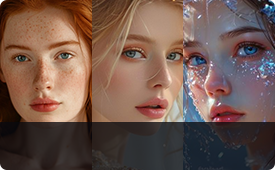
Free AI Background Remover to Remove Background in Seconds
 User Guide>
-
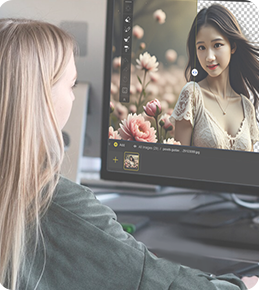
Offline AI Background Remover for Privacy
-
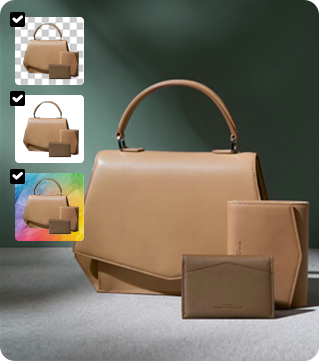
Natural AI Background Blending
-
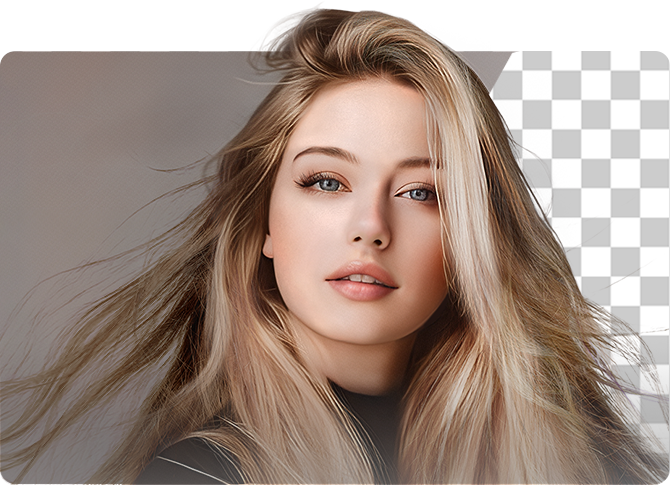
Precise Background Removal for Details
-
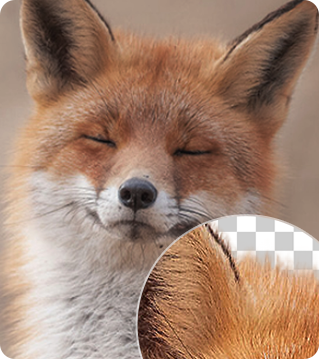
10K High-Resolution Output
-

Free AI Image Background Remover for Complex Scenes and Fine Details
Aiarty’s free AI background remover uses advanced AI to remove backgrounds from images free with high precision. It handles complex images,
preserving fine details like hair, fur, and semi-transparent objects. Unlike free tools online, it works beyond simple studio shots, analyzing texture,
lighting, and object edges for natural cutouts, perfect for portraits, products, animals, and creative designs.
-
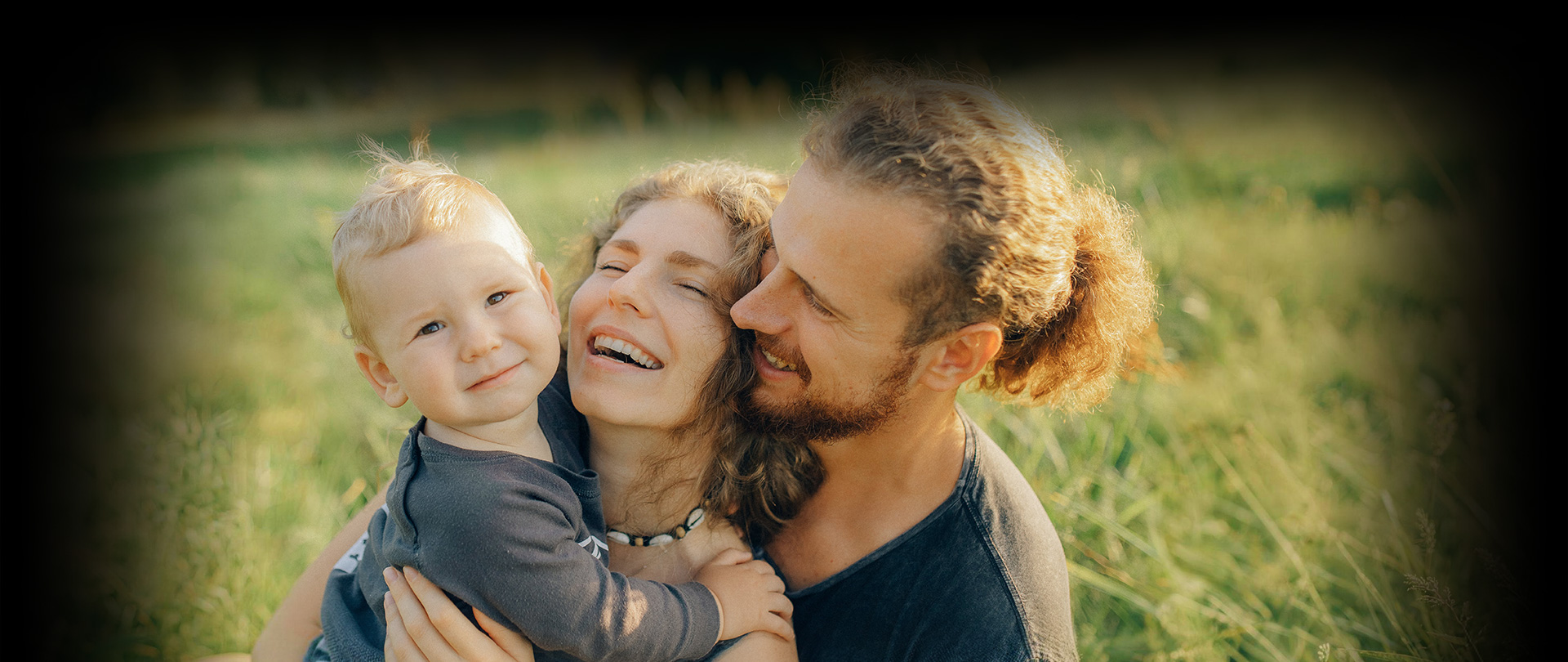
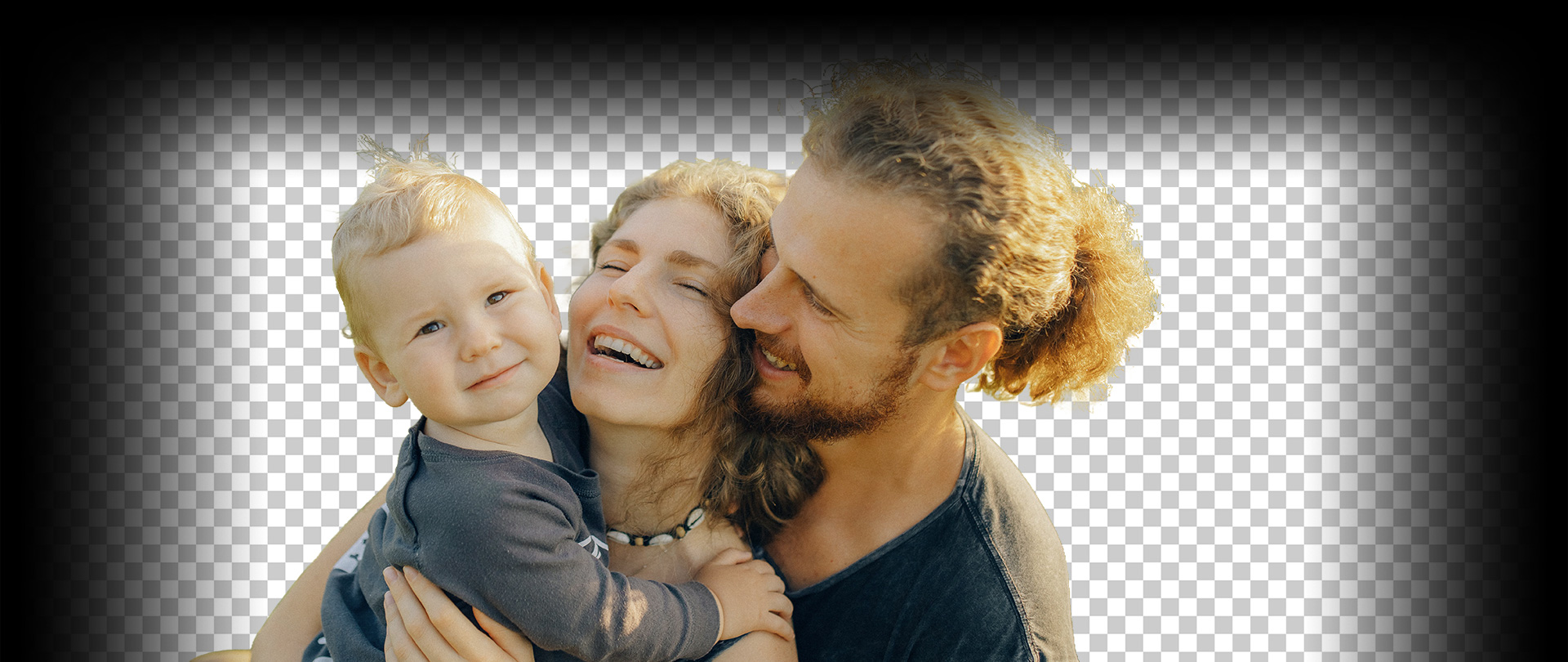

Remove Background from Hair and Fur
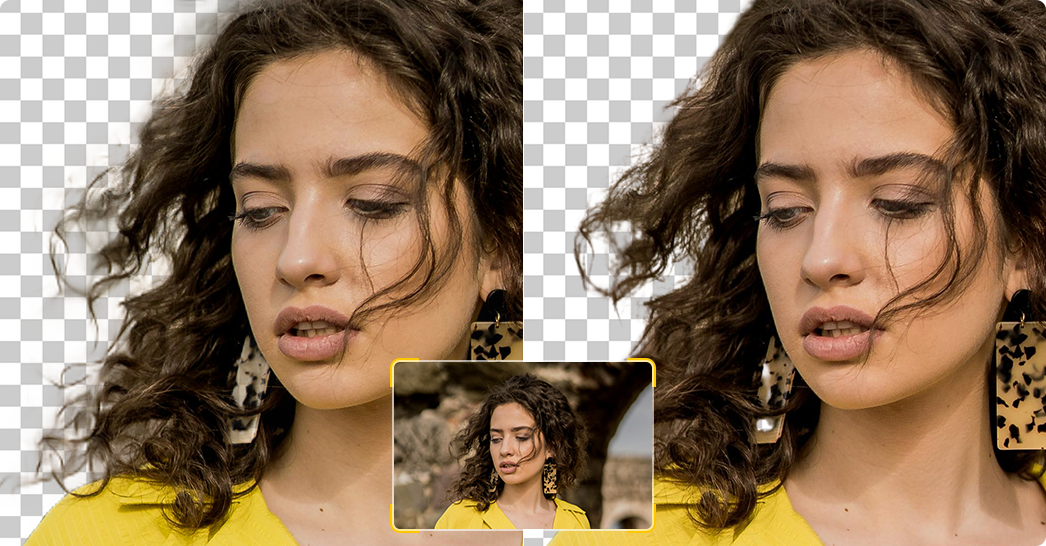
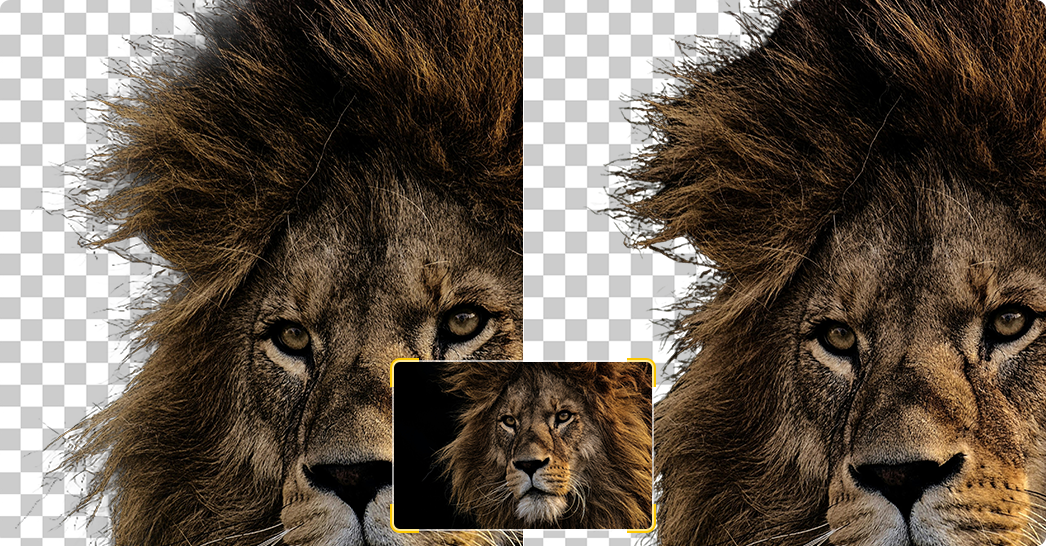
Hair strands and animal fur are challenging for AI background removal. Aiarty Image Matting detects these textures with high precision and preserves natural hair boundaries without cutting edges or leaving halos.
- # Portrait photos
- # Pet/animal photography
- # Fashion shoots
- # Wildlife images
-

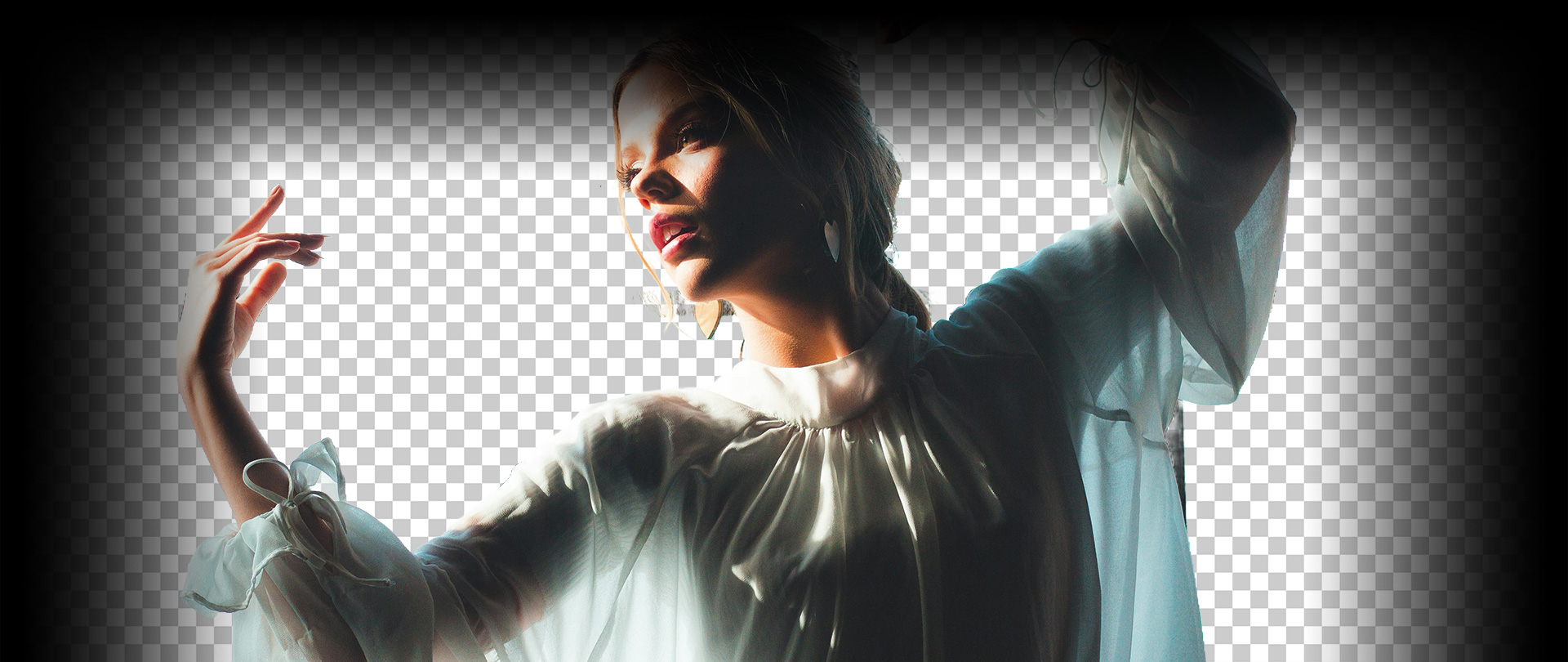
Remove Background from Transparent Object
Aiarty AI Image Remover Free efficiently removes backgrounds from semi-transparent objects like glass, fabric, lace, or water droplets. It preserves fine edges and transparency, producing clean cutouts without artifacts.
- # Glassware/bottles
- # Wedding veils/lace fabrics
- # Transparent packaging products
- # Water splashes, smoke
-
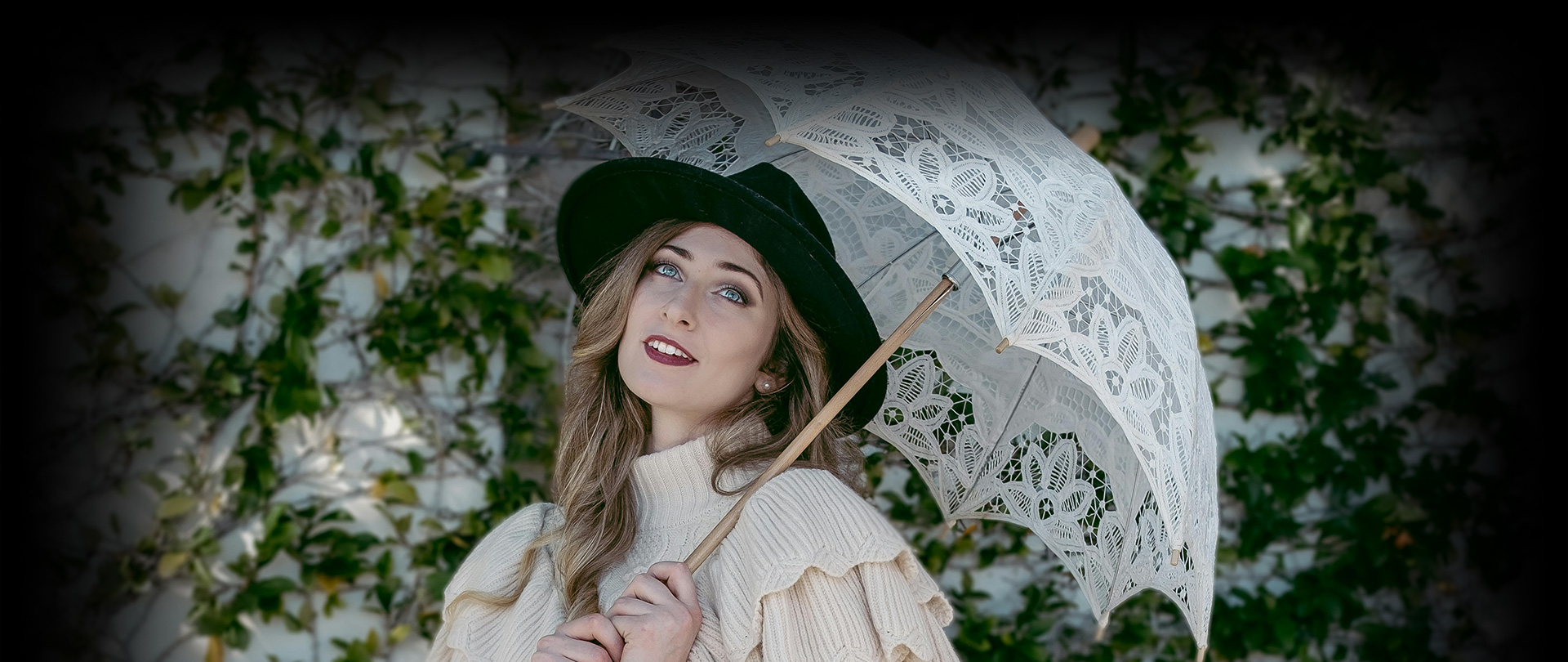
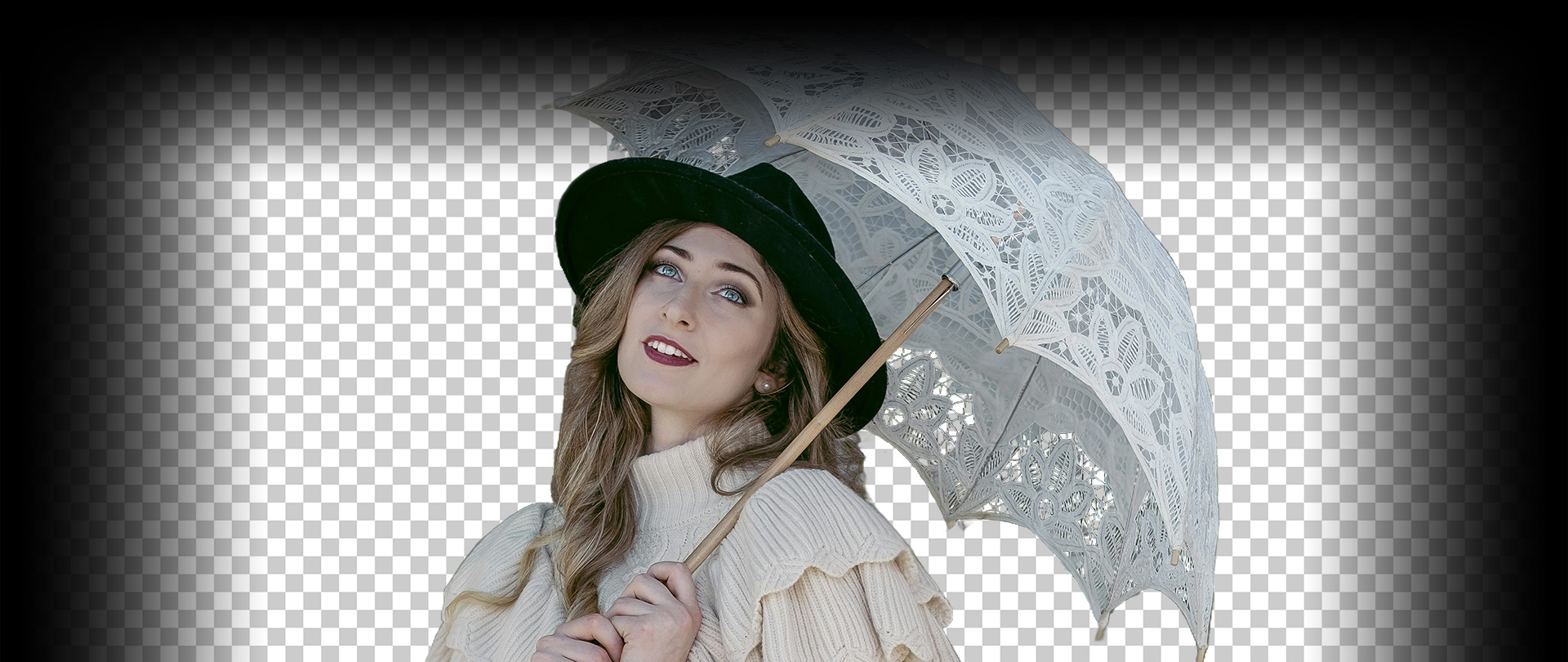
Remove Background from Complex Scene
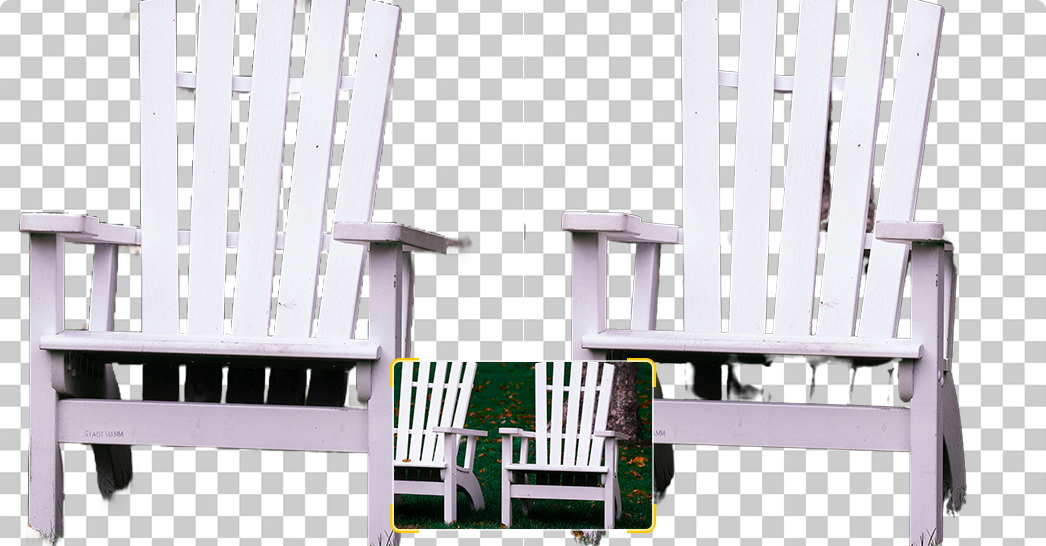
Aiarty AI Image Remover Free handles complex or busy backgrounds with overlapping objects, irregular shapes, and multi-layered scenes. It preserves fine details and extracts the subject precisely, even when there are multiple elements.
- # Outdoor portraits
- # Street photography
- # Product images
- # Social media photos
-
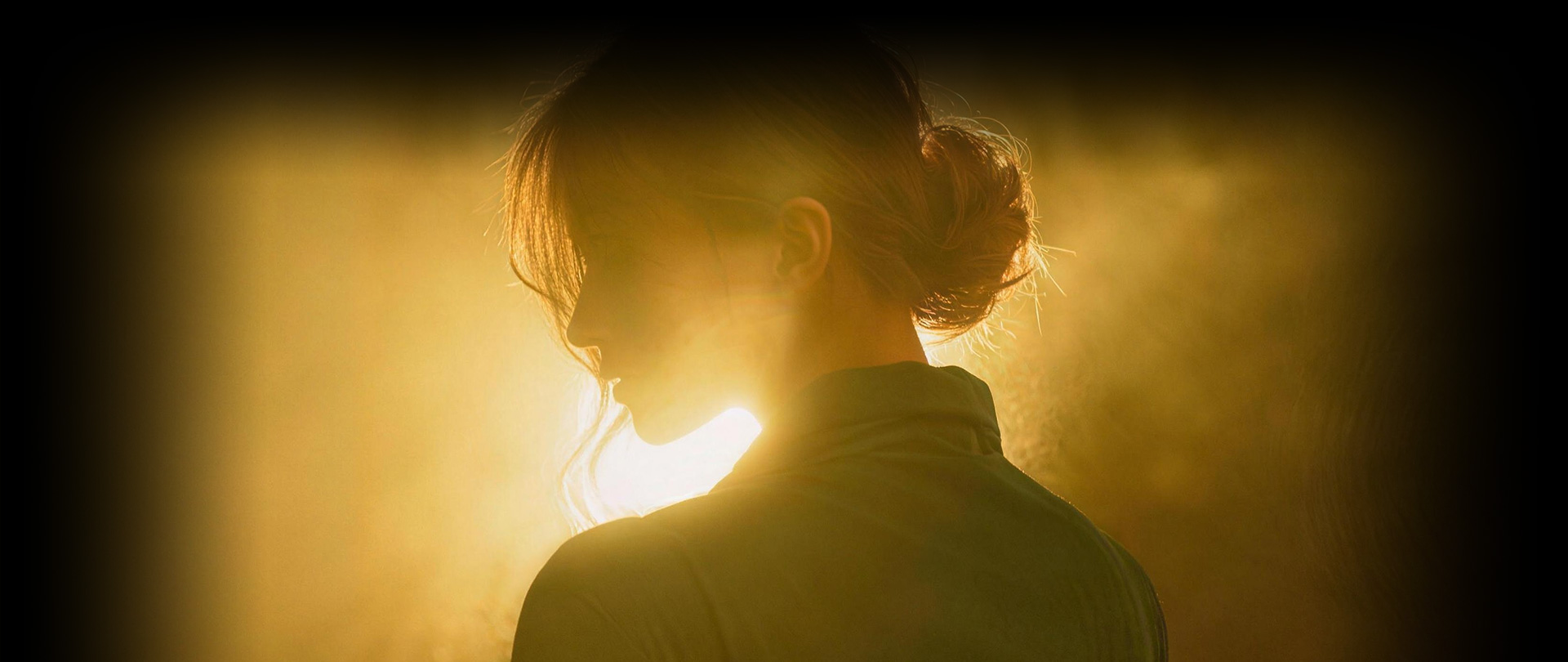
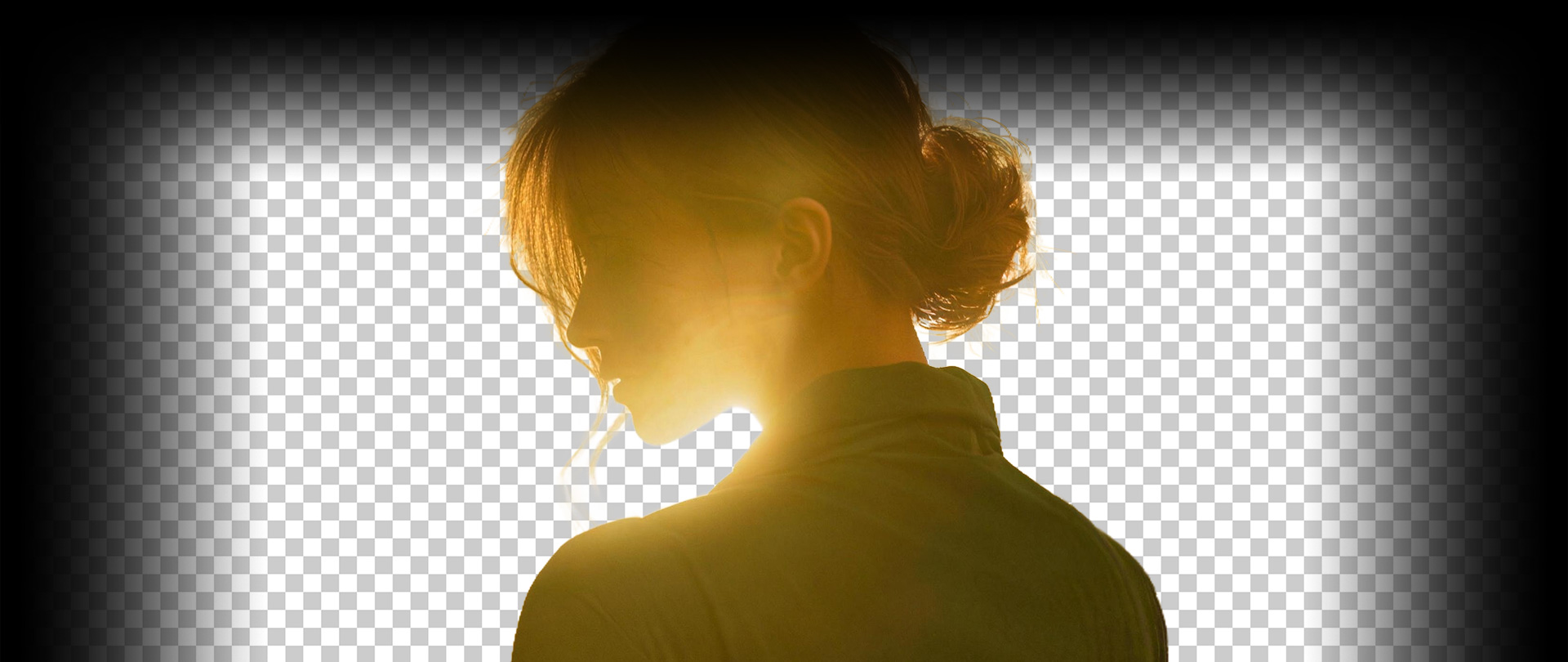
Remove Background from Low-Light Photo
Low-light images often have noise and weak edges, making background removal harder. Aiarty's free image background remover improves edge detection for low-light images, accurately separating subjects even with weak contrast.
- # Night Photography
- # Indoor event photography
- # Concert or stage photos
- # Low-exposure product shots


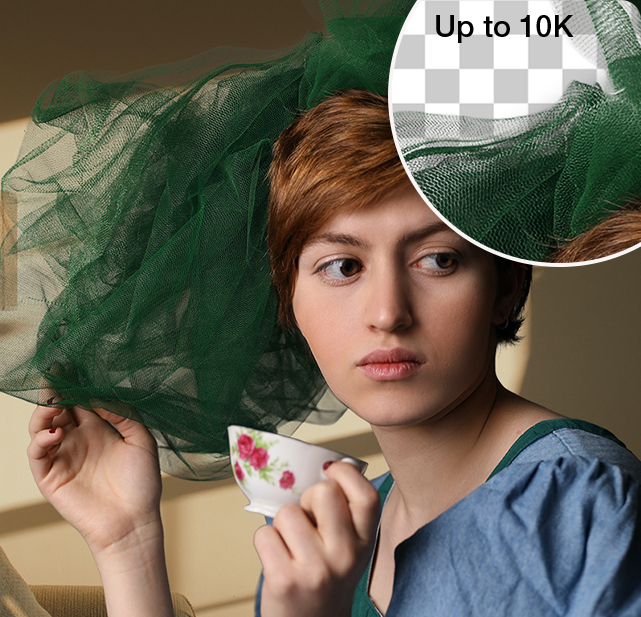
Remove Background and Upscale
Photos to 4K/8K, and Beyond
Aiarty free AI image remover delivers precise background removal for photography. Trained on realistic photo data, it accurately detects subjects, preserving hair, skin tones, soft edges, and handling tricky elements like low-contrast edges, veils, and glasses.
Beginners and pros can achieve high-quality results using one-click removal or advanced tools like edge refinement and manual masking. Aiarty also enhances low-quality portraits by reducing noise and blur, producing sharp, high-resolution images up to 4K, 8K, or even 10K, suitable for prints, albums, and professional use.
Easily clear backgrounds to elevate various photography styles:
- • Wedding Photography
- • Family Photos
- • Studio Photography
- • Portrait
- • Lifestyle Photography
- • Event Photography
Remove and Change Background from
Product Photos for E-commerce
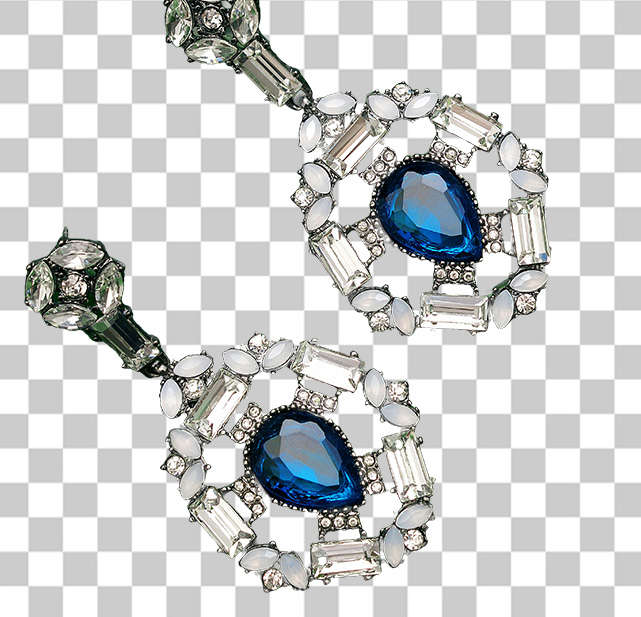
Aiarty Image Matting is an AI-powered background remover designed for product images and e-commerce photography. It automatically detects products and removes backgrounds from images free with high precision. The AI preserves edges, reflections, textures, and semi-transparent materials like glass or plastic, and lets you change backgrounds to white or custom pictures. Batch processing makes it ideal for Amazon, Shopify, and social media.
Get clean product images for different commercial and creative needs:
- • E-commerce Listings
- • Product Catalogs
- • Advertising & Marketing Materials
- • Social Media Product Posts
- • Packaging Design
- • White Background Product Photos


Remove Background from AI-Generated
Images Instantly
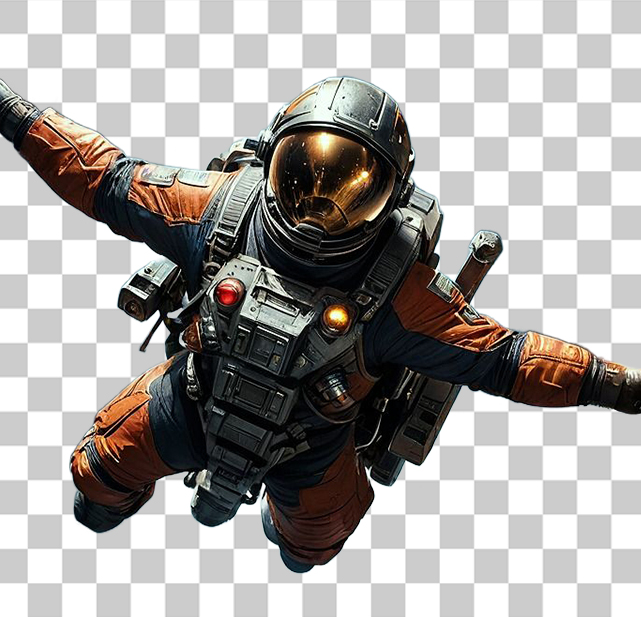
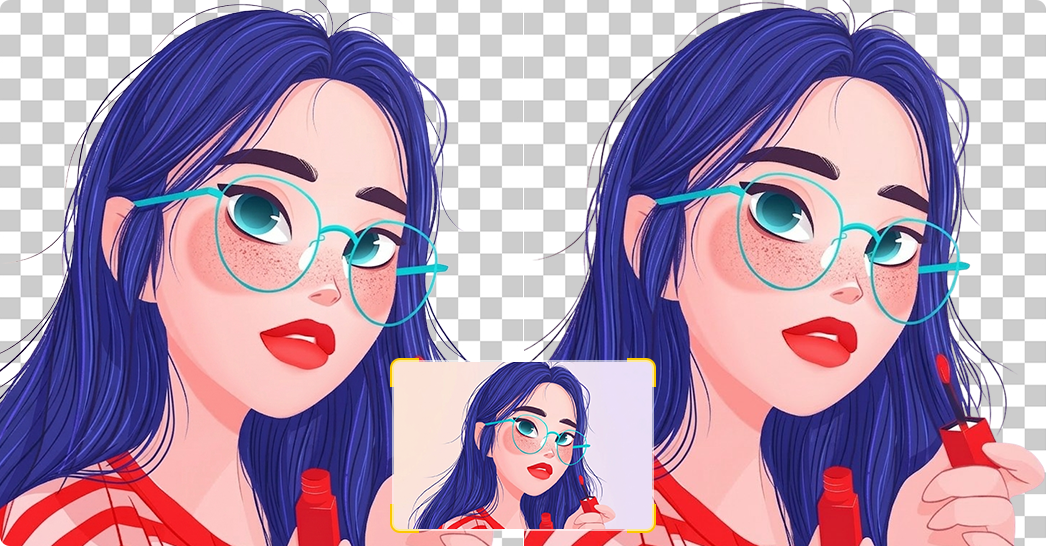
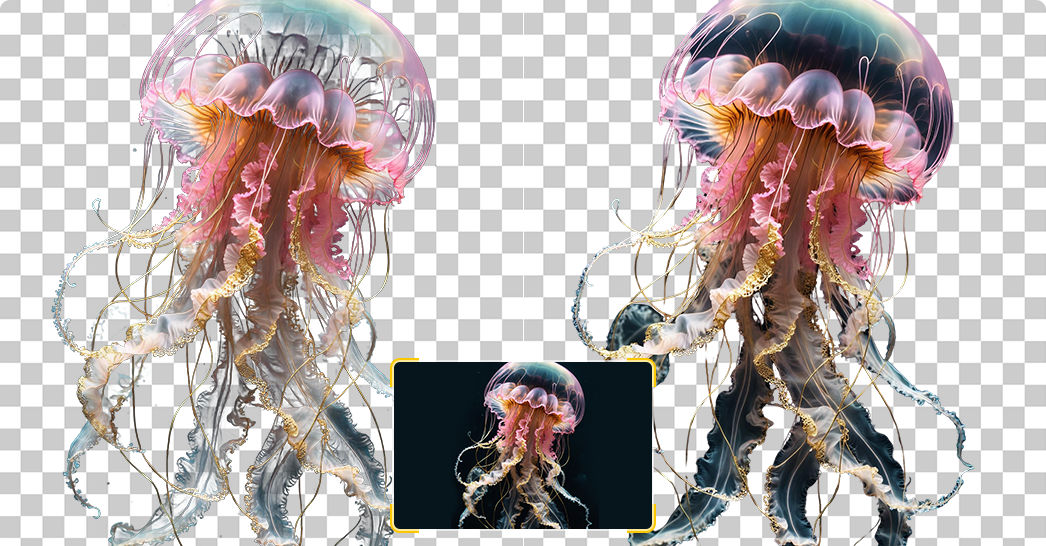
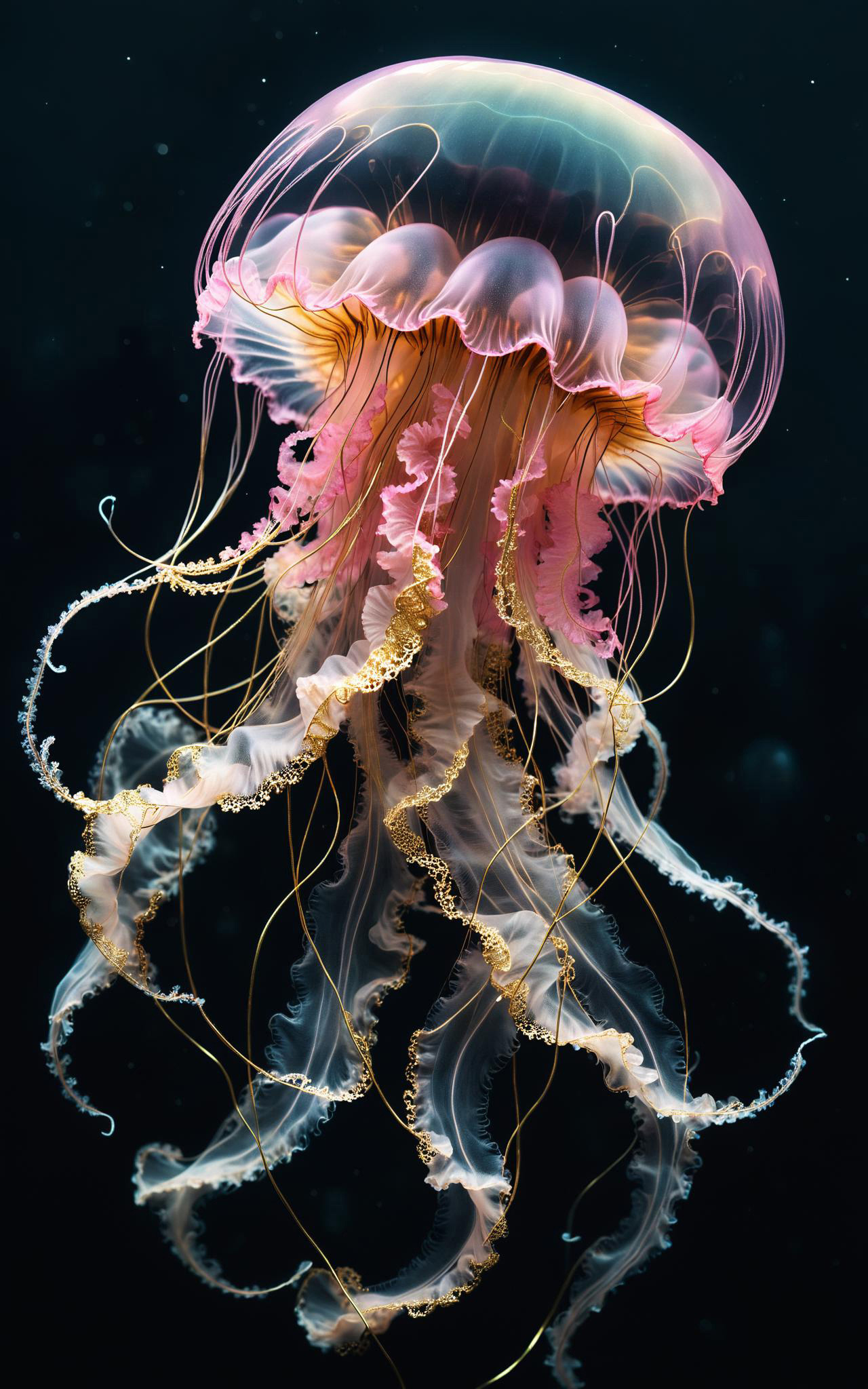
Aiarty AI Background Remover seamlessly extracts foreground elements from AI-generated content (AIGC) for streamlined integration into video editing, anime creation, and game development. Effortlessly prepare transparent overlays and production-ready assets, enhancing your art projects with instant background removal for clean visuals in digital art, graphic design, and creative presentations.
Get transparent AI assets for different creative projects:
- • POD
- • Poster Design
- • Character Design
- • Asset Creation
- • Content Creation
- • Digital Art
Precise AI Background Removal for Documents & Professional Photos
Aiarty AI Background Remover lets you quickly and easily remove backgrounds from official documents, ID cards, visas, and professional photos. Preserve fine details such as hair or signatures while creating clean, transparent backgrounds for solid colors or professional submissions. No technical skills required.







ID Photos
Easily remove and change backgrounds with solid colors for visa photos, IDs, employee badges, and resume images using Aiarty AI Background Remover. It keeps fine details like hair strands sharp, delivering clean and professional results for official applications.
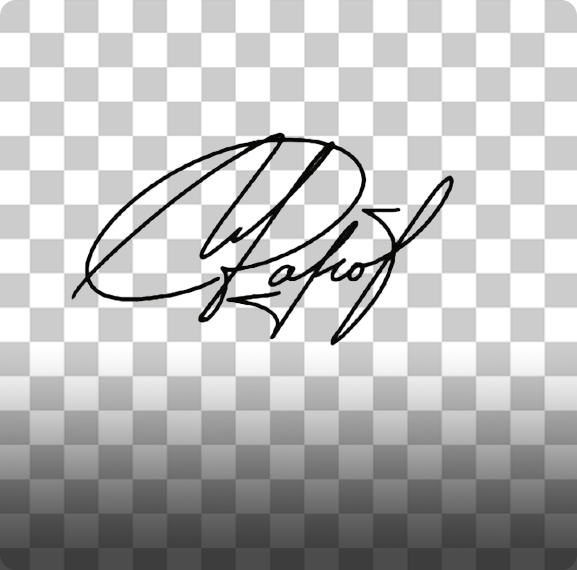
E-Signatures
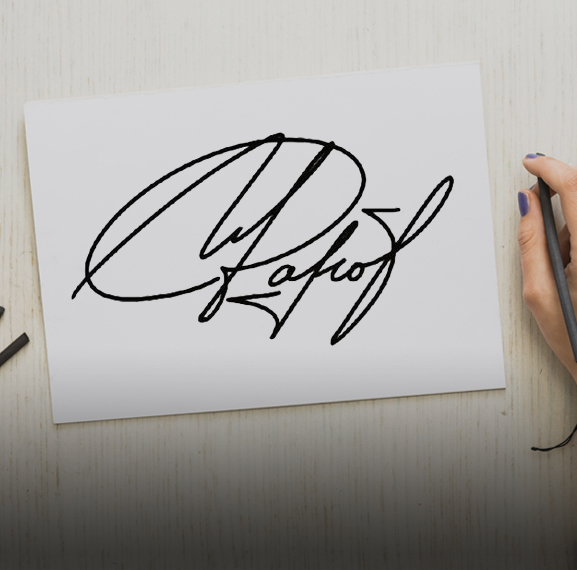
Aiarty AI Background Remover lets you remove backgrounds from signatures and create clean, transparent signature images from documents or photos. It preserves authentic handwriting details, making it ideal for contracts, emails, and official paperwork.
Bulk AI Background Remover for Fast, High-Quality Results
Aiarty Image Matting enables fast and high-quality bulk background removal for images of products, people, pets, and design elements. The AI background remover handles up to 3,000 images in a single batch while preserving intricate details such as hair, lace, fabrics, and reflective surfaces. Quickly achieve clean and precise transparent backgrounds for complex projects, streamlining workflows and ensuring consistent, professional results every time.
More Features of Aiarty Free Image Background Remover
Aiarty Image Matting is more than a simple background remover. It combines advanced AI matting models, edge refinement technology, and batch processing capabilities, and more to accurately remove backgrounds from images while preserving fine details such as hair, fur, and transparent objects.
-
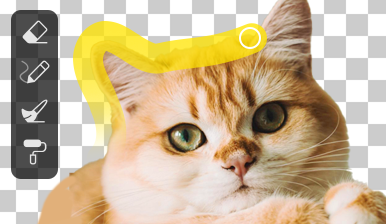
AI Edge Refinement and Manual Editing Tools
Use erase, brush, dodge, and burn tools to fine-tune selections and adjust transparency for precise background removal.
-
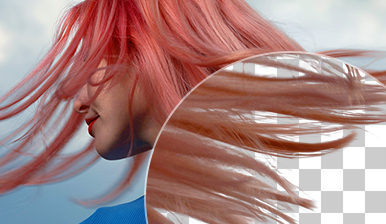
Optimize Edges and Fine Details Automatically
Refine edges and enhance fine details with AI-powered optimization, ensuring smooth, natural results without jagged or blurry edges.
-
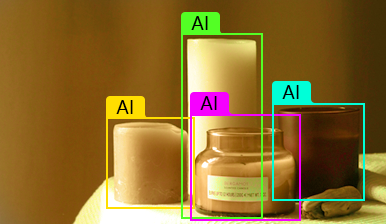
AI Object Detection for Accurate Background Removal
Automatically detect people, objects, and subjects in images, allowing you to quickly select and remove backgrounds with high accuracy.
-
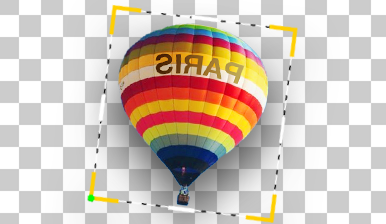
Basic Image Editing Tools (Crop, Rotate, Flip)
Edit your original image before or after background removal with built-in tools like crop, rotate, and flip for better composition.
-
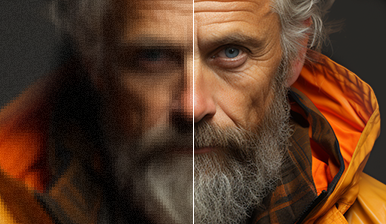
AI Image Upscaler (Up to 10K Resolution)
Enhance and upscale images by 2x using AI super resolution, improving clarity and preparing images for high-quality print or display.
-
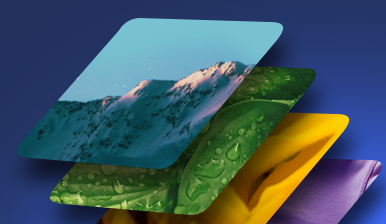
Batch Background Removal and Export
Process and export multiple images at once with batch mode, supporting both single and bulk export workflows for efficiency.
Different Background Solutions in a Seamless Workflow


Why Choose Aiarty AI Background Remover over Online Tools?
All background removal tests were conducted under the same conditions and using the default AI settings to simulate typical user workflows.
• Testing setup: Windows 10, Intel® Core i7-13700K, 32GB RAM, AMD RX 7600.
• Tested tools: Comparison tools: Aiarty Image Matting (Desktop AI Background Remover) and typical online AI background remover tools
• Evaluation criteria: Edge accuracy, detail preservation, processing speed, ability to handle complex backgrounds




- Remove background in 3 steps with high-quality results.
- Handles complex and intricate backgrounds without quality loss.
- Preserves hair, fur, lace, and transparent details.
- Supports batch processing of up to 3000 images at once.
- Upscales images to 4K/8K/10K with Super Resolution.
- Works offline, ensuring privacy and no file size limitations.
- Requires installation before use.

- No installation required, runs in browser.
- Quick start for instant edits.
- Detail loss with complex or intricate images.
- Showing errors or being unable to process certain tricky images.
- Poor background removal with semi-transparent objects.
- No batch processing; single-image edits only.
- Privacy concerns and file size limits.
- Free versions often output SD/low-res images and may include watermarks.
How to Remove Background from Image Free with Aiarty Image Matting
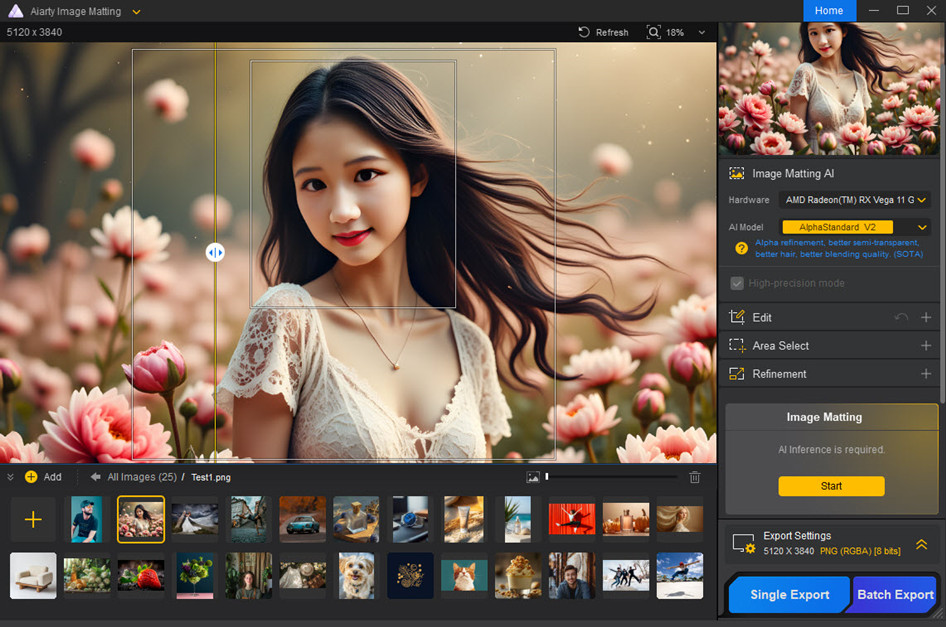
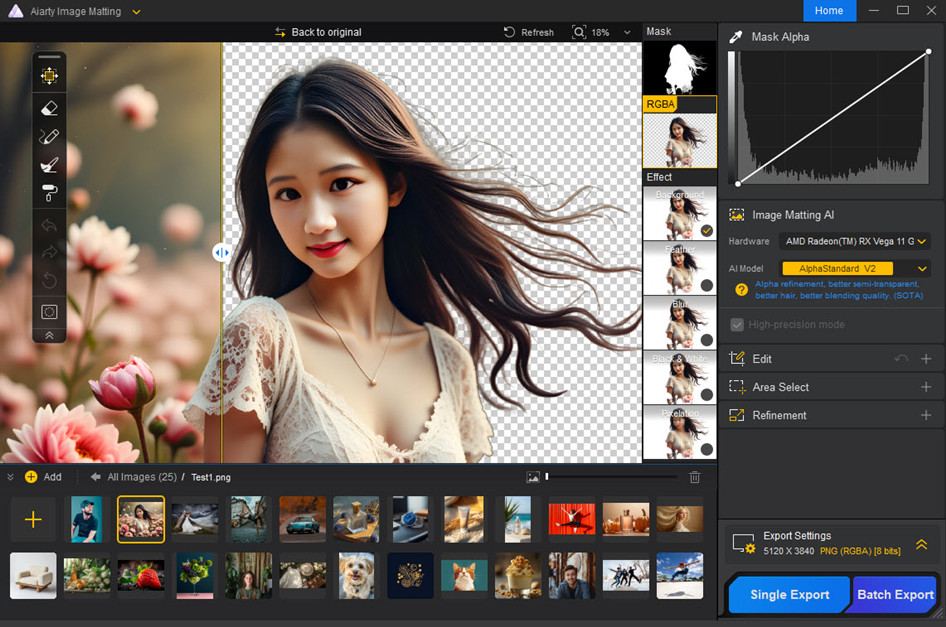
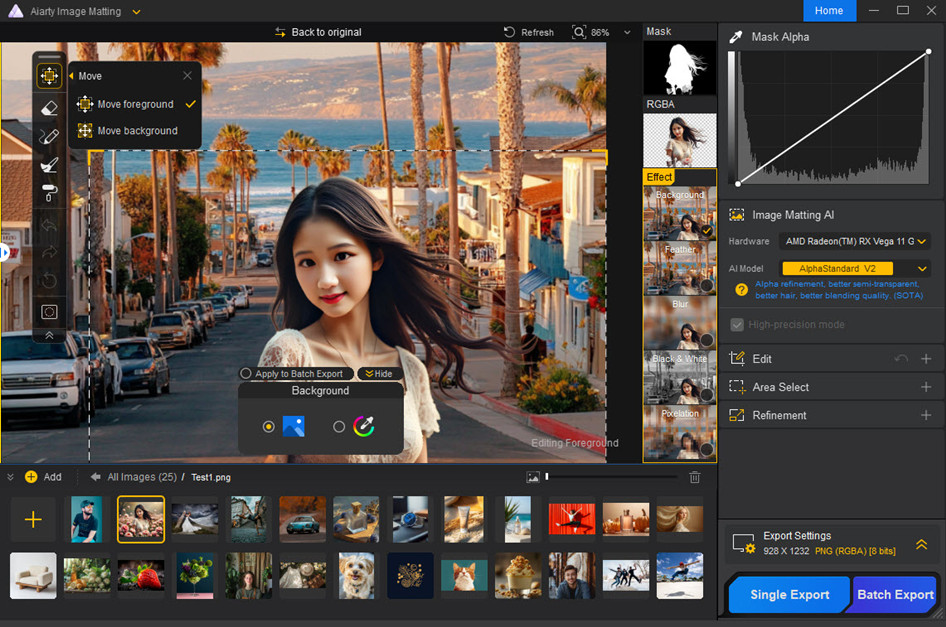
With Aiarty’s free image background remover, you can remove backgrounds in just 3 steps: upload single or multiple images, refine edges if needed, and export high-quality transparent images. The AI automatically detects subjects and removes complex backgrounds, delivering professional results without manual editing.
-
1. Install the AI Background Remover
Import one or more images to AIarty Image Matting. You can upload JPEG, PNG, or other common formats. The AI will automatically detect the subject and prepare it for background removal.
-
2. Remove and Refine Background
Choose an AI model and Aiarty automatically removes the background. You can preview the result and tine tune the edges, adjust transparency, or change background.
-
3. Export Your Image
Once satisfied, export your transparent background image. You can process single images or multiple images at once for batch output.
Trusted Reviews of Aiarty AI Background Remover
Aiarty Image Matting has been recognized by photography websites, tech media, and creators for its accurate AI background removal and advanced image matting capabilities. Industry reviewers highlight AI background removal tools as essential for product photography, design workflows, and ecommerce image processing.
-

Aiarty uses AI to automatically detect the subject and generate a clean cutout. On the one hand, the goal is speed, sure, but it’s also about accuracy, particularly in areas where most tools struggle, like hair, fur, or semi-transparent elements.
SLR LoungeMarch 25, 2026 -
For photographers who regularly deal with fine details like hair, transparency, or complex backgrounds, tools like Aiarty Image Matting can make a noticeable difference in both speed and final image quality.
Photo RumorsMarch 24, 2026 -
Aiarty Image Matting not only allows fine-tuning of selection edges and feathering, but also supports manual adjustments, for example using erase and restore tools to fix specific areas, or dodge and burn techniques to refine local transparency. This ensures the subject blends naturally with the new background.
Nikon RumorsMarch 18, 2026 -
Even without a high-end graphics card or powerful computer, Aiarty Image Matting can accurately remove complex backgrounds.
ePHOTOzineJanuary 14, 2026 - View All
-
Aiarty Image Matting simplifies background removal and matting, turning a time-consuming task into a fast, precise process.
SonyAlphaRumorsNovember 14, 2025 -
Aiarty Image Matting works locally on your PC. It delivers high-quality segmentation, precise edge detail, and a subscription-free experience—perfect for those who value privacy, speed, and full control over their work.
Nikon EyeNovember 14, 2025 -
With the ability to refine fine details and work with different subjects, Aiarty Image Matting has potential to change the game for anybody looking to enhance their image editing efficiency.
PhotoWhoaNovember 13, 2025 -
Whether you’re working on portraits, wildlife, or product photography, Aiarty offers a powerful yet easy-to-use solution for achieving professional-quality composites.
43RumorsNovember 13, 2025 -
For photographers who value speed, precision, and privacy, Aiarty Image Matting is a practical addition to any workflow. From single RAW edits to large batches, it delivers professional results quickly and reliably, saving time while maintaining image quality.
Fuji RumorsNovember 12, 2025 -
It’s both simple and sophisticated, offering one-click background removal but with the option to refine the selection using eraser, brush, dodge, and burn tools. It’s the right tool for you, regardless of your level of technical skill and the complexity of your needs.
PCWorldNov 29, 2024 -
Even the best tools can often leave images with jagged edges, ghostly halos, or chunks taken out of vital parts of the image. But that’s where Aiarty Imagine Matting can help, by bringing its AI wizardry to the rescue, it can transform the tedious task of image matting into a streamlined, efficient process that produces professional results.
Creative Bloq April 27, 2025 -
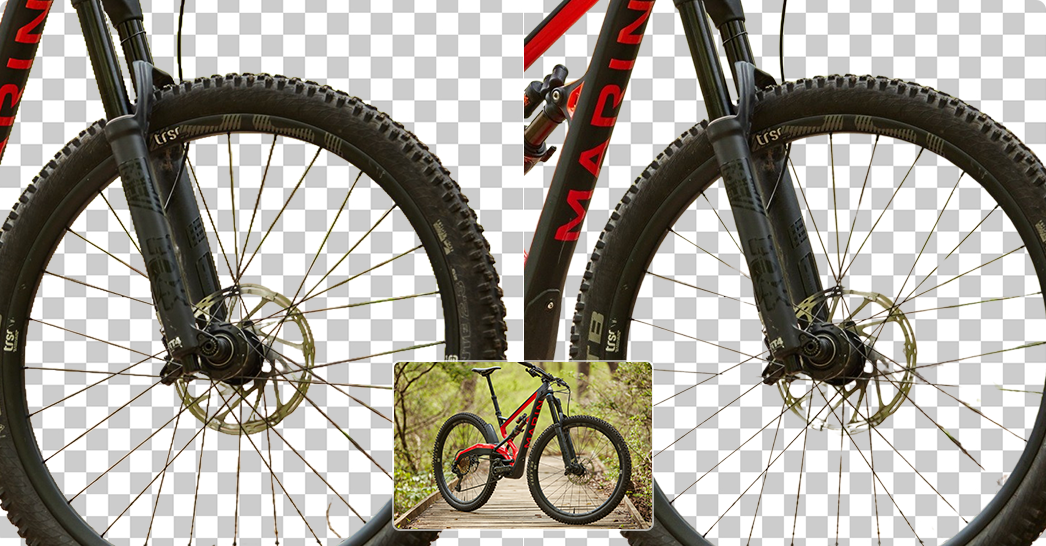
Aiarty Image Matting effectively handles fine details like hair strands, fur, lace, tulle, glass, water droplets, and other semi-transparent textures with true alpha. It’s perfect for portraits, wildlife, and product photography where high attention to detail is required.
Mirrorless RumorsNovember 13, 2025 -
Aiarty Image Matting employs 4 sophisticated AI models to precisely detect and extract subjects from even the most complex backgrounds. Whether you’re dealing with intricate textures, low-contrast images, or highly detailed subjects, its AI algorithms ensure clean and accurate background removal. For even greater precision, you can manually select the exact area you want to extract.
PetapixelDecember 07, 2024 -
Aiarty Image Background Remover is a powerful AI tool that is great for easy one-click cutouts and background removal. This app is very accurate, particularly with intricate and difficult subjects such as bicycle wheels, hair and fur. It’s also great if you have an entire product shoot, you need to cut out in a batch. Aiarty Image Background Remover could potentially save you hours of time.
DiyphotographyDecember 30, 2024 -
I am very impressed with AIarty. It is both well designed and well executed. It is fast, with all the common tools you need to create outstanding masks. It isn’t perfect, it struggles when edges are too blurry or close in texture to the background. But it can do an amazing job with hair or fur.
LarryjordanMarch 15, 2025 -
For personal use, I found it ideal for removing backgrounds from family photos so that I could replace them with more creative options for holiday cards. For professionals, the opportunities are infinite. Create banners, social media posts, stunning photos, product images, and much more. For online stores, take as many product images as you want, and use the batch image processing to remove all backgrounds at once. Then, upload your clean product images to your shop.
MakeTechEasierMarch 28, 2025
Frequently Asked Questions
An AI-powered image background remover is a tool that uses artificial intelligence to automatically detect and separate the subject in an image from its background. This allows users to remove, replace, or edit the background quickly and effortlessly without requiring manual effort or advanced photo editing skills.
AI background removers utilize machine learning algorithms trained on large datasets of images. These algorithms analyze features such as edges, colors, and textures to identify the subject and distinguish it from the background. Advanced models can handle complex details like hair, fur, or transparent objects with precision, and thus it is much easier than removing image background in Photoshop or traditional photo editors.
Some AI tools support batch background removal. For example, Aiarty Image Matting can process up to thousands of images in a batch, which is useful for e-commerce sellers and photographers working with large image collections.
The best AI background remover for professional results is Aiarty Image Matting, especially when handling complex details like hair and transparency. While online tools like Adobe Express or Canva offer quick cloud-based removal, Aiarty provides a desktop-level AI solution that allows you to remove backgrounds from images for free with higher precision and 100% offline privacy.
We currently support JPG, JPEG, PNG, and WebP files. To maintain transparency after processing, the final result is usually provided as a PNG file.
To remove backgrounds without quality loss, you should use a tool that supports high-resolution output (up to 10K). Most free online background removers compress your image to 1080p, but Aiarty Image Matting preserves the original pixels and sharpens edges using deep learning models, ensuring your transparent PNG remains crisp and professional.
Yes, Aiarty Image Matting is a leading offline AI background remover. Unlike online platforms that require you to upload sensitive photos to the cloud, Aiarty processes all data locally on your Windows or Mac. This makes it the ideal choice for users who prioritize data security and privacy while needing to remove backgrounds for free.
Yes. You are welcome to join our giveaway at the beginning of the page to get a 180-day license key of Aiarty Image Matting V2.0 for free.
No, there aren't limits on image size or daily usage. You can enjoy full access to the Aiarty AI background remover for a 180-day complimentary period.
AI tools are faster and easier to use, requiring no professional skills. Photoshop offers more control but takes longer for complex images. AI tools are great for quickly processing multiple images or for non-professional users.
Discover More Solutions
-
We have picked out 10 best AI image enhancers for AI art, photos, anime, and web images.
-
Remove photo backgrounds and blend foregrounds with new scenes using our AI-powered image matting solution.
-
Isolate products, bulk replace backgrounds, and upscale images by 8X for ecommerce.
-
7 bulk background removers free online and software here can remove backgrounds in batch.