


Creating videos from blog posts, scripts, or long-form content can take hours—but AI tools like Pictory AI have changed the game. With Pictory, you can quickly turn text into engaging videos, add stock footage, include captions, and even generate realistic voice-overs. It's fast, convenient, and ideal for creators who want to repurpose content without spending too much time editing. That said, Pictory AI isn't for everyone. Some creators want a free option, others prefer a tool that better fits their workflow or specific features. In this article, we'll cover 8 of the best Pictory AI alternatives, both free and paid, to help you find the right video creation tool for your needs—so you can start producing high-quality videos efficiently, without overspending.
8 Best Pictory AI Alternatives
1. Lumen5
Best for: quickly turning blogs into simple, shareable videos with minimal editing effort.
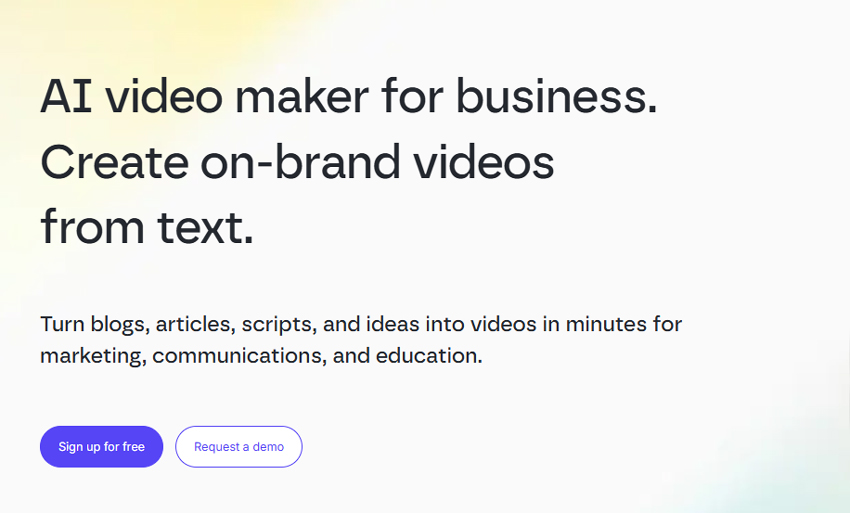
Lumen5 is one of the easiest ways to turn text content into videos, making it a strong Pictory AI alternative for content creators. You can paste a blog post or article URL, and the AI automatically highlights key points and matches them with visuals. The drag-and-drop interface makes it simple to tweak slides, swap stock footage, and add your branding. For creating social videos or repurposing blog content quickly, it's a real time-saver. The only downside is that for more advanced editing - like precise voice-over timing, custom transitions, or unique animations - it can feel limited, and some AI-selected stock clips may need manual adjustments.
- Intuitive and beginner-friendly interface.
- Quickly converts text into engaging videos.
- Large stock media library with a free tier to try.
- Free plan includes watermark and limited resolution (720p).
- Advanced customization options are limited.
- AI-selected visuals and voice-over pacing sometimes need manual tweaks.
Pricing:
- Free (Community): $0/month, watermark included, up to 720p resolution.
- Basic: $19/month (billed yearly), watermark removed, more features.
- Starter: $59/month (billed yearly), 1080p resolution, larger stock library.
- Professional: $149/month (billed yearly), full access, brand kits, extensive assets.
2. InVideo
Best for: creating highly customizable social media videos and marketing clips from text or templates.
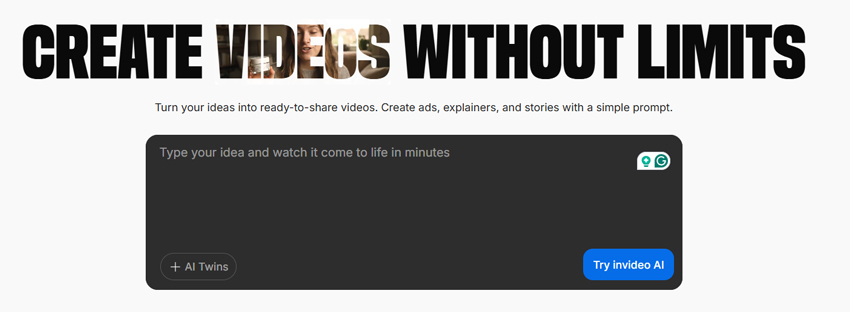
InVideo is a versatile tool that works well as a Pictory AI alternative for creators who want more control over video design. You can start with a blank canvas, choose from hundreds of templates, or turn blog posts and scripts into short videos using the text-to-video feature. Its editor allows for precise adjustments to visuals, text, and timing, which is great if you want your videos to feel polished and professional. On the downside, while the AI helps speed up the process, setting up some videos can take longer than fully automated tools, especially if you're customizing every slide or adding multiple voice-over tracks.
- Flexible editing tools for detailed customization.
- Wide range of templates for social media and marketing videos.
- Supports text-to-video conversion, voice-over, and media uploads.
- Free plan includes watermark on exports.
- Slightly steeper learning curve than simpler AI tools.
Pricing:
- Free: $0/month, watermark included, limited templates.
- Business: $15/month (billed yearly), watermark removed, full template library.
- Unlimited: $30/month (billed yearly), unlimited exports, premium stock assets, priority support.
3. Fliki
Best for: turning text into videos with realistic AI voice-overs for YouTube and social media.
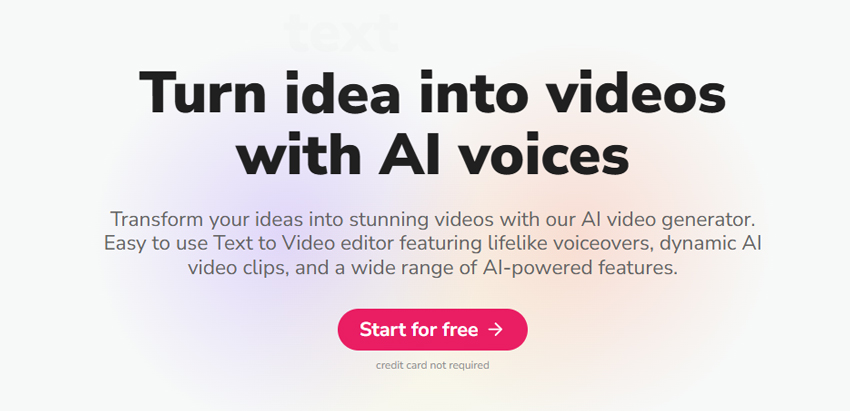
Fliki is a strong Pictory AI alternative for creators who want AI-powered voice-overs combined with text-to-video conversion. You can paste blog posts, scripts, or articles, and Fliki automatically generates a video with matching visuals and AI narration. It supports multiple languages and realistic voice options, making it especially useful for YouTube creators, social media marketers, or anyone looking to produce professional-sounding videos without recording their own voice. While the AI does most of the heavy lifting, some users may need to tweak visuals or adjust the timing to match the voice-over perfectly.
- Realistic AI voice-overs in multiple languages.
- Simple text-to-video workflow saves time.
- Good for YouTube, social media, and educational content.
- Free plan has limited export minutes per month.
- Some manual adjustments may be needed for visuals and timing.
Pricing:
- Free: $0/month, 10 video minutes per month, watermark included.
- Creator: $19/month, 30 video minutes, watermark removed.
- Pro: $39/month, 60+ video minutes, priority support and premium voices.
💡 Enhance AI-Generated Videos with Aiarty
Even after creating a video with the Pictory AI alternatives, you might notice that some AI-generated clips lack sharpness, appear slightly noisy, or don't pop as much as you'd like. That's where Aiarty Video Enhancer comes in. It's designed to intelligently upscale video resolution, enhance fine details, and reduce noise, making your content look more polished and professional. You can also adjust the enhancement strength to balance clarity and natural visuals, whether you're preparing YouTube videos, social media clips, or marketing content. Using Aiarty alongside your video creation workflow ensures your final output stands out with cleaner, sharper, and more lifelike visuals - all without complicated editing.



4. VEED
Best for: browser-based video editing with AI-powered subtitles, translations, and quick social clips.
VEED is another excellent Pictory AI alternative for users who want an all-in-one, browser-based video editor. It's ideal for quickly adding subtitles, translating captions, and creating short clips for social media without installing heavy software. The intuitive interface lets you trim clips, add text overlays, and even include stock media, making it suitable for marketers, educators, and content creators alike. While VEED doesn't automatically convert full blog posts into videos like Pictory or Fliki, its AI tools streamline many aspects of post-production and social content creation.

- Easy-to-use browser editor, no software installation needed.
- AI-powered subtitles and translation tools.
- Supports social media exports in multiple formats.
- Doesn't automatically generate full videos from text like Pictory.
- Free plan includes watermark and limited export options.
Pricing:
- Free: $0/month, watermark included, basic features.
- Basic: $12/month, watermark removed, HD exports, more editing tools.
- Pro: $24/month, advanced features, longer videos, priority support.
- Enterprise: Custom pricing for teams with collaboration and brand management.
5. Descript
Best for: creating videos and podcasts with AI transcription and easy editing.
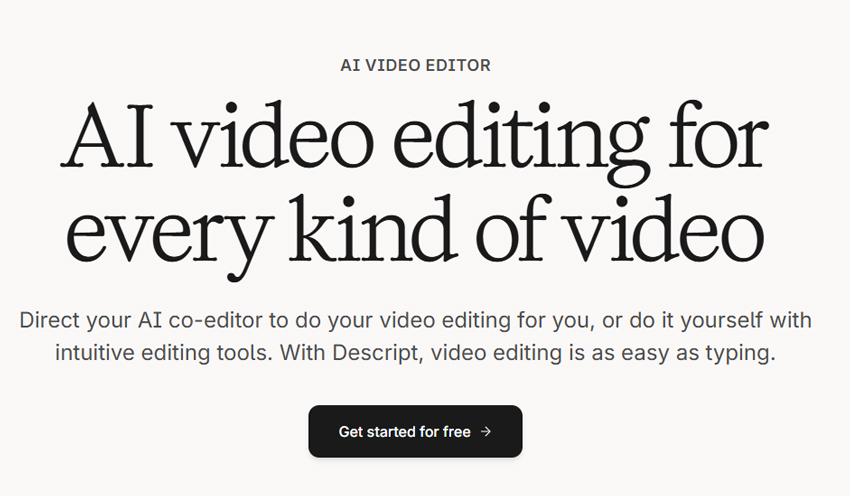
Descript is a versatile Pictory AI alternative that excels at combining video and audio editing in one platform. Its standout feature is the AI-powered transcription, which lets you edit video by simply editing text - cut a sentence in the transcript, and it removes the corresponding section in the video automatically. This makes it perfect for podcasters, educators, and content creators who work with recorded material. While it doesn't fully automate text-to-video conversion like Pictory, it provides more control over audio, voice-over editing, and collaborative workflows.
- Edit video by editing text - highly intuitive for content creators.
- AI transcription and automatic captions save time.
- Supports collaboration and multi-track audio/video editing.
- Free plan has limited export time and features.
Pricing:
- Free: $0/month, limited exports, watermark included.
- Creator: $12/month, removes watermark, longer export time, Overdub voice.
- Pro: $24/month, full editing suite, priority support, unlimited exports.
6. Animaker
Best for: creating animated videos and explainer clips with an easy-to-use drag-and-drop editor.
Animaker is a solid Pictory AI alternative for anyone looking to produce animated content quickly. It offers a wide range of templates, characters, and pre-animated assets that make creating explainer videos, product demos, or social media animations simple - even if you don't have prior animation experience. The drag-and-drop interface is beginner-friendly, and you can customize characters, text, and transitions easily. However, it's not fully AI-powered in converting blogs or scripts into videos automatically, so some manual effort is required to build the scenes.
- Extensive animation assets and pre-made templates.
- User-friendly drag-and-drop editor for beginners.
- Good for explainer videos, social media content, and presentations.
- No automatic text-to-video AI like Pictory.
- Free plan has watermarks and export restrictions.
Pricing:
- Free: $0/month, watermark included, limited exports.
- Starter: $10/month, removes watermark, more templates, HD export.
- Pro: $19/month, 1080p exports, premium assets, advanced features.
- Enterprise: Custom pricing for teams, brand kits, and collaboration.
7. Kapwing
Best for: quick video editing and content creation with simple AI tools for social media.
Kapwing is a practical Pictory AI alternative for creators who need a fast, browser-based video editor. It supports text-to-video, subtitles, resizing for different social platforms, and simple AI features like automatic captions. The platform is very beginner-friendly, making it easy to produce short social clips, memes, or marketing videos without installing software. While it doesn't automate full blog-to-video creation like Pictory, Kapwing's tools streamline most editing tasks, especially for short-form social content.
- Easy-to-use, browser-based platform with no downloads required.
- Supports text-to-video, subtitles, and social media-friendly formatting.
- Free plan available to try basic editing and exports.
- Export options are slower for longer videos in the free plan.
- AI suggestions for scene layouts can feel rigid or repetitive.
- Limited stock library compared to dedicated video repurposing tools.
Pricing:
- Free: $0/month, watermark included, limited exports.
- Pro: $12/month, watermark removed, HD exports, premium stock library.
- Team: $24/month, collaboration features, priority support, longer videos.
8. FlexClip
Best for: fast, beginner-friendly video creation with a focus on marketing and social media clips.
FlexClip is a straightforward Pictory AI alternative for creators who want to produce polished videos quickly without a steep learning curve. You can use pre-made templates, drag-and-drop stock footage, and add text, music, and voice-overs with minimal effort. It's particularly useful for marketers, small business owners, and social media managers who need quick promotional videos. While FlexClip doesn't fully automate blog-to-video conversion like Pictory, its template system and media library allow you to produce professional-looking content in a fraction of the time it would take in traditional editors.
- Very beginner-friendly interface with intuitive drag-and-drop editing.
- Large selection of templates and stock media.
- Quick workflow for marketing, social media, and short promo videos.
- AI automation is limited - you still need to manually arrange scenes for longer or complex videos.
- Free plan restricts video length and resolution (720p max).
Pricing:
- Free: $0/month, watermark included, up to 1-minute videos at 720p.
- Basic: $5.99/month, removes watermark, 3-minute videos, more templates.
- Plus: $9.99/month, 10-minute videos, HD exports, additional stock media.
- Business: $19.99/month, unlimited video length, full template and media access, priority support.
How I Chose The Best Pictory AI Alternatives
When selecting these Pictory AI alternatives, I focused on the real user experience rather than just marketing features or feature lists. Here's what I considered:
- Ease of use: I wanted tools that are intuitive and easy to get started with, even without prior video editing experience.
- Automation: How well the AI can turn articles or scripts into videos was a key factor.
- Customization and creative control: While automation is helpful, I also wanted the ability to tweak templates, visuals, and audio to match my style.
- Free vs. paid options: Free or affordable options were important, especially for creators who want to test before subscribing.
- Output quality and social readiness: Video resolution, subtitles, formats, and ease of sharing on platforms like YouTube or Instagram mattered a lot.
Considering all these factors, the 8 tools I've highlighted each offer unique advantages, and any of them can work well depending on your content needs. Whether you're a blogger, social media creator, or marketer, you can find a suitable Pictory AI alternative here.
 FAQs
FAQs
The "best" Pictory AI alternative really depends on your needs. If you want fully automated blog-to-video conversion, Lumen5 or Fliki are strong options. For more creative control and social-media-ready videos, InVideo, VEED, or Kapwing work better. If you need AI voice-over support, Fliki or Descript stand out. The key is to match the tool's strengths to your workflow and content goals rather than looking for a single "perfect" option.
Consider your workflow and needs:
- Do you mostly convert blog posts into videos? Then look for strong "text/URL‑to‑video" features.
- Do you need AI voice‑over or multilingual support? Then pick a tool with strong TTS (text‑to‑speech) and language options.
- Are you making social‐media short clips or full YouTube videos? That changes your format & export‑requirements.
- Budget and volume matter: If you'll make many videos monthly, check how many minutes/exports the free vs paid plan allows.

This post was written by Brenda Peng who is a seasoned editor at Digiarty Software who loves turning ordinary photos into extraordinary works of art. With AI assistance for brainstorming and drafting, the post is reviewed for accuracy by our expert Abby Poole for her expertise in this field.
